


Record podcasts
& video in studio-
quality from anywhere.

Meet Riverside, the easiest way to record audio and video in high quality, directly from your browser.

Get Started
Get Started
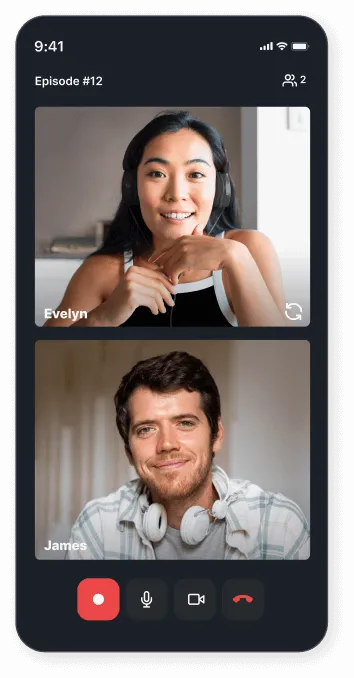
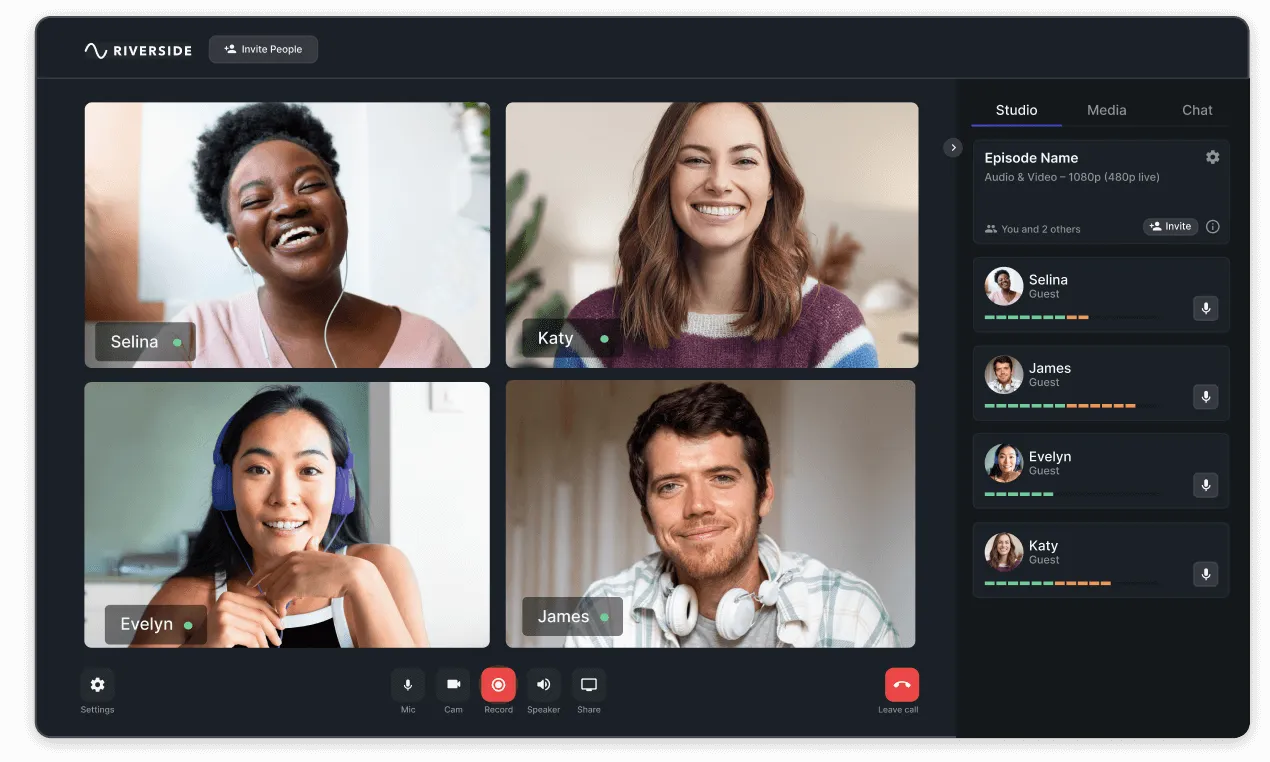
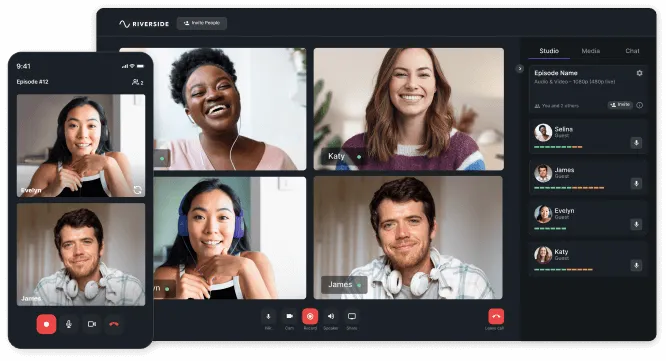
Smartphone screen showing a video call between a woman named Evelyn wearing headphones and a man named James with headphones around his neck.Video call interface showing four participants named Selina, Katy, Evelyn, and James, with user controls for mic, camera, recording, speaker, sharing, and leaving call.Video conferencing interface showing six participants smiling, with a mobile phone view on the left and participant list on the right.

TRUSTED BY

Smiling woman with short blonde hair wearing a red jacket against a blurred blue background.

“A big thanks to Riverside.fm. Just imagine, we needed a recording platform that could help us make a podcast during a pandemic and boy did they step up.”

Smiling woman with short blonde hair wearing a red blazer against a blue background.

Hillary Clinton

Host of ‘You and Me Both’ podcast
67th US Secretary of State

Play Podcast Audio
Pause Podcast Audio

A New Standard In Remote Recording

High video quality

Uninterrupted top-quality video recording

Always get freeze-free recordings with up to 4K resolution, thanks to local recording for all participants.

Get Started

High audio quality

Crystal clear audio recording

Enjoy uncompressed 48kHz WAV audio recorded locally for every guest. Hear the difference in the comparison.

Get Started
Unmute
Mute Sound
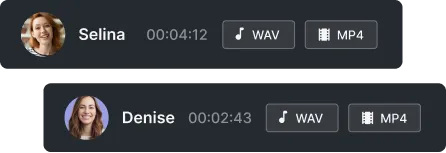
Two audio message interfaces with profile pictures, names Selina and Denise, durations 4:12 and 2:43, and buttons for WAV and MP4 formats.

High video quality

Separate audio & video tracks

Separate audio & video tracks for every participant will give you more control in post production editing.

Get Started

High audio quality

Built-in editor that will save you hours

Riverside’s simple editor lets you upload your logo, choose your speaker layout, edit your full videos and also create promotional clips with just a few clicks.

Get Started
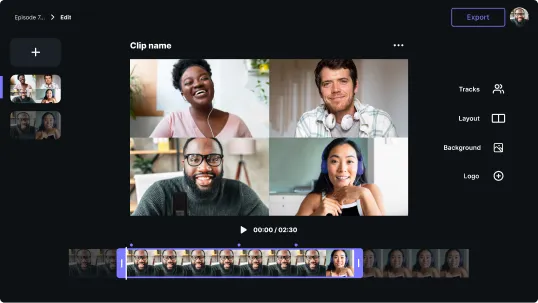
Video editing interface showing a grid of four people in a video call and a timeline with video clips below.
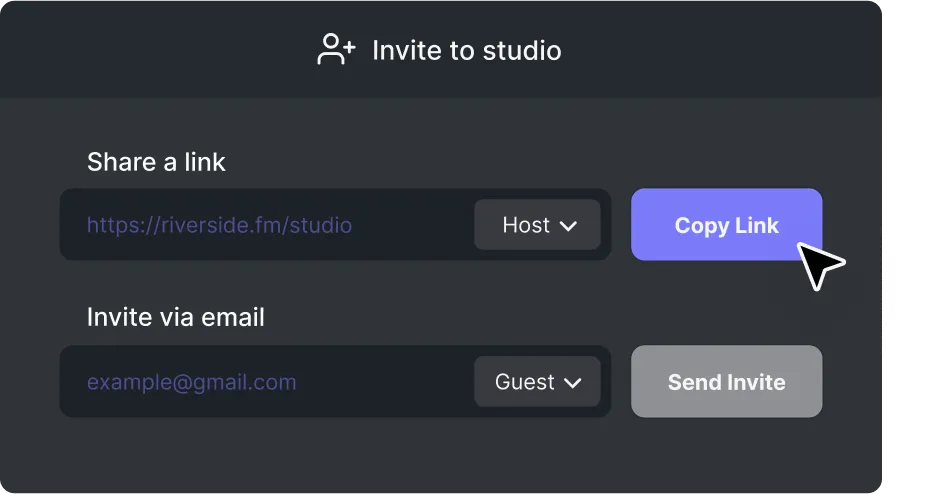
Interface screen titled 'Invite to studio' with options to share a link set as Host and a button labeled Copy Link, and to invite via email with a placeholder example@gmail.com set as Guest with a Send Invite button.

High audio quality

Easy to use for
hosts & guests

Hosts can easily invite guests or producers with a link & start recording. The browser-based platform makes it easy for guests to join sessions with a single click.

Get Started

Your online studio is waiting for you

Get started

How It Works

1. Easy set-up & recording

Simply create a studio, invite guests and hit record - no need to download an app or create an account.

2. Automatic uploading

While recording your interview, we automatically upload all files to the cloud.

3. Download tracks

When the conversation has ended, you can download all recorded files as separate audio/video tracks.

Ready to record your next video or podcast?

Get started