
Riverside vs Zoom Webinars
Riverside is the all-in-one webinar platform with studio-quality 4K recording, built-in AI editing, and automatic content repurposing. The clear upgrade over Zoom for quality, content, and ease of use.
* No credit card needed. Free plan available.

.svg)

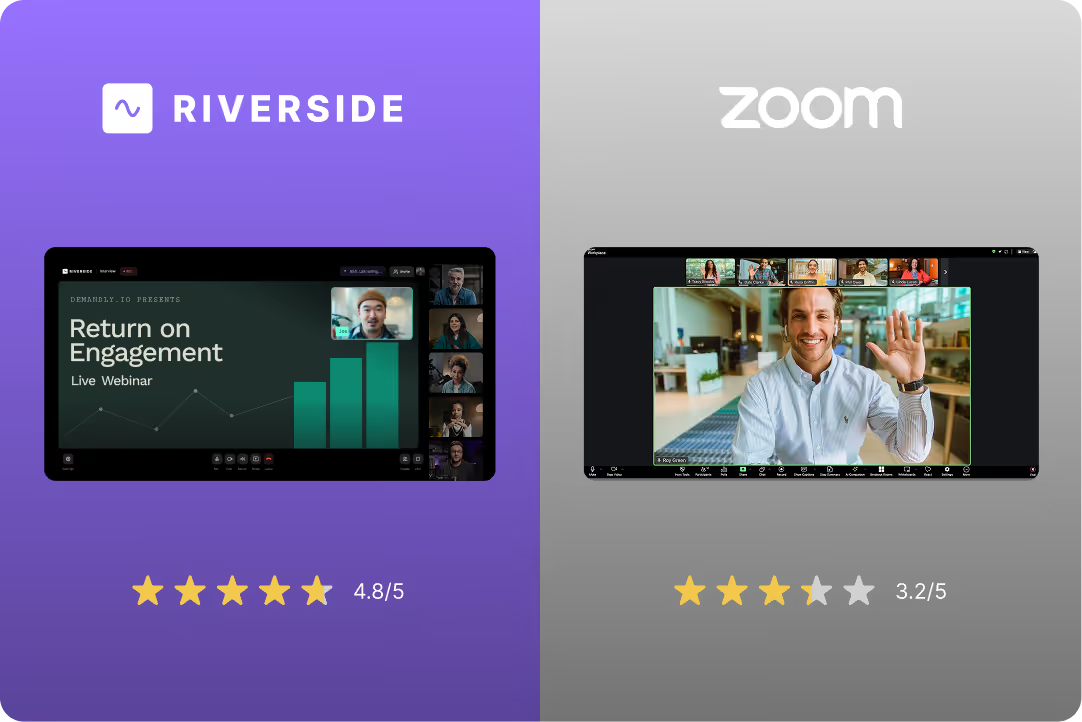



Riverside vs Zoom Webinars: Full feature comparison
Explore each platform’s features side-by-side.
Compare webinar & recording features
Get Started

Studio-quality recording
Local 4K recording, separate tracks per speaker
Cloud-based compressed recording, maximum 720p (1080p requires add-on)
Local recording
Record video and audio directly from each person’s device. Quality is unaffected by internet speed.
Zoom's local recording only saves files to your computer. Recording quality still depends on your internet connection.
Real-time noise cancellation
AI-powered noise removal during recording
Basic noise suppression
Multi-camera support
Multiple camera angles, switch views live
Limited (primarily screen share + webcam)
Mobile app recording
iOS and Android apps for flexible recording
Mobile app available (limited features)
Producer mode
Control guest feeds live without being recorded
Webinar co-host controls (limited)
Registration pages
Built-in, customizable, professional branding
Basic registration (limited branding options)
Email reminders
Automated email sequences
Basic email reminders
Live Q&A
Built-in chat and Q&A with moderation
Q&A feature with moderation
Audience capacity
Up to 10,000 live attendees
Up to 10,000+ attendees (with add-ons)
Polls and surveys
Interactive polls
Polling features (minimal customization)
Pre-recorded webinars (Simulive)
Built-in, 4K quality
Supported (Requires an add-on)
Compare editing & repurposing features
Get StartedBuilt-in video editor
AI-powered editor with templates and text-based editing
Not available (download file only)
Text-based editing
Edit video by editing transcript—no timeline needed
Not available
AI clip generation
Automatic highlight clips from the best moments
Not available (manual clip creation required)
AI transcription
100+ languages, instant transcriptions
Basic transcription (accuracy issues reported)
Captions & subtitles
Auto-generated, customizable, 100+ languages
Basic auto-captions (limited customization)
Multi-format export
Full video, social clips, audiograms, landscape/square/vertical
Video download only (one format)
Content repurposing
AI creates clips, blog posts, social content, emails, and show notes
Limited text and video repurposing (add on required)
Translation & dubbing
AI translation and dubbing in 30+ languages
Live interpretation available (requires setup)
Stock media library
Integrated stock assets for editing
Not available
Branding customization
Custom colors, logos, intros, outros
Limited branding in webinar room
Compare integration & analytics features
Get StartedHubSpot, Salesforce, Marketo integration
Native integration, automatic sync
Native integration, automatic sync
Attendance tracking
Standard analytics (registrations, attendance, watch time)
Basic attendee reports
Engagement analytics
Watch time, drop-off points, engagement tracking
Basic attendance data (no behavioral analytics)
Lead scoring
Basic lead data and engagement metrics
Not available (basic info only)
API access
Available for custom integrations
Available (requires developer setup)
Cloud storage
Unlimited storage included
Limited cloud storage (auto-deletion after 30-120 days)
There’s a Riverside plan for every need.
Zoom Webinars and Riverside starts at $79/month. Same price point, but Riverside includes AI editing, content repurposing, studio-quality recording, and HubSpot integration.
Join thousands of professionals who switched to Riverside

John M. Jaramillo
Leadership Performance Coach
@CoachItOut

“I can't stress enough how life-changing is Riverside.”
I filmed my podcast which is currently at a total of 164 episodes published on @streamyardapp for years. At around Episode 138, I switched to @RiversidedotFM. I can't stress enough how life-changing it is in time, productivity, quality.

Viktoriao S.
Virtual Event Manager
Mid-Market (51-1000 emp.)
“The live stream quality and stability are top-tier.”
I've hosted live conferences with hundreds of attendees and never experienced a dropped feed. The interface lets me monitor all speakers, trigger recordings, and handle technical issues discreetly using the producer controls.”
.webp)
George T.
Software Engineer
Small-Business (50 or fewer emp.)
“The interface is just a dream. “
Plus, those built-in AI transcriptions and speaker tracks? Total lifesaver for editing – it's like having a whole studio right here in my browser. Seriously impressed!
.webp)
Eric B
Head of Sales
Small-Business (50 or fewer emp.)
“Riverside has completely upgraded our content game.”
What I like most is how complete the platform is. The AI tools, short-form content creation, branding, and multi-platform live streaming have all made our process smoother and more professional.
.webp)
Jasmine W.
Founder
Small-Business (50 or fewer emp.)
“I’m talking studio-level audio and video”
Even when my guests are across the country on shaky Wi-Fi. Riverside records locally on each end, so everything comes out clean and crisp. I also love how easy it is to use.”
.webp)
David M.
CEO & Founding Developer
Small-Business (50 or fewer emp.)
“Riverside has become an indispensable tool for producing both high-quality case studies and live webinars.”
What stands out most is the studio-grade recording quality combined with ease of use.
*No credit card needed. Free plan available.
Made with Riverside









Create professional webinars from A to Z with Riverside
Stop settling for Zoom-quality webinars. Start creating professional webinars that look great, keep audiences engaged, and turn into content that keeps working for you.
* No credit card needed. Free plan available.


