


From concept to content in record time.
Your online studio for high-quality video creation, where efficiency, collaboration, and reliability are the standard.


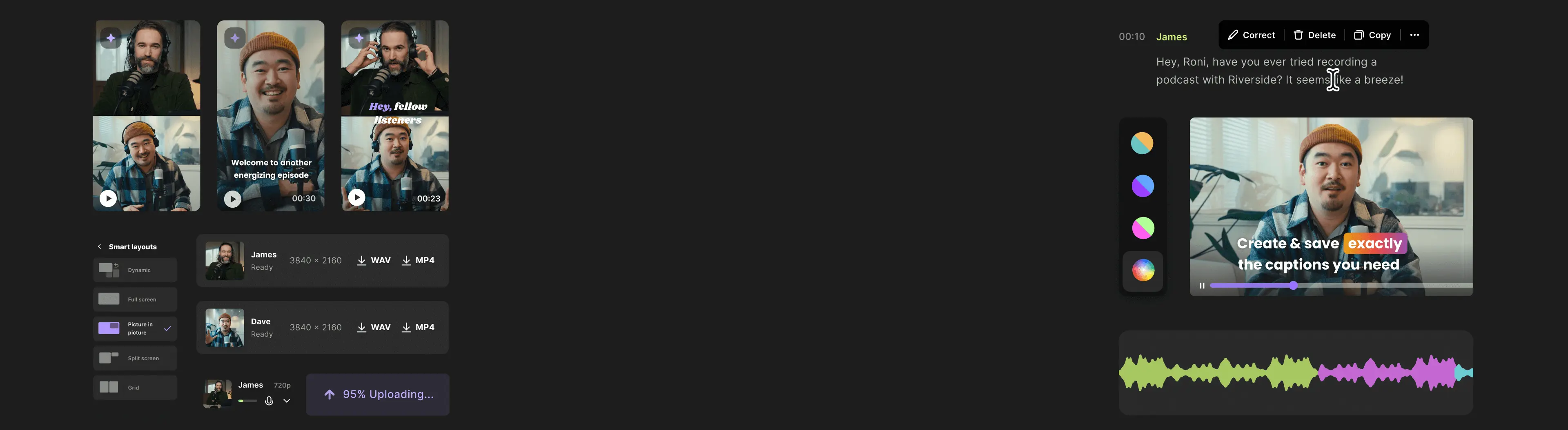


Online recording at its finest.
Pre-Production

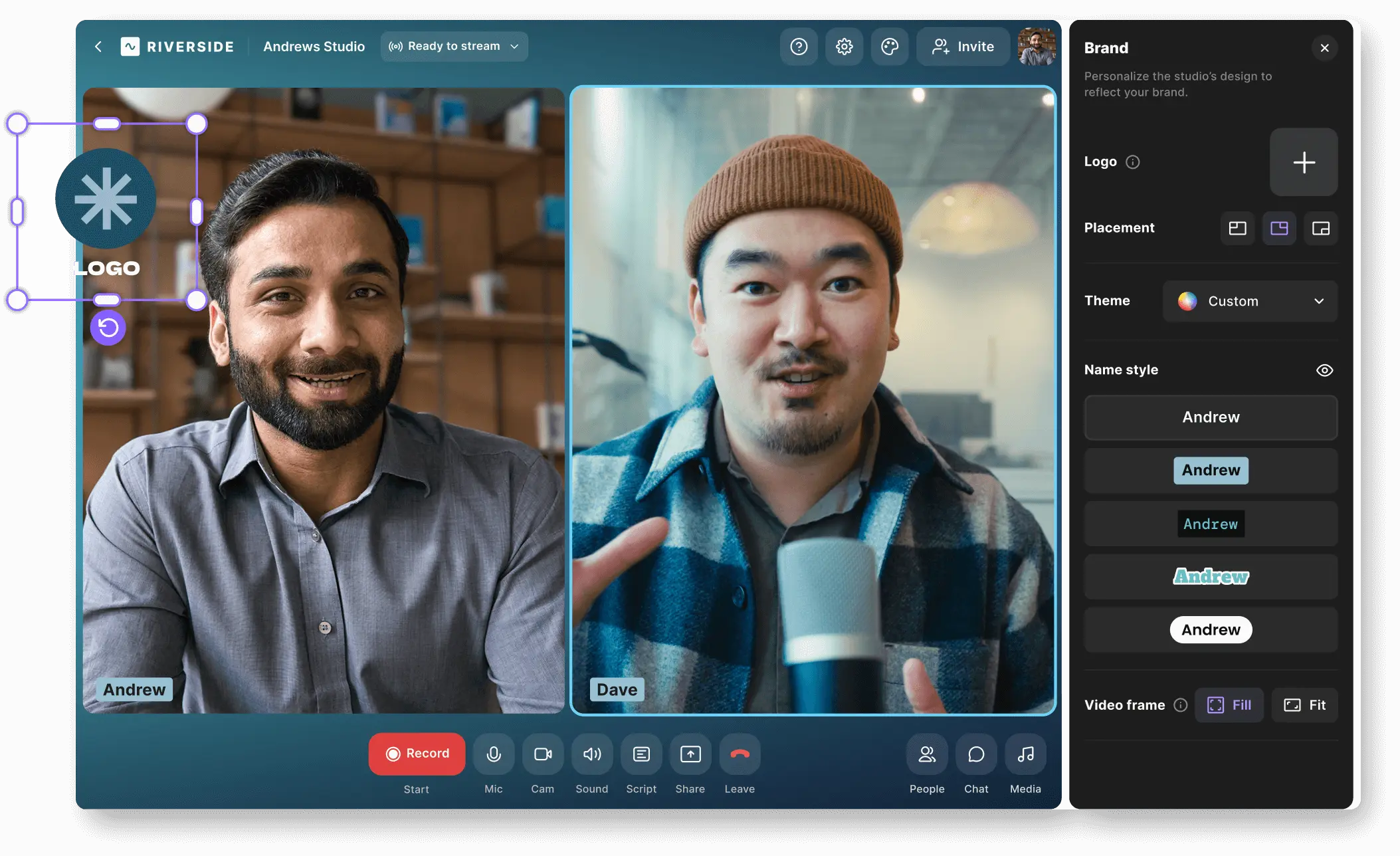
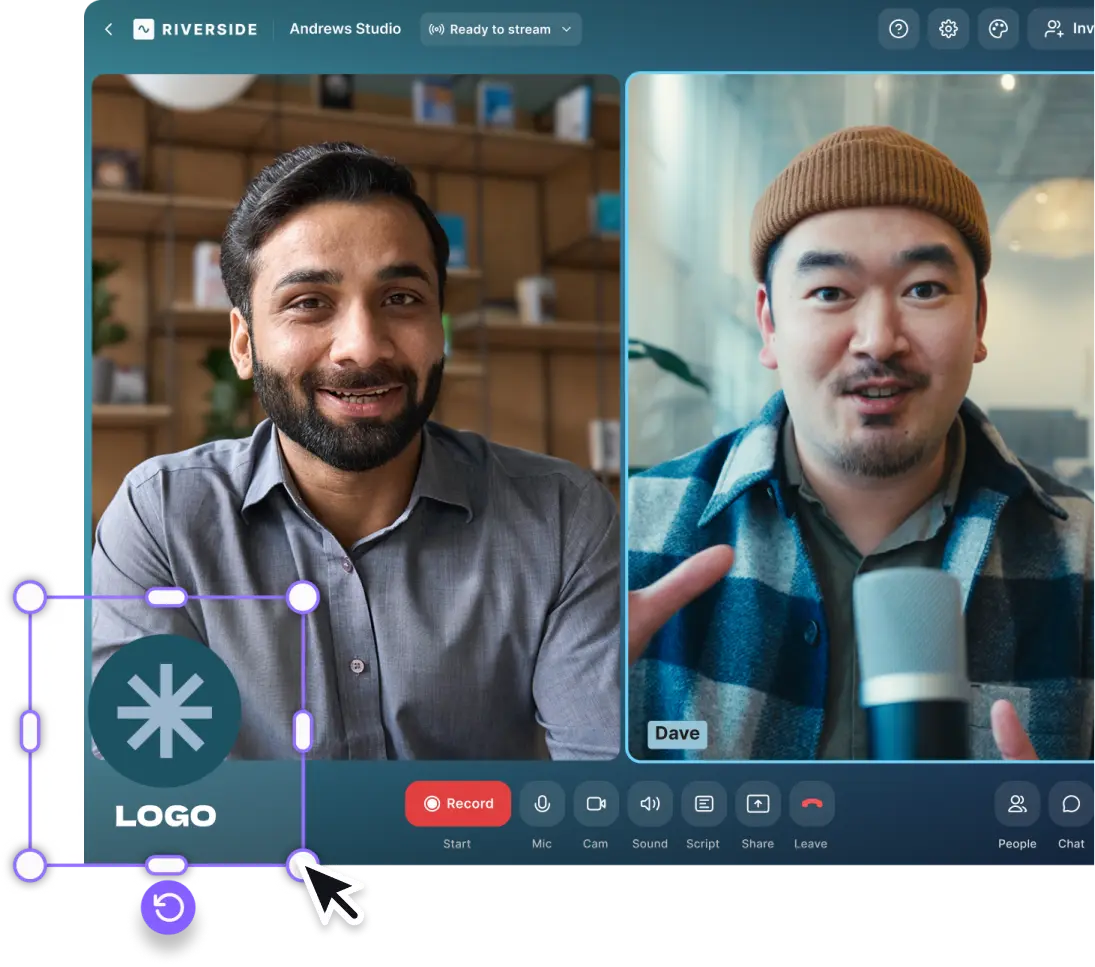
Ensure every recording aligns with your brand’s identity. Set up and manage custom studio settings, controlling everything from logo placement to color schemes, all within a centralized dashboard. Producers can easily guide the team, maintaining brand consistency across all content.
Empower your team to record at their convenience with guided, remote sessions—no oversight needed. Producers can manage and monitor each session, ensuring every take meets your high standards.
Share a link with your guests to join from a computer, tablet, or phone. No accounts or installations needed..
Production
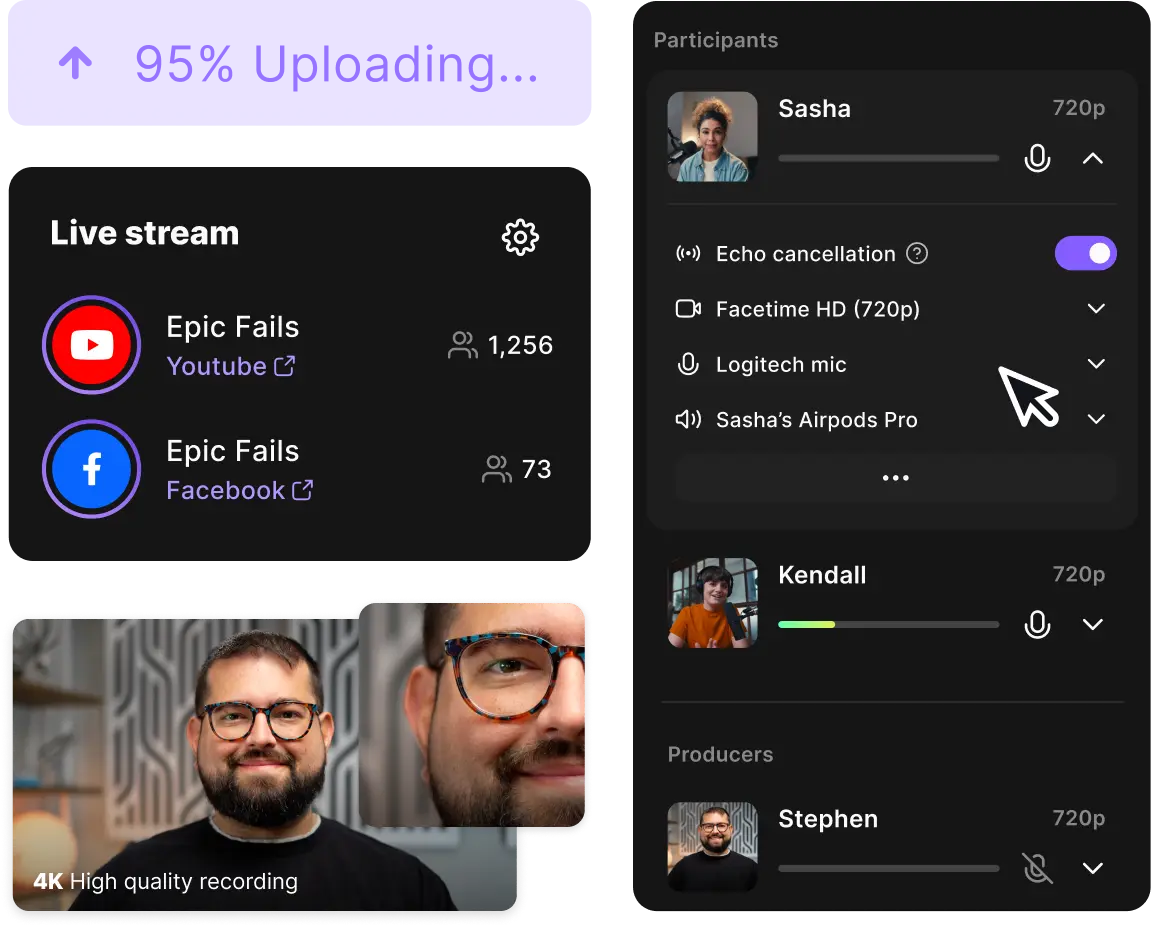
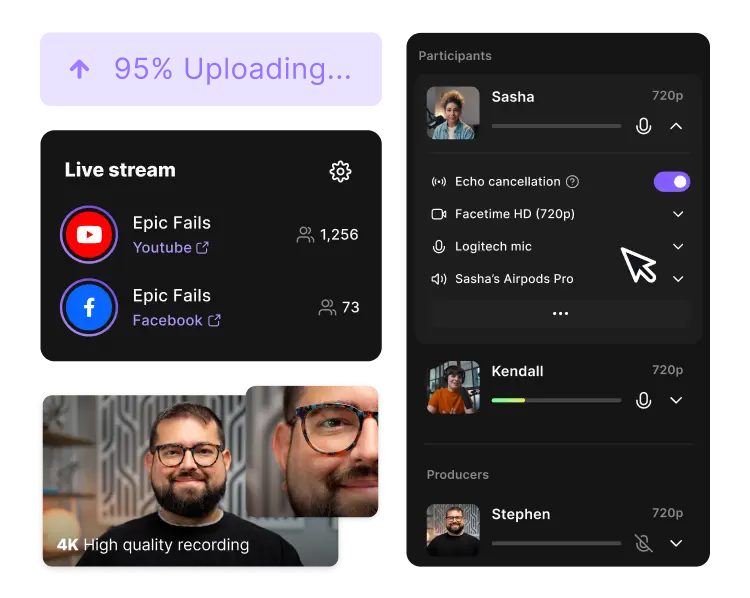
Keep control without compromising creativity. Producers can join the call, monitor in real-time, and make adjustments on the fly, ensuring everything runs smoothly.
Capture every detail with local recording that ensures top-notch quality, even in challenging network conditions. Guests enjoy an intuitive experience, guided by producers for a seamless session.
Automatically save recordings to the cloud, making them instantly available for review and editing. No waiting, no delays— just instant access to high-quality content.
To record in front of a live studio audience, generate a link for viewers only, with an option to call in.
Post-Production
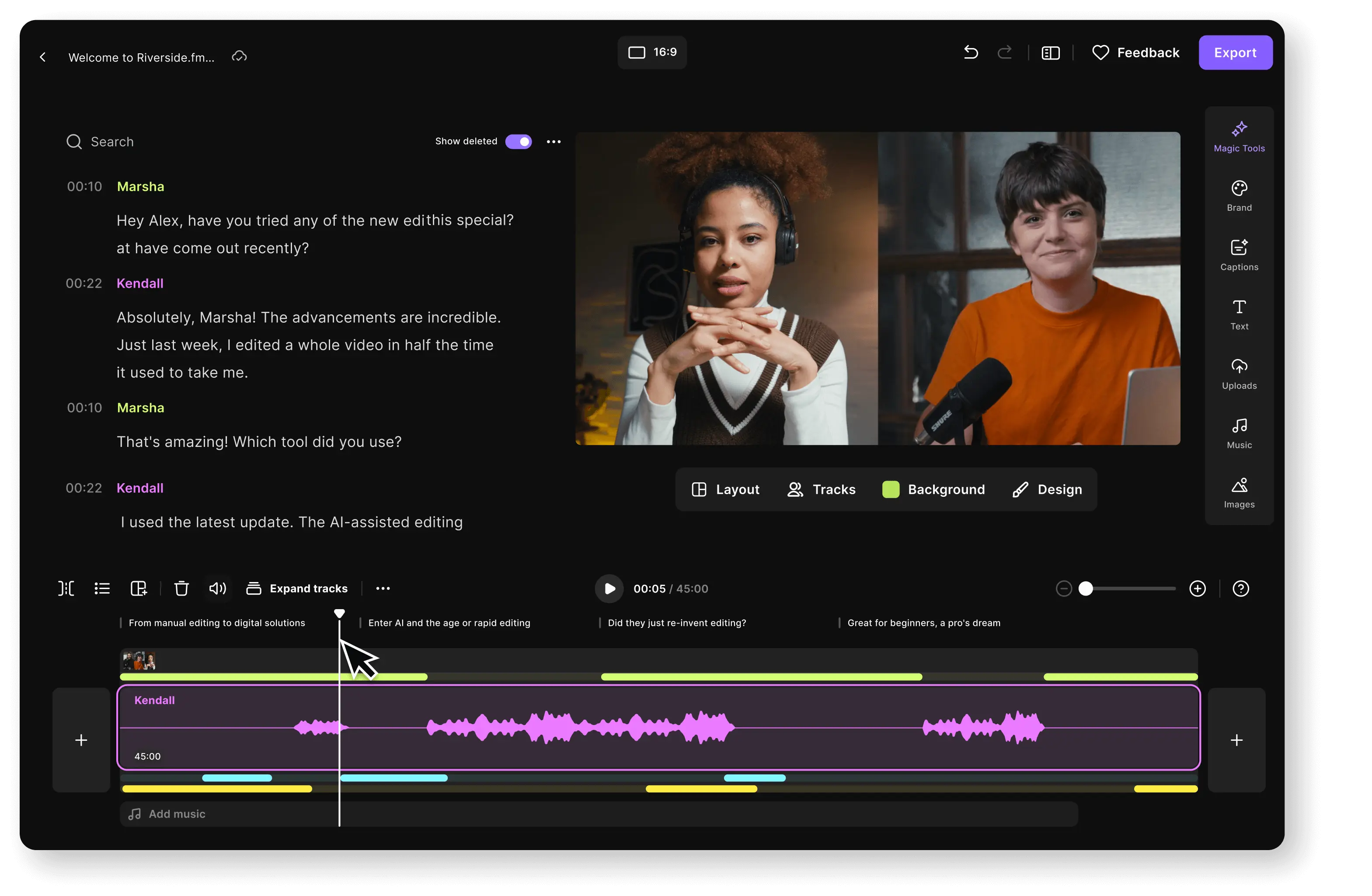
Simplify your workflow by handling all edits directly within Riverside. Add on-brand captions, integrate your logo, and make necessary adjustments—all without leaving the platform.
Share drafts easily with your team for feedback, ensuring every piece of content meets your standards before publication.
Need to take it further? Export your project to Adobe Premiere Pro or other tools for advanced editing, giving you the flexibility to finalize your content just the way you want.
Once recorded, easily distribute your content across multiple platforms, ensuring your message reaches the widest possible audience. Whether live or pre-recorded, your content is ready to impress.
83% of consumers say that video content helps them understand products or services better.
Book a demoSecurity and support, so you can focus on creating
We’ve got your backend.

Maximum
compliance & security

24/7 live
priority support
Which teams use Riverside?




And here’s how they do it
Corporate Communications
Communicate with clarity. Host town hall meetings, stream company-wide updates, and deliver executive messaging that resonates across the organization, all with Riverside's robust platform.
Learning & Development
Elevate your training programs. Develop comprehensive educational content without the usual hassle, ensuring your team stays ahead with clear and engaging instructional videos to elevate your training programs.
Sales & Customer Success
Strengthen your customer relationships and communicate with clarity. Engage prospects with personalized demos, deliver persuasive pitches, host impactful events, and create detailed product tutorials that empower your customers.
Events & Webinars
Take your events to the next level. Stream live webinars and broadcast events seamlessly, ensuring high engagement and professional quality, whether you're reaching hundreds or thousands.
Marketing
Transform your marketing efforts with Riverside. Produce polished webinars that captivate your audience, craft engaging customer testimonials that build trust, and generate impactful social media clips with ease.
Podcasts
Tell stories people actually want to hear. With Riverside, recording, editing, and sharing your podcasts is simple, so you can focus on putting out great content and building your brand.
“If I didn't have Riverside in our production process,I would be worried about our abilityto produce content quickly.”

Videos speak louder than words.
See how other bigwigs are creating content with Riverside.
.webp)
.svg)

.webp)

.webp)




Produce Smarter, Not Harder
Check out some of our enterprise features.
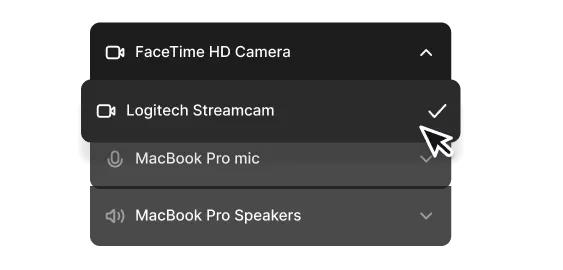
Change guests’ devices
Avoid any technical issues for you and your guests by changing their input and output sources yourself.
Branded sessions
Customize your studio and lobby so that your recording sessions are always on brand.

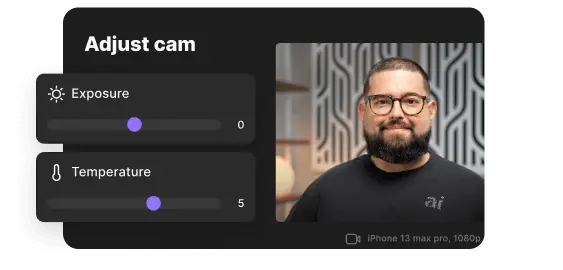
Adjust camera settings
Adjust guests’ camera exposure and white balance when they join either
via iOS or iPadOS .
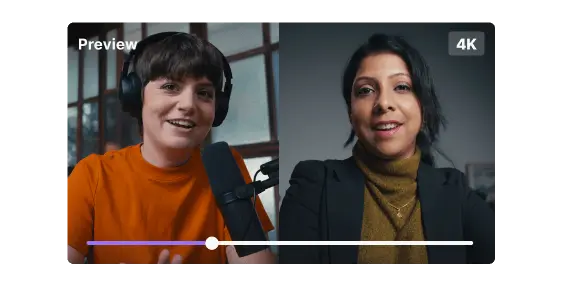
Output preview
Monitor guests’ recordings in full 16:9 frame for an exact preview of what the output would look like.
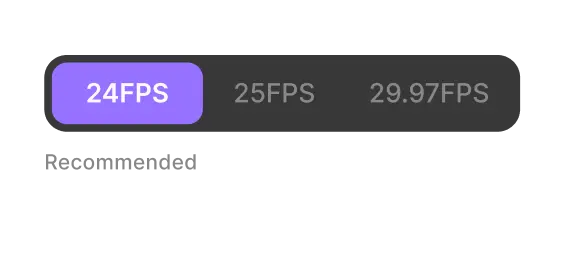
Choose frame rate
Keep all tracks perfectly in sync by setting the recording frame rate
to 24, 25, or 29.97 FPS.
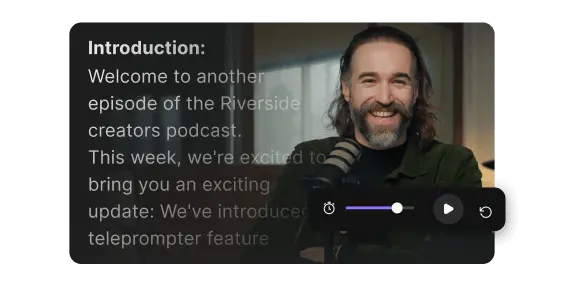
Built-in teleprompter
Prepare notes, discussion points, and even full texts in advance, then put them on display for everyone to use.
Quality recordings. Boundless control. Powerful collaboration. Just add your team.


