


Riverside vs. StreamYard
Riverside and StreamYard both handle live streaming with ease. Only Riverside adds studio-quality 4K recording, powerful
built-in post-production, and advanced AI for easy repurposing.





Why Riverside over Streamyard:
Next-level streaming meets studio-level quality
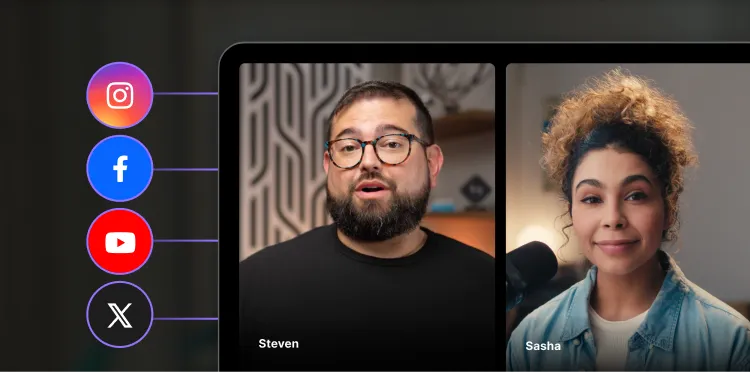
A full live streaming studio
Host podcasts, webinars, or any live events. Stream to as many platforms you like. Add overlays, take call-ins, run polls, and track leads.
Stream in real time high-resolution
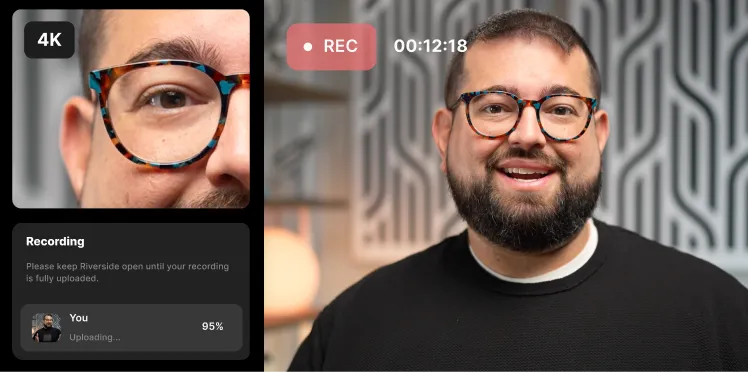
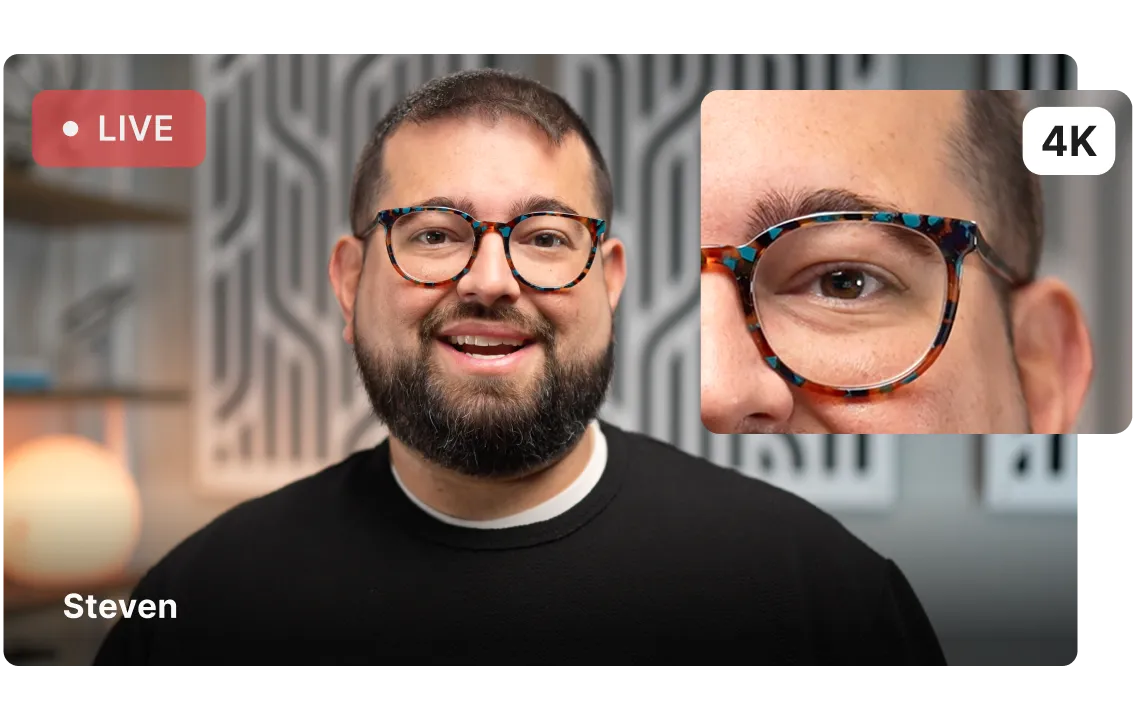
Go live in 1080p HD. All while recording in up to 4K uncompressed resolution. Every detail, every word, in studio quality.
Your brand and style, ready to go live
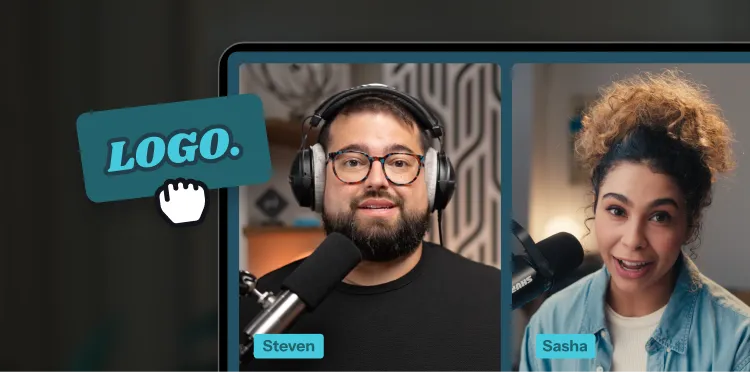
Style your live with virtual backgrounds, logos, music, and overlays. Add context with lower-thirds and switch layouts for impact.
Turn your live sessions into a content powerhouse.
Start for FreeThe all-in-one platform for live-to-forever content
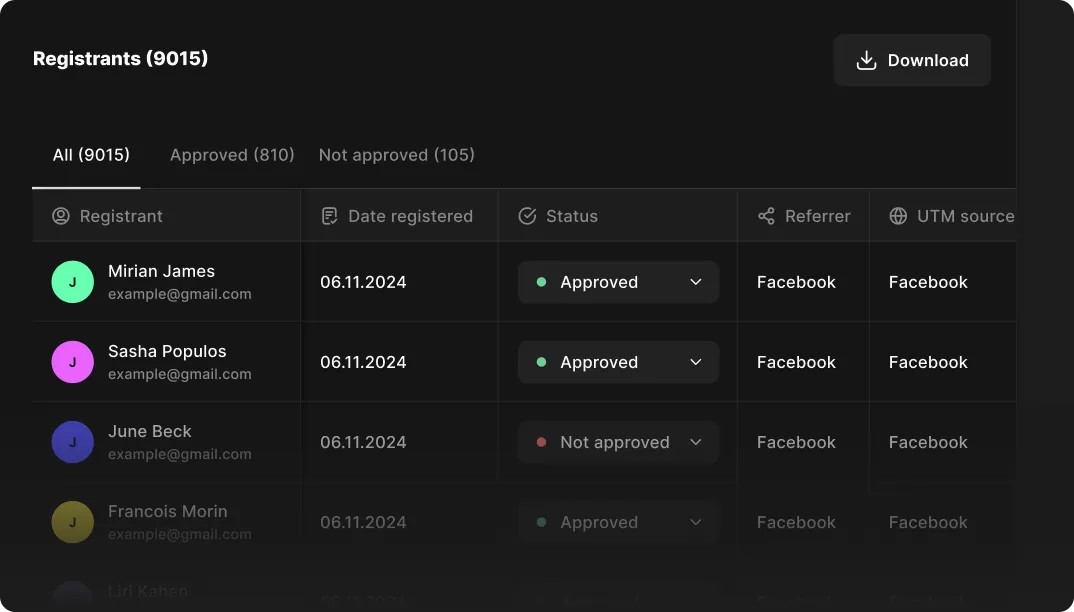
Live events and webinars with insights
Run live or pre-recorded sessions for up to 10,000 attendees. Track where leads came from, who joined, and their watch time, all synced to HubSpot.
4K studio-quality recordings
Record streams in up to 4K video and 48kHz audio. Everything is saved locally to each device, so even if your connection drops, your recording is flawless.
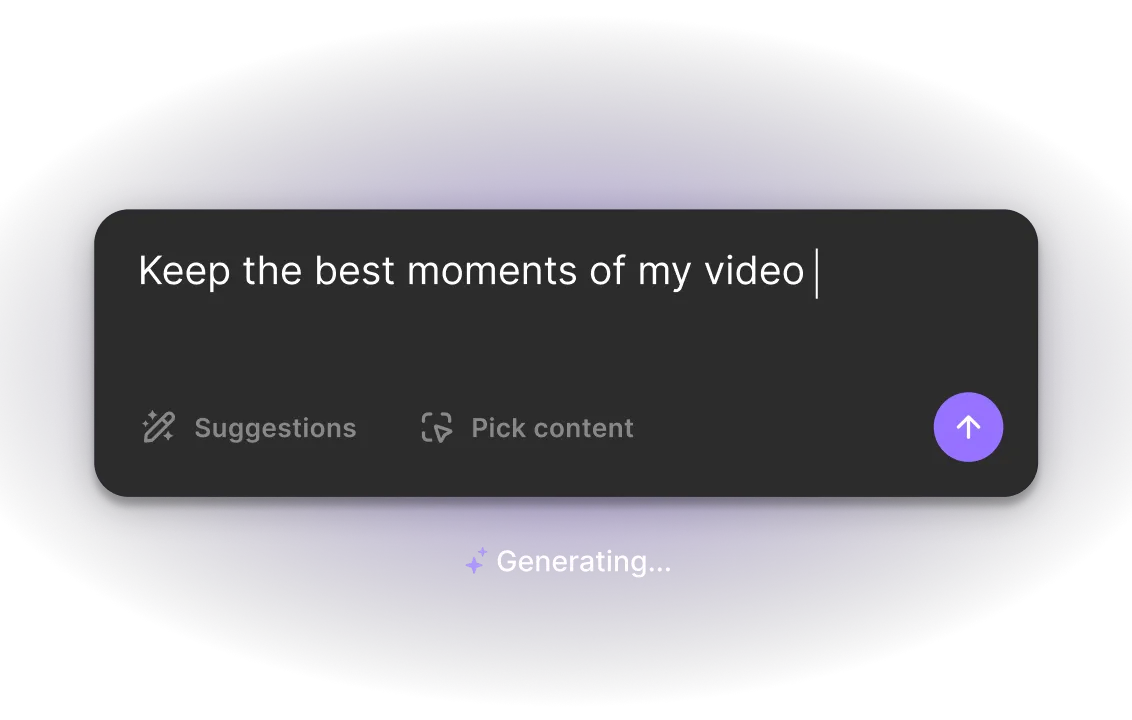
Built-in AI powered editing
Edit your stream in minutes with our AI video editor. Trim with text-based editing, enhance audio, and add captions, b-roll, music, and more. Or, prompt Co-Creator, your AI editing partner, to do it for you.
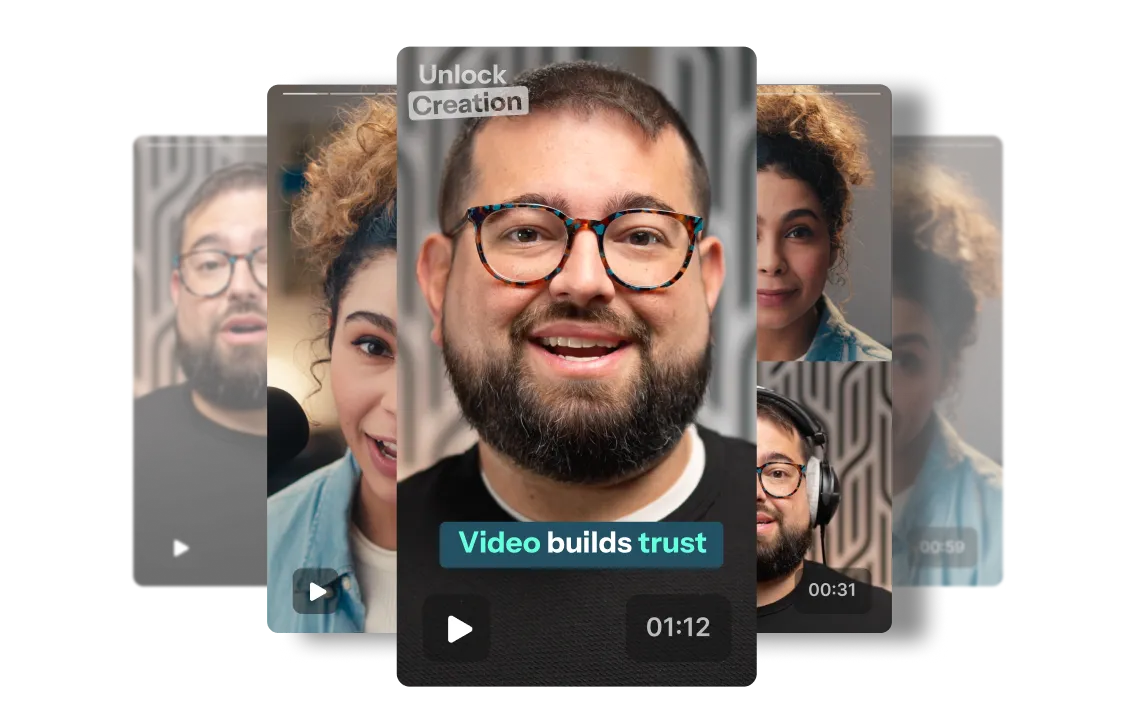
Repurpose your streams’ best moments
Get social media clips of your stream’s key moments right after recording. Set presets for your style, clip length, topics, and which speaker to focus on. Keep every post on brand.
Turn your live sessions into a content powerhouse.
Your all-in-one streaming, recording, and editing platform.
Start for FreeRiverside vs. Streamyard: Full feature breakdown
Explore each platform’s features side-by-side.
Compare Riverside’s streaming features
Start for Free
.svg)
StreamYard

Multistreaming
Stream to as many platforms as you like. Includes YouTube, Twitch, X, and custom RTMPs.
You can only stream to 3 destinations on the Core plan, 8 on the Advanced plan, and 10 on the Business plan.
Resolution
Stream in Full HD (1080p).
Stream in Full HD (1080p).
Pre-recorded live events
Yes. Upload intros, demos or full videos to play live in your stream.
Yes. Upload pre-recorded videos to schedule and stream live automatically.
Participants
Go live with up to 10 live participants, and 10 000 audience members.
Stream with up to 10 people on screen at a time.
Live branding
Add logos, backgrounds, overlays, and lower thirds. You can also brand your studio lobby.
Add logos, backgrounds, and overlays. Custom fonts are only available on paid plans.
Live call-ins
Audiences can request to call in live and interact directly with you.
Call-ins are only available through workarounds.
Audience engagement
Polls, Q&A and reactions to keep your audience involved.
On screen comments, Q&A, and giveaway feature.
Sign up tracking
Customizable registration forms to collect info, with HubSpot CRM integration.
Customizable forms are available only for On-Air webinars with no CRM integration.
Live event analytics
Track registration source and watch time. Export as CSV and sync to HubSpot.
Track registration, attendance, and viewing time. No direct syncing to Hubspot.
Teleprompter
Yes, for both host and guests. Can adjust text speed, size, and format.
Yes, but the teleprompter is only available to hosts.
Compare Riverside’s recording features
Start for Free.svg)
StreamYard
.svg)
High-quality recordings
Up to 4K video and 48kHz audio resolution.
Up to 4K video and 48kHz audio resolution.
Local recording
Local recording with live uploads to the cloud. Files stay safe, no matter your connection.
Unlimited local recording only available on paid plans. Free plan only comes with 2 hours.
Separate tracks
Yes, separate audio, video and screen share tracks for each participant.
Yes, separate tracks for every participant.
Cloud storage
Unlimited cloud storage where files are stored indefinitely.
Limited storage hours and maximum length of individual recording is capped.
Compare Riverside’s editing features
Start for FreeStreamYard
.svg)
Full-suite editor
Built-in multi-track editor with AI tools for cutting filler words, cleaning up audio, and more.
Trimming and splitting.
Text-based editing
Edit videos by editing their transcripts. Text you adjust automatically syncs in the video.
No, you can’t edit using a transcript.
AI audio clean up
Yes, one-click post-production tools for audio enhancement, background noise removal, and more.
No AI audio clean up tools available in post-production.
Chat-based editing
Clean up audio, cut to the highlights, and style your video just by chatting with Co-creator.
No chat-based editing.
Social clips
Unlimited Magic Clips to repurpose and grow on social media.
Only unlimited AI Clips on the Business plan.
Multitrack editing
Edit tracks separately to cut crosstalk
and have full control.
No. You’ll need to export your tracks to
a third-party tool.
Customization and overlays
Enjoy full flexibility and customization with Riverside's editor: Add your own background and logo. Or, style things up with music, b-roll, and text overlays.
You cannot retroactively layer completely new graphical overlays, video intro clips, or lower-thirds onto a full-length recording inside the StreamYard trim editor.
Captions
Customizable dynamic captions with branded presets. This applies to clips and all other video files you edit.
Captions can be edited and customized, but are only available for AI clips.
Transcriptions
Transcripts with up to 99% accuracy in 100+ languages. AI translations are also available.
Only a few languages are supported.
Compare Riverside’s publishing features
Start for FreeStreamYard
.svg)
Podcast hosting
Unlimited storage to host podcasts. One-click publishing to major directories.
Unavailable
Hosting analytics
Analytics for audience demographics, streams, and which episodes perform best.
Unavailable
Compare Riverside’s mobile features
Start for FreeStreamYard
.svg)
Mobile app
Available for hosts and guests on iOS and Android. Record, trim and caption on your phone.
Mobile app only for guests, not hosts. Only available on iOS.
There’s a Riverside plan for every need.
From first-timers to professional marketing teams, find a plan that’s right for you.
Compare plansJoin thousands of creators and businesses who switch to Riverside and never look back.
.webp)
Ebony F.
Podcast Host
Small-Business (50 or fewer emp.)

"Helped me combine all my tools"
I used to have to record using one platform, edit in another one and create my own social media clips in another application. Riverside has cut out all the noise and the need for multiple platforms. Now everything is truly all in one place for me. The tools were so easy to learn!

Marisa C.
Founder, Chief Amazement Officer
Small-Business (50 or fewer emp.
"All-in-one recording studio!"
The best part of Riverside is the ability to edit a self-recorded episode of your podcast with ease. You do need to know how to navigate the dashboard and understand production terms, but, it's simple and easy to use for a seasoned technical marketer.
.webp)
Jared K.
Producer
Small-Business (50 or fewer emp.)
"Game changing AI editing software"
I'm constantly amazed at how much time Riverside's AI features save our team, across "magic" audio editing, easy video clip generation, and constantly releasing new features that make our team's workflows more efficient.

Ben W.
Senior Coordinator, AV Services & IT
Small-Business (50 or fewer emp.)
"Took our podcast abilities to a whole new level."
The simplicity to not just edit, but create shorts and long form podcast. The built in features really allow anyone to create a top tier show with a professional touch.

Sydney O.
Content and Messaging Strategist
Small-Business (50 or fewer emp.)
"Effortless Podcast Editing That Saves Time"
I switched from another text-based editor/recording platform to Riverside and I'm so glad I did. I'm not a super tech-savvy person and I love the ease of use of all the editing features. It saves me so much time and makes my audio so much better.

Maria G.
Senior Director of Brand Marketing
Mid-Market (51-1000 emp.)
“The Engine Behind Our Social Media Video Strategy”
Riverside is the perfect tool for my team because of the integration between recording and editing. A live interview is easily transformed into a YouTube video. And the quality of screen recording is just right for making short product care guides.
.webp)
Steph P.
Sales Team Leader Real Estate
Small-Business (50 or fewer emp.)
"From Trial to Trust: Why I Chose Riverside"
Riverside has been a game-changer for me. It combines all the core features I need with some really impressive extras that make everything easier. Editing video and audio used to feel like a slow, expensive process, but with Riverside, it’s quick, simple, and profitable. Especially for freelancers, agencies, or solo creators like myself.
Anthony C.
Content Creator and Educator Online Media
Small-Business (50 or fewer emp.)
"Video Editing Without the Overwhelm"
Riverside's editing system is surprisingly robust for something browser based. I can highlight sentences and delete them, and it instantly edits the video and audio together. It's clean, quick, and doesn't require downloading large files or using separate apps.
Made with Riverside

Stream once. Rule the replay.
Multistream, record in 4K, and repurpose your live show to grow your audience.
Frequently Asked Questions
FAQ
Is Riverside better than StreamYard for podcasting?
Can you livestream with Riverside?
Is StreamYard worth the money?
Can you use Riverside for YouTube?
Is Riverside good for video editing?
More ways to perfect content
AI Transcription
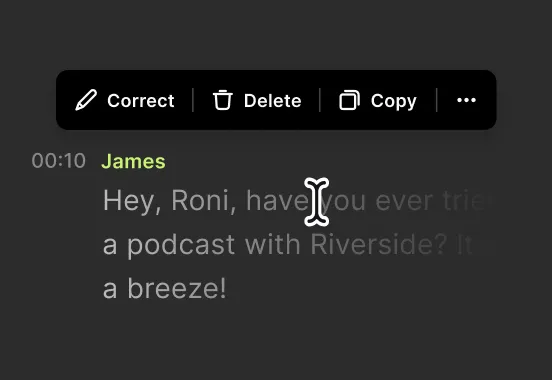
AI transcriptions that are 99% accurate in 100+ languages. Te best bit? Edit the transcript to edit your video.
.webp)
Magic Clips
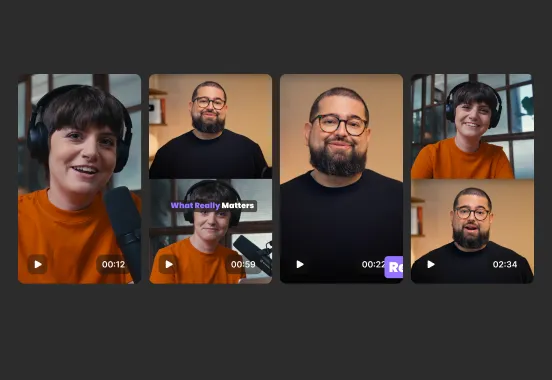
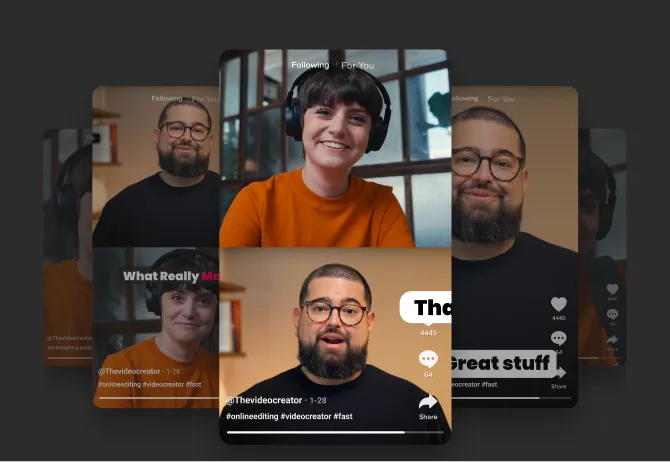
Let AI find your video highlights and turn them into viral social clips. Use them as they are or tweak them as you feel.
Teleprompter
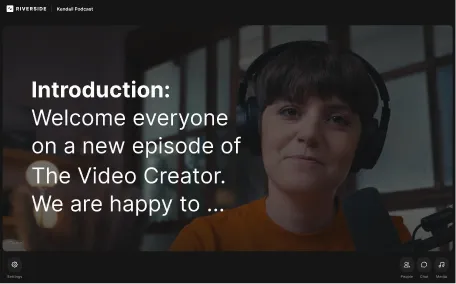
Script your way to flawless recordings with the new built-in teleprompter.
An autocue for video, podcast, and solo recordings.
Co-creator
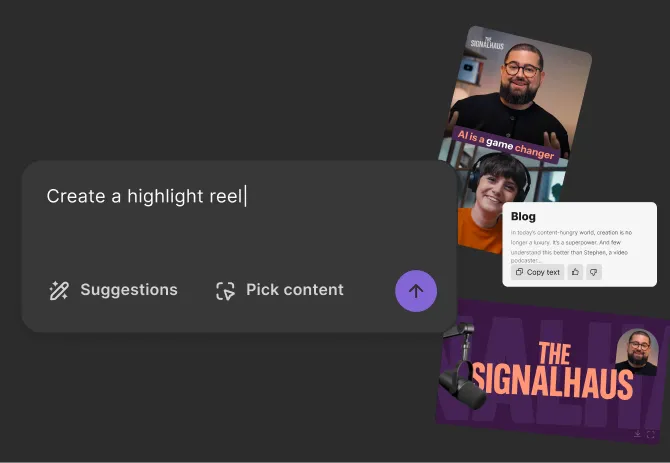
Turn your content into endless promotional assets, like clips, blog posts, social media content, and more
.webp)
Turn one stream into endless content.
Your all-in-one streamlined live studio.


