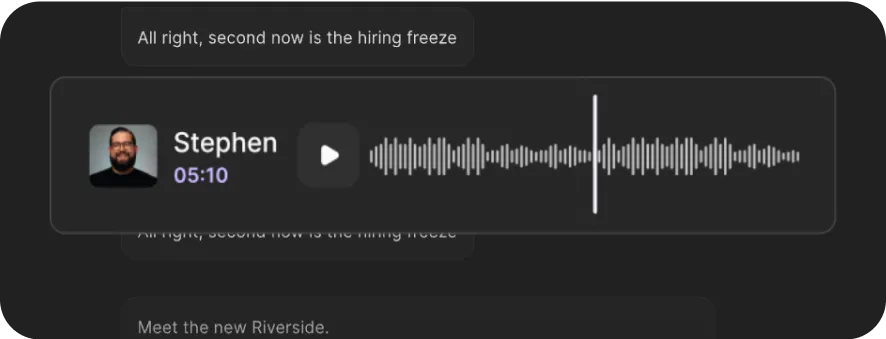
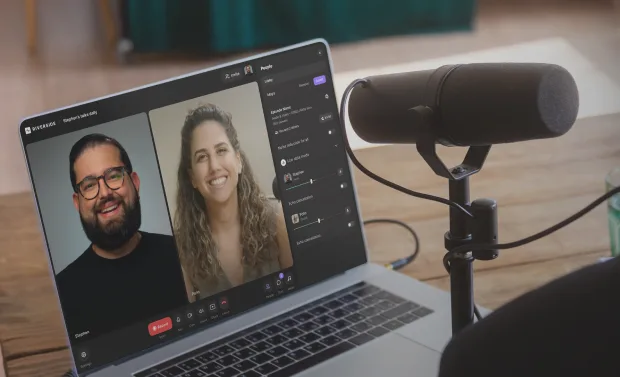
Audio & Video Transcription. Powered by AI.
Available in 100+ languages and free of charge.
to text with 99% accuracy.
Available in 100+ languages and free of charge.
or drag MP3, WAV, MP4 or MOV files
We give you our word.
Writes on the mark.


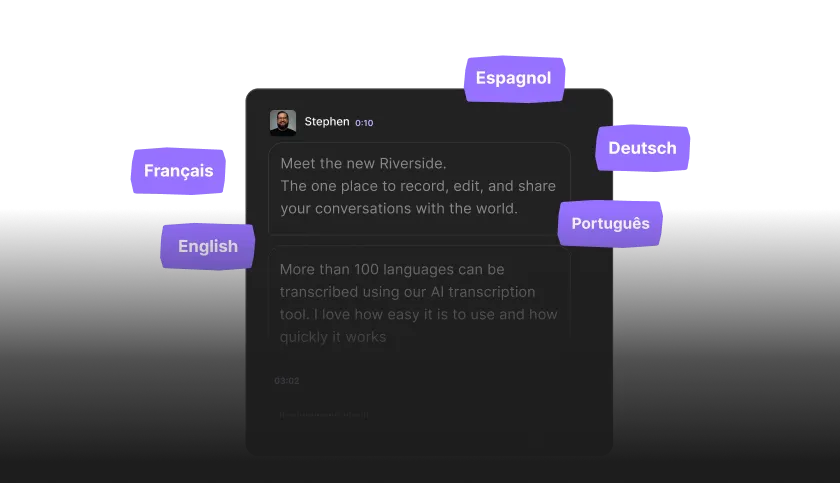
Native in 100+ languages.
Fast & gratuitous.


Goes beyond words.
And that’s not even all it can do.

Record
Transcribe
Edit
Frequently Asked Questions
When you use the Riverside recorder, the platform captures high-quality, uncompressed audio, which further improves transcription accuracy.
You can download your transcripts in SRT and TXT formats. These are the two most widely used transcript file types.
- TXT (Text file): A plain text file that works well for repurposing content into blog posts, show notes, summaries, newsletters, or articles.
- SRT (SubRip Subtitle file): A timestamped file used for adding closed captions or subtitles to videos. Styling, such as fonts and colors, is applied separately in your video editor.
To download a specific format using the free transcription tool above:
- Step 1: Upload your video and select your language and content type.
- Step 2: Let the AI transcribe, and when downloading, select which format you want. If you’re downloading transcripts in Riverside’s platform:
- Step 3: In the “Tracks” section, you’ll see the option to download a transcript.
- Step 4: Click download, and choose between a text file or subtitles.
You can begin editing your video immediately while the transcript processes. Manual transcription, by comparison, can take hours.
Learn more in our guide on how to transcribe audio to text.
Riverside offers both free and paid transcription options.
- Free plan: You can transcribe unlimited audio or video files without signing up by clicking on the “Transcribe now” button right above. Note that if you upload multi-speaker audio or video, all the transcribed text is assigned to just one speaker.
- Paid plans: Unlimited automatic transcription is included in all paid plans starting at $24/month. Paid plans also unlock Riverside’s full editing suite with speaker detection, text-based editing, audio cleanup, and automatic captions.
Learn more about Riverside plans and pricing.
Riverside supports over 100 languages and dialects, allowing you to accurately transcribe different accents and regional pronunciations. You can select the language of your recording to improve accuracy.
If you’re using the free transcription tool above, just choose your language when uploading.
If you’re recording inside Riverside, you can set your language in the studio settings:
- Step 1: Select the Riverside studio for which you want to set the language.Step 2:
- Step 2: Go to “Settings” and then select “Studio settings”.Step 3:
- Step 3: Scroll down to “Language” and select a language from the dropdown menu.
Yes, Riverside allows you to edit transcripts directly inside the video editor. The transcript syncs with your recording, so text edits automatically update your video.
You can also use your transcript to:
- Search for specific words or phrases.
- Automatically generate captions.
- Fix repeated words across the transcript using “Correct everywhere”.
- Use the chat-based editor to extract quotes or repurpose your transcript into posts, articles, or emails.
If multiple people use one microphone or you upload a file with a single mixed track, the transcript will not separate speakers. Speaker detection works best when each participant records on their own track.

Start creating with Riverside

Features