
Record podcasts, videos and your screen with our Mac app. Anytime. Anywhere.
Everything you know and love about recording with Riverside, now available as a Mac app. Plus local screen recordings and virtual backgrounds.
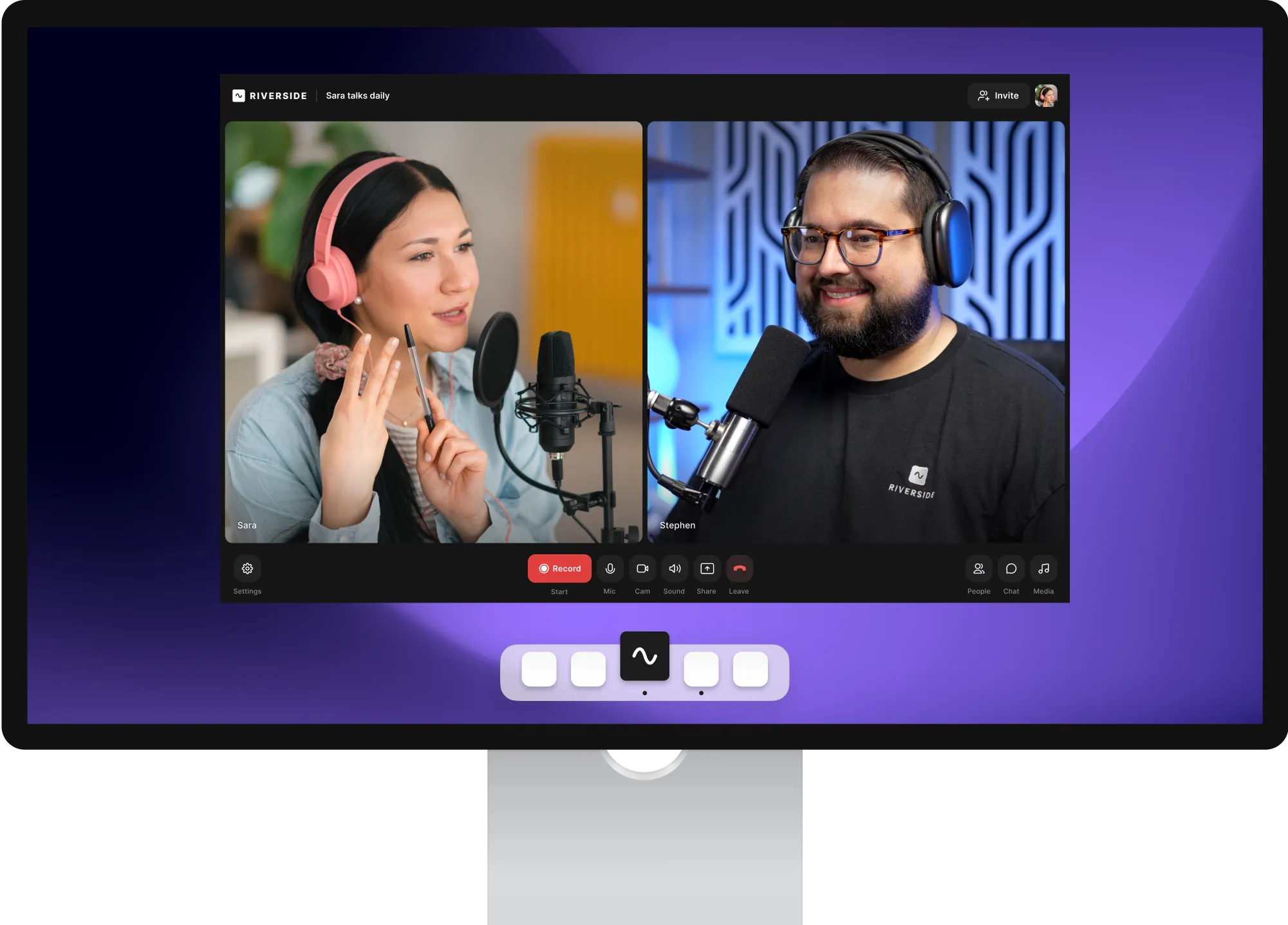
Get things done in record time.
Through more efficient processing and resource usage, the Mac app ensures a pro-level recording experience.

Your screenshare of high-quality recording.
When you share your screen, we’ll now record it locally, as a separate track that’ll look and sound just as great as all your other tracks.


Built from the backgrounds up.
Say hello to virtual backgrounds and goodbye to anything you prefer keeping out of sight.
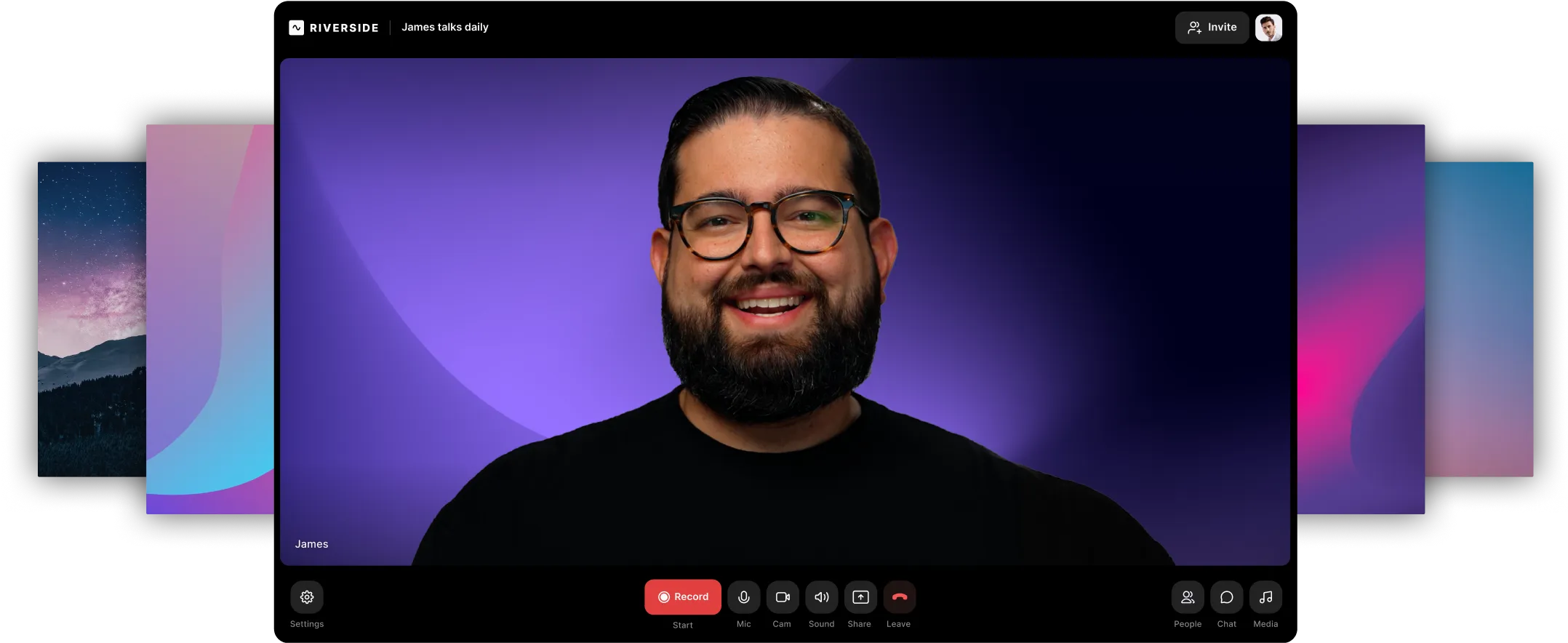
Always stay in
the recording zone.
The Mac app offers a distraction-free space away from your browser so you can focus on your content and guests. Nothing else.
A native twist on cross-platform features.
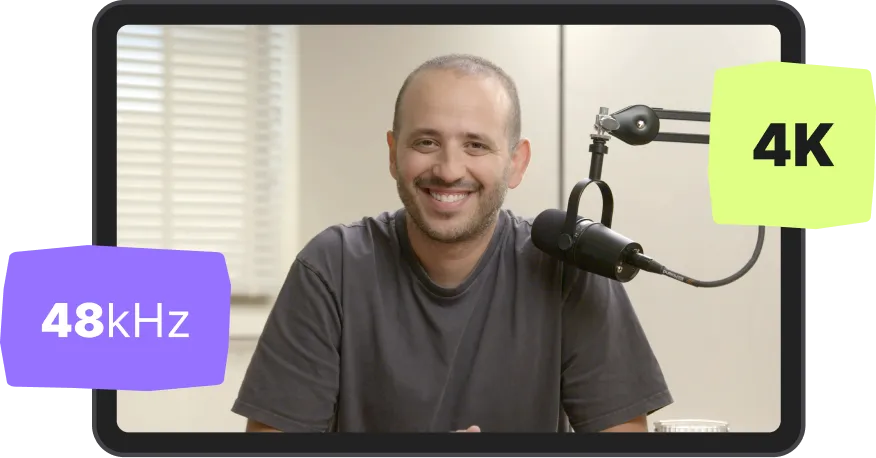
High-quality recording
Uncompressed, 48kHz WAV audio and up to 4K hi-res video, even if Internet is unstable or choppy
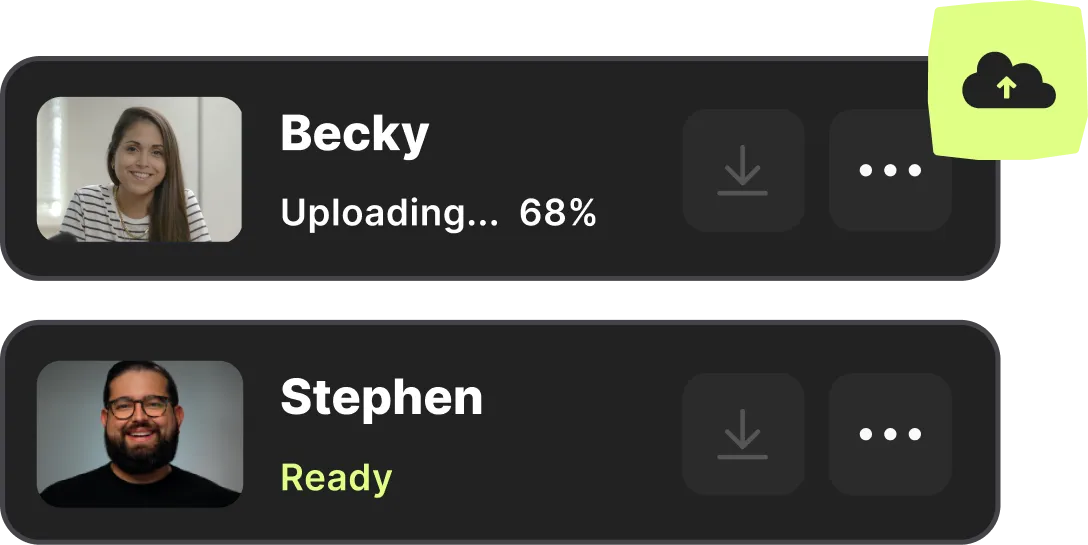
Separate tracks
Separate audio & video tracks for every participant means you have lots more control in post production

One-click invites
Schedule your recording with up to eight guests, send them a link, and all they got to do is click it and they’re in
Producer controls
Let the host focus on hosting, knowing that everything’s under control thanks to their producer(s)

Progressive uploading
We upload your file as you record so that everything is saved and ready for you when you’re done

Start creating with Riverside

Features


