Where every webinar is a month of content waiting to happen.

Plan, stream, edit, and repurpose your webinar, all in one platform. All in top quality.
Trusted by businesses
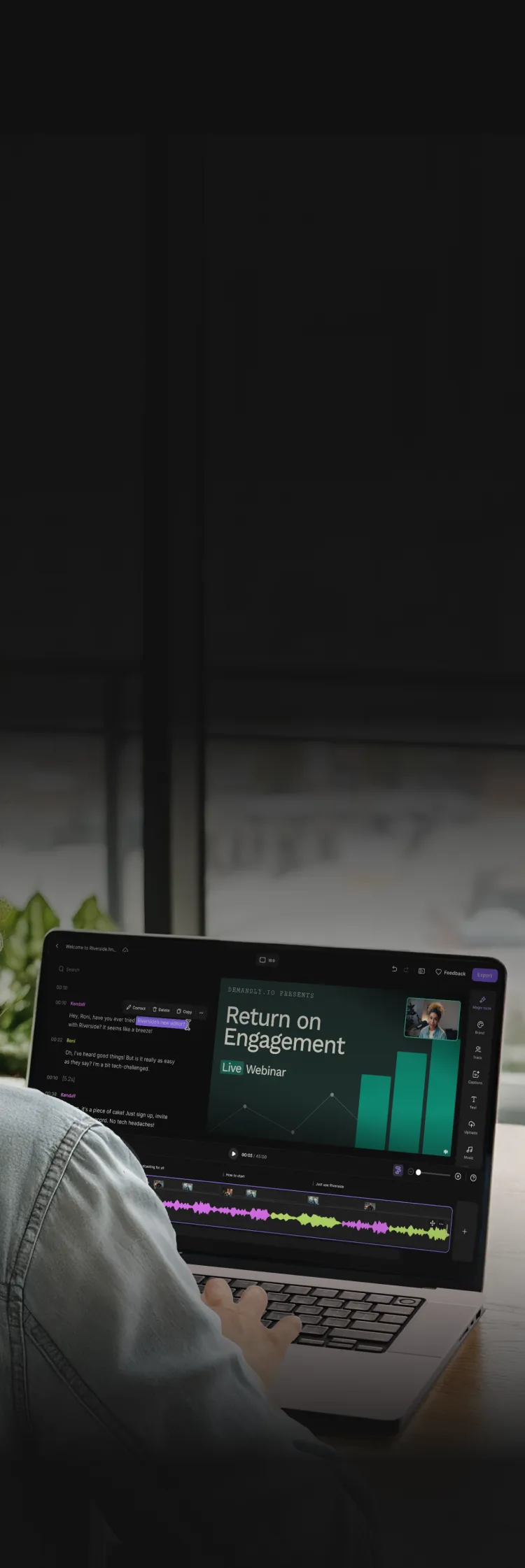
Person working on a laptop showing a video editing interfacePerson using a laptop editing a webinar video with chat transcript on screen.

Not just the webinar. Your entire workflow.

Stream

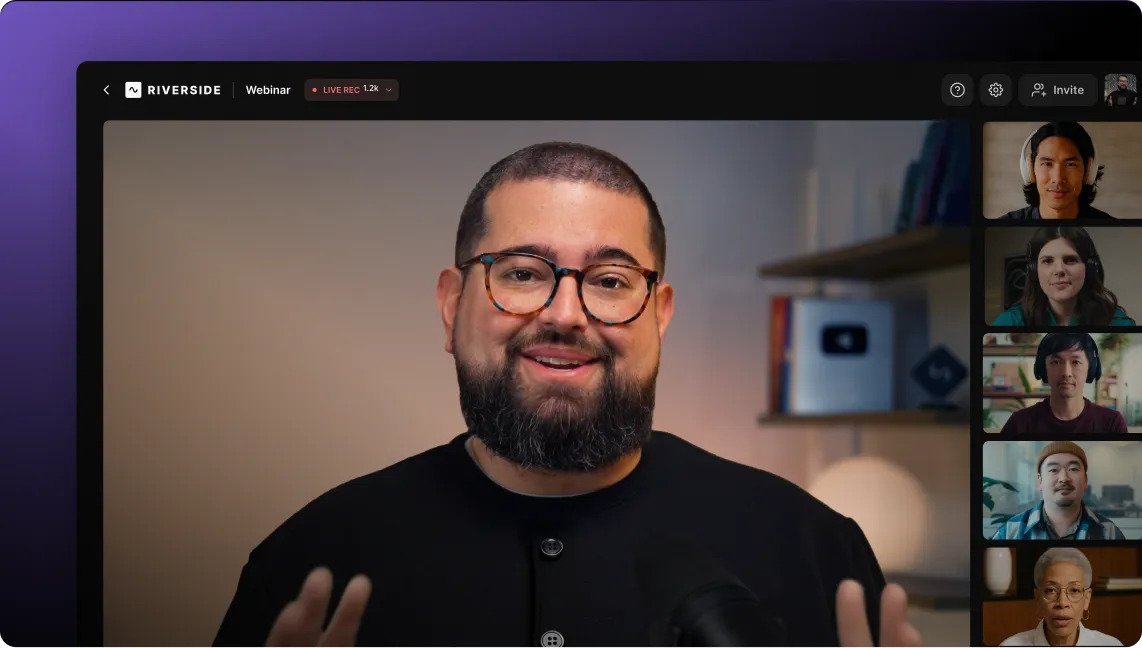
Go live in HD quality, in front of up to 10,000 people, if you like.

Record

Capture every moment of your webinar in 4K quality with crystal clear audio.

Edit

Trim, cut, insert captions, add overlays, enhance audio, and much more, seamlessly.

Repurpose

Instantly turn your webinar into clips, recaps, or social content with AI.

Turn every webinar into lasting results.

Spotify logo with white text and circular icon on green background.

Using Riverside, Spotify 3x’d their reach, hit thousands more with repurposed clips, and replaced 2–3 tools in their workflow.

Why Spotify chooses Riverside ->

Plan the show.
Enjoy the calm before the stream.

  • Schedule your webinar and send invites
  • Invite a producer to handle the tech
  • Customize layout, font, and branding
  • Host up to 10,000 attendees and 10 speakers
  • Let us handle the Email notifications and reminders

Steal the show. You’re the host with the most.

The full HD package.

Stream in up to 1080p straight from your browser. Riverside reduces the impact of connectivity glitches with backend optimization.

Captured, loud and clear.

Everything’s recorded in separate tracks – up to 4K video and crystal-clear audio – and uploaded to the cloud as you go.

Go live anywhere.

Keep all your content operations grouped together and fully under control with custom access for your external contributors.

Connect with your audience.

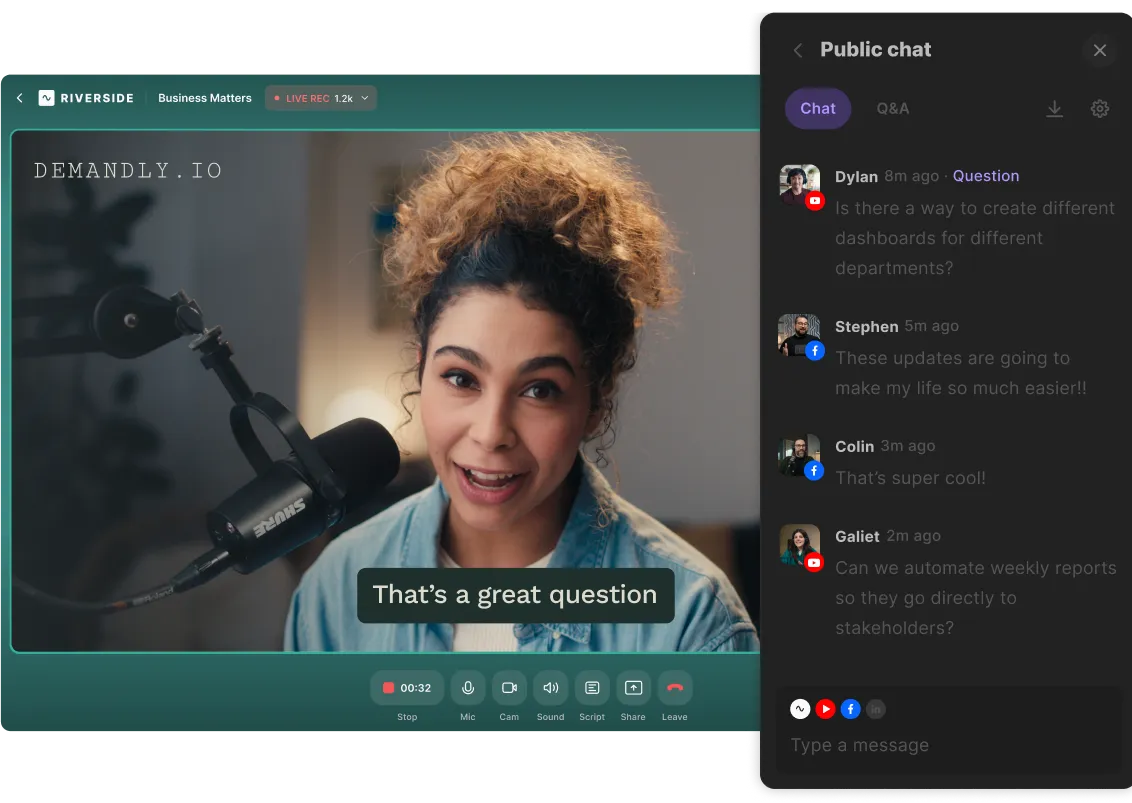
Turn viewers into participants with live chat, Q&A, polls, and call-ins. Because conversations keep everyone tuned in.

Pre-recorded, perfectly played.

Upload any media before your session, like intros, demos, decks, and even full talks, then just hit play.
Show it worked.
Because the after-live is just as important.

One session. Countless assets.

Your recording’s ready when you are. Open it in the Riverside editor to start creating highlight clips, social content, follow-up videos, and more. All from a single webinar.
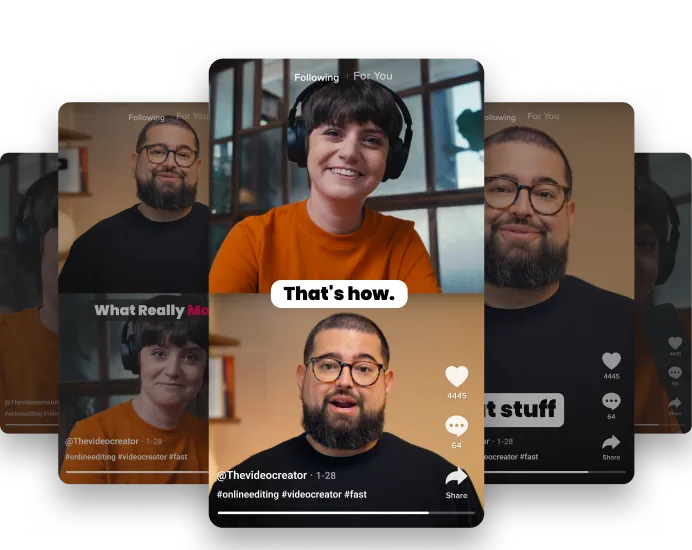
Split-screen TikTok video showing woman on top and a man speaking below.

When TA-DA meets data.

Track registration source and total minutes attended so you can capture and qualify leads with confidence, and lead with clarity.

User interface with three contact cards showing names, emails, and dates, highlighting Stephen Robles's card with a cursor pointer icon.

From insights to impact.

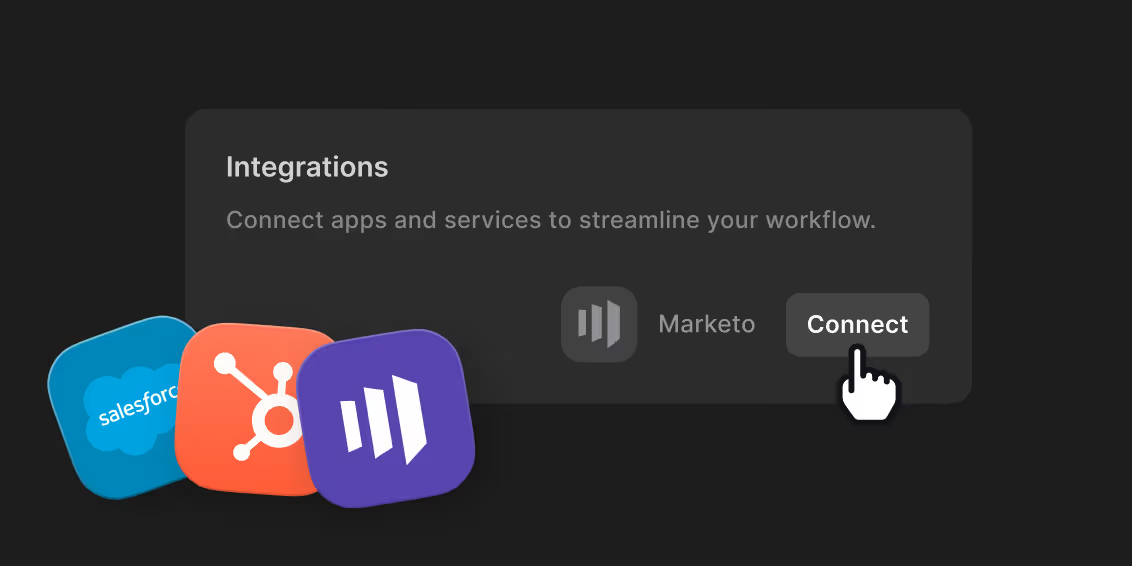
All your data lives in the registrants table, downloadable as a CSV or synced straight to HubSpot as contact properties. Your pipeline will thank you.

Interface showing integrations with Salesforce and HubSpot, with a cursor clicking the Connect button for HubSpot.Integration section showing Salesforce and HubSpot icons with a cursor clicking the Connect button for HubSpot.

Turn every webinar into lasting results.

Frequently Asked Questions

You can host up to 10 on-screen participants on Riverside, including 1 host and 9 recorded guests.

Viewer limits depend on your plan:

  • Webinar plan: Up to 100 registered viewers.
  • Business plan: Up to 10,000 viewers.

For more details about these offerings, check out Riverside’s plans and pricing.

Up to 10,000 audience members can watch a live recording session on Riverside.

Track attendees through pre-registration or collect details when they join via a direct link. You can also sync attendee data with HubSpot or Salesforce to manage leads. To expand your reach further,  multistream your webinar to social media platforms and custom RTMP destinations.

Riverside streams your live webinars to other platforms at up to 1080p resolution on Live, Webinar, and Business plans.

On Free and Pro plans, you can only host a live session directly in Riverside at 720p.

Livestream quality adjusts based on your internet connection to maintain stability. This does not affect your final recording quality.

Riverside records webinars in up to 4K video and 48kHz audio quality.

Each participant records locally on their device, so internet issues during the live session do not reduce the final recording quality. Your finished webinar remains high resolution and clear.

Yes, you can fully brand your webinars on Riverside.

You can customize branding at every stage:

Before the webinar:

  • Create branded registration pages.
  • Customize automated reminder emails.

During the webinar:

  • Customize studio layouts.
  • Add logos and branded backgrounds.
  • Use video overlays and lower thirds.

After the webinar:

  • Save branded presets.
  • Add text, images, overlays, B-roll, and captions.

Use chat-based editing to apply branding and edits quickly.

Yes, you can easily repurpose your webinars for different platforms using Riverside’s AI repurposing tools.

Use the AI editing agent, Co-Creator, to turn your webinar into clips, blog posts, newsletters, social media posts, summaries, and show notes just by chatting. 

To use Co-Creator:

  • Upload or record a video.
  • Go to “Projects”, select your video, and, from the “Recordings” tab, click “Edit” to access the editor. 
  • Click “Co-Creator” in the toolbar to access our AI assistant.
  • Prompt the AI to generate the content format you need (e.g. “turn my content into a LinkedIn post” or “generate a blog post”).

You can also use our clip maker to create short, shareable clips for social media. To use Magic Clips:

  • Upload or record a video.
  • Go to “Projects”, select your video, and, from the “Made for You” tab, you’ll see clips already made for you. 
  • You can customize clips by clicking “Edit.

To generate more clips, click “Create” on the top right and then select “Magic Clips”.

A webinar is a live or pre-recorded online event where a host presents to a remote audience over the internet. It allows you to share video, audio, slides, and presentations while interacting with viewers with features like chat, polls, or Q&A.

Webinars are commonly used for:

  • Marketing and lead generation.
  • Online workshops or training sessions.
  • Product demos and launches.
  • Panel discussions or virtual events.
  • Internal company meetings or education.

With Riverside, you can host live webinars in 1080p, record them locally in 4K, and then repurpose the session in minutes with AI.

Common webinar mistakes to avoid include poor quality, lack of audience engagement, and insufficient preparation. These issues reduce retention and overall effectiveness of your event.

  • Poor audio quality: Viewers tolerate lower video quality, but bad audio causes them to leave quickly.
  • No audience interaction: Not using interactive features makes webinars feel passive and disengaging.
  • Technical problems: Unstable connections, wrong settings, or a lack of technical preparation disrupt the experience.
  • Too much promotion, not enough value: Audiences expect useful insights, not just sales pitches.

No clear structure: Disorganized presentations confuse viewers and reduce retention.

No, webinars are not outdated. Webinars remain an effective tool for live engagement, lead generation, and content marketing.

Modern webinars help you:

  • Reach large global audiences instantly.
  • Build connection and trust with live call-ins, polls, and Q&A.
  • Generate leads by syncing attendee data with popular CRM platforms.

Create more content by repurposing key moments into clips, blog posts, and social media content.

Webinars that mean business. But also pleasure.

Everything you need to webinar. Plus a lot more.