LIVE STREAMING SOFTWARE

Get more content
out of every live stream

Live stream in HD to every platform and record it in studio quality.
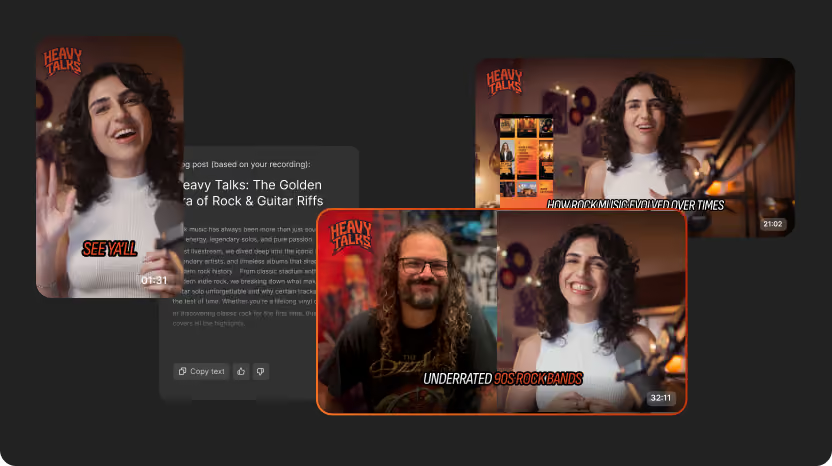
Then turn it into a month of content with AI: clips, episodes, posts, and more.

Trusted by:
4.8
On G2 with 1252 reviews
logo verceliHeart Media logo
Vercel logo
Vercel logo
Vercel logo
Vercel logo

Your complete streaming studio

Your complete streaming studio

Stream from your
browser in studio quality

Reliable HD streaming

Stream in up to 1080p, with adaptive bitrate to keep every feed fast and stable. Monitor all your destinations in real time from one place.

Reliable HD streaming

No steep learning curve, downloads, or plug-ins. Set up your stream and go live from your browser in minutes.
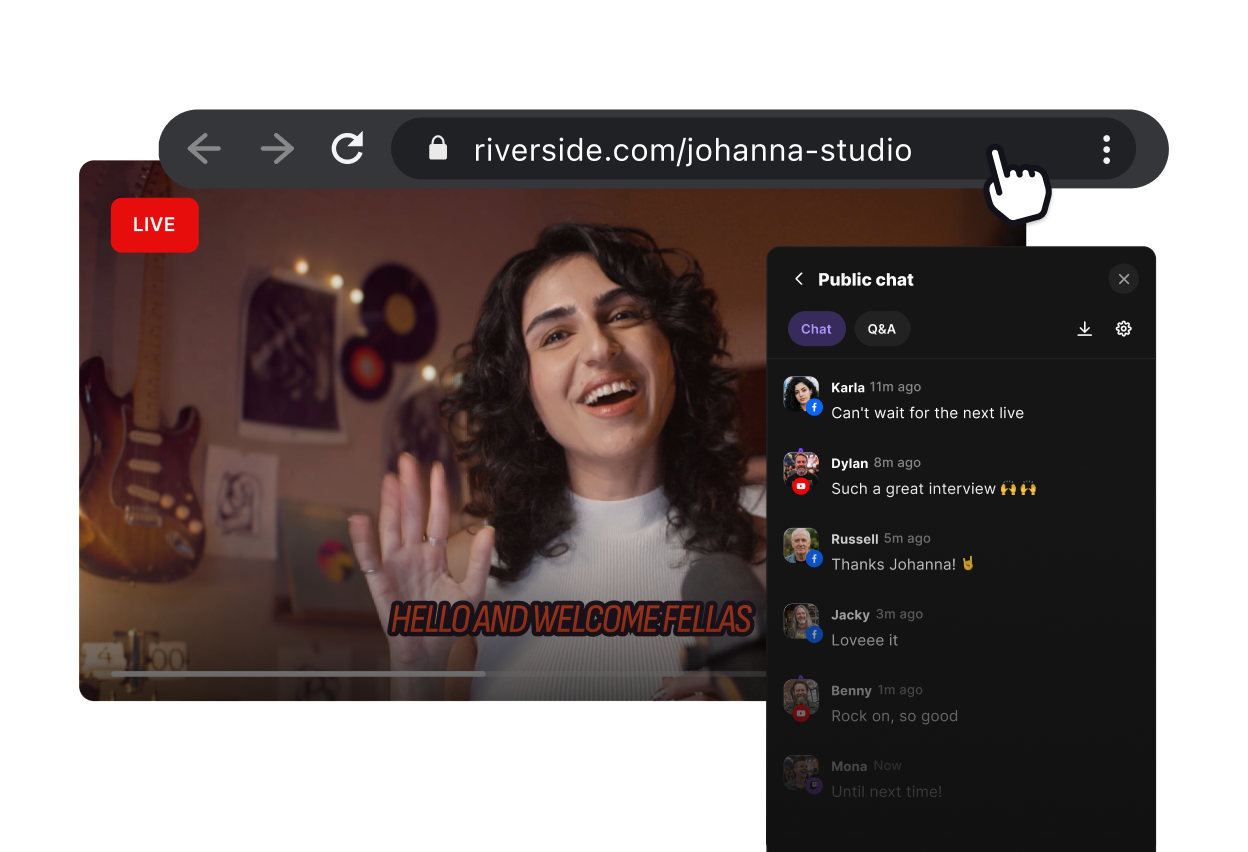
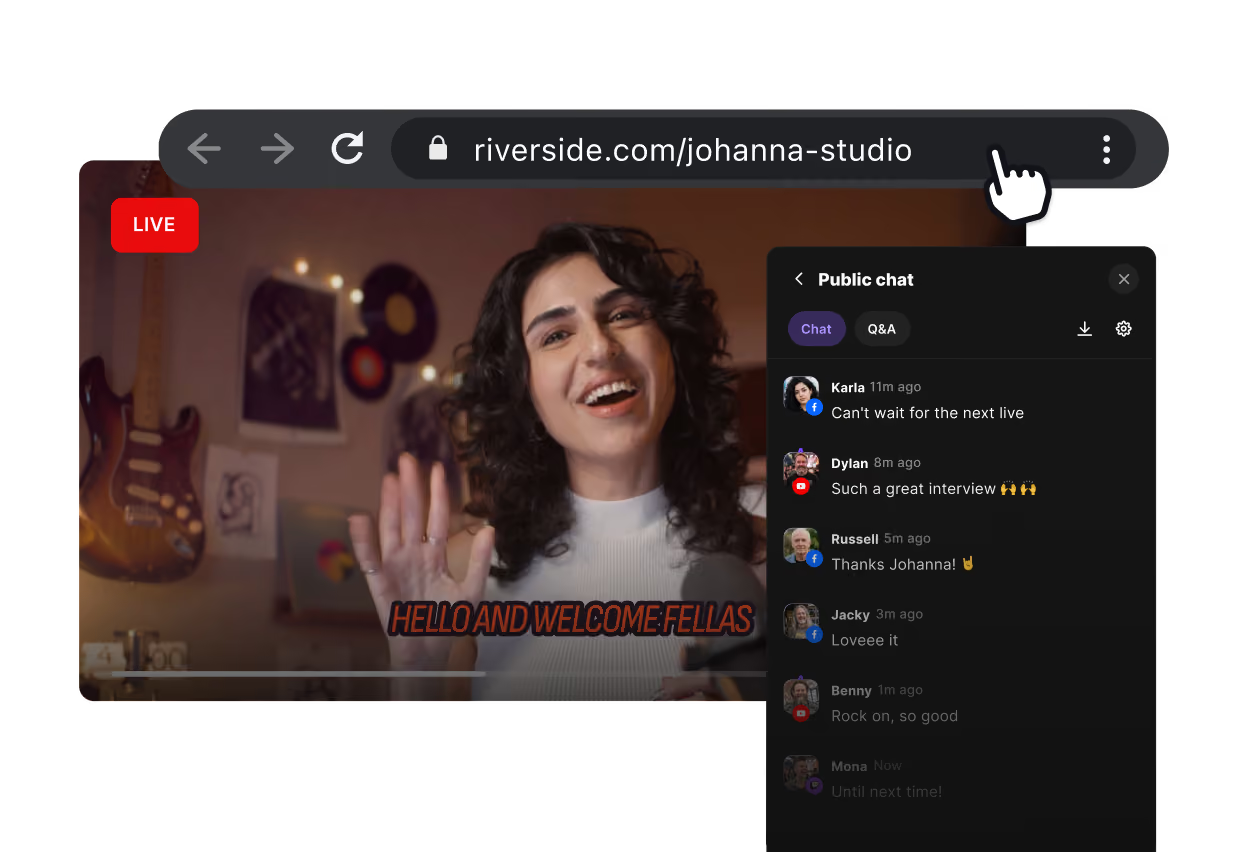
Woman hosting a live stream in a Riverside studio.

Multistream to reach
every audience

Unlimited streaming destinations

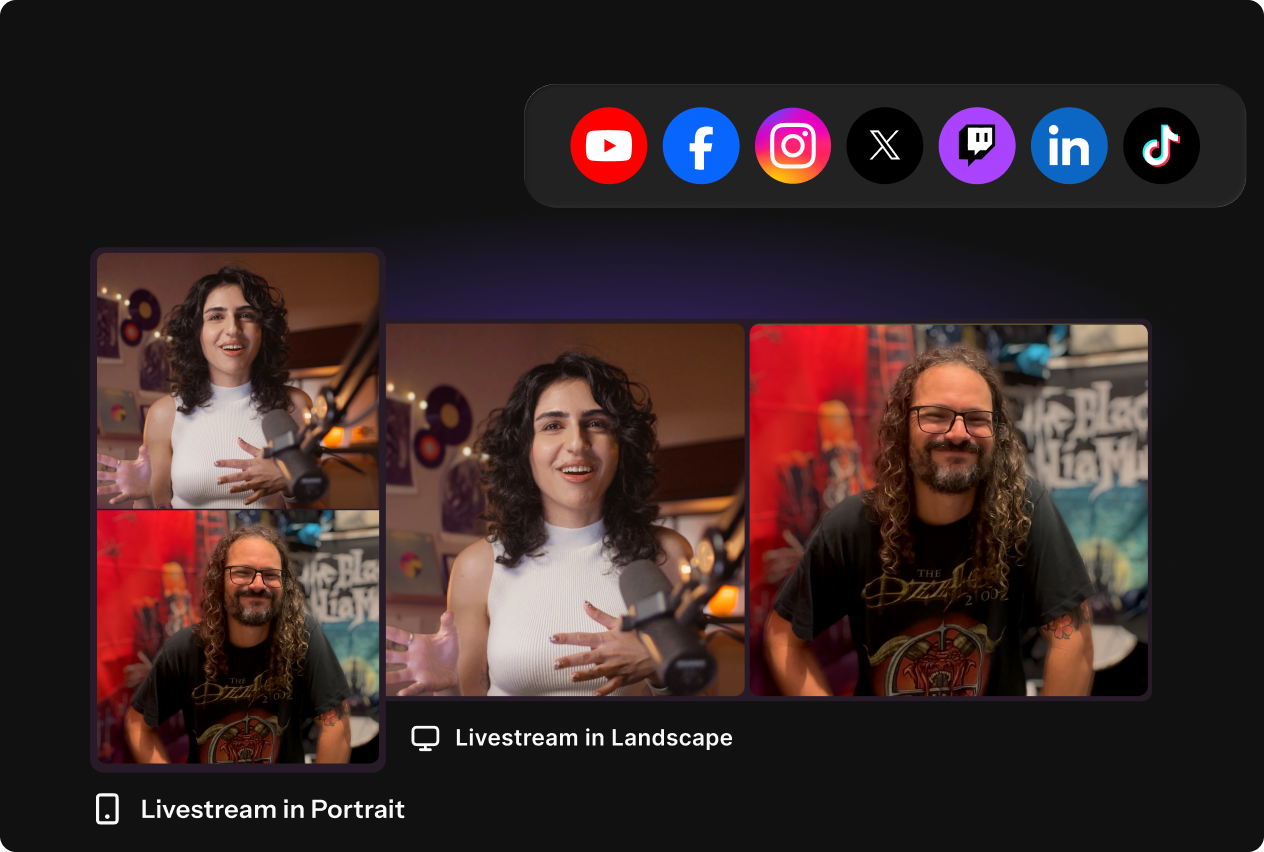
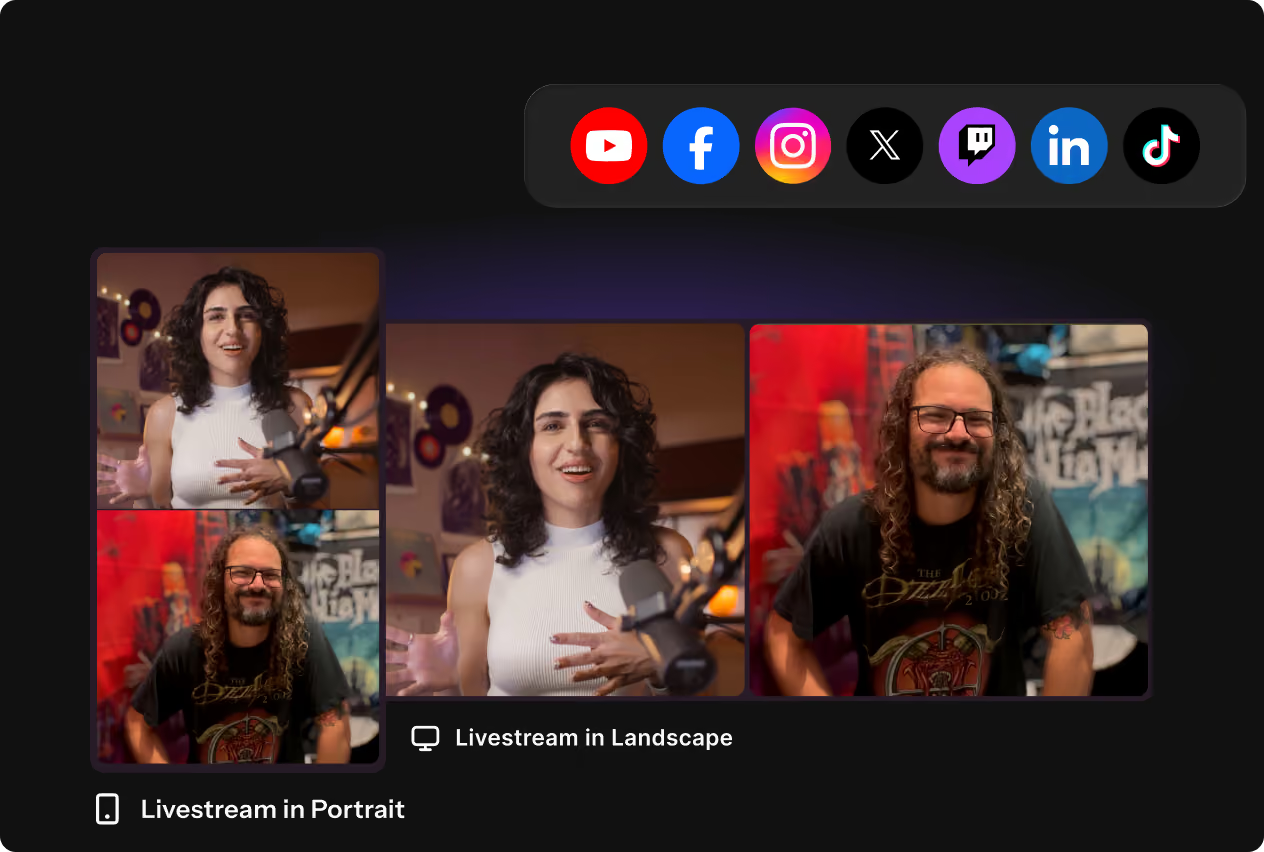
Multistream to YouTube, Facebook, LinkedIn, X, TikTok, or any  destination with a custom RTMP link.

The right format for every stream

Stream video horizontally to platforms like YouTube and vertically to TikTok or Instagram. No cropping.

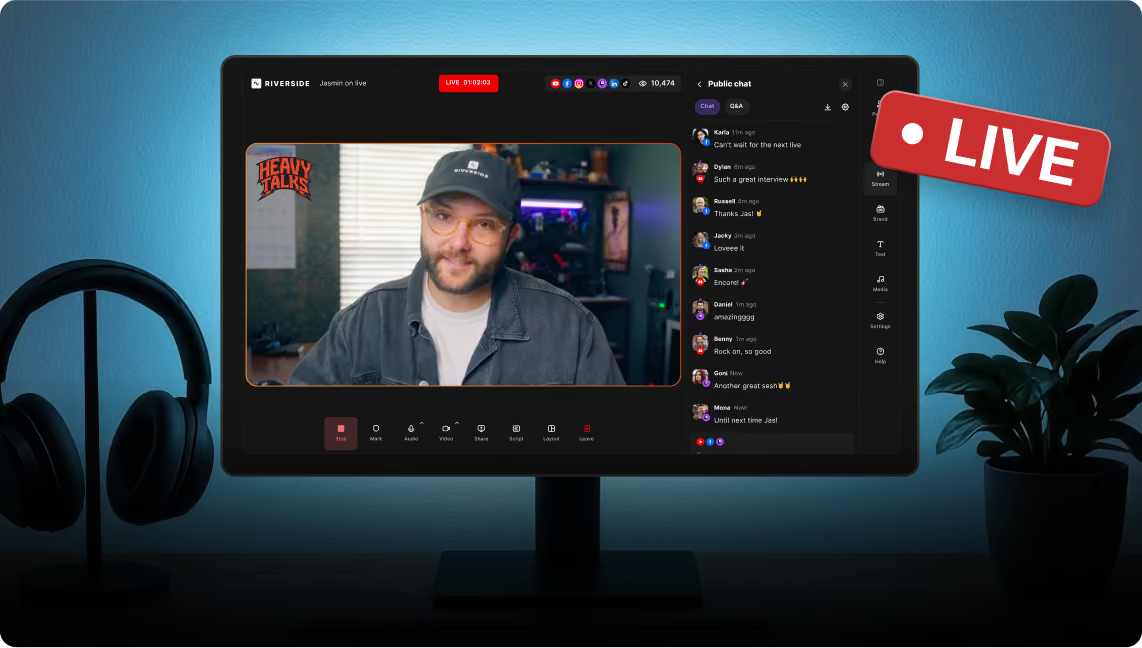
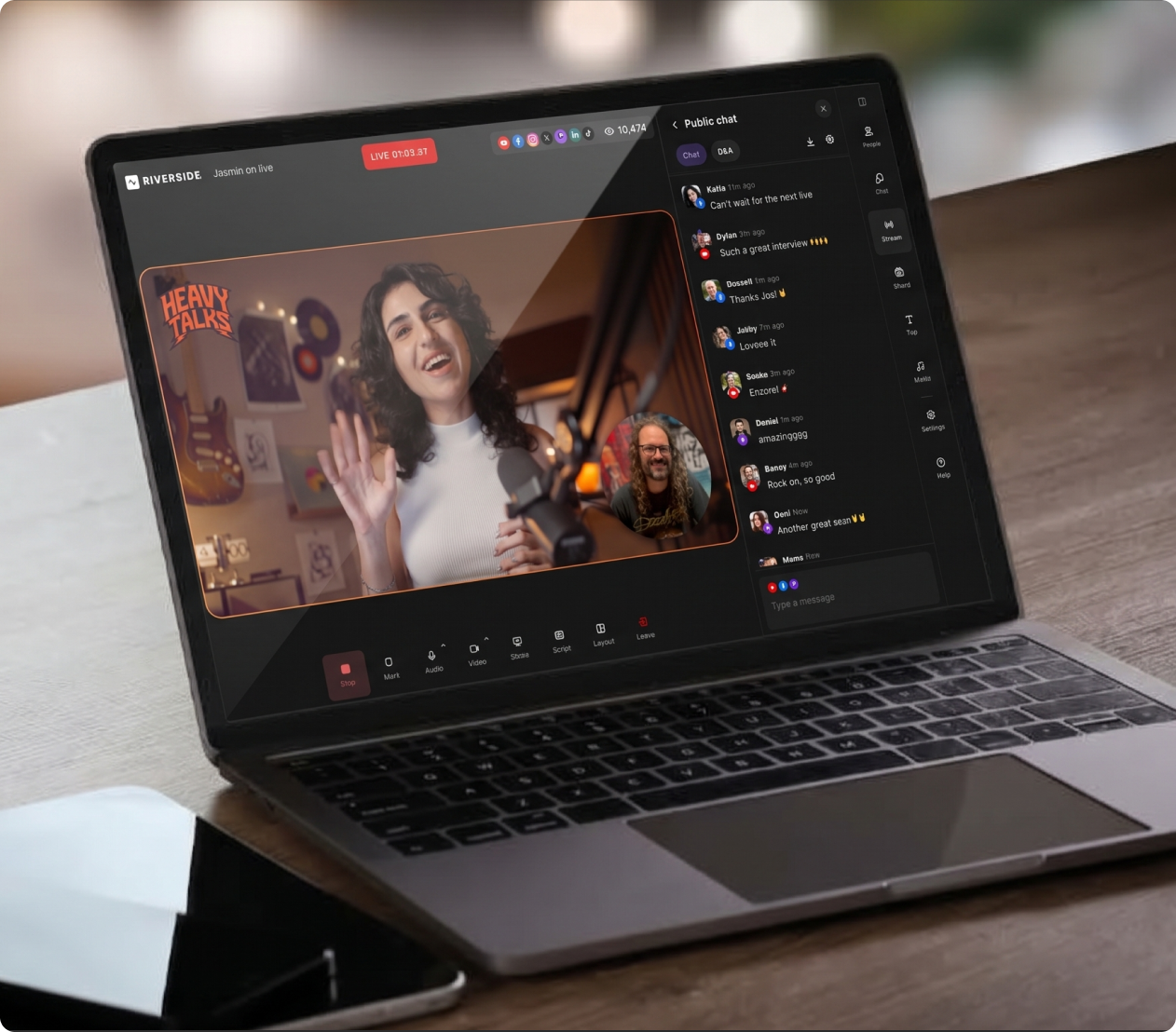
All channels, one multistream chat

Engage with viewers from YouTube, Facebook, Twitch, and X in one omnichat. Reply directly from Riverside.
Streaming built for
repurposing

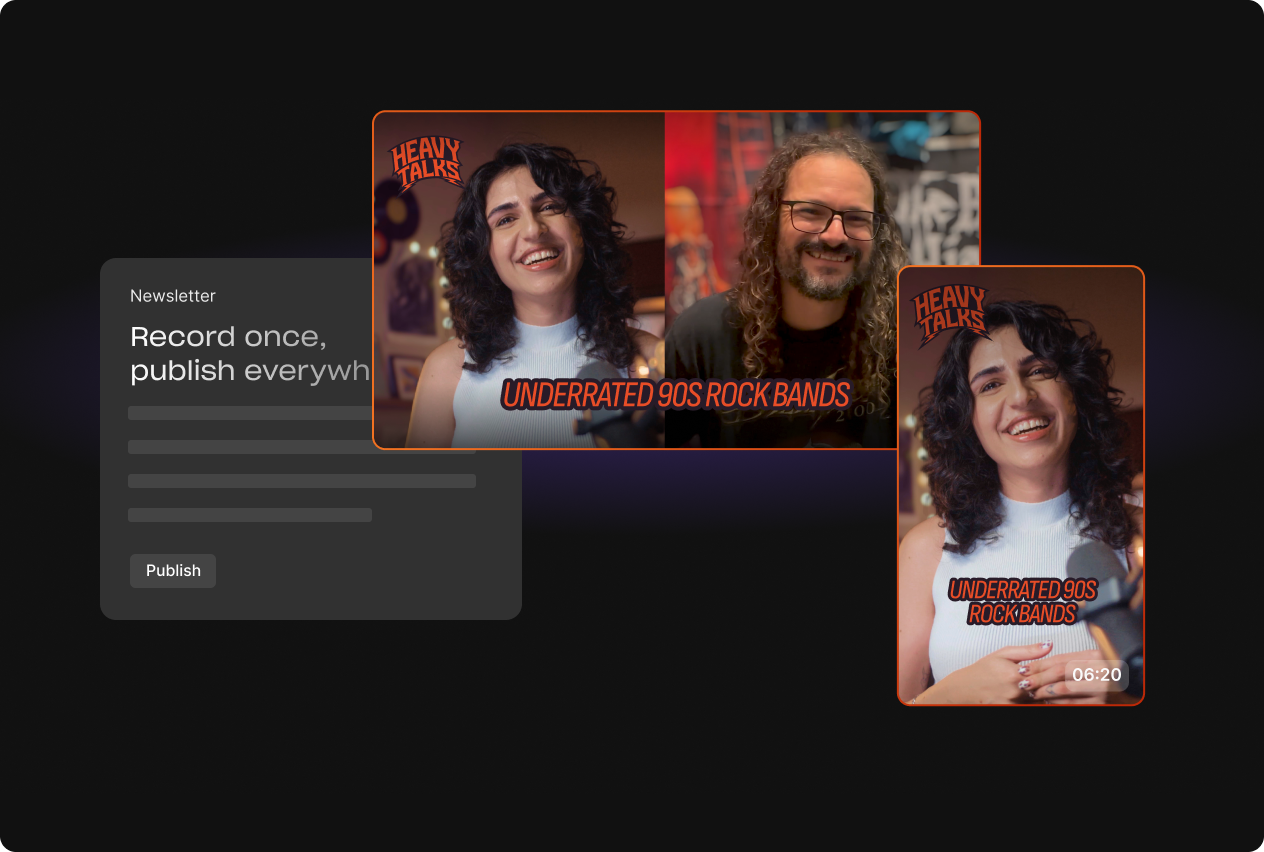
Get a studio-quality recording the moment your stream ends. Turn it into clips, blog posts, newsletters, and more with AI tools and a full editor, without leaving Riverside.
Broadcast-level
production control

Assign a producer behind the scenes, prep guests in backstage, invite your audience to call in live, and keep the host on script with a built-in teleprompter.
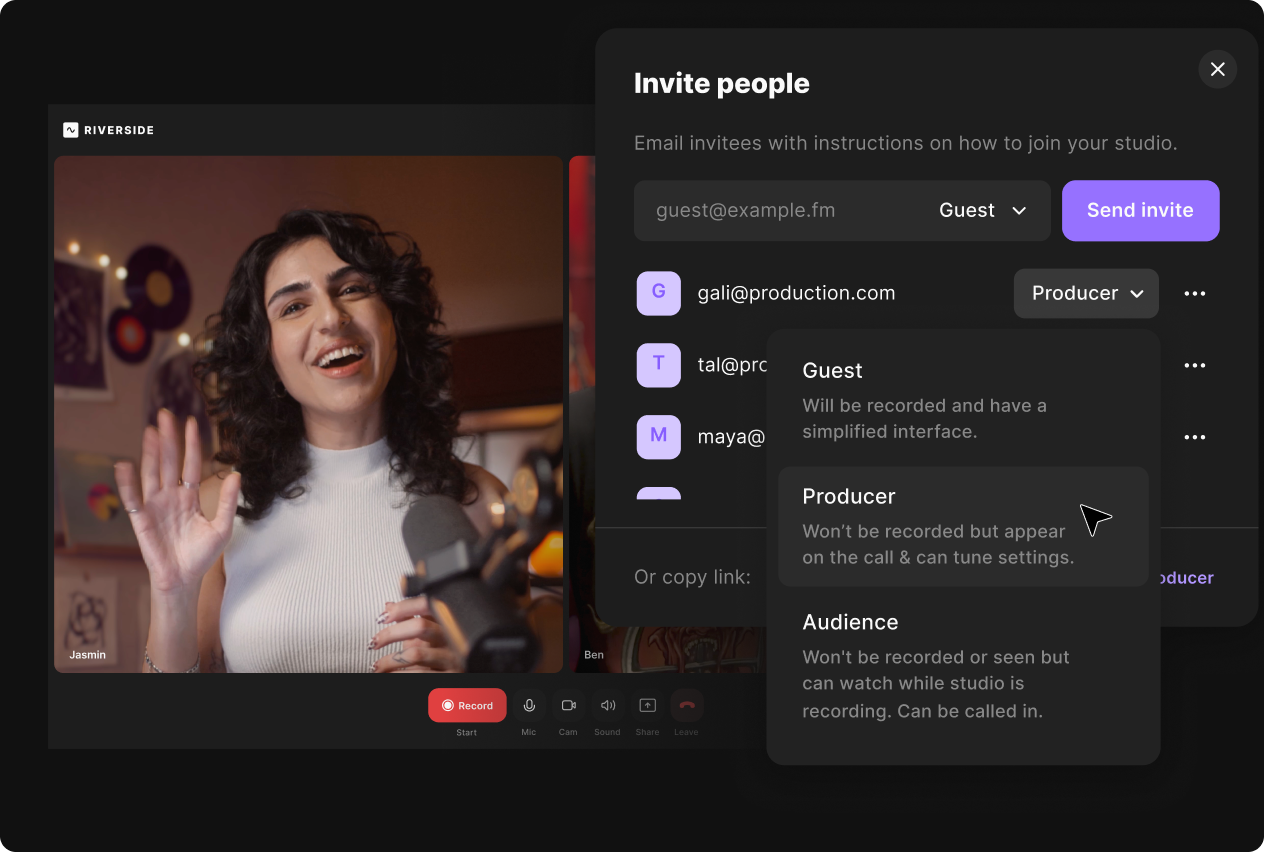
Invite guests, producers, or audience members to a Riverside studio.

Customize every part of your live stream
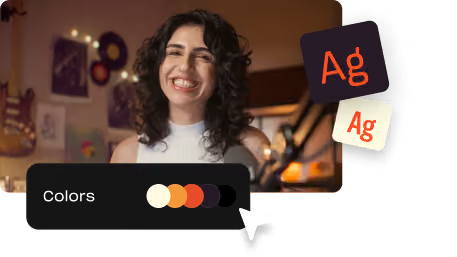
Brand your studio
Add your logo, colors, and backgrounds to your streaming studio. Your branding carries through from live broadcast to the recording and edits.
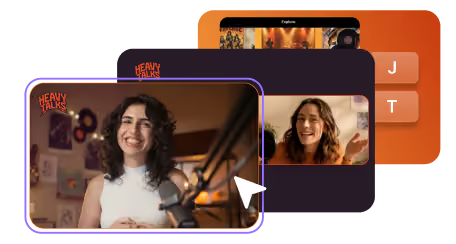
Customize Riverside video layouts and scenes.

Set stream scenes in a click

Create layouts for speakers, overlays, and media ahead of time for smooth live switches. Or let scenes adjust automatically to who's speaking.
Edit captions and text overlays in Riverside videos.

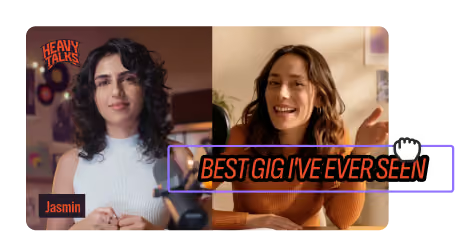
Add lower thirds and overlays

Display speaker names, titles, segment markers, or links during your stream. Add stickers and visual overlays to make your live stream pop.
Add media clips to Riverside videos.

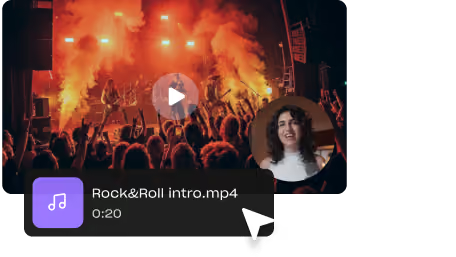
Play media live as you stream

Trigger clips, music, and sound effects live for engaging transitions during your stream. Upload your own, or choose from our media library.

Your live stream deserves more than a replay.

Stream in studio-quality and repurpose the 4K recording into endless content in minutes.
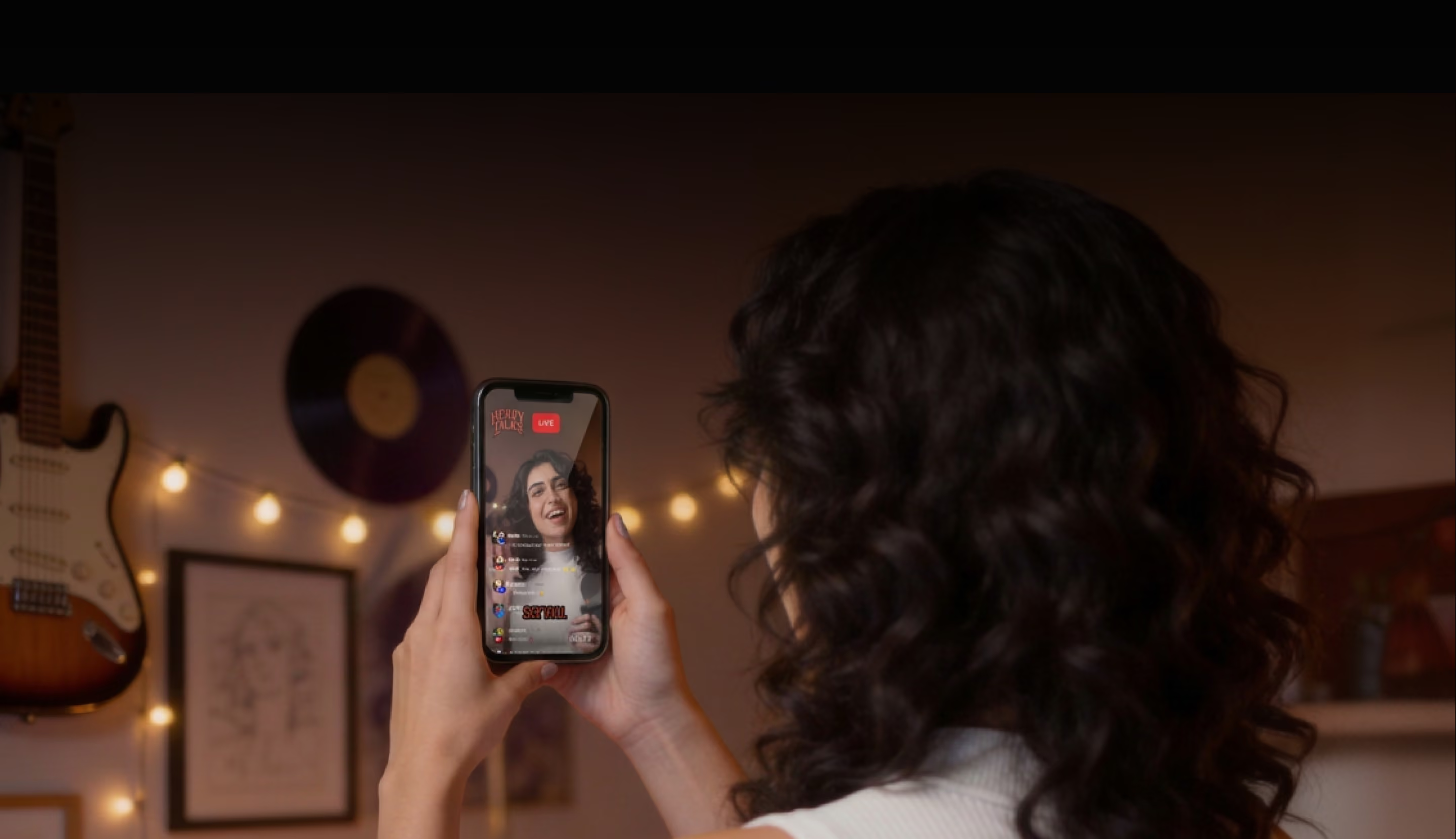
Woman watching a live stream on her phone.girl riverside
Go live from your browser or the live stream app

Browser

The quickest way to host or join a livestream. No downloads, just a link on Chrome or Edge.

Mac

Download the standalone Mac app, optimized for Apple Silicon and more efficient processing.

iOS and Android

Download Riverside's mobile app to stream on-the-go, or pair your device as a second camera.

Built for every kind of live broadcast

Manage live sessions
with total control

Live talk shows (like podcasts)

Host live podcasts, interviews, or reactions across every platform, with audience Q&As and call-ins to bring listeners into the conversation.

Community broadcasts (like church streaming)

Stream town halls, church services, and community events live. Use a fixed studio link for recurring sessions, with recordings saved automatically.

Workshops and classes (like training sessions)

Run live workshops, fitness classes, or training sessions with screen sharing and audience Q&A built in. Record streams in 4K for on-demand replay.

Live event coverage (like sports or news streams)

Cover sports, entertainment, news, and conferences live. Stream to all platforms with broadcast-level controls and high-res recordings for highlights and clips.

Sales and marketing (like product launches)

Go live for product demos, unboxings, and launches across YouTube, TikTok, and Instagram. Customize your stream to keep your brand and offer front and center.
Smiling woman in a blue blouse.
"Riverside proved to be a powerful platform that made it easy for Spotify to focus on what really mattered: engaging users and delivering valuable content."
Smiling woman in a blue blouse.

Julie Bergstein, Senior Brand Marketing Manager

Modern financial advisory office with a MacBook on a desk and glass-walled meeting rooms

Turn your live stream into
a content engine

Record every stream in 4K quality
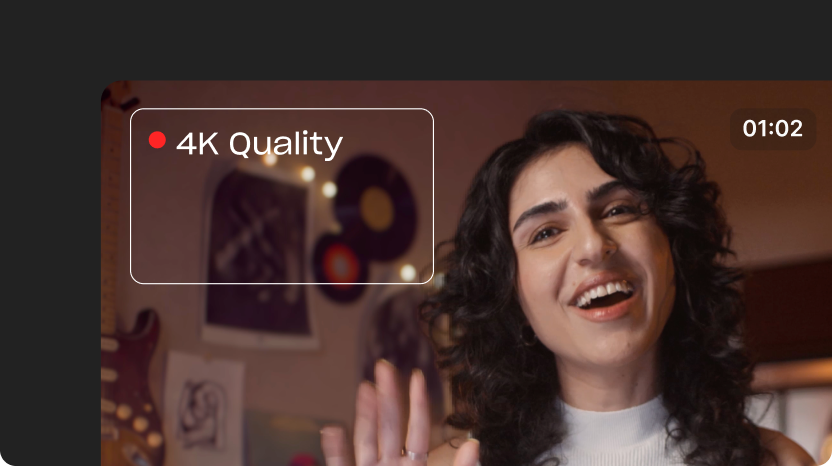
While you stream in 1080p HD, Riverside records each participant locally in up to 4K on separate tracks, ready to edit the moment you stop.
Woman recording in 4K quality on Riverside.

Repurpose your stream with AI

Get ready-made clips straight after your stream. Or, ask the chat-based editor to create custom clips, newsletters, blog posts, and more.
Riverside clips repurposed into social videos and written content.

Edit your way in the full suite editor
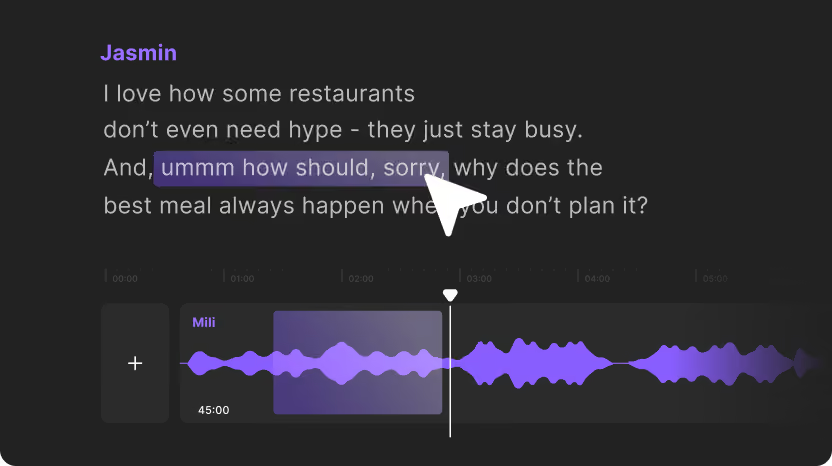
Use the text-based editor or video timeline for fine cuts. Clean up and enhance audio in a click. Style with motion graphics, b-roll, and music
Edit transcript and audio in Riverside.

Frequently Asked Questions

What does live streaming software do?

Live streaming software allows you to broadcast live video and audio to online audiences in real time. It connects your camera and microphone to destinations like YouTube and Twitch, or custom RTMP destinations. Professional tools also offer live call-ins, lower thirds, and local recording capabilities.

How does Riverside live streaming work?

Riverside Livestream works as follows:
‍
  • Log in and create or join a new studio as the host.
  • Click “Stream” to connect to your live streaming destinations.
  • Invite guests and audience members with a link.
  • Click “Go Live”. Riverside streams to every connected platform simultaneously.
  • Click Stop when you're done. 


Can I record a live stream while streaming?

Yes. Riverside can broadcast your live stream in up to 1080p HD while recording each participant locally in up to 4K video and 48 kHz WAV audio. When the broadcast ends, you have both the livestream replay and the studio-quality files saved directly to your dashboard.

Does Riverside record live streams in 4K?

Yes, Riverside records live streams in up to 4K resolution locally on each participant's device. The live broadcast itself streams in up to 1080p, but your recorded files are captured in up to 4K quality on Pro plans and above.

Can I stream live in 4K on Riverside?

No, Riverside streams live to viewers in up to 1080p HD, not 4K. During the live stream, however, Riverside simultaneously records each participant locally in up to 4K. This way, you’ll get studio-quality files to edit and republish afterward the broadcast is over.

What is RTMP streaming software?

RTMP streaming software is video software that uses the Real-Time Messaging Protocol to send live video feeds to external destinations. RTMP allows you to broadcast your live stream to custom endpoints and media servers like Wowza or Cloudflare Stream by using a unique stream key and server URL.

Can I stream to YouTube and Facebook at the same time?

Yes, you can stream to YouTube and Facebook at the same time using Riverside. Just connect your social accounts inside the studio setup and select both destinations before going live. You can also stream to other social media platforms like Twitch and TikTok simultaneously.

Can I live stream from my phone?

Yes, you can live stream from your phone using the Riverside iOS or Android app. You’ll need to connect your streaming platforms on the desktop or online platform. But you can join, start, and stop a live stream from Riverside’s mobile app.

How do I start a live podcast?

To start a live podcast, you'll need podcast equipment and a podcast livestreaming platform.
If you're using Riverside, you can start a podcast live with these steps:
  • Create or join a studio as a host.
  • Connect your streaming destinations, like YouTube or LinkedIn.
  • Invite your co-hosts and guests with a shareable link.
  • Click Go Live. Riverside broadcasts to every connected platform simultaneously in 1080p HD
  • During your live, invite audiences to call in, play live sound effects with the media board, or share your screen.
  • When you're done, your session is recorded locally in up to 4K on separate tracks, ready to edit and publish as a full episode.

Can I use Riverside for webinar streaming?

Yes, you can use Riverside for webinar streaming and virtual events. You can invite up to 10,000 attendees and 10 guests, share slides, display lower thirds, and manage audience Q&A or live call-ins. Riverside also supports your webinars with customizable registration forms, registration pages, and post-event email notifications.

Other Riverside tools