Riverside
Platform
Products
  • Recording
    4K video and audio recorder.
  • Editing
    AI, text-based video editor.
  • Live Streaming
    For livestreams in full HD.
  • Webinars
    Host, record, and repurpose.
  • Hosting
    Podcast publishing and analytics.
  • Newsletters
    Create and send newsletters.
Features
All AI Tools
Arrow Icon
Magic Clips
Transcribing
Magic Audio
AI Co-Creator
AI Translation
Captions
AI Show Notes
Social Scheduling
Apps
Mac App
Mobile Apps
AI illustration with abstract icons
Explore AI Tools
Solutions
Use cases
Podcasts
Video testimonials
Webinars
Video marketing
In-person Recording
Learning & Development
Async Recording
Virtual conferences
Internal communications
Tutorial videos
For
Podcasters
Producers
Marketers
Resources
Learn
Riverside University
Blog
What’s New
Free tools
Webinars
Masterclass
Community
Case studies
Creators Newsletter
Community hub
Recorded on Riverside
Support
Help Center
Contact support
Laptop
Blog
University
For BusinessPricing
English
Site language
English
Deutsch
English
English
Deutsch
Contact SalesLoginStart for Free

What's new

The latest features, updates, and integrations from Riverside. 
Stay up to date with everything new.

Thank you! Your submission has been received!
Oops! Something went wrong while submitting the form.

Spotlight

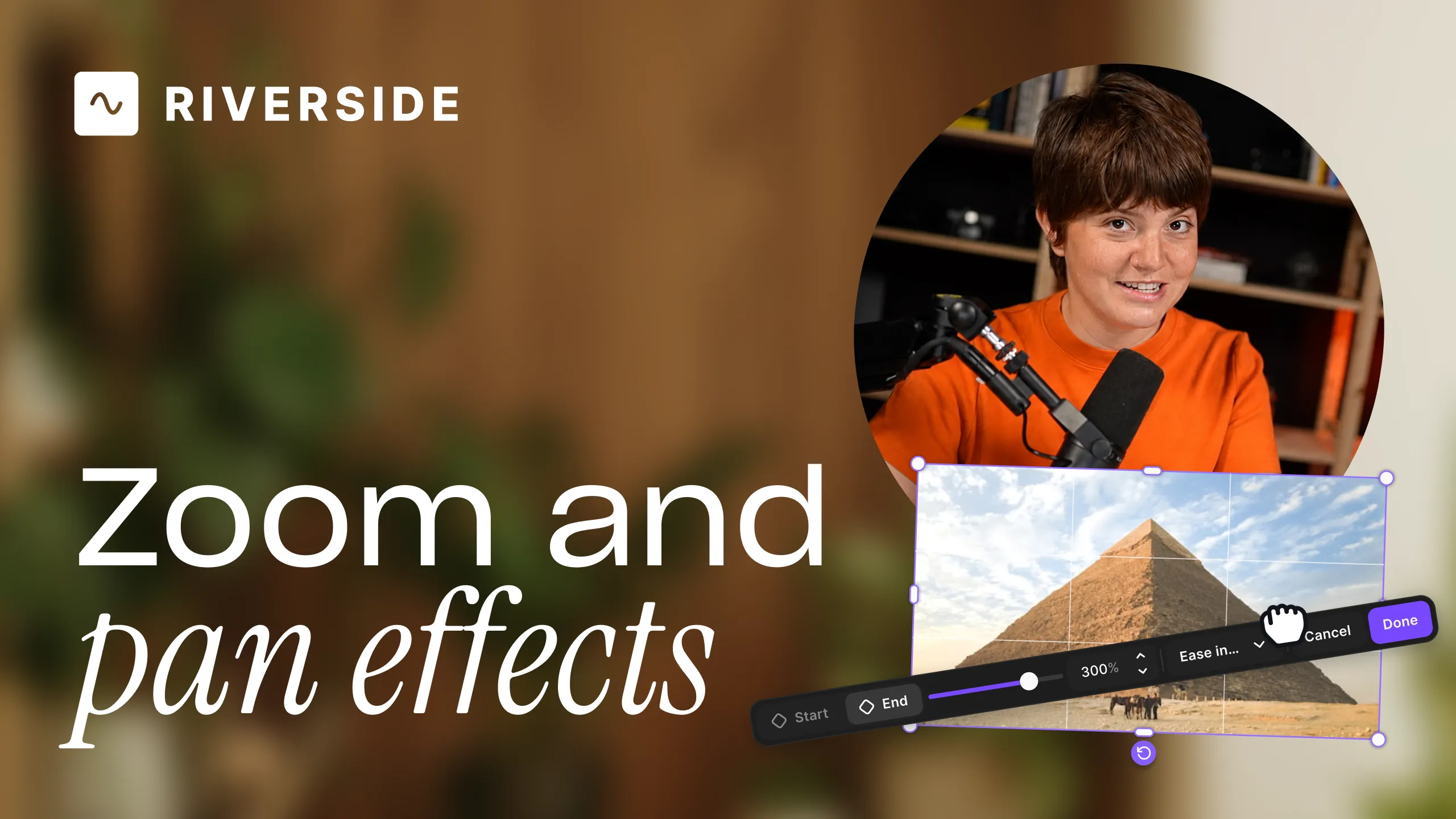
Editor thumbnail
Spotlight
New release
Editing & repurposing

New Editor

A walkthrough of Riverside's rebuilt editor — what's faster, what's new, and how the new workflow gives you more freedom to create.

Learn more
July 16, 2026
Pro +
Release Type
Release type
Done
New Release
Update
Clear
Apply
Product
Product
Done
Promotion & growth
Set-up & equipment
Hosting & publishing
Recording
Editing & repurposing
Clear
Apply
Month
Month
Done
January
February
March
April
May
June
July
August
September
October
November
December
Clear
Apply
Plan
Plan
Done
Free
Pro +
Live +
Webinar +
Business
Clear
Apply
|
Clear all (#)
Grid
List
All releases
(6)
Previous
1
...
10
Next
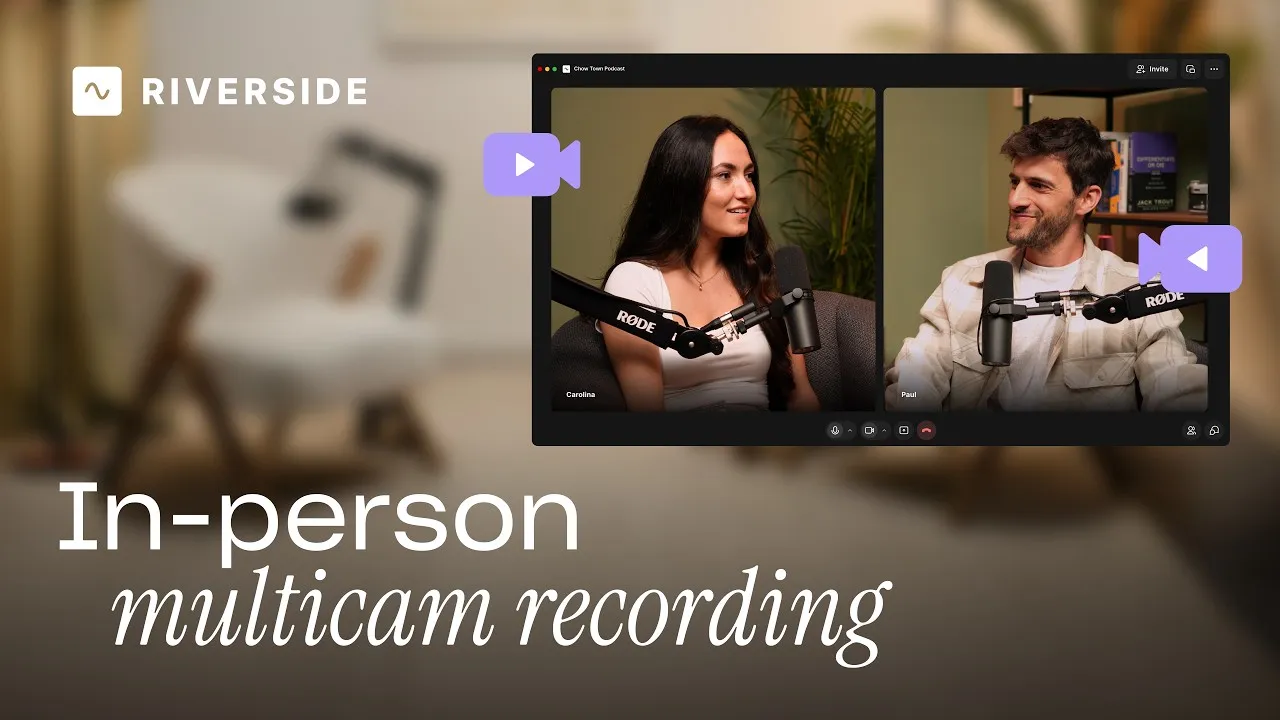
People talking in a comfy room at a podcast
New release
Recording

In-person recording

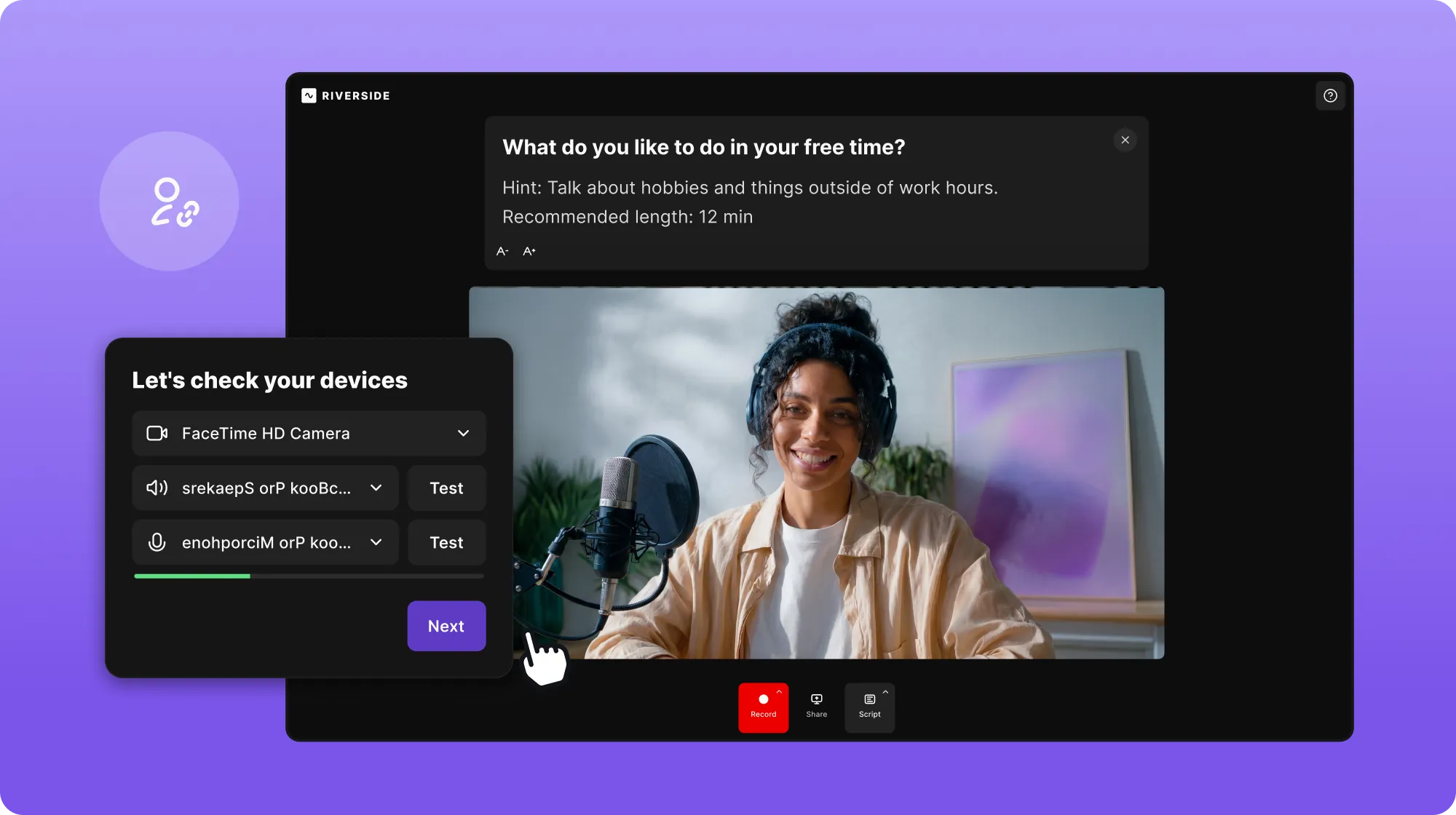
How to record everyone in the room with multiple cameras and mics in one Riverside session — add remote guests and get separate, synced tracks.

July 13, 2026
Pro +
Editor thumbnail
New release
Editing & repurposing

New Editor

A walkthrough of Riverside's rebuilt editor — what's faster, what's new, and how the new workflow gives you more freedom to create.

July 16, 2026
Pro +
Man pointing at timecode notes
New release
Editing & repurposing

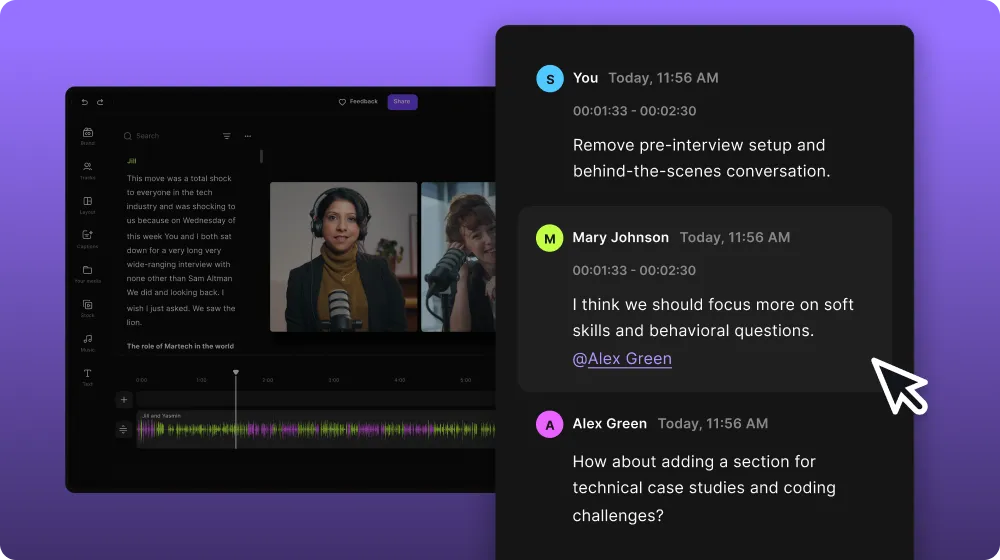
Review comments

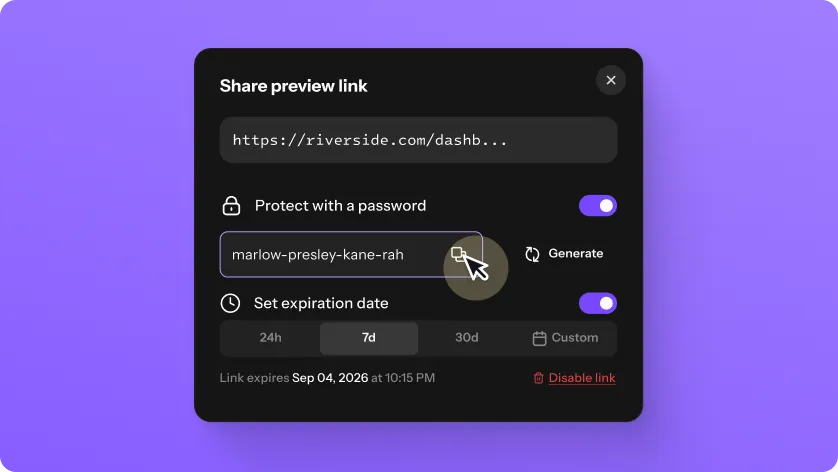
How to share a preview link so co-hosts, clients, or guests can review your edit and leave comments — no Riverside account needed.

May 27, 2026
Pro +
Man pointing at a popup text
New release
Hosting & publishing

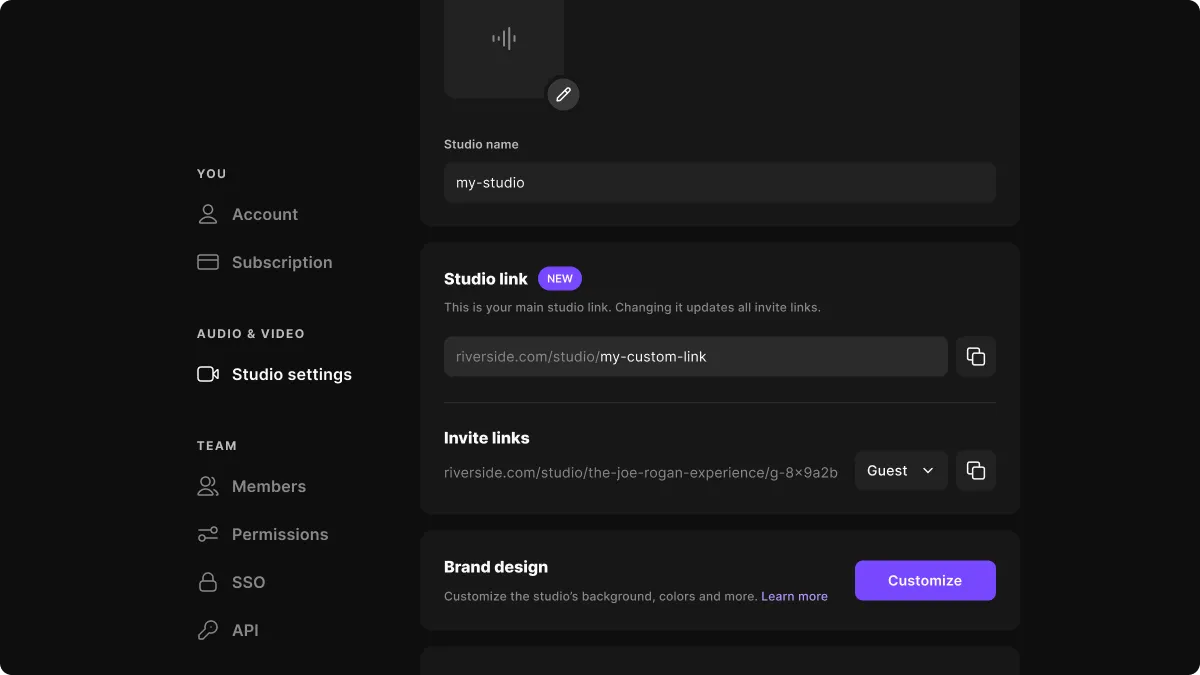
Podcast website

How your free Riverside podcast website helps you grow and monetize — listeners can watch, listen, subscribe, and get notified, with no setup.

June 3, 2026
Grow +
Man pointing at "Content planner" text
New release
Hosting & publishing

Content calendar

A tour of the new Riverside Content Planner — plan, schedule, and see recordings, live streams, webinars, social posts, and episodes in one calendar.

June 9, 2026
Pro +
Man pointing at "Add an editor" text
New release
Editing & repurposing

Editor role

How to invite an external editor to your Riverside account as a paid add-on, with full access to your recordings and editing tools.

June 11, 2026
Pro +
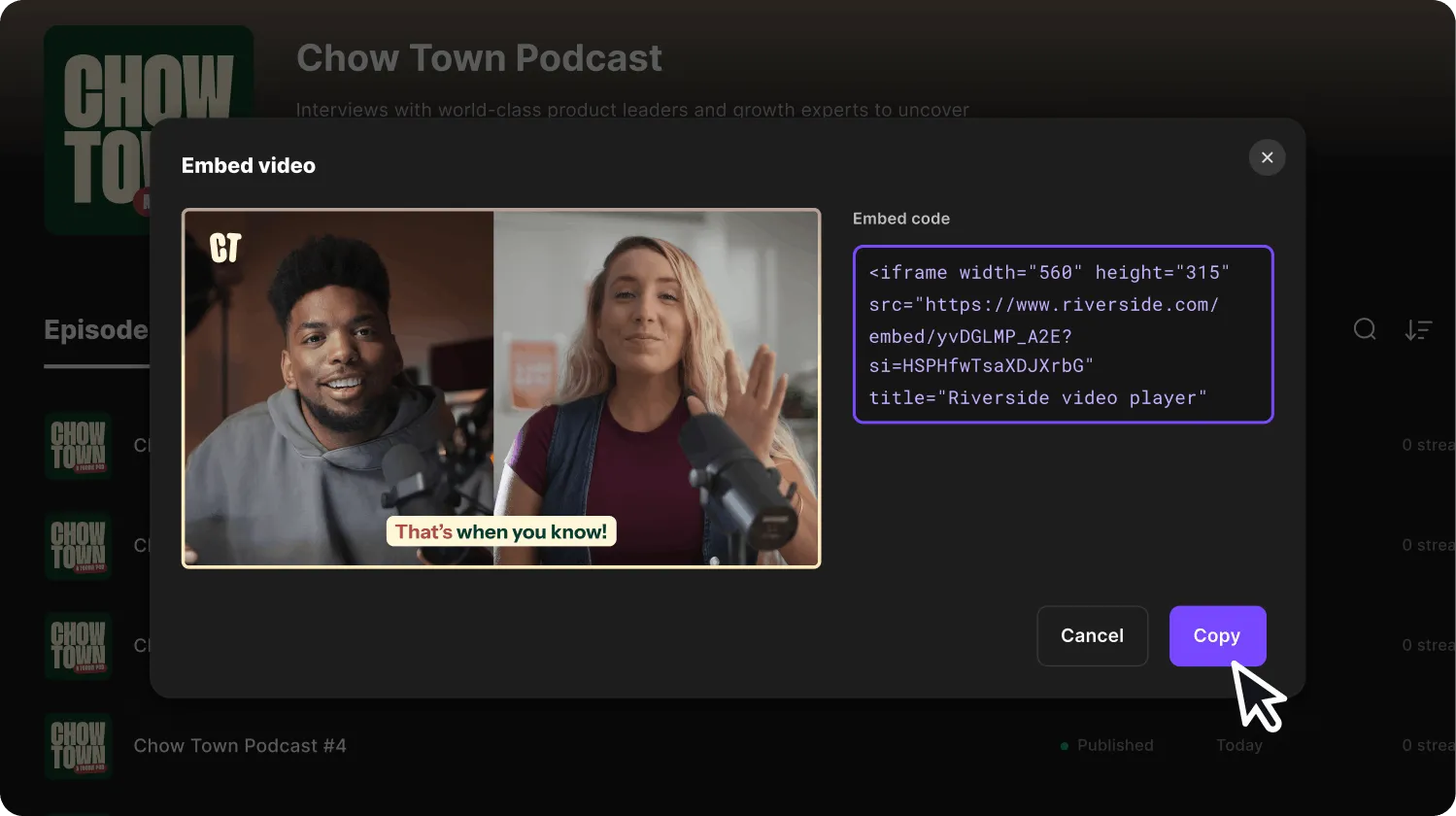
Embed video visual with the code
New release
Promotion & growth

Embed videos

How to embed a Riverside video or podcast on your website or blog — click Share, copy the embed code, and drop it anywhere.

June 16, 2026
Grow +
Picture of a woman and a recording camera facing the site visitor
New release
Set-up & equipment
Recording

Camera support on iPad

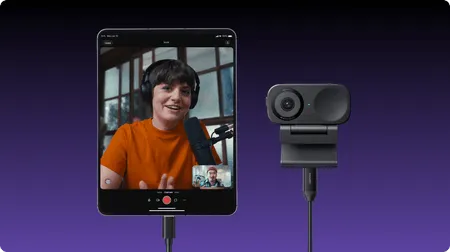
How to connect an external USB camera or capture card to your iPad and record with it in Riverside — same iPad workflow, better picture.

June 23, 2026
Pro +
Woman sitting in front of mic with country flag visuals
New release
Set-up & equipment

AI translation

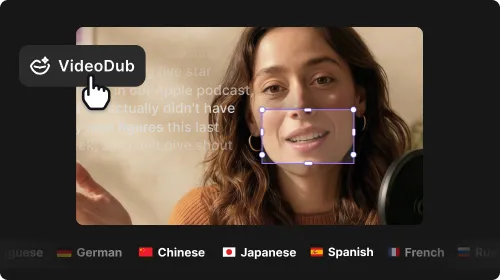
How to set the tone of voice on AI translations in Riverside so your dubbed and translated videos sound natural — conversational, polished, or on-brand.

June 25, 2026
Pro +
Schedule content
New release
Hosting & publishing

Social scheduling

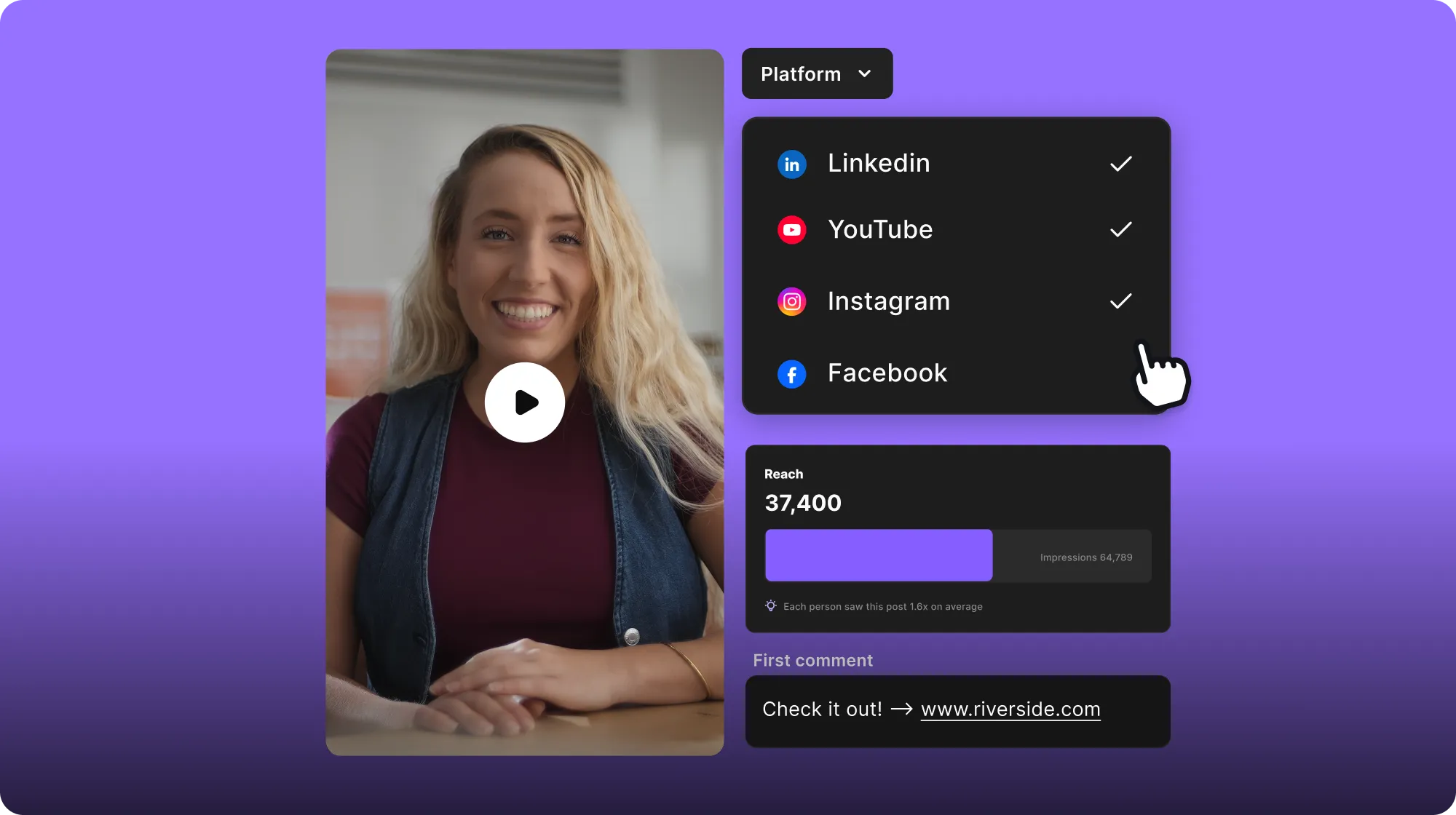
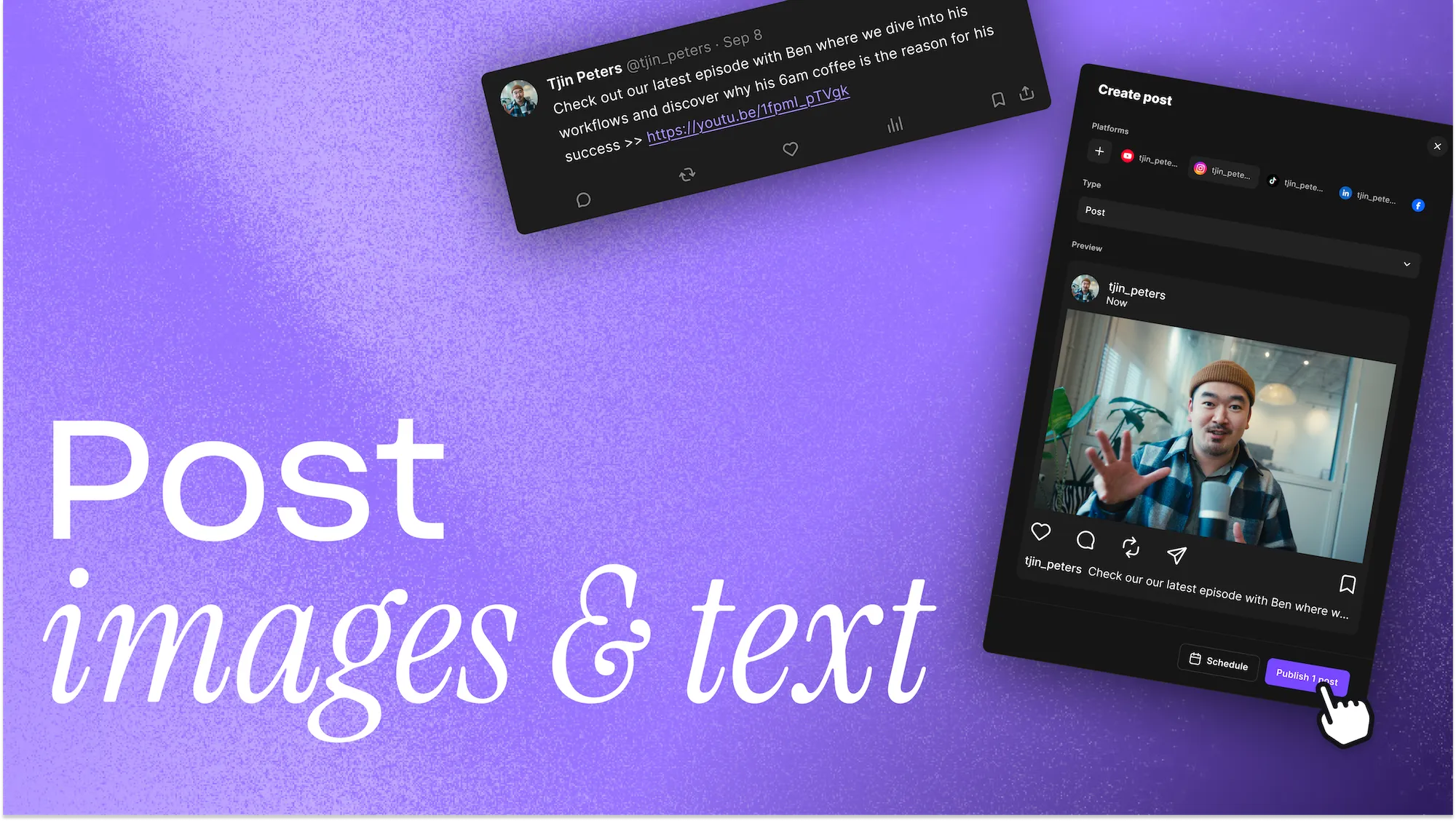
How to schedule posts to Instagram, YouTube, TikTok, X, LinkedIn, and Facebook directly from the Riverside Content Planner — no imports or exports.

June 30, 2026
Grow +
Woman sitting in front of the mic with her article on the right side
New release
Hosting & publishing

Newsletter

How to create and send newsletters directly from Riverside — turn any recording into an issue with AI, build your subscriber list, and track growth.

July 2, 2026
Grow +
New release
Hosting & publishing

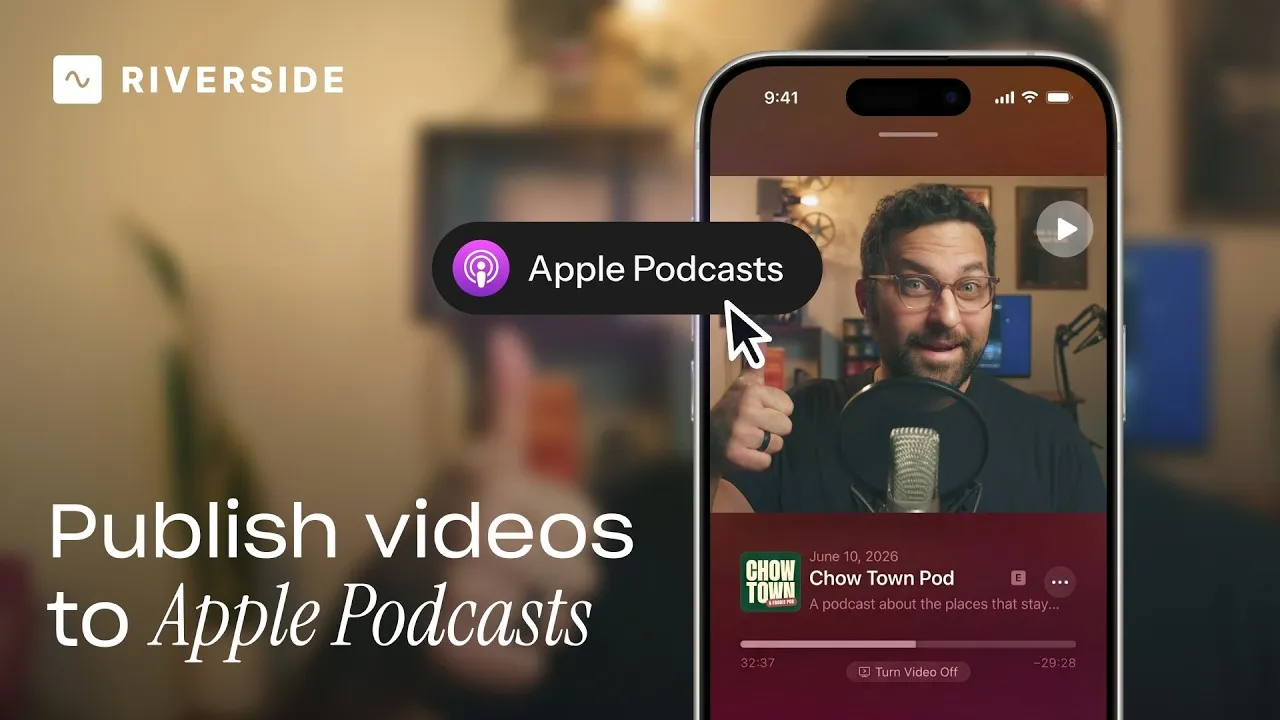
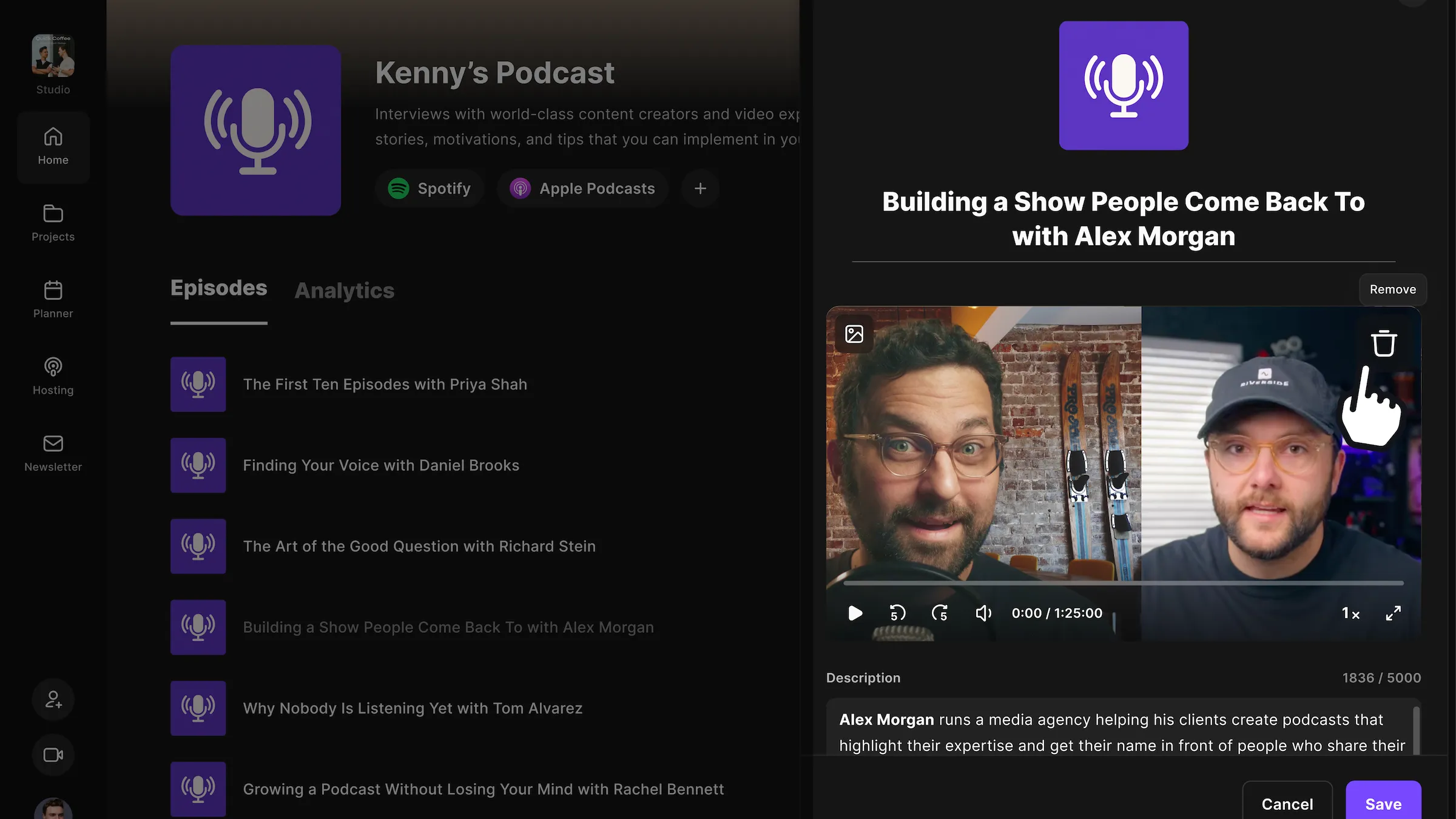
Publish video to Apple Podcasts

How to publish your video podcast straight to Apple Podcasts from Riverside, so your audience can watch, listen, or read along seamlessly.

July 7, 2026
Grow +

No Results found

Try adjusting your search terms.

Ready to create? We think so too.

Start for Free
*No credit card needed. Free plan available.
Riverside

Company

About usBlogCareersPartnersAffiliate ProgramCreator PartnershipsPressPressImpressum

Product

Why RiversidePricingFor BusinessMac AppMobile AppsFAQAppsAppsSupport

Features

RecordingLivestreamEditorHostingAI Co-CreatorMagic clipsTranscriptionsCaptionsMagic AudioAI Show NotesTeleprompterAsync RecordingMedia BoardClean UpOverlaysStudio BrandingAI TranslationArrow Icon
All AI Features

Use Cases

Video MarketingTutorial VideosVirtual EventsPodcastsLearning & DevelopmentInternal CommunicationsWebinarsCustomer TestimonialsVirtual ConferencesLive ShowSplit-Screen Video

Tools

Podcast MakerPodcast RecorderLive PodcastYouTube Video MakerScreen RecorderVideo CompressorWAV to MP3Podcast Name GeneratorYouTube Name GeneratorMic TestWebcam TestYouTube Transcript GeneratorTop Podcast ChartsFree Podcast Music
All Tools

Solutions

PodcastersProducersMarketers

Resources

Riverside UniversityWhat's NewRecorded on RiversideHelp CenterCase StudiesPartnersBlogCreators NewsletterProduct VideosPressMasterclassCommunity HubVideo Editing Glossary
Download on the App Store IconGet it on Google PlayAICPA SOC certification
Podcast icon

Podcast guides

How to Start a Podcast in 2026: The Complete 10-Step Guide
How to Start a Podcast on YouTube: 6 Steps [2026]
How to Record a Podcast Remotely: 4 Methods Compared
Video Podcast Software: Top Tools to Record, Edit & Publish
Download on the App Store IconGet it on Google PlayAICPA SOC certification
Facebook iconYoutube iconX (twitter) iconLinkedin iconInstagram iconTiktok

© 2024 RiversideFM, Inc.

English
English
Deutsch
TermsPrivacyCookies
Facebook iconYoutube iconX (twitter) iconLinkedin iconInstagram iconTiktok