New release
Hosting & publishing
Replace a published podcast episode's file
Update a live episode by replacing its file in place, without losing your analytics or reshuffling your feed.
September 14, 2026
Pro +

Update a live episode by replacing its file in place, without losing your analytics or reshuffling your feed.
Try Riverside
for Free

What's new
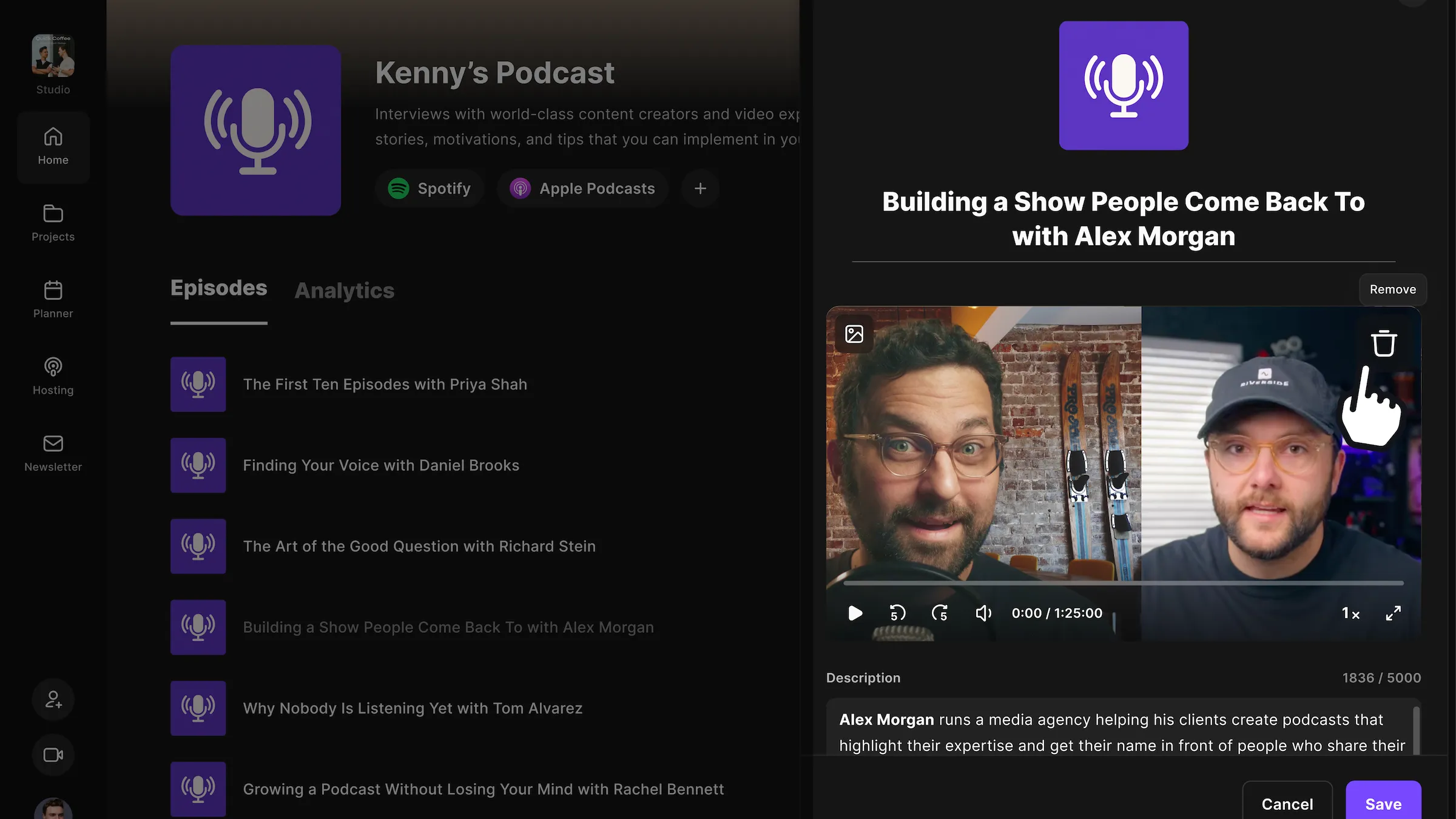
Found a wrong cut, a misattributed quote, or an ad that needs to come out of an episode you already published? You can now replace the file behind a published episode directly, instead of deleting the episode and starting over. The swap keeps the episode's existing analytics attached and preserves its order on streaming apps, so listeners and your stats stay intact.
How to use it
In Podcast Hosting, open the episode and click the trash icon to remove the current file. Then choose a Riverside export or upload a new file, and click Save.

Got a process that works for you? Get featured by submitting your step-by-step flow. Help other creators save time, learn new tricks and improve their productions.


