Riverside
Platform
Products
  • Recording
    4K video and audio recorder.
  • Editing
    AI, text-based video editor.
  • Live Streaming
    For livestreams in full HD.
  • Webinars
    Host, record, and repurpose.
  • Hosting
    Podcast publishing and analytics.
  • Newsletters
    Create and send newsletters.
Features
All AI Tools
Arrow Icon
Magic Clips
AI Twin
Transcribing
Captions
Magic Audio
AI Show Notes
AI Co-Creator
AI Translation
Social Scheduling
Video Enhancement
Apps
Mac App
Mobile Apps
MCP
AI illustration with abstract icons
Explore AI Tools
Solutions
Use cases
Podcasts
Video testimonials
Webinars
Video marketing
In-person Recording
Learning & Development
Async Recording
Virtual conferences
Internal communications
Tutorial videos
For
Podcasters
Producers
Marketers
Resources
Learn
Riverside University
Blog
What’s New
Free tools
Webinars
Masterclass
Community
Case studies
Creators Newsletter
Community hub
Recorded on Riverside
Support
Help Center
Contact support
Laptop
Blog
University
For BusinessPricing
English
Site language
English
Deutsch
English
English
Deutsch
Contact SalesLoginStart for Free
Get started

RIVERSIDE UNIVERSITY

LEARN FROM RIVERSIDE
Getting started
Courses
Studio set-up & equipment
Editor certification
Explore videos
By use case
Podcasts
Live streams
Webinars
Social media & marketing
Tutorials & demos
Interviews
Customer testimonials
Meetings & client calls
By topic
Set-up & equipment
Recording
Live streaming
Editing & repurposing
Promotion & growth
Hosting & publishing
Mobile app
All videos
DISCOVER
Product updates
Events
Case studies
LEARN FROM RIVERSIDE
Help Center
Blog
Get Started
University
Videos

Learn to create on Riverside

From setup & recording to editing & publishing, we've got you covered.

Thank you! Your submission has been received!
Oops! Something went wrong while submitting the form.
Use Case
Use Case
Done
Podcasting
podcasting
Meetings & client calls
meetings-client-calls
Customer Testimonials
customer-testimonials
Interviews
interviews
Tutorials & demos
tutorials-demos
Social media & marketing
social-media-marketing
Webinars
webinars
Live Streams
live-streams
Clear
Apply
Topic
Topic
Done
Mobile app
mobile-app
Live streaming
live-streaming
Promotion & growth
promotion-growth
Set-up & equipment
set-up-equipment
Hosting & publishing
hosting-publishing
Recording
recording
Editing & repurposing
editing
Clear
Apply
|
Clear all (#)
Grid
List

Search results

(6)
Previous
1
...
10
Next
13 MIN
Mobile app
Recording
Editing & repurposing
Set-up & equipment
Podcasting

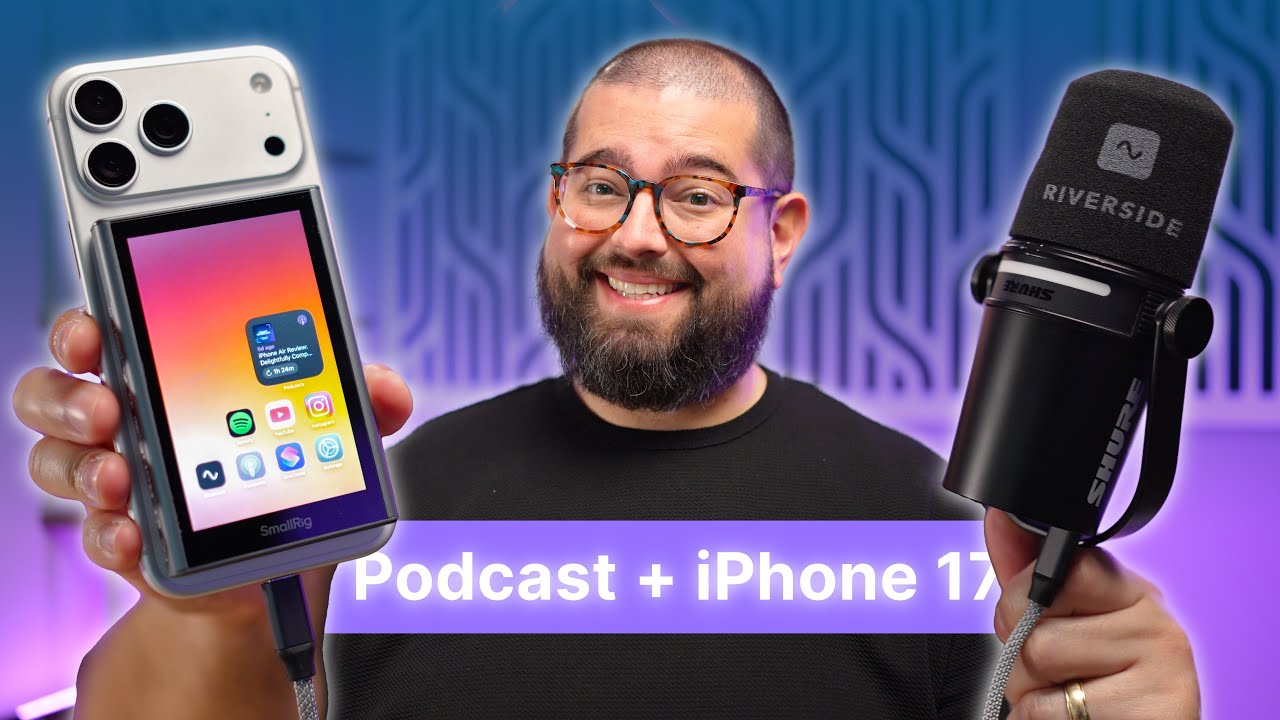
Turn your iPhone into a podcast studio with the Riverside app

Record a full podcast on iPhone with a USB mic, then edit, caption and export 4K without a computer.

October 3, 2025
13 MIN
Mobile app
Recording
Editing & repurposing
Set-up & equipment
Podcasting

Record and edit a podcast on your phone with the Riverside app

Record and edit a full podcast in the free mobile app, with remote guests, captions and 4K export.

August 27, 2025
13 MIN
Recording
Mobile app
Set-up & equipment
Podcasting

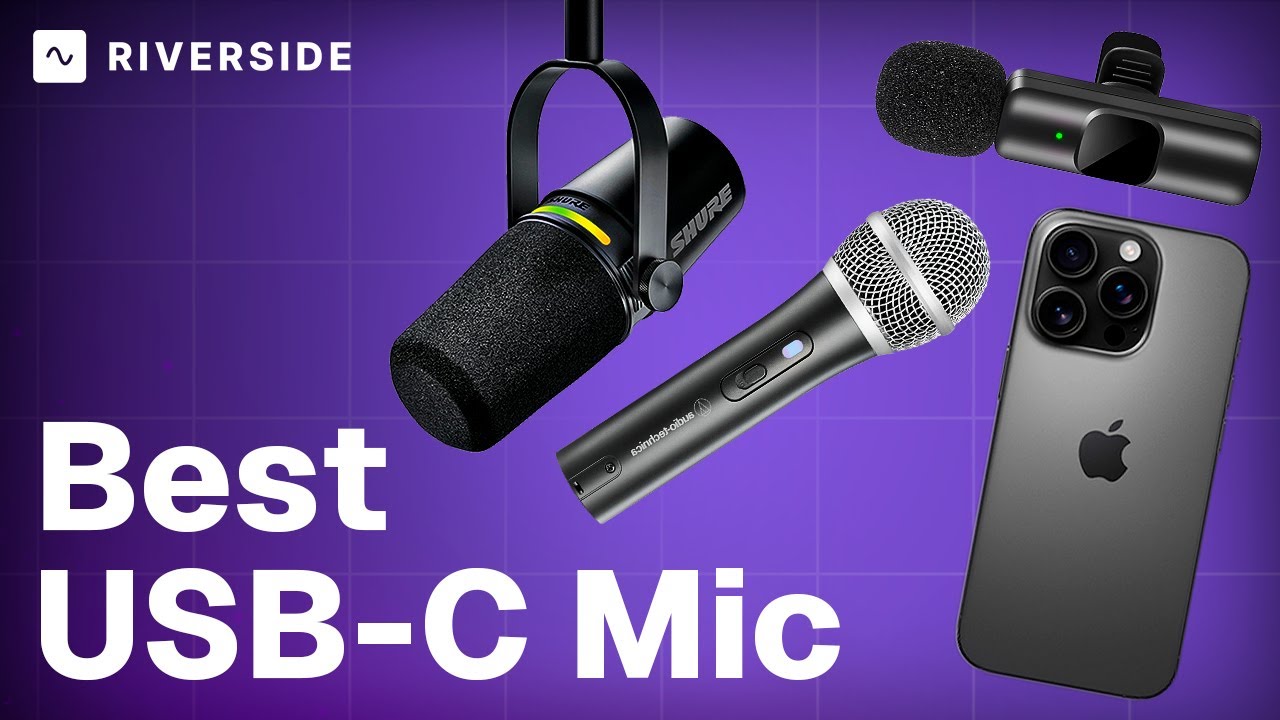
Best USB-C mics for recording podcasts on iPhone with Riverside

Budget and upgrade USB mics for iPhone podcasting, how to connect them, plus editing and 4K export.

June 24, 2025
13 MIN
Live streaming
Mobile app
Live Streams

Go live from your phone with the Riverside app

Go live from the mobile app to Riverside or YouTube, then edit and export from your phone.

February 11, 2026
13 MIN
Recording
Mobile app
Live streaming
Set-up & equipment
Tutorials & demos

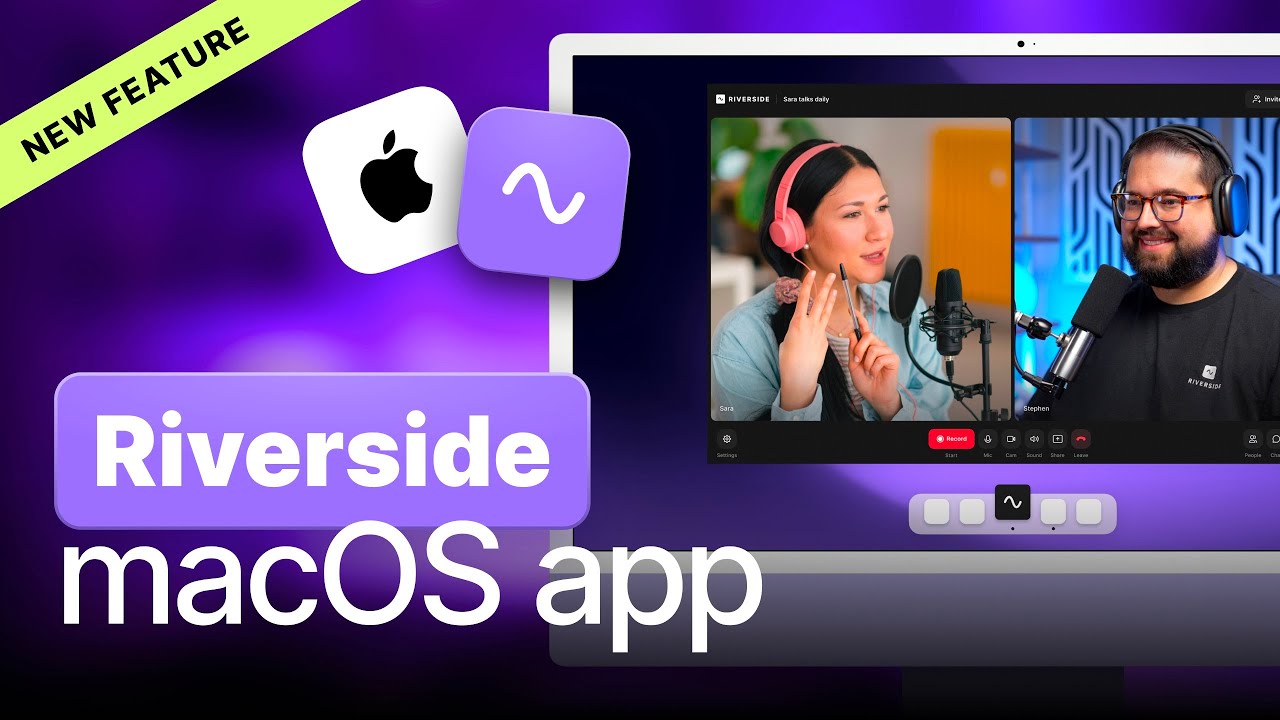
How to use the Riverside Mac app

The Mac app records outside the browser, captures screen locally and supports more capture devices.

September 29, 2025
13 MIN
Podcasting
Live Streams
Webinars
Social media & marketing
Tutorials & demos

Riverside: Full platform walkthrough (record, edit, host & share)
A full product tour: studio and recording, AI assets, editing, then hosting, newsletters and social.

September 2, 2026
13 MIN
Editing & repurposing
Podcasting
Live Streams
Webinars
Social media & marketing

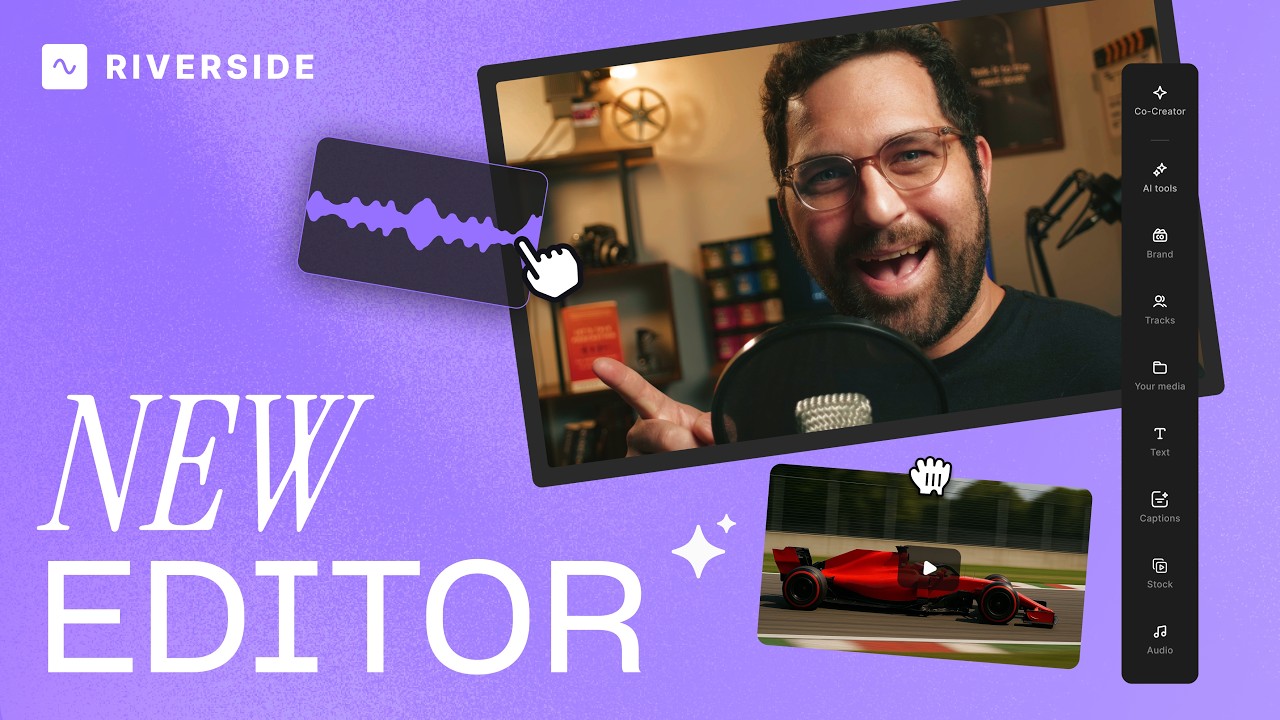
Riverside Editor: Full walkthrough

A complete editor tour: transcript and timeline editing, AI tools, layouts, scenes and exporting.

July 16, 2026
13 MIN
Hosting & publishing
Podcasting

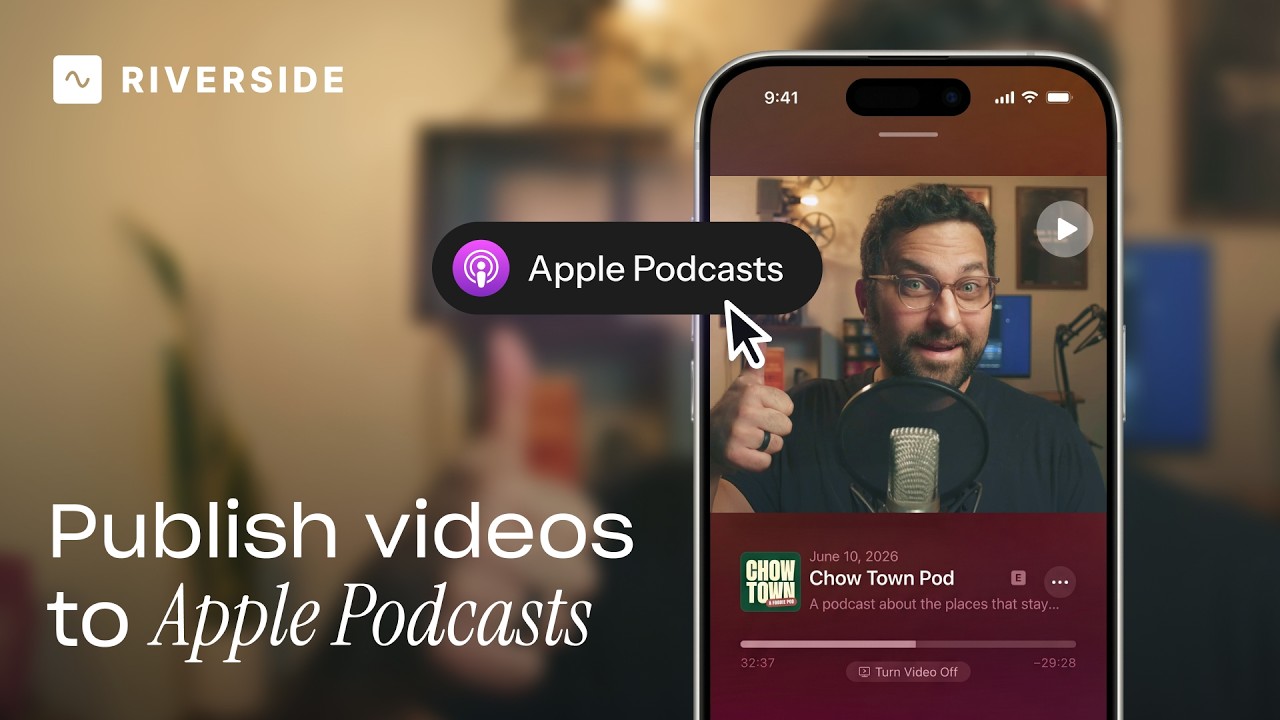
Publish video to Apple Podcasts from Riverside

Publish video to Apple Podcasts so your audience can switch between listening and watching easily.

July 9, 2026
13 MIN
Live streaming
Recording
Set-up & equipment
Podcasting
Live Streams

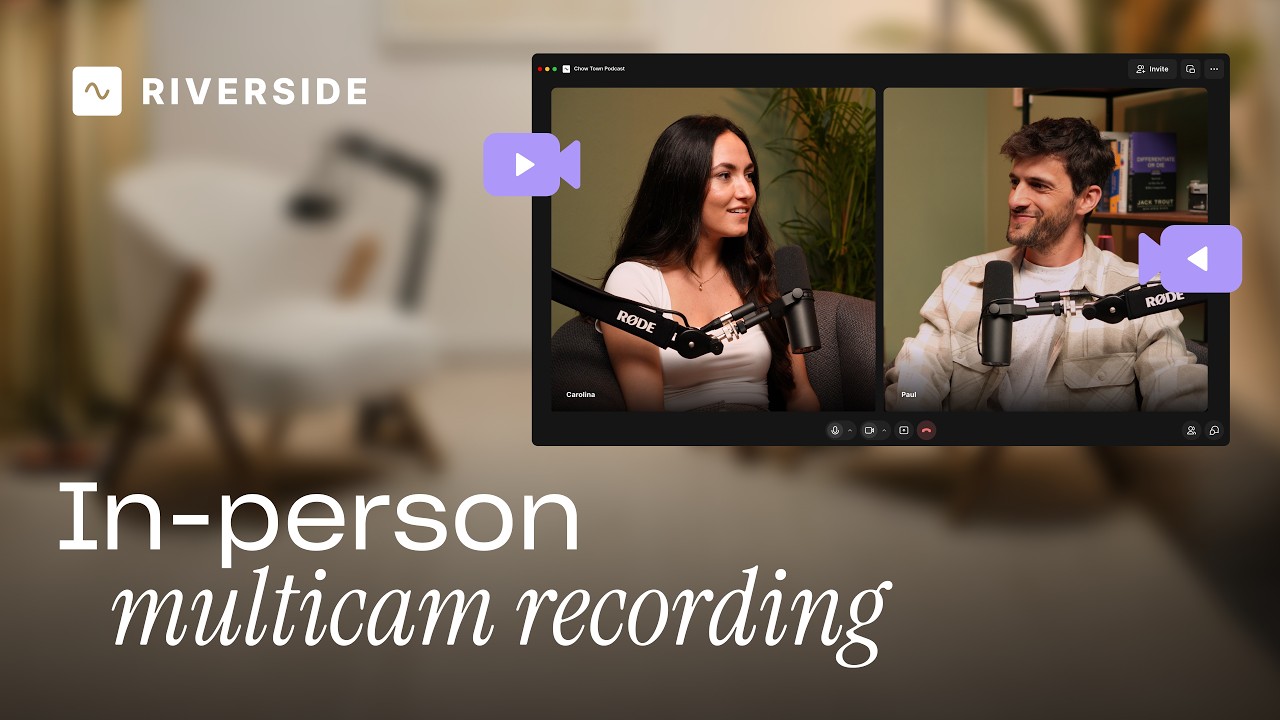
Record in-person with multiple cameras on Riverside

Add multiple in-person guests with their own camera and mic from one computer, as synced tracks.

July 13, 2026
13 MIN
Editing & repurposing
Podcasting
Live Streams
Webinars
Social media & marketing

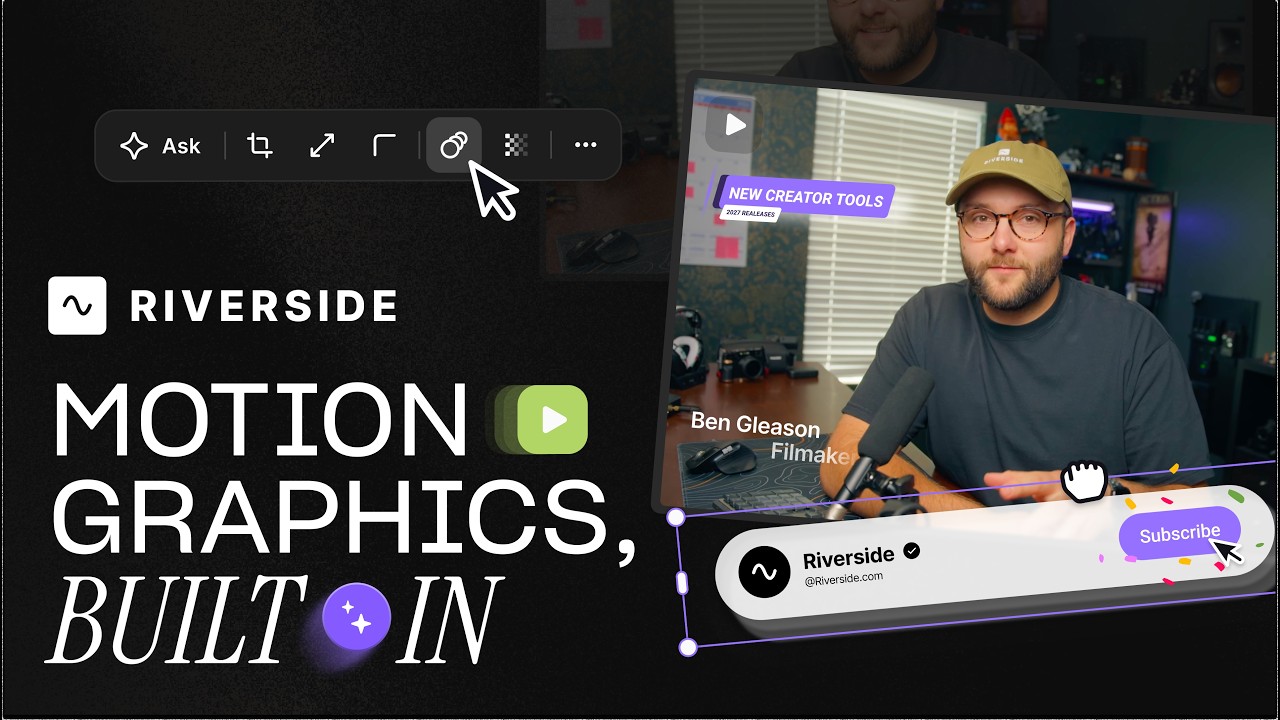
Generate custom motion graphics with Riverside

Add animated headlines, lower thirds and quote cards from templates you tweak by prompting.

July 27, 2026
13 MIN
Editing & repurposing
Podcasting
Live Streams
Webinars
Social media & marketing

Rotate a sideways video in the Editor

Rotate a sideways upload with the rotation handle, snap it to zero and expand it to fill frame.

July 16, 2026
13 MIN
Editing & repurposing
Podcasting
Live Streams
Webinars
Social media & marketing

Create viral social clips fast with Riverside

Spin off social clips with Create New Edit as you review, then finish the queue in one pass.

July 16, 2026
13 MIN
Editing & repurposing
Podcasting
Live Streams
Webinars
Social media & marketing

Customize your Editor workspace

Resize the transcript and video panes, expand or hide the timeline, and toggle Co-creator on or off.

July 16, 2026
13 MIN
Editing & repurposing
Podcasting
Live Streams
Webinars
Social media & marketing

Create custom reusable scenes

Build branded scenes with drag-and-drop tiles, animated text and snapping, then save for reuse.

July 16, 2026
13 MIN
Editing & repurposing
Podcasting
Live Streams
Webinars
Social media & marketing

Fine-tune audio in the Riverside Editor

Adjust volume on parts of a track and split music clips to build a custom intro in the editor.

July 16, 2026
13 MIN
Editing & repurposing
Podcasting
Live Streams
Webinars
Social media & marketing

Customize design per scene

Change one scene's background colour, corner radius and spacing without affecting the others.

July 16, 2026
13 MIN
Editing & repurposing
Podcasting
Live Streams
Webinars
Social media & marketing

Customize captions without changing the video

Style captions per scene, changing position, font, colour and size without touching the rest.

July 16, 2026
13 MIN
Editing & repurposing
Podcasting
Live Streams
Webinars
Social media & marketing

Fix overlapping voices fast

Fix crosstalk by splitting tracks around the overlap and switching layout to the dominant speaker.

July 16, 2026
13 MIN
Hosting & publishing
Editing & repurposing
Podcasting
Live Streams
Webinars

Export videos from Riverside to Google Drive

Push finished exports straight to Google Drive, choosing title and folder, with no re-uploading.

July 9, 2026
13 MIN
Editing & repurposing
Podcasting
Live Streams
Webinars
Social media & marketing

Add transitions to your videos in the Riverside Editor

Add transitions between clips — fades, blurs, wipes and pixelize — and combine them with layouts.

December 1, 2025
13 MIN
Editing & repurposing
Podcasting
Social media & marketing
Live Streams
Webinars

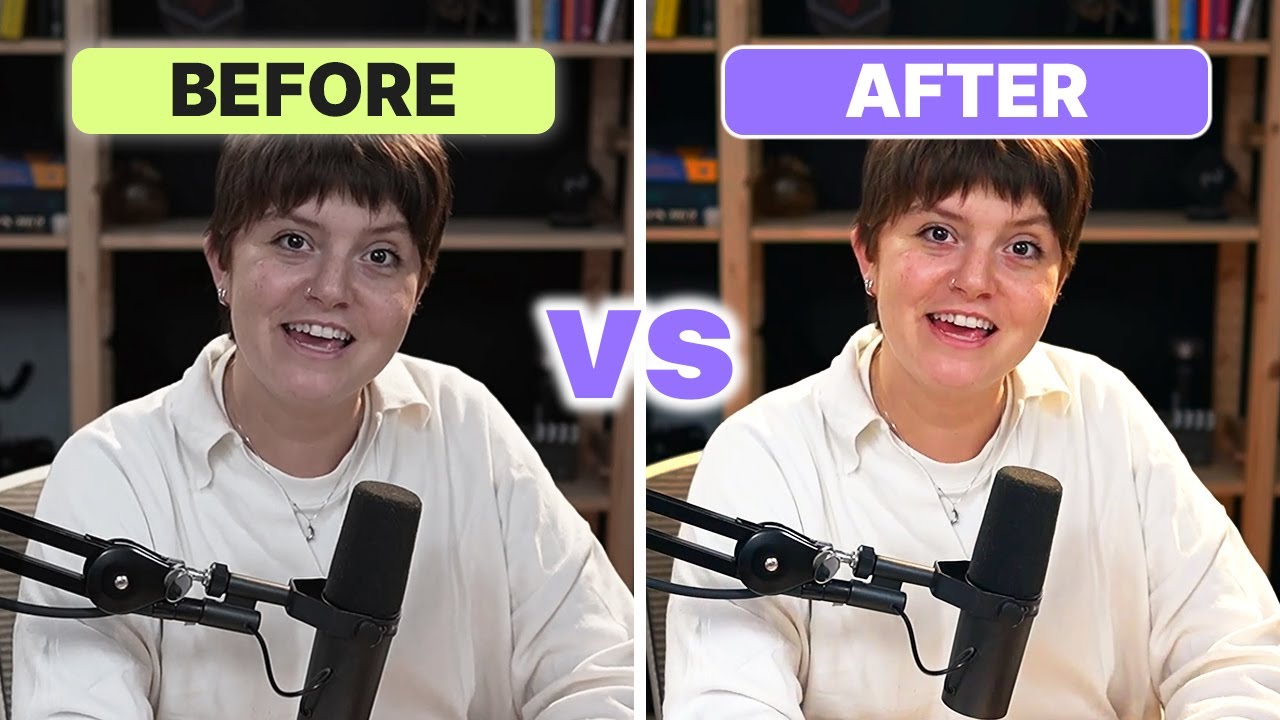
Fine-tune your video with color adjustments

Tune temperature, saturation, brightness and contrast per track to clean up any guest's video.

December 23, 2025
13 MIN
Editing & repurposing
Podcasting
Live Streams
Webinars
Social media & marketing

Share your edit for review

Share a review link so clients comment on exact words, pinned to your timeline until resolved.

February 16, 2026
13 MIN
Promotion & growth
Hosting & publishing
Podcasting

Create a podcast website with Riverside

Create a podcast website in one click, with playable episodes, transcripts and platform links.

March 11, 2026
13 MIN
Promotion & growth
Hosting & publishing
Podcasting
Live Streams
Webinars

Plan recordings, streams & posts in Riverside's content planner

One calendar for scheduling recording sessions, live streams, webinars, episodes and social posts.

April 6, 2026
13 MIN
Editing & repurposing
Podcasting
Live Streams
Webinars
Social media & marketing

Invite your editor to collaborate

Add an editor seat so your editor can edit and publish without seeing billing or account settings.

April 1, 2026
13 MIN
Live streaming
Live Streams

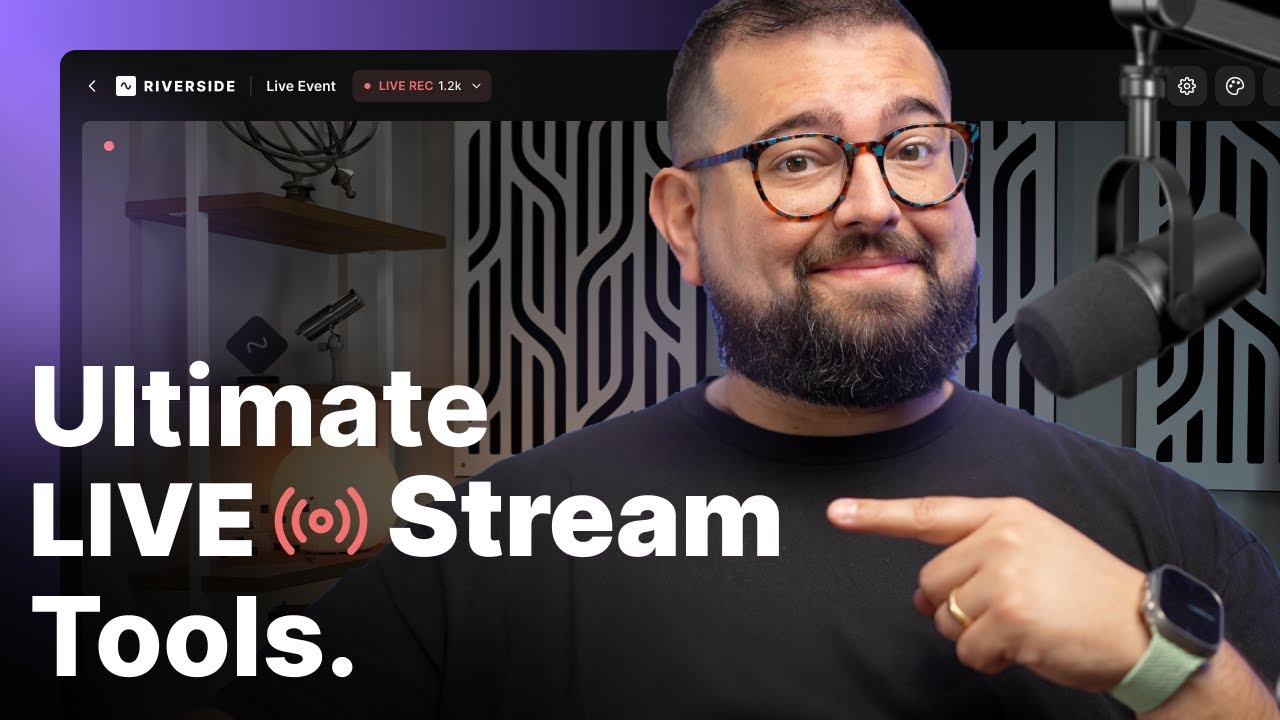
Full guide to live streaming on Riverside

Multistream everywhere, pull chat in as lower thirds, brand the stream and repurpose it after.

February 9, 2025
13 MIN
Editing & repurposing
Podcasting
Live Streams
Webinars
Social media & marketing

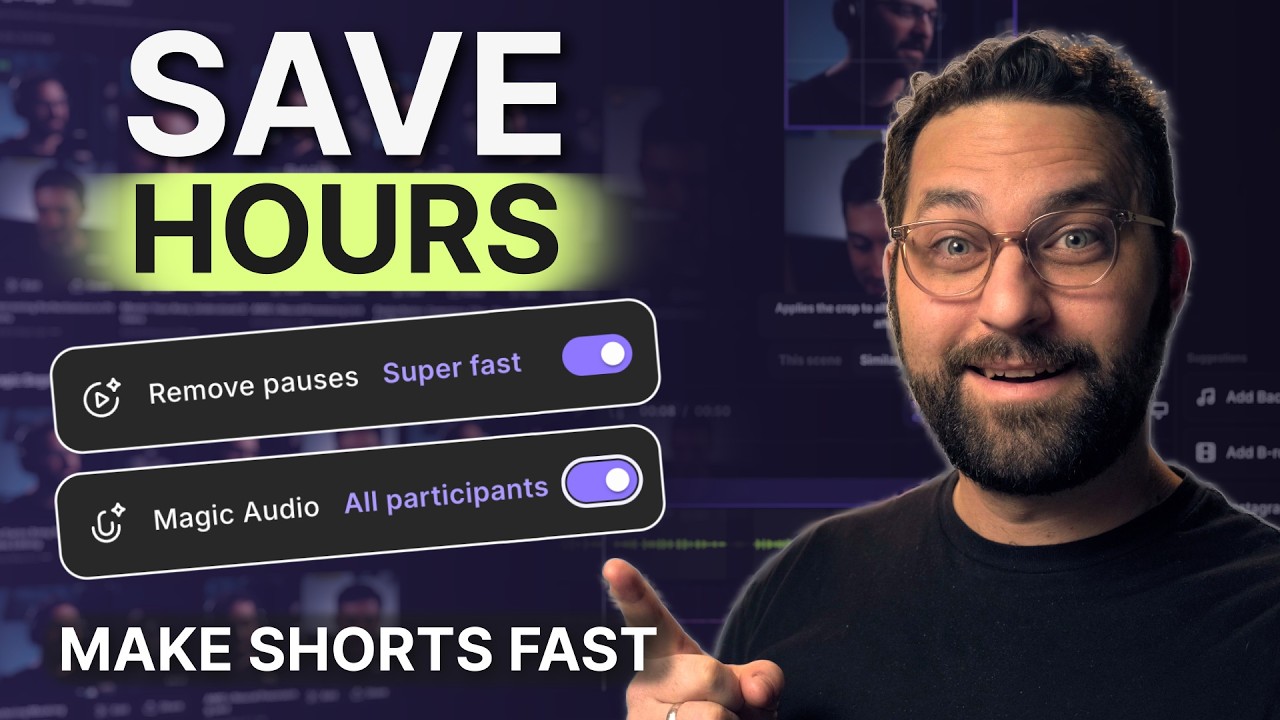
Turn hours of editing into minutes with Riverside's AI

The made for you tab drafts your episode, ranks magic clips by virality and writes social posts.

March 24, 2026
13 MIN
Recording
Podcasting
Live Streams
Webinars
Social media & marketing

Use Riverside's teleprompter without sounding scripted

Five tips for reading a teleprompter naturally: write how you talk, slow the scroll, add pauses.

May 14, 2026
13 MIN
Promotion & growth
Hosting & publishing
Podcasting
Live Streams
Webinars

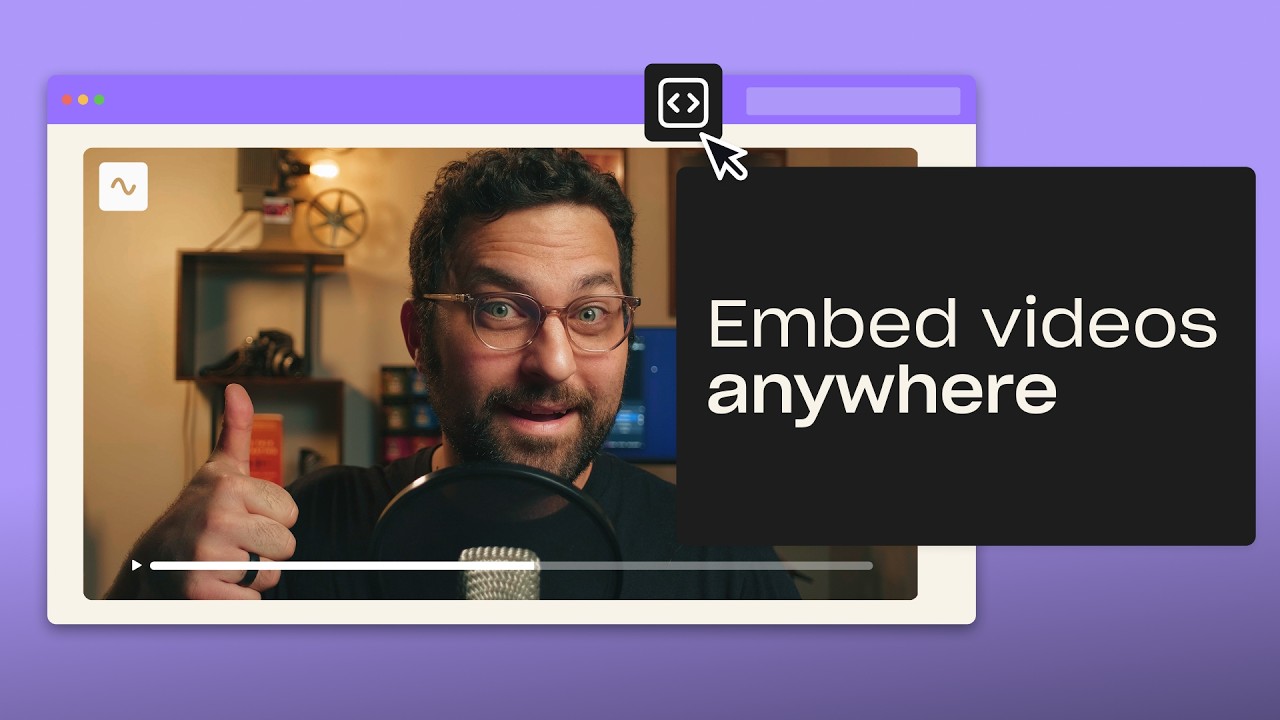
Embed videos and podcasts on your website with Riverside

Embed videos and podcast episodes on any site, with those plays counted in your analytics.

May 22, 2026
13 MIN
Editing & repurposing
Podcasting
Live Streams
Webinars
Social media & marketing

Customize your tone of voice for AI translations

Choose a neutral, casual, professional or sales tone when translating video into thirty languages.

June 3, 2026
13 MIN
Set-up & equipment
Recording
Editing & repurposing
Podcasting
Social media & marketing

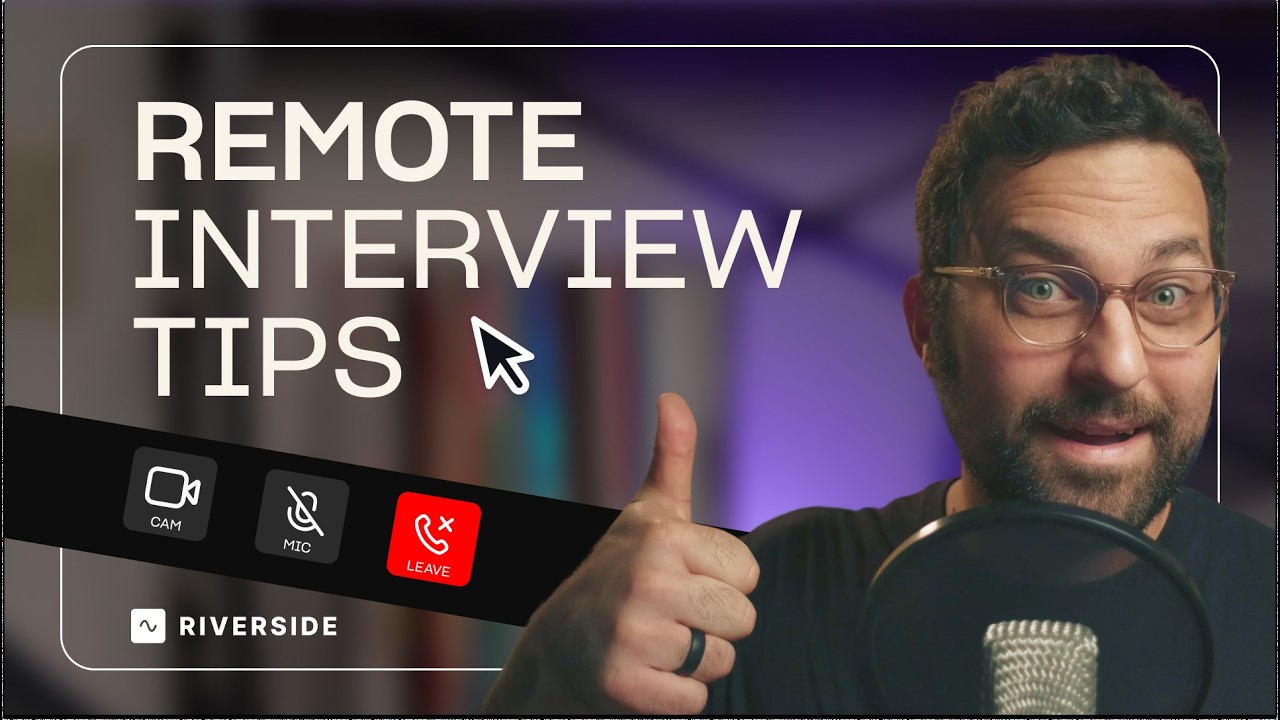
Make remote interviews feel like in-person on Riverside

Why remote interviews feel stiff, and how prep, open questions, follow-ups and curiosity fix it.

June 11, 2026
13 MIN
Recording
Editing & repurposing
Podcasting
Webinars
Tutorials & demos

Make high-quality screen recordings on any device with Riverside

Screen record on Windows, iPhone and Mac, or capture camera, mic and screen as separate tracks.

June 13, 2026
13 MIN
Hosting & publishing
Podcasting

Riverside Podcast Hosting Guide

What a podcast host does, and how to create or import a show, set up RSS and manage episodes.

June 18, 2026
13 MIN
Recording
Live streaming
Set-up & equipment
Podcasting
Live Streams

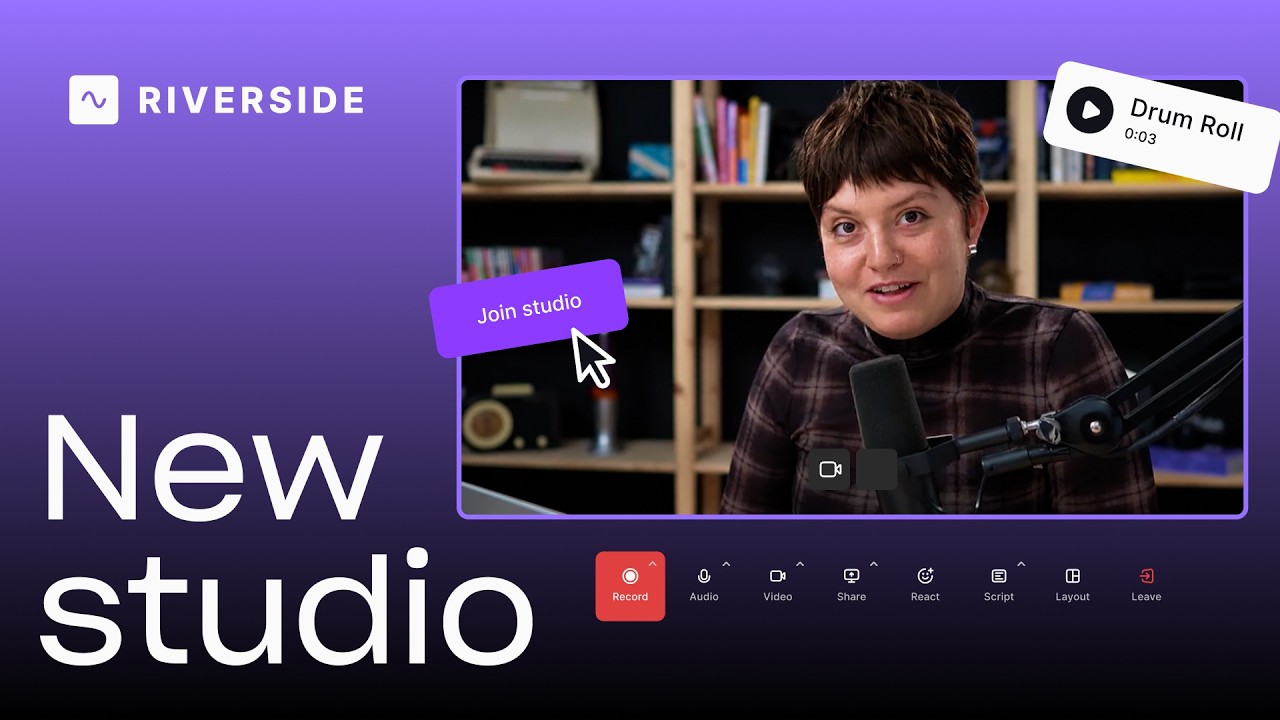
A tour of the new Riverside studio

A tour of the new studio: bigger lobby, full-screen view, echo cancellation and a rebuilt media board.

June 28, 2026
13 MIN
Promotion & growth
Hosting & publishing
Podcasting
Live Streams
Webinars

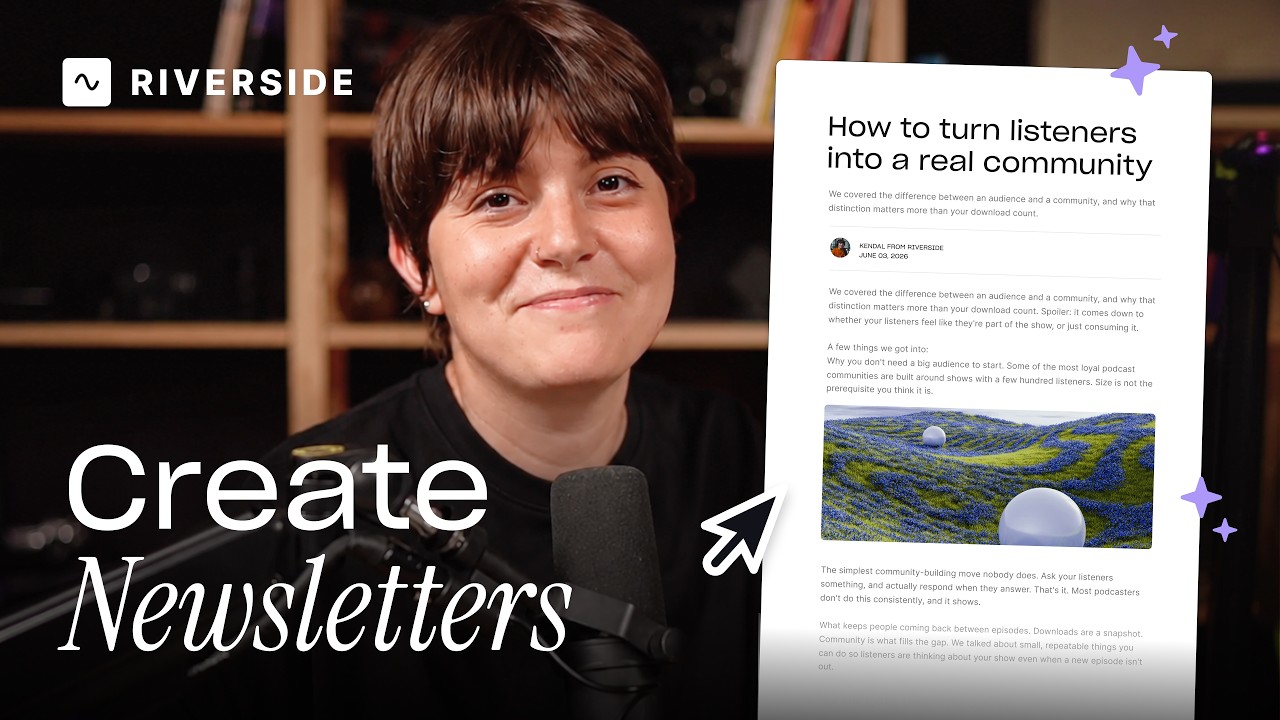
Create and send newsletters

Create, schedule and send newsletters from any recording, with CSV import and a subscribe page.

July 2, 2026
13 MIN
Promotion & growth
Hosting & publishing
Social media & marketing
Podcasting
Live Streams

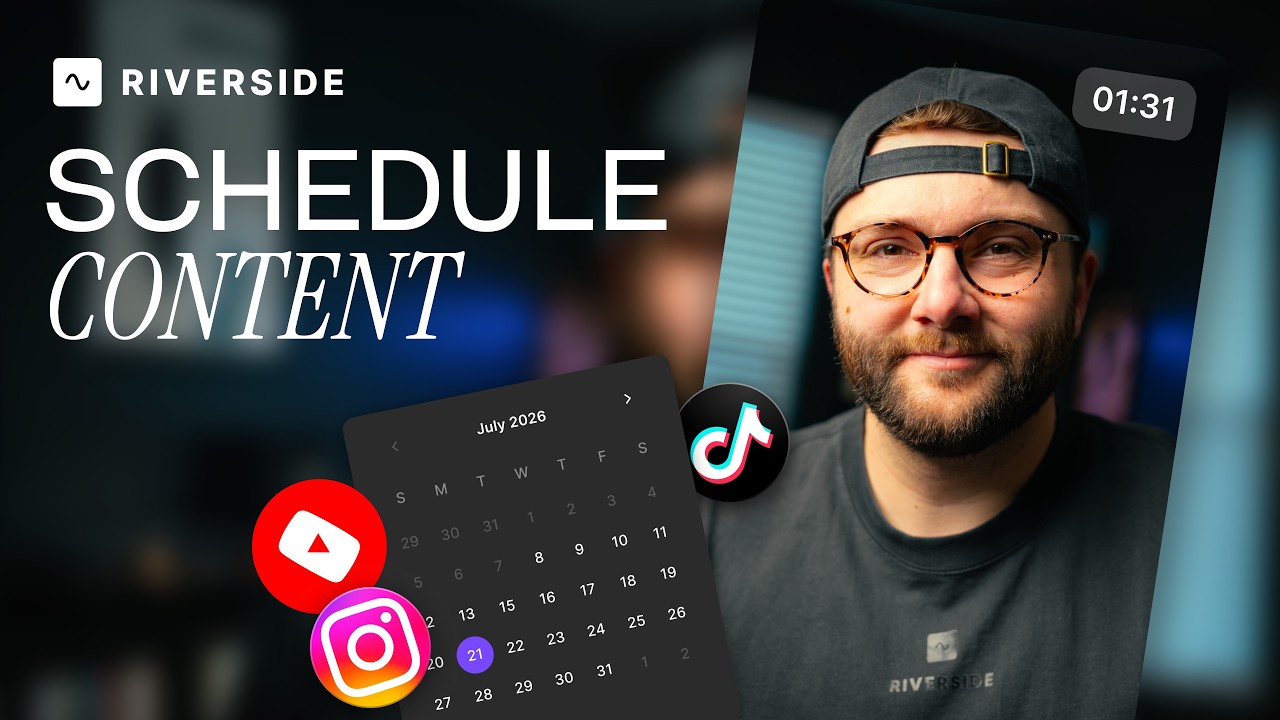
Schedule social posts

Schedule posts to Instagram, YouTube, TikTok, X and LinkedIn from the content planner, with captions.

July 6, 2025
13 MIN
Editing & repurposing
Podcasting
Live Streams
Webinars
Social media & marketing

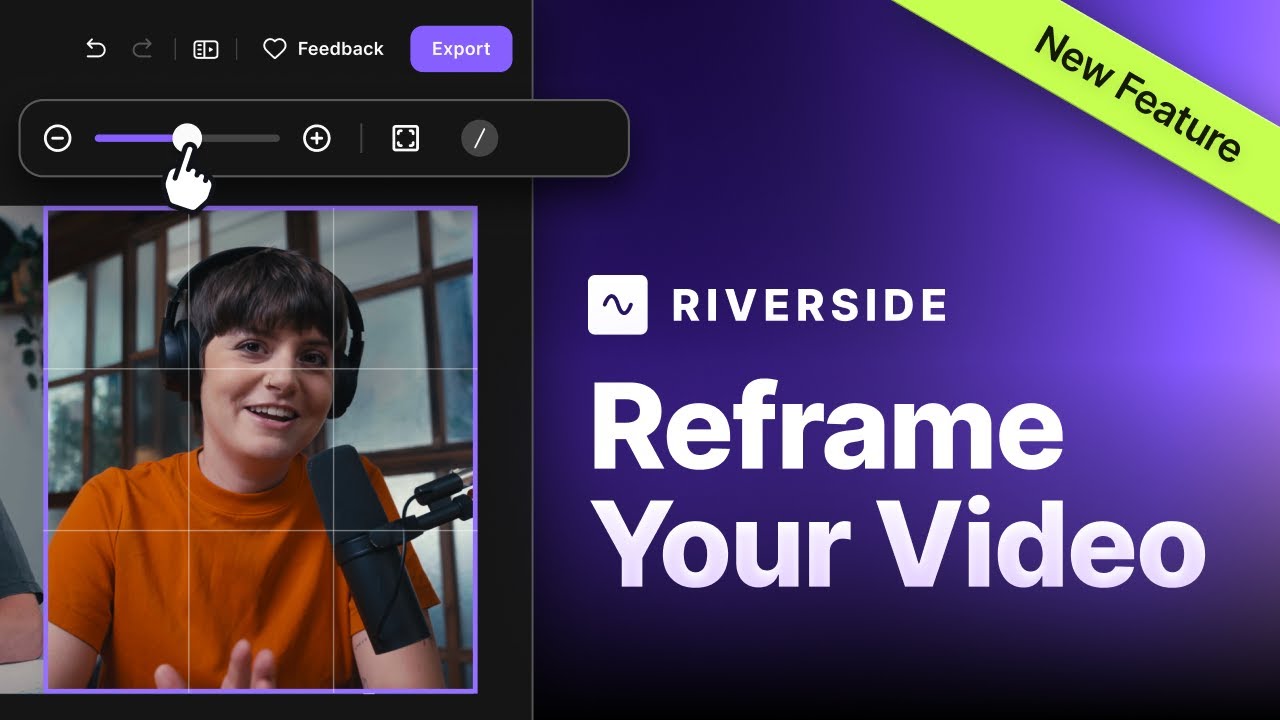
Zoom and crop

Crop and zoom reframes any guest after recording, so every face sits centred and evenly sized.

December 7, 2024
13 MIN
Editing & repurposing
Podcasting
Live Streams
Webinars
Social media & marketing

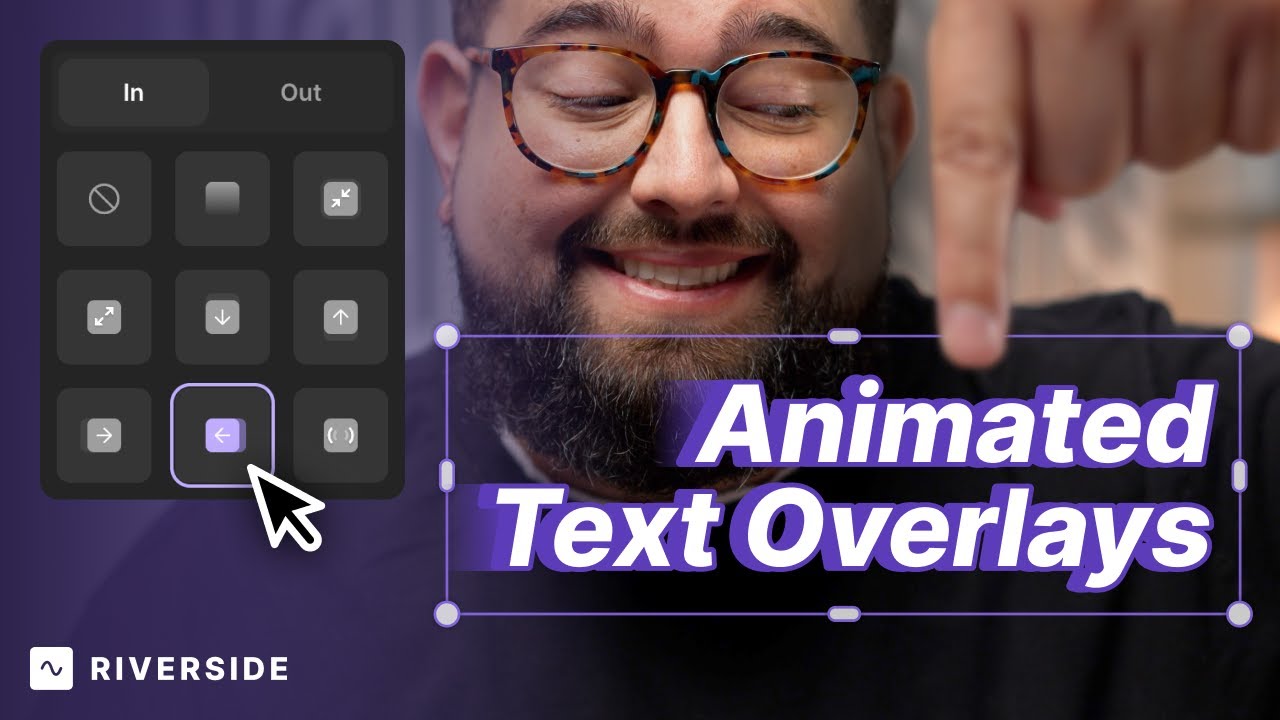
Add animated text overlays in the Riverside Editor

Text overlays now animate in and out with fades, zooms, slides and pops, each with its own timing.

December 27, 2024
13 MIN
Editing & repurposing
Podcasting
Live Streams
Webinars
Social media & marketing

Add music to your video in the Riverside Editor

Add music and sound effects with fades and timeline control, plus five best practices for levels.

December 29, 2024
13 MIN
Promotion & growth
Editing & repurposing
Social media & marketing
Podcasting

Create viral reels in the Riverside Editor (beginner's guide)

Build a vertical reel step by step: fast pacing, a proven hook, animated captions and overlays.

January 2, 2025
13 MIN
Recording
Editing & repurposing
Meetings & client calls

Record & repurpose client calls into content

Turn one client call into ten pieces: a video, episode, clips, show notes, blog posts and emails.

January 30, 2025
13 MIN
Editing & repurposing
Podcasting
Live Streams
Webinars
Social media & marketing

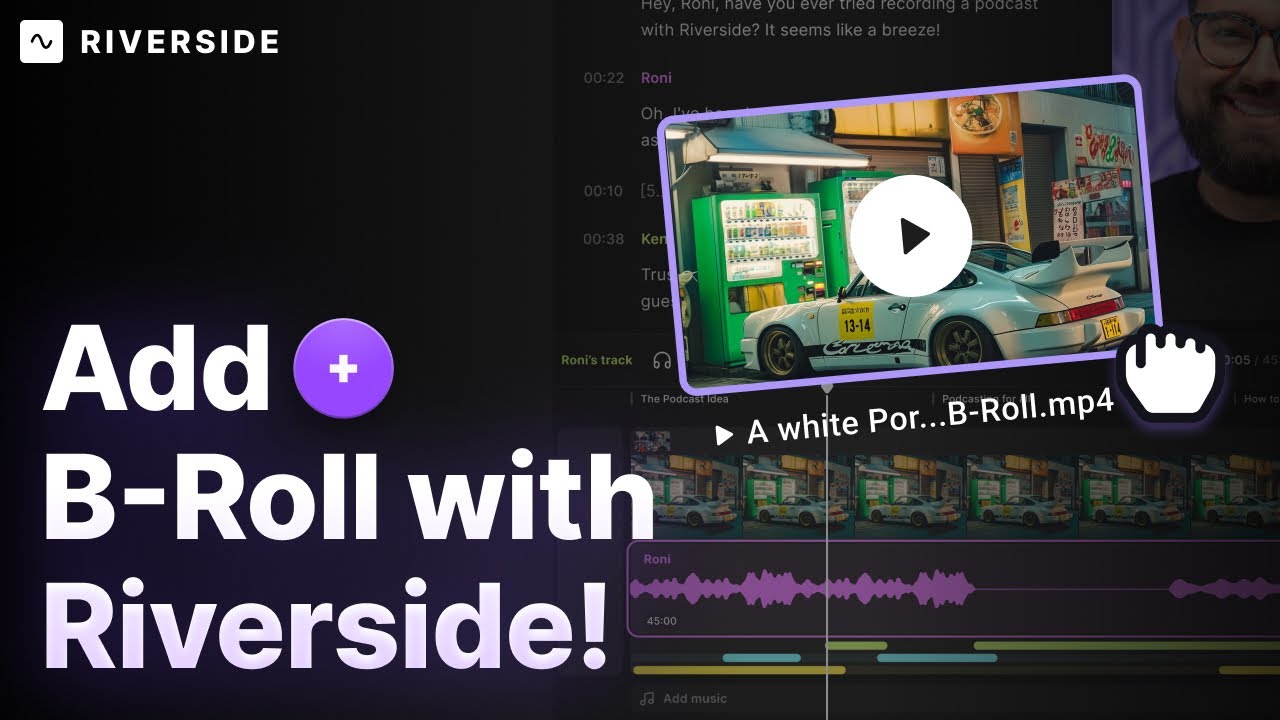
Add b-roll and video overlays

Layer royalty-free or uploaded B-roll over your recording, with images, text, captions and clips.

February 10, 2025
13 MIN
Set-up & equipment
Recording
Live streaming
Editing & repurposing
Tutorials & demos

Create professional training videos with Riverside: Full guide

Training video workflow: scheduling, async recording, slides, screen shares, chapters and captions.

April 6, 2025
13 MIN
Editing & repurposing
Podcasting

Create dozens of podcast clips as a solo creator with Riverside

How a solo creator makes dozens of clips with magic clips, B-roll, smart layouts and AI show notes.

April 14, 2025
13 MIN
Editing & repurposing
Podcasting

Remove filler words & silences from your podcast

Cut filler words, silences and fluff with the AI producer, then finish with magic audio and layouts.

May 12, 2025
13 MIN
Editing & repurposing
Podcasting
Live Streams
Webinars
Social media & marketing

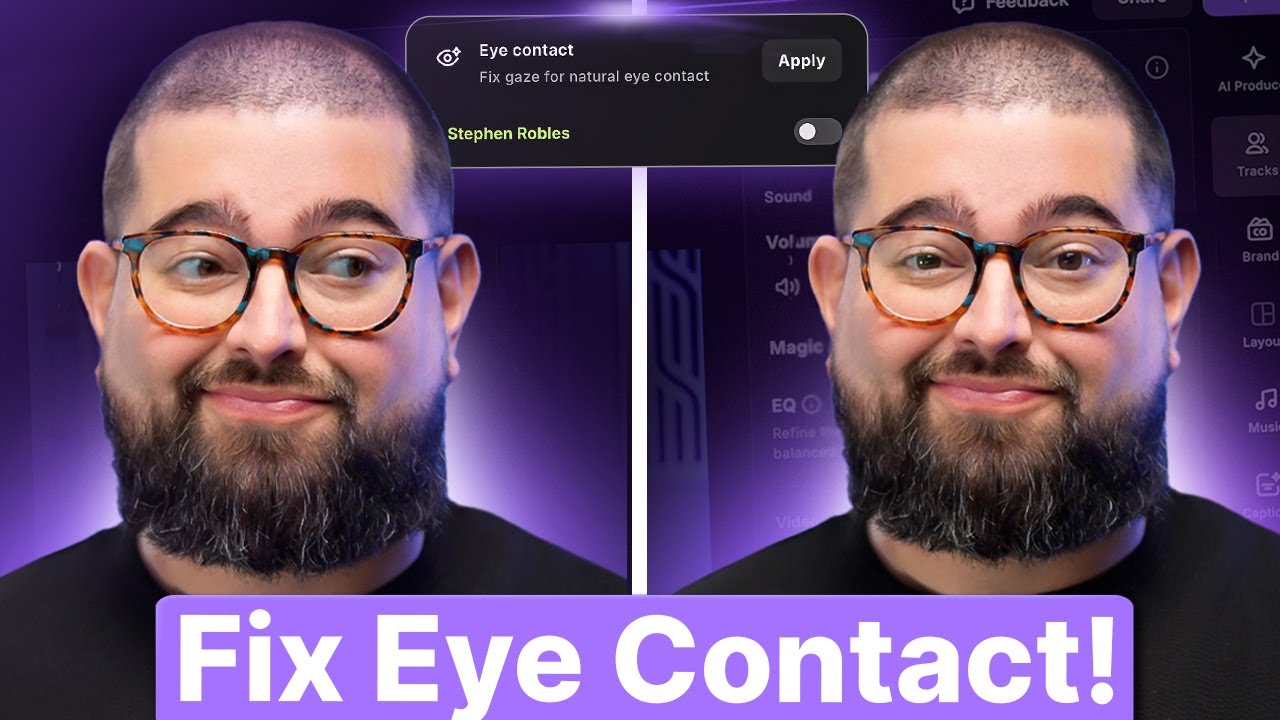
AI Eye Contact Correction

Toggle AI eye contact per person so everyone looks down the lens, even when reading a teleprompter.

May 31, 2025
13 MIN
Set-up & equipment
Podcasting
Interviews

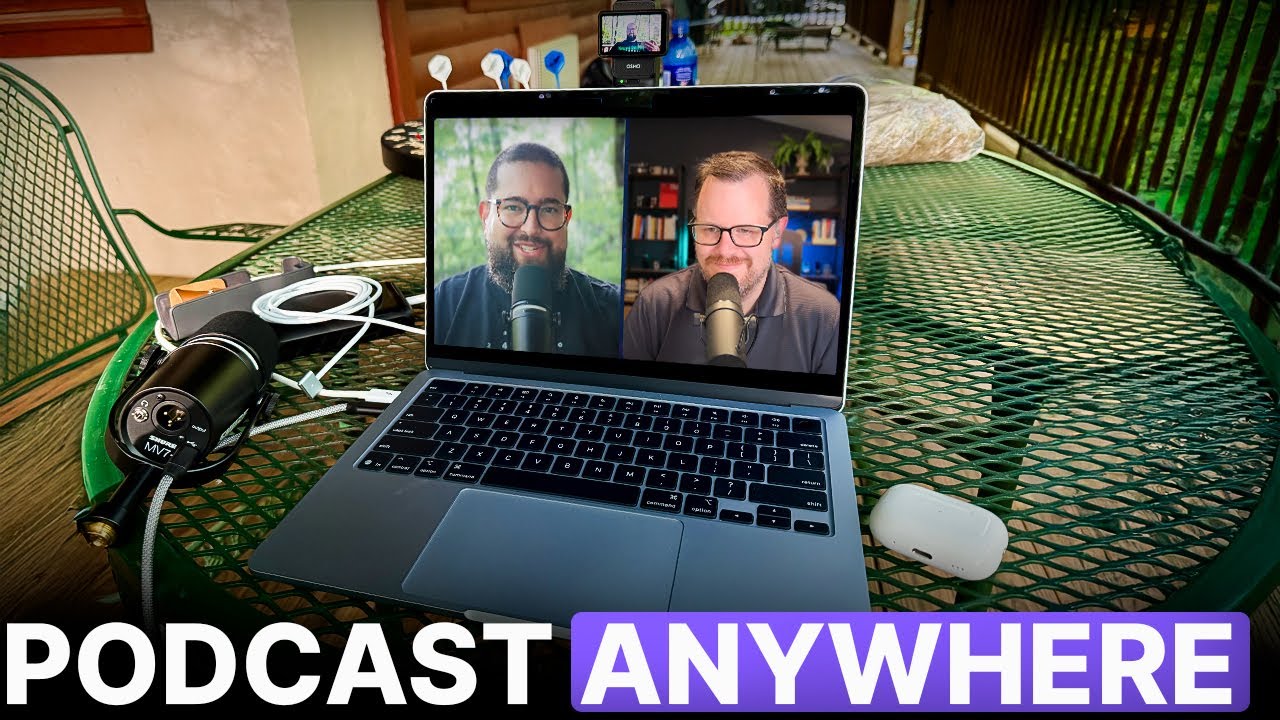
Portable podcast setups on Riverside (laptop, iPad & pro gear)

Four portable setups from free to pro: laptop mics, Samson Q2U, Opal Tadpole, MV7 Plus, Pocket 3.

August 9, 2025
13 MIN
Editing & repurposing
Podcasting
Live Streams
Webinars
Social media & marketing

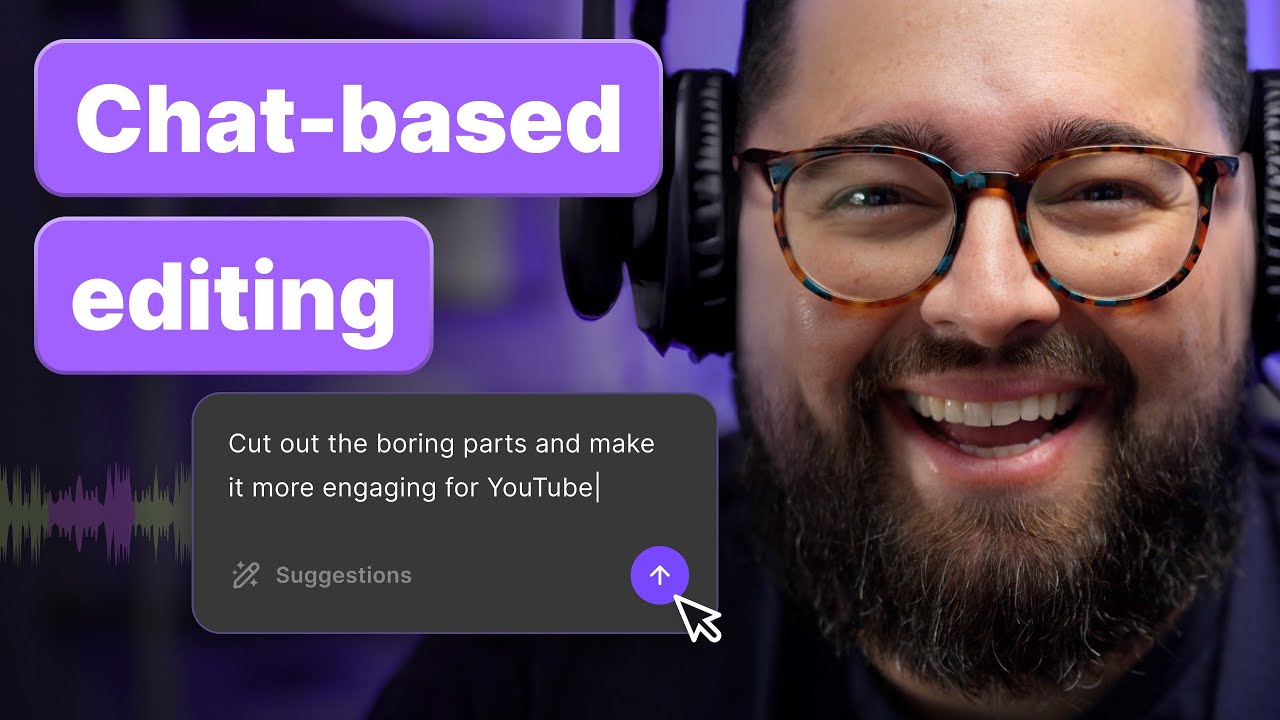
Chat-based editing with your AI Agent Co-Creator

Use your AI agent to edit just by asking what you want: music, captions, tighter cuts, and more.

September 30, 2025
13 MIN
Set-up & equipment
Recording
Editing & repurposing
Promotion & growth
Hosting & publishing

How to create a podcast with Riverside

A full launch guide: niche, gear, room, outlining, recording, editing, artwork, hosting and publishing.

October 15, 2025
13 MIN
Recording
Live streaming
Webinars

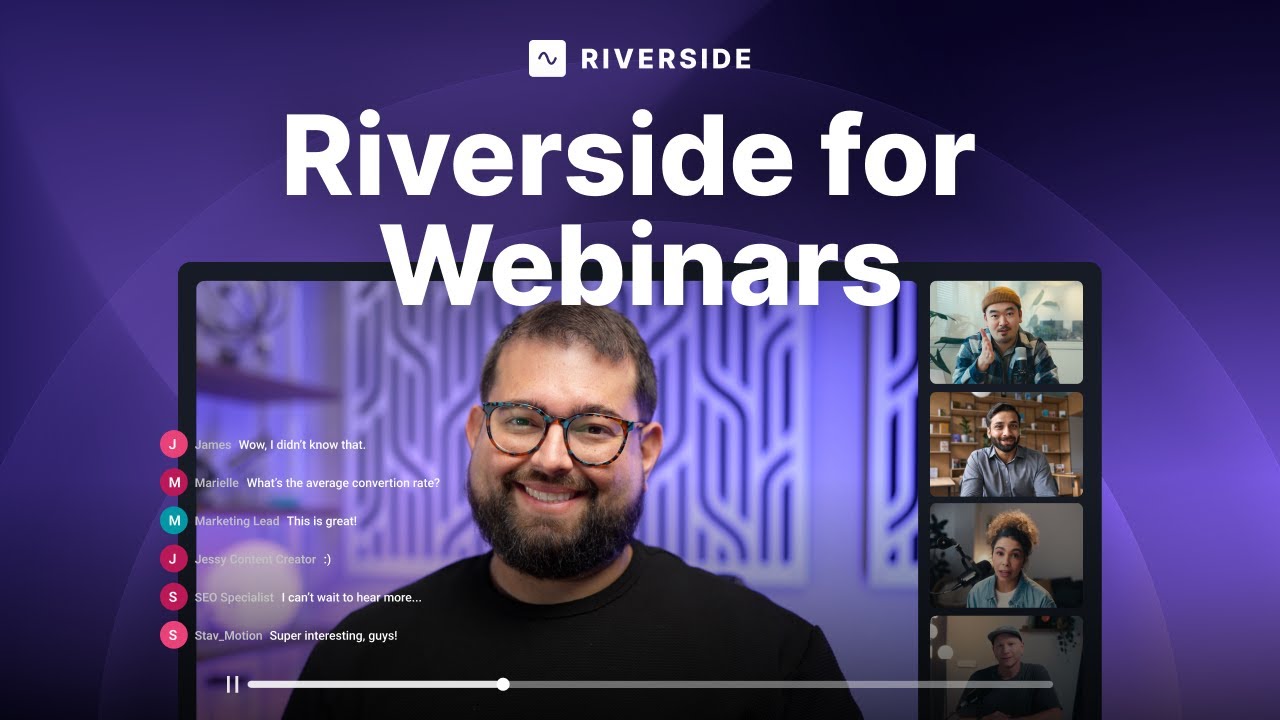
Set up high-converting webinars on Riverside

Webinars that convert: branded signup forms, CRM sync, polls, on-screen comments and live call-ins.

October 27, 2025
13 MIN
Recording
Live streaming
Editing & repurposing
Promotion & growth
Webinars

The complete webinar workflow on Riverside

Schedule, brand, stream and record webinars with Q&A, polls and CRM sync, then repurpose the recording.

November 17, 2025
13 MIN
Hosting & publishing
Podcasting

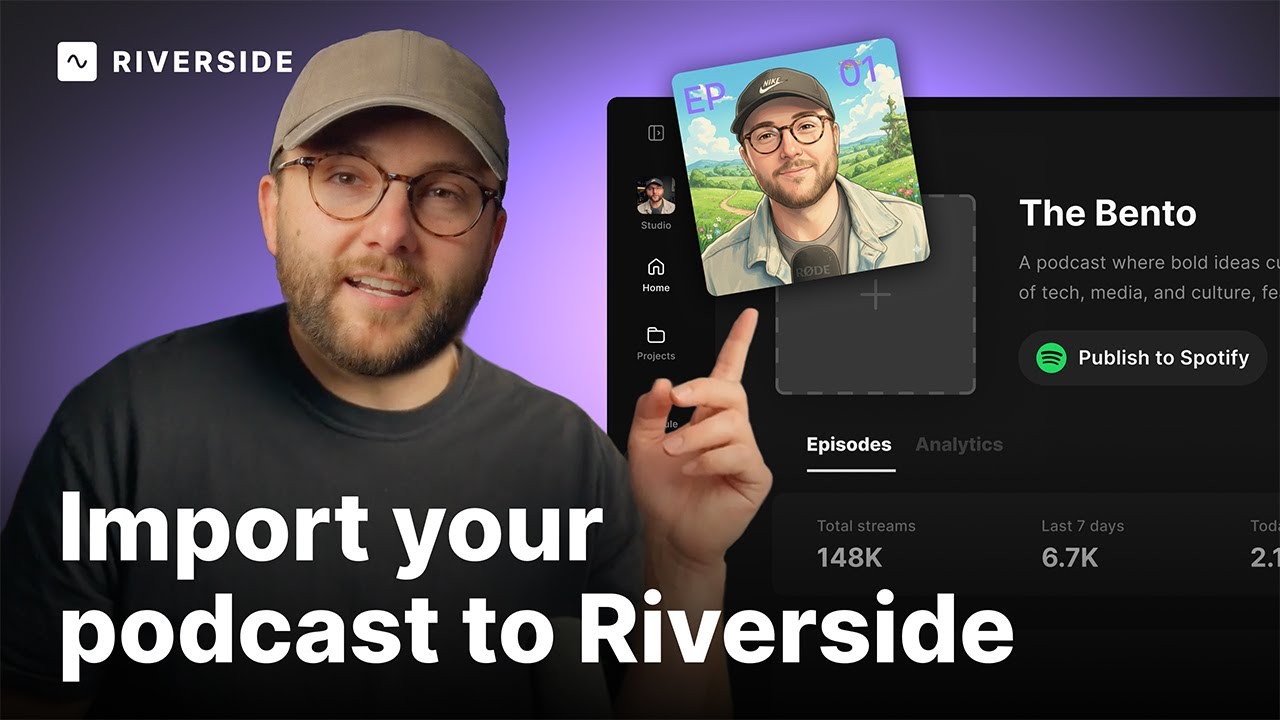
Import your existing podcast to Riverside

Import your existing podcast to Riverside's Podcast Hosting with this simple tutorial.

November 19, 2025
13 MIN
Recording
Live streaming
Podcasting
Live Streams
Webinars

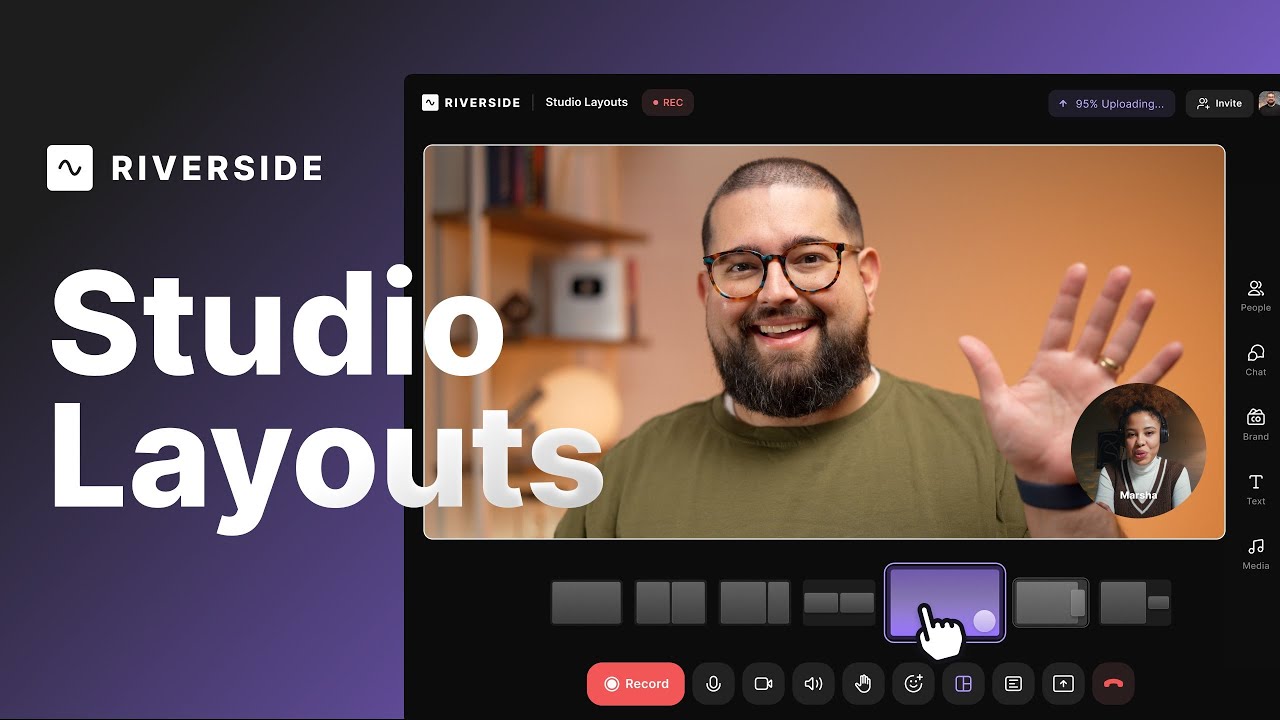
Studio layouts

Picture-in-picture, split and screen share layouts that carry into the editor as scene changes.

December 5, 2025
13 MIN
Editing & repurposing
Webinars

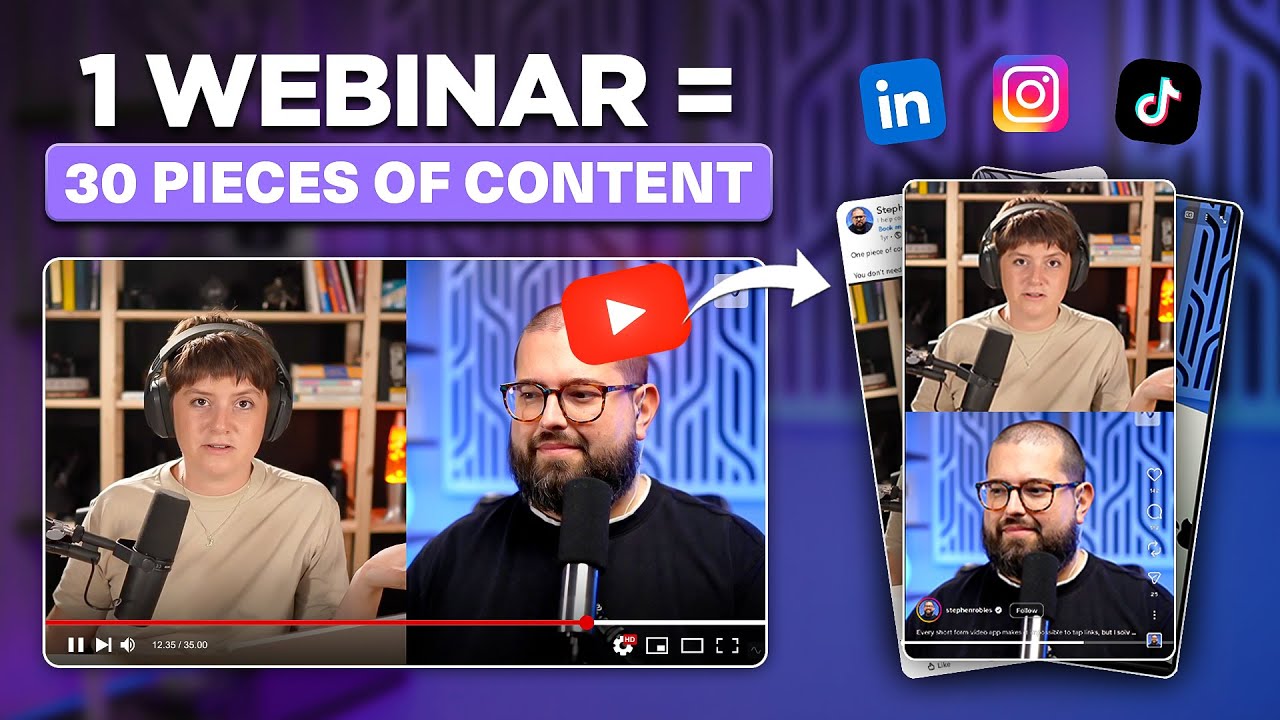
How to turn one webinar into 30+ content pieces with Riverside

Turn one webinar into weeks of content with magic clips, hooks and AI-written posts and newsletters.

December 15, 2025
13 MIN
Hosting & publishing
Podcasting

Host your podcast on Riverside

Set up hosting with show details, artwork and episodes, then publish to Apple, Spotify and YouTube.

September 8, 2025
13 MIN
Editing & repurposing
Live Streams
Podcasting
Webinars
Social media & marketing

Scene templates

Prebuilt scene templates styled with your brand kit, so speaker names and layouts apply in one click.

December 26, 2025
No items found.
No items found.
No items found.
No items found.

No Results found

Try adjusting your search terms or filters.

Profile photo of a woman
Profile photo of a man
Profile photo of a woman
Profile photo of a man
Mic icon

Ready to create? We think so too.

Got a process that works for you? Get featured by submitting your step-by-step flow. Help other creators save time, learn new tricks and improve their productions.

Start for Free
*No credit card needed. Free plan available.
Riverside

Company

About usBlogCareersPartnersAffiliate ProgramCreator PartnershipsPressPressImpressum

Platform

Why RiversidePricingFor BusinessMac AppMobile AppsFAQAppsAppsSupport

Features

RecordingLivestreamEditorHostingMCPAI Co-CreatorMagic clipsTranscriptionsCaptionsMagic AudioAI Show NotesTeleprompterAsync RecordingOverlaysStudio BrandingAI TranslationArrow Icon
All AI Features

Use Cases

Video MarketingTutorial VideosVirtual EventsPodcastsLearning & DevelopmentInternal CommunicationsWebinarsCustomer TestimonialsVirtual ConferencesLive ShowSplit-Screen Video

Tools

Podcast MakerPodcast RecorderLive PodcastYouTube Video MakerScreen RecorderVideo CompressorWAV to MP3Podcast Name GeneratorYouTube Name GeneratorMic TestWebcam TestYouTube Transcript GeneratorTop Podcast ChartsFree Podcast Music
All Tools

Solutions

PodcastersProducersMarketers

Resources

Riverside UniversityWhat's NewRecorded on RiversideHelp CenterCase StudiesPartnersBlogCreators NewsletterProduct VideosPressMasterclassCommunity HubVideo Editing Glossary
Download on the App Store IconGet it on Google PlayAICPA SOC certification
Podcast icon

Podcast guides

How to Start a Podcast in 2026: The Complete 10-Step Guide
How to Start a Podcast on YouTube: 6 Steps [2026]
How to Record a Podcast Remotely: 4 Methods Compared
Video Podcast Software: Top Tools to Record, Edit & Publish
Download on the App Store IconGet it on Google PlayAICPA SOC certification
Facebook iconYoutube iconX (twitter) iconLinkedin iconInstagram iconTiktok

© 2024 RiversideFM, Inc.

English
English
Deutsch
TermsPrivacyCookies
Facebook iconYoutube iconX (twitter) iconLinkedin iconInstagram iconTiktok