Record and repurpose executive interviews on Riverside
Plan, record, and repurpose a CEO interview into a YouTube video and LinkedIn clips with Riverside.

Plan, record, and repurpose a CEO interview into a YouTube video and LinkedIn clips with Riverside.
Thirty minutes with your CEO can become weeks of content. This guide covers planning, recording and repurposing an executive interview in Riverside.
The video covers:
00:00 You've got 30 minutes with your CEO. How do you turn that conversation into content your company can use for weeks? With Riverside, you can record the interview, edit a full version for YouTube, and turn individual answers into clips for LinkedIn and other social platforms. And if a word or two needs correcting afterward, you may not need another recording session. Let me show you how to set up, record and repurpose an executive interview from the first question to the finished content. Before you record, decide what you want people to take away from the conversation.
00:28 Maybe you want your CEO to explain why the company exists, share their perspective on an industry trend, or tell a story about something they learned while building the business. That gives your interview a direction and makes it easier to find useful clips afterward. Send your executive a few talking points in advance. They don't need to memorize a script, but knowing the topics can help them feel more comfortable. If finding time that works for both of you is the hardest part, Riverside's Async recording lets you send your executive questions they can record answers to on their own schedule.
00:56 I'll link our Async walkthrough in the description if you want to see how to set that up. Then open your Riverside studio and share the guest invite link. When they join, check that the correct camera and microphone are selected. Make sure they have good lighting and camera placement. You don't need a complicated setup. A quiet room, clear audio and a well lit face are a great starting point. Riverside records each participant locally on their own device with separate audio and video tracks. That gives you more control when you start editing.
01:21 During the interview, ask questions that invite a story. Instead of what are your company's values, try, can you tell me about a decision where those values actually changed what you did? And when an answer gets interesting, follow up with what happened next or why did that matter? That can give you a much stronger moment than moving straight to your next question. For answers you might share as a standalone clip, encourage your executives to include enough context that someone can understand them without hearing the question.
01:49 If they stumble, let them pause and start that thought again. You can choose the better take later. Now, Riverside already gives you a great starting point with magic episode in the made for you tab. But to go even further, open the recording in the Riverside Editor. Start by shaping the conversation. With text-based editing, you can remove a repeated answer or an unnecessary section by selecting and deleting the corresponding text. Keep the details that make the executives sound like themselves. A personal story or thoughtful pause can be a part of what makes the interview worth watching.
02:17 You can also use magic audio to improve the sound and adjust the layout to feature the person speaking. If your executive notices a word they want corrected, video dub can help with small changes. Double click the word in the transcript, select video dub, enter the replacement and generate it. Riverside adjusts the audio and lip movements to match. For example, if they accidentally said Tuesday instead of Thursday, you can try correcting that word without scheduling another interview. For a separate scripted followup, the executive could also create their own AI twin.
02:44 That's an optional way to generate a new video from wording they approved. We have a whole video on that that I'll link up here. Now, once the interview is cleaned up, create your longer video version. Give it an opening that makes the topic clear, trim anything that slows down the conversation, and add your company branding and a speaker title so viewers know who they're hearing from. You can include relevant images or footage where they help explain the story, then export the finished interview. Next is to find moments that work on their own.
03:09 Magic clips can help you identify potential clips from the recording, or you can select a specific answer yourself in the Editor. Look for a clear takeaway, an unexpected opinion, or a story with a satisfying ending. Maybe the full interview is about building the company, but one answer explains the biggest mistake your CEO made early on. That can become its own LinkedIn video. Open the clip and choose an aspect ratio for where you'll share it. Adjust the framing, add captions, and make sure the opening gives people a reason to keep watching.
03:36 You can also add motion graphics to emphasize a key idea. Before publishing, share the edits for reviews so your executive can check the wording and context. Then export your content, or use Riverside's publishing and scheduling tools for supported platforms. That one conversation gives you a full interview and several focus clips that you can share over time. So if you wanna record and repurpose executive interviews with Riverside, you can use the link in the description to get started. And if you wanna learn more about editing and creating better content with Riverside, I'll link a few more videos for you to watch right up here and in the description down below.
04:10 Be sure to like this video and subscribe for more content just like this. And if you have any questions about creating executive interviews, feel free to leave them in the comments. I'll be happy to answer them personally. Thank you so much for watching, and we can't wait to see what you create.
More videos you might like
Grow your audience with podcast SEO, a unique selling point and branding that turns searchers into listeners.
Tips from PodMatch on planning and hosting podcast interviews that keep listeners hooked until the end.
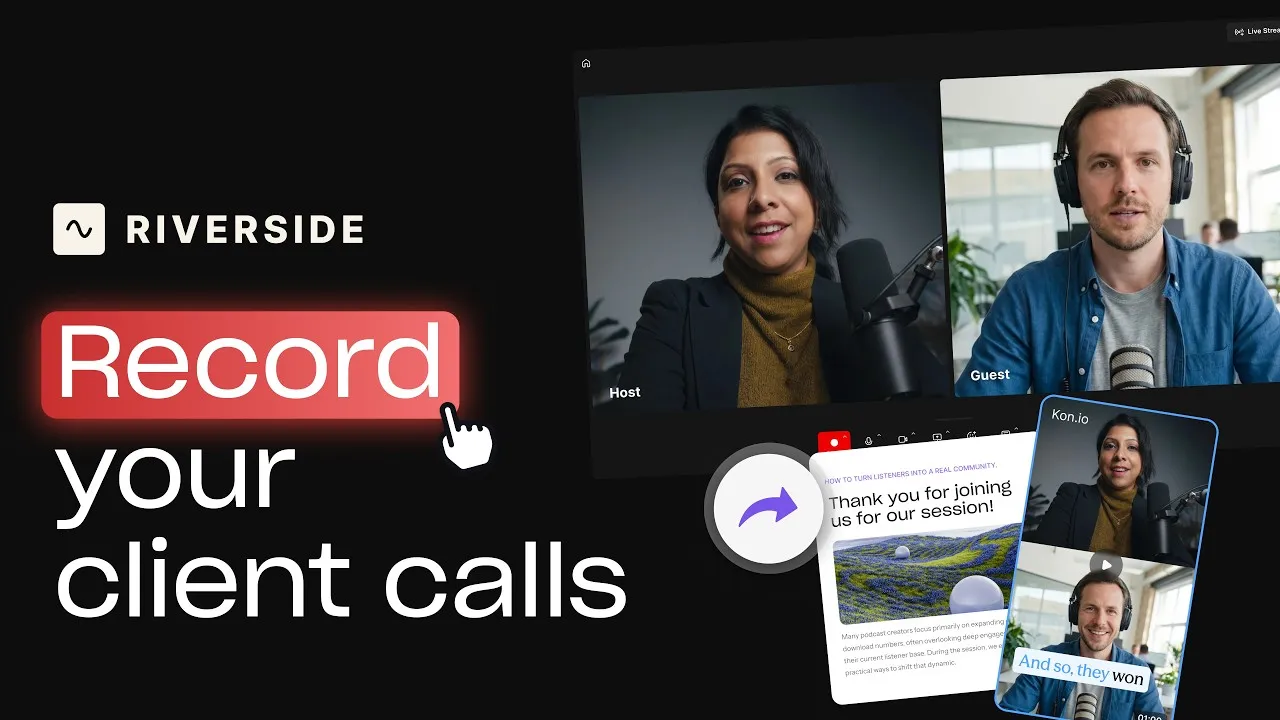
Record calls in Riverside, then use the transcript to create follow-ups, highlights, and insights.
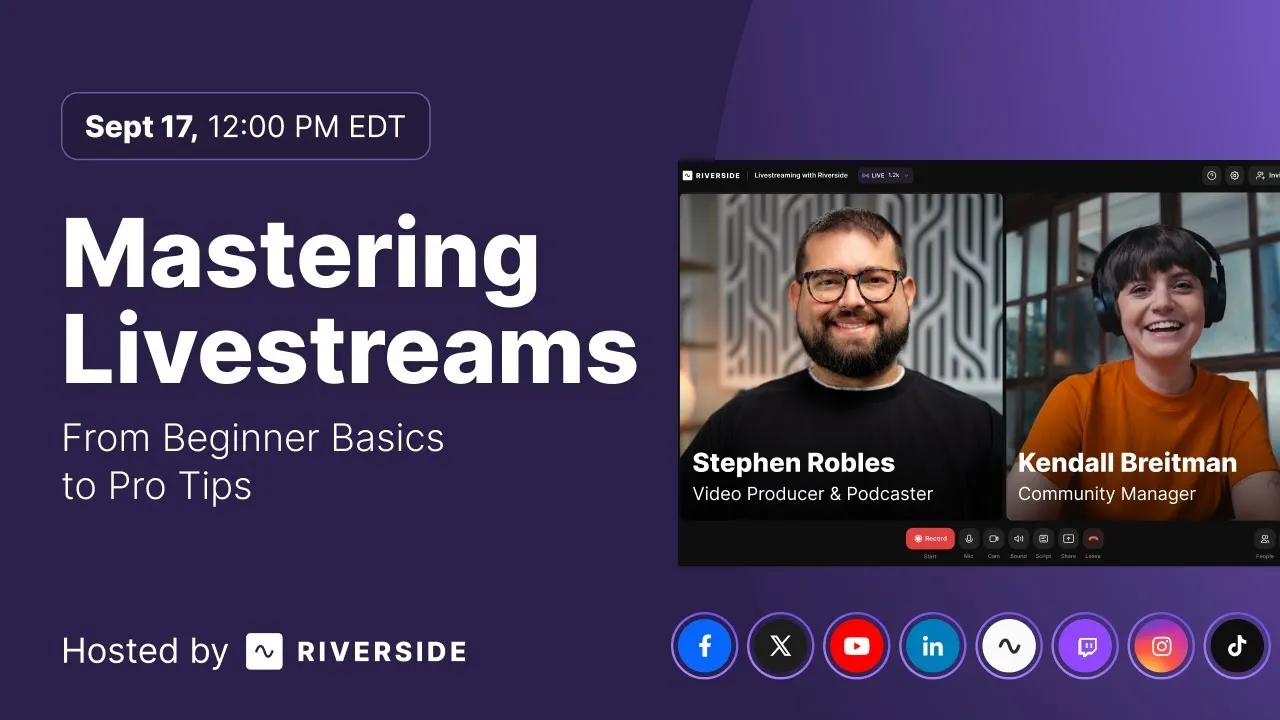
Learn how to plan, set up, repurpose, and keep livestreams engaging.

Got a process that works for you? Get featured by submitting your step-by-step flow. Help other creators save time, learn new tricks and improve their productions.


.avif)