RIVERSIDE UNIVERSITY
Learn to create on Riverside
From setup & recording to editing & publishing, we've got you covered.
Search results

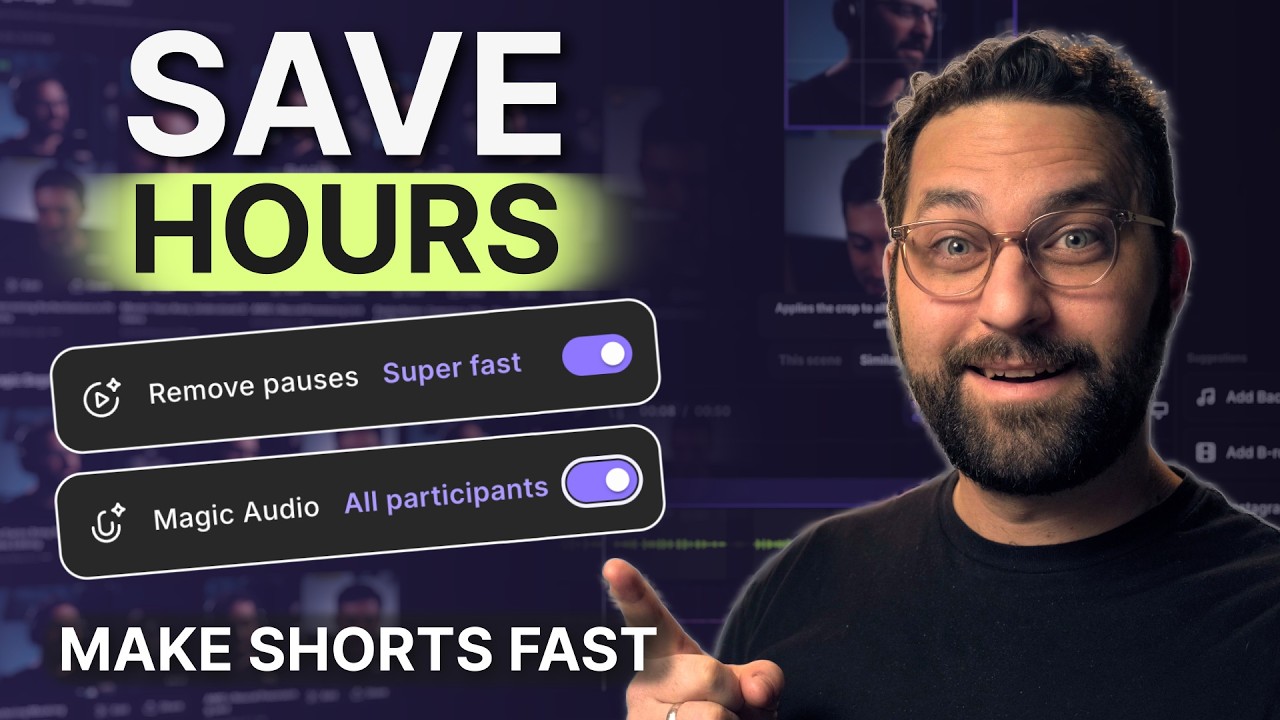
Create viral social clips fast with Riverside
Spin off social clips with Create New Edit as you review, then finish the queue in one pass.

Customize captions without changing the video
Style captions per scene, changing position, font, colour and size without touching the rest.

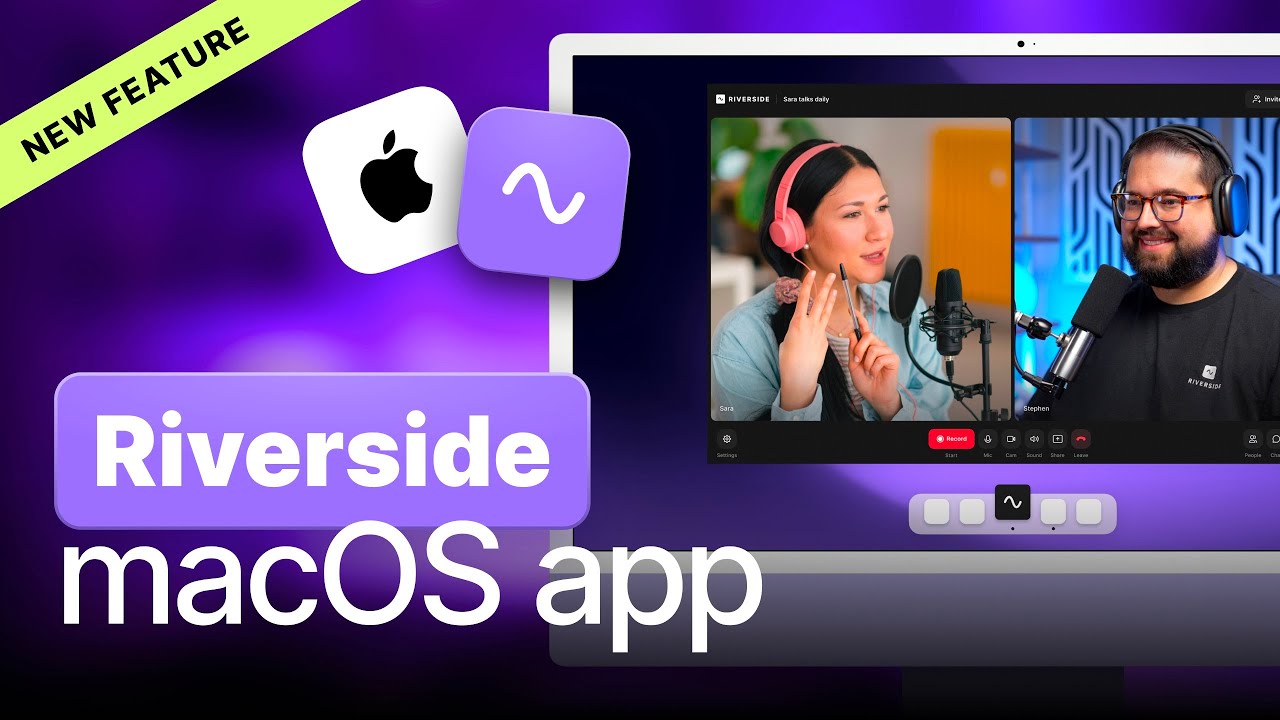
How to use the Riverside Mac app
The Mac app records outside the browser, captures screen locally and supports more capture devices.

Riverside: Full platform walkthrough (record, edit, host & share)
A full product tour: studio and recording, AI assets, editing, then hosting, newsletters and social.

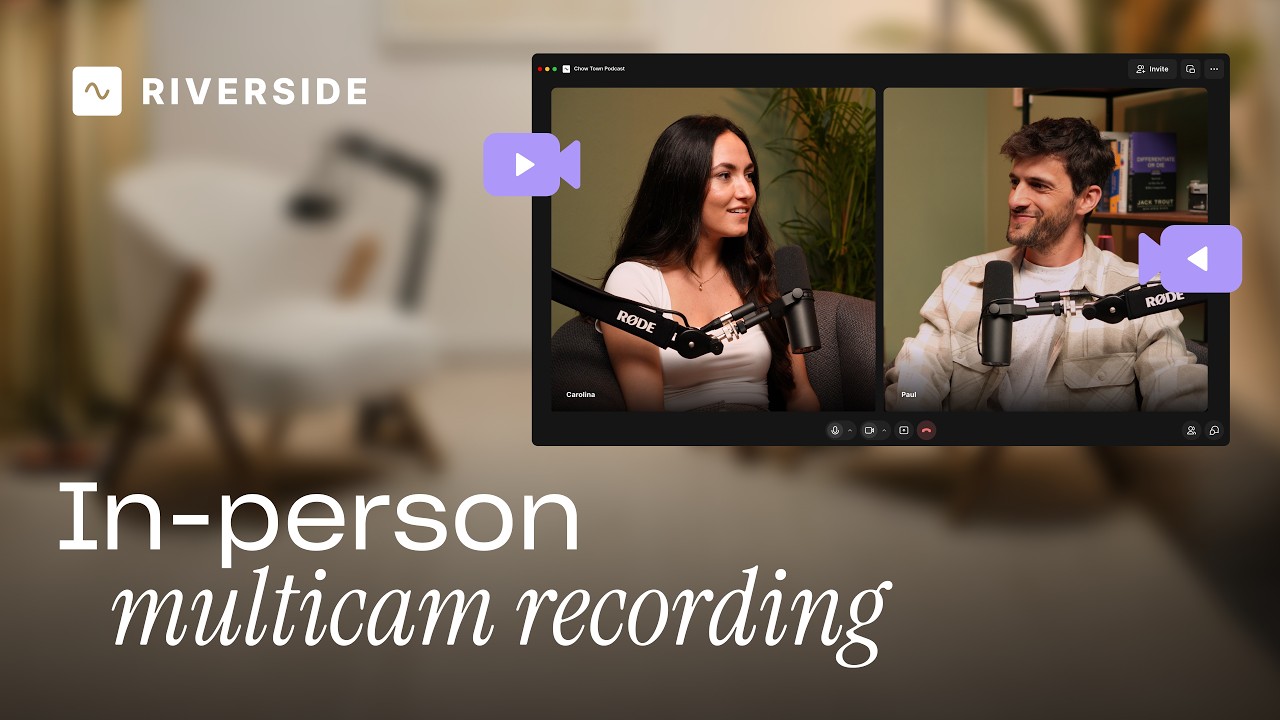
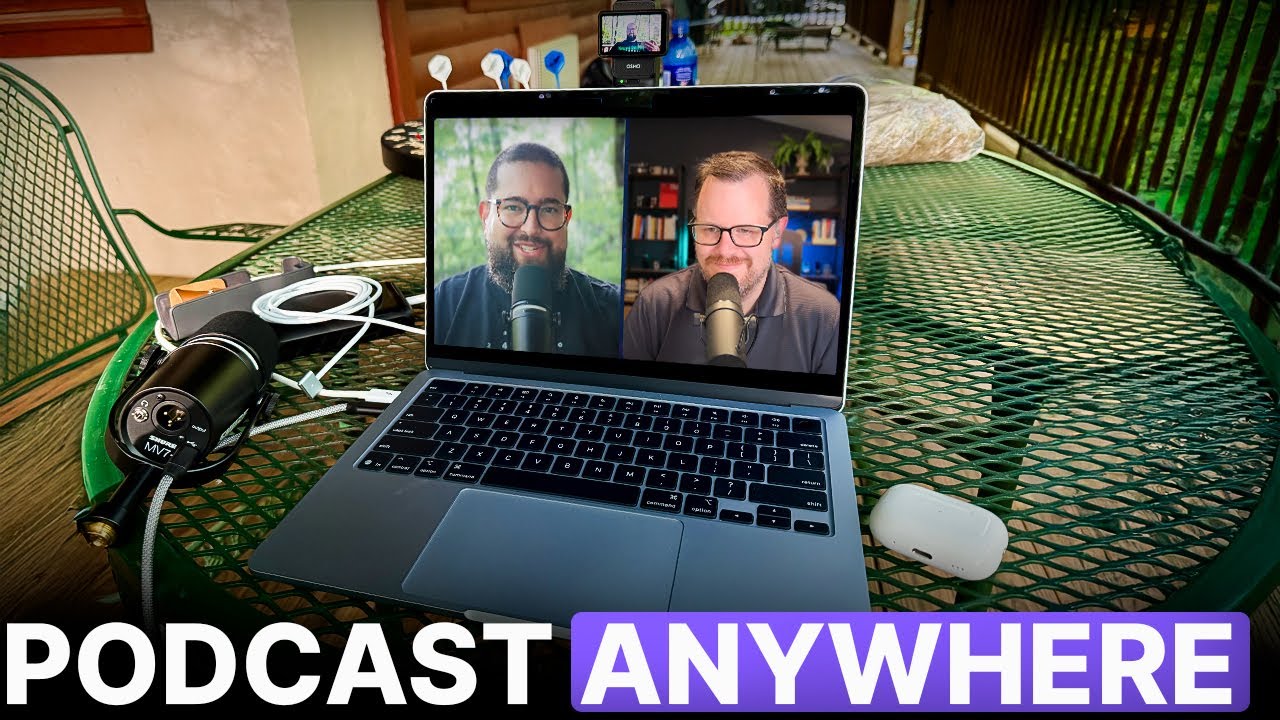
Record in-person with multiple cameras on Riverside
Add multiple in-person guests with their own camera and mic from one computer, as synced tracks.

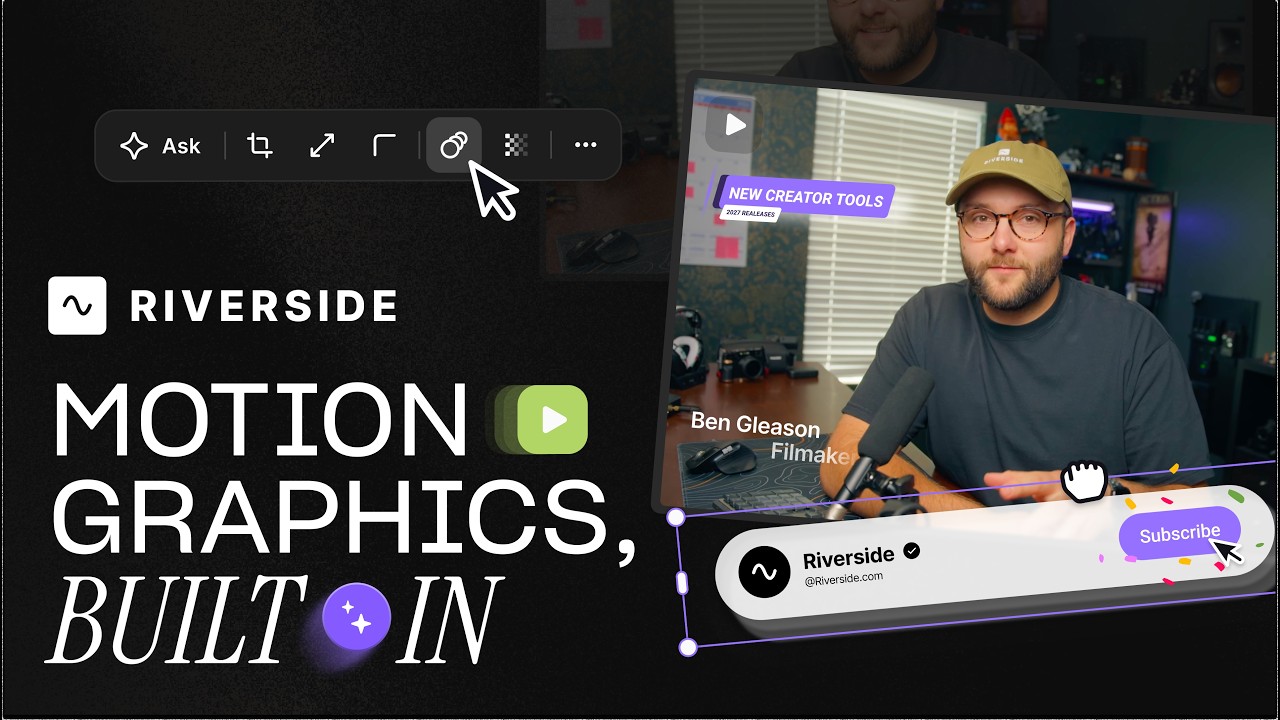
Generate custom motion graphics with Riverside
Add animated headlines, lower thirds and quote cards from templates you tweak by prompting.

Export videos from Riverside to Google Drive
Push finished exports straight to Google Drive, choosing title and folder, with no re-uploading.

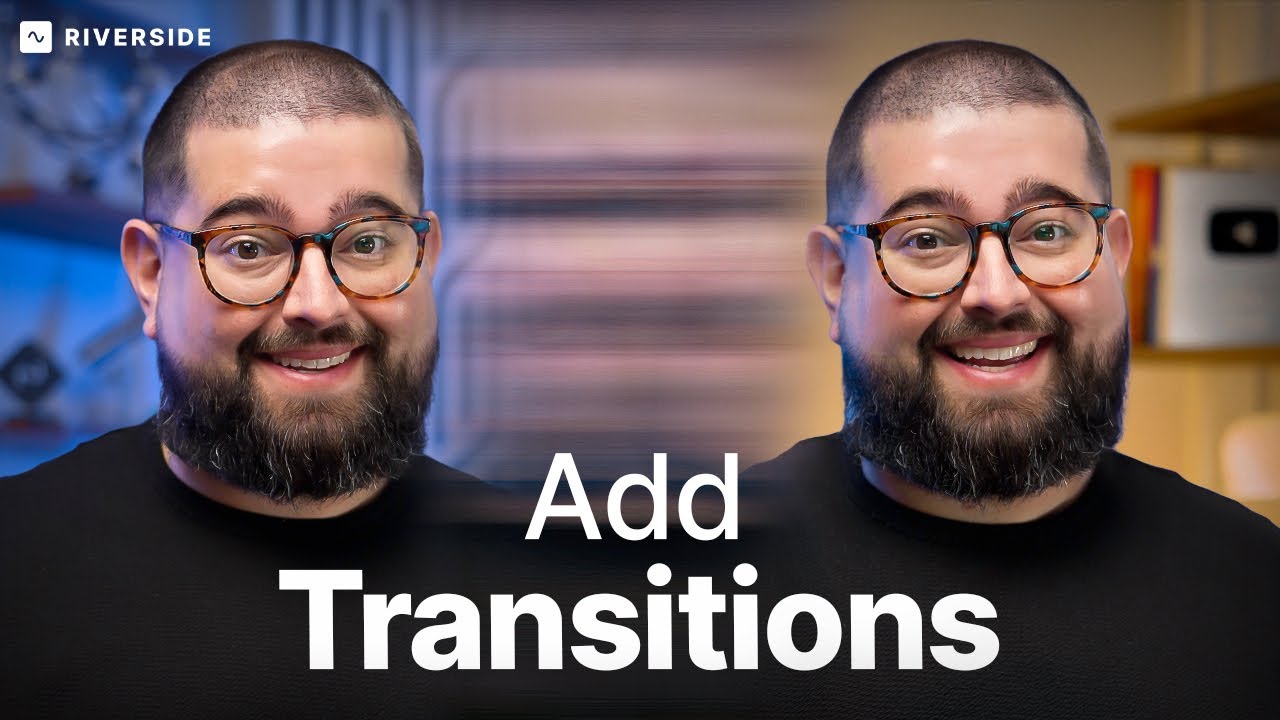
Add transitions to your videos in the Riverside Editor
Add transitions between clips — fades, blurs, wipes and pixelize — and combine them with layouts.

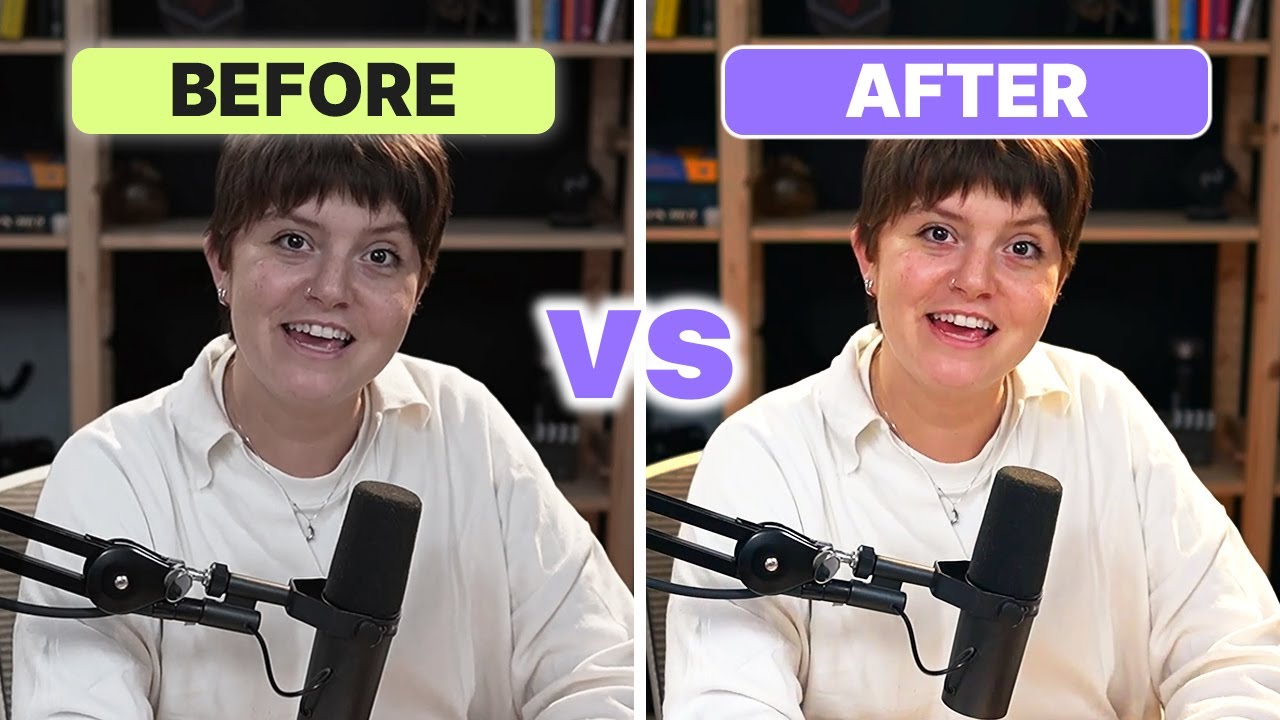
Fine-tune your video with color adjustments
Tune temperature, saturation, brightness and contrast per track to clean up any guest's video.

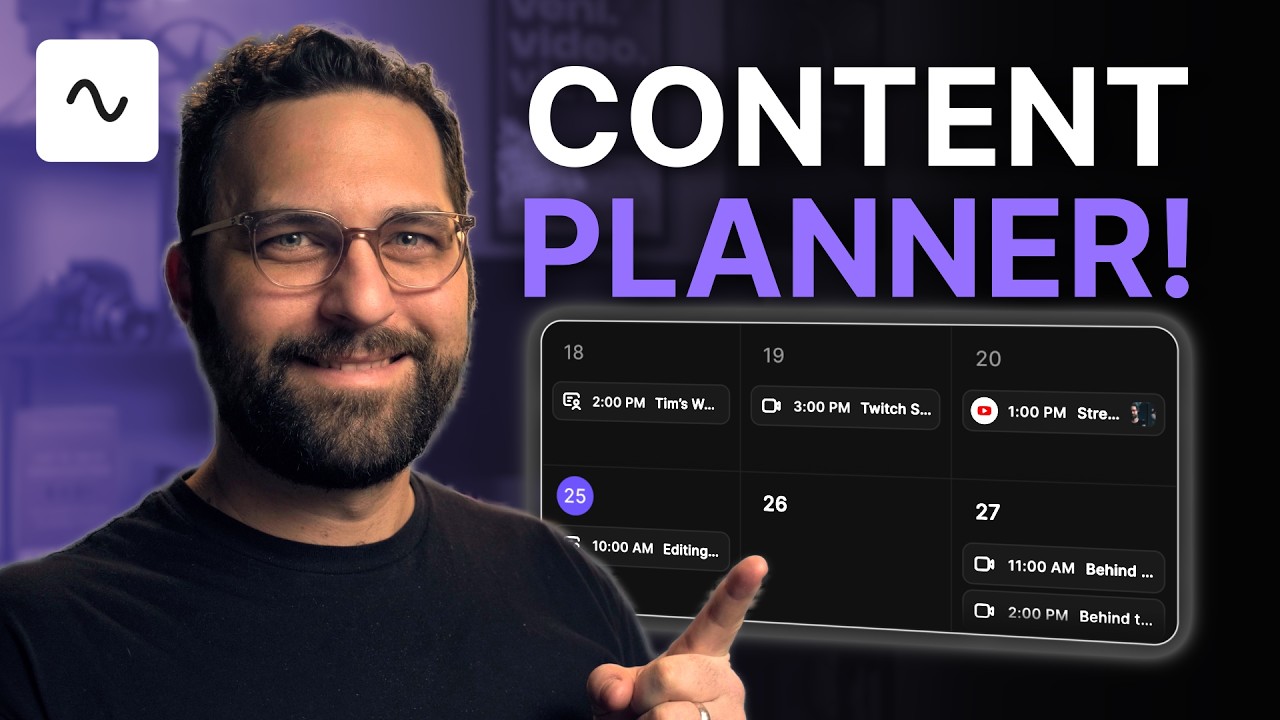
Plan recordings, streams & posts in Riverside's content planner
One calendar for scheduling recording sessions, live streams, webinars, episodes and social posts.

Turn hours of editing into minutes with Riverside's AI
The made for you tab drafts your episode, ranks magic clips by virality and writes social posts.

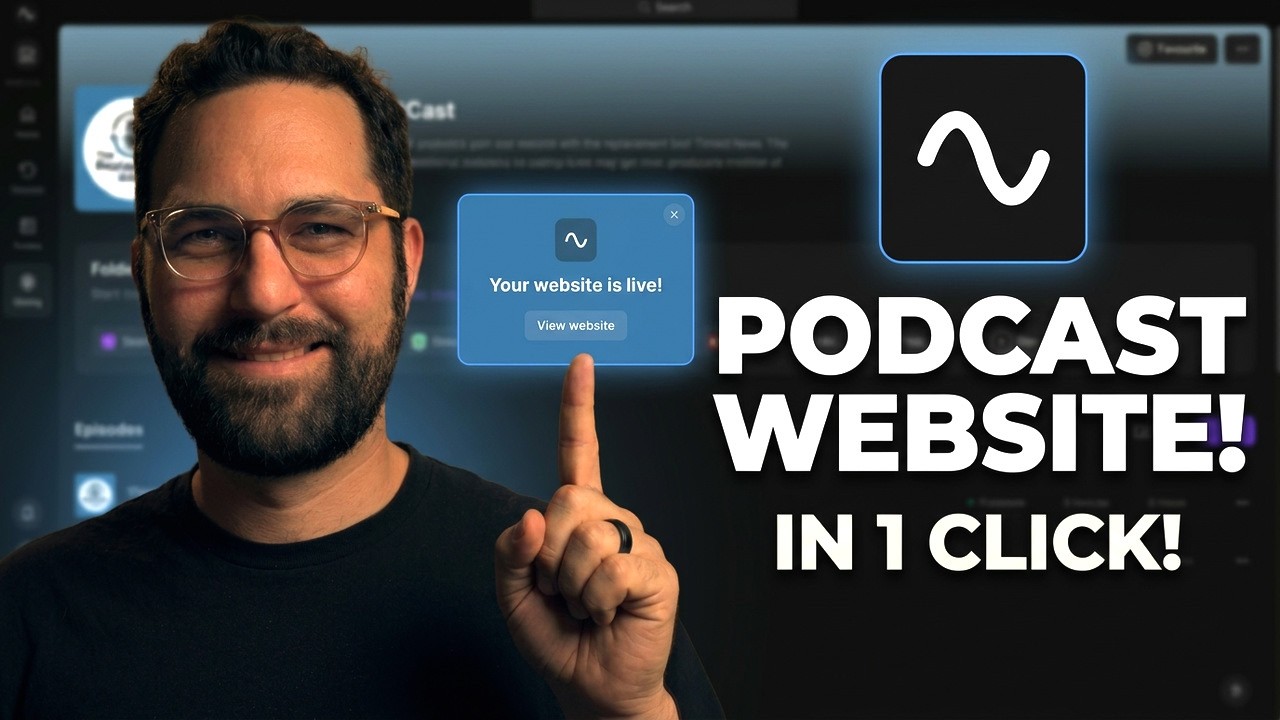
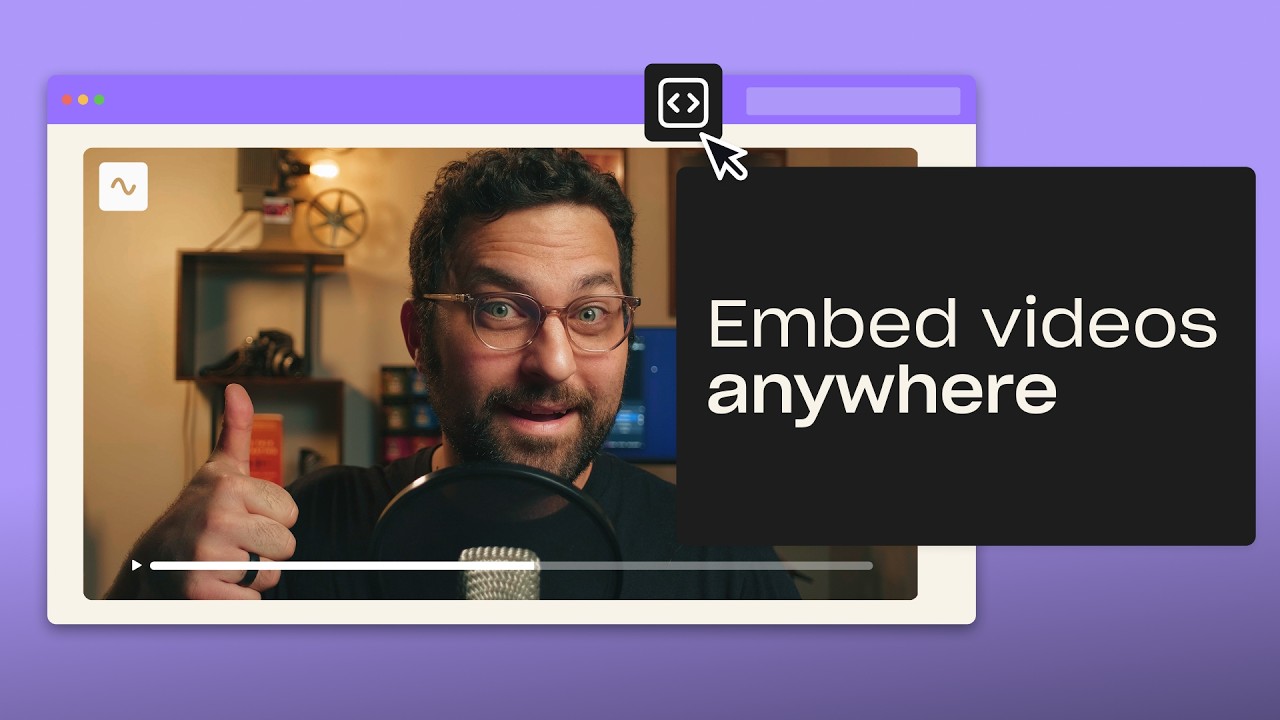
Embed videos and podcasts on your website with Riverside
Embed videos and podcast episodes on any site, with those plays counted in your analytics.

Customize your tone of voice for AI translations
Choose a neutral, casual, professional or sales tone when translating video into thirty languages.

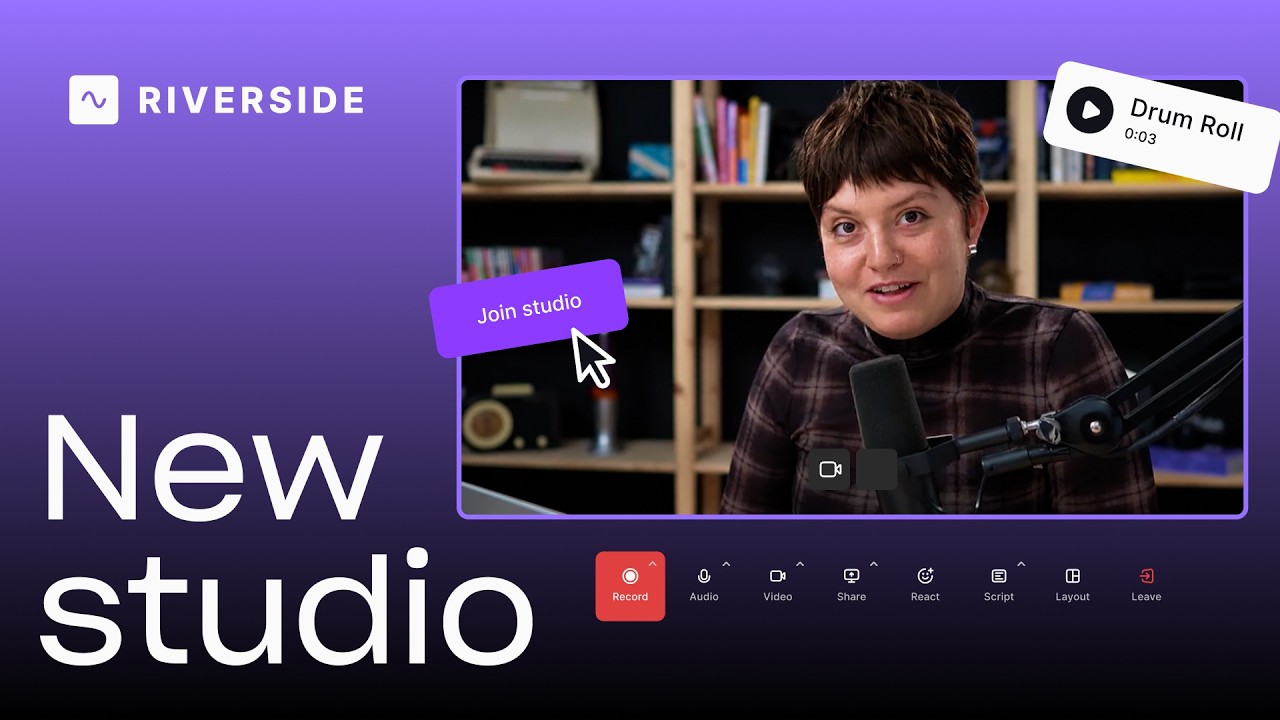
A tour of the new Riverside studio
A tour of the new studio: bigger lobby, full-screen view, echo cancellation and a rebuilt media board.

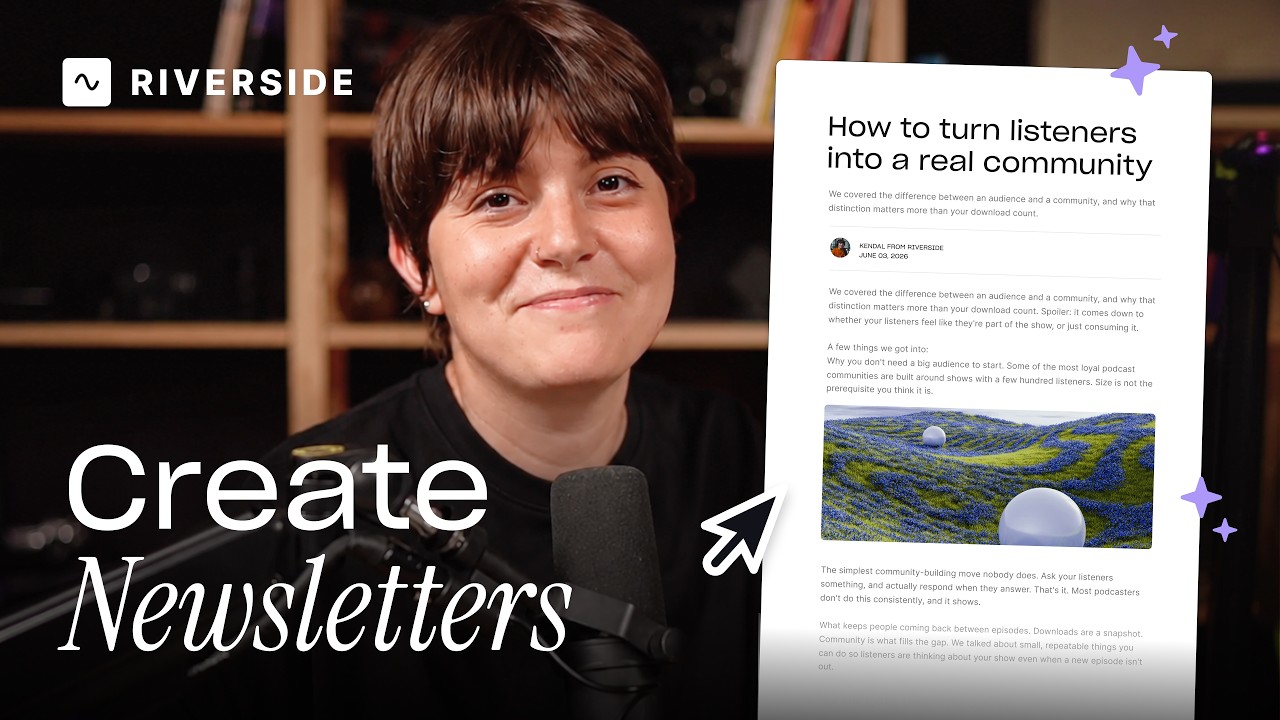
Create and send newsletters
Create, schedule and send newsletters from any recording, with CSV import and a subscribe page.

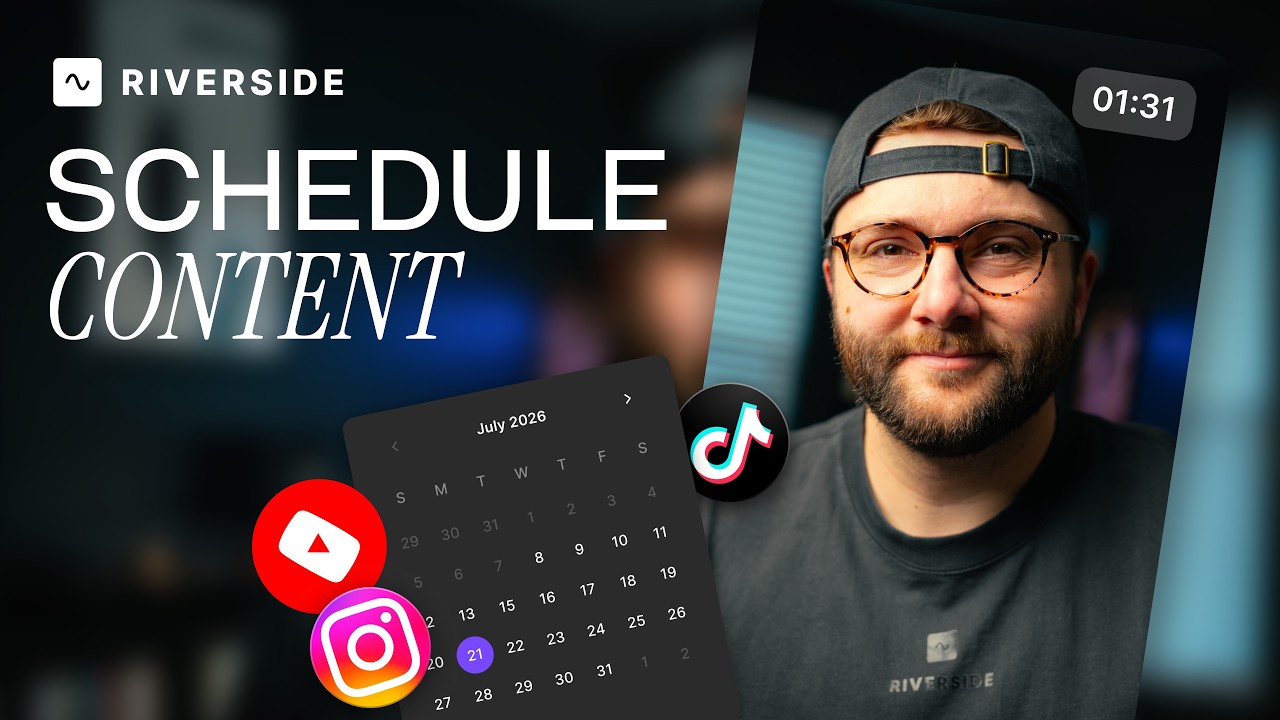
Schedule social posts
Schedule posts to Instagram, YouTube, TikTok, X and LinkedIn from the content planner, with captions.

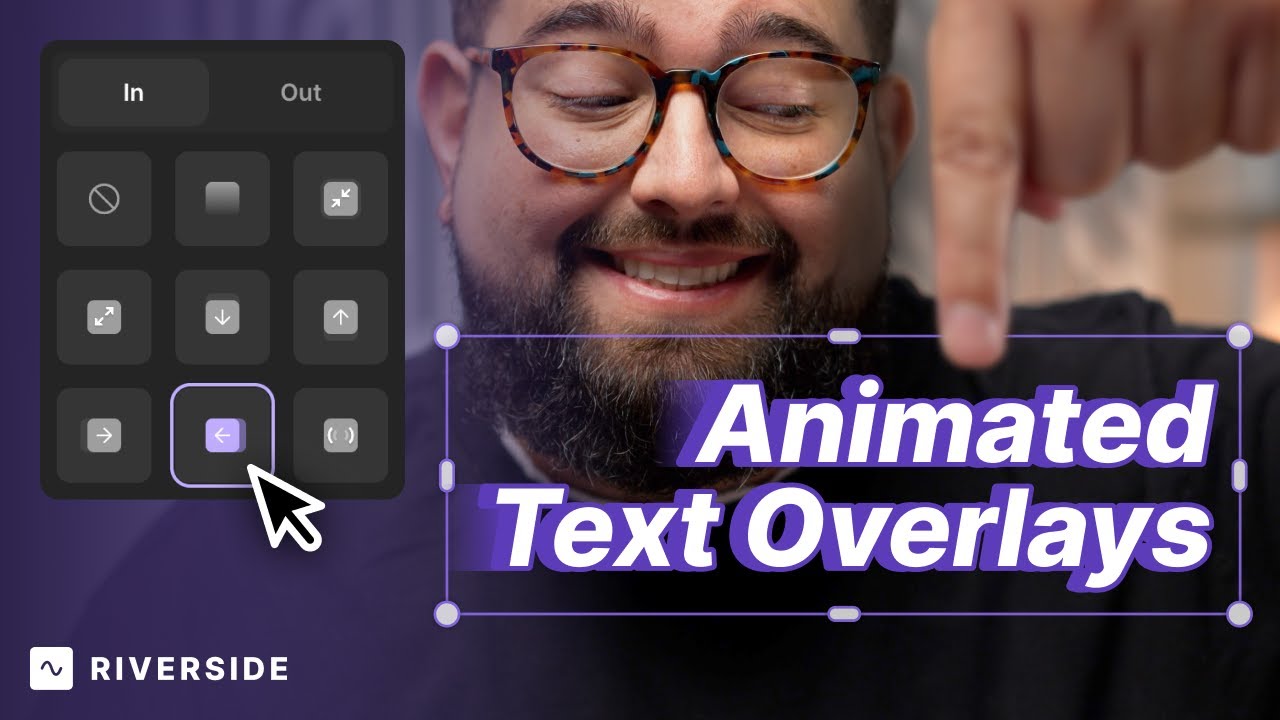
Add animated text overlays in the Riverside Editor
Text overlays now animate in and out with fades, zooms, slides and pops, each with its own timing.

Add music to your video in the Riverside Editor
Add music and sound effects with fades and timeline control, plus five best practices for levels.

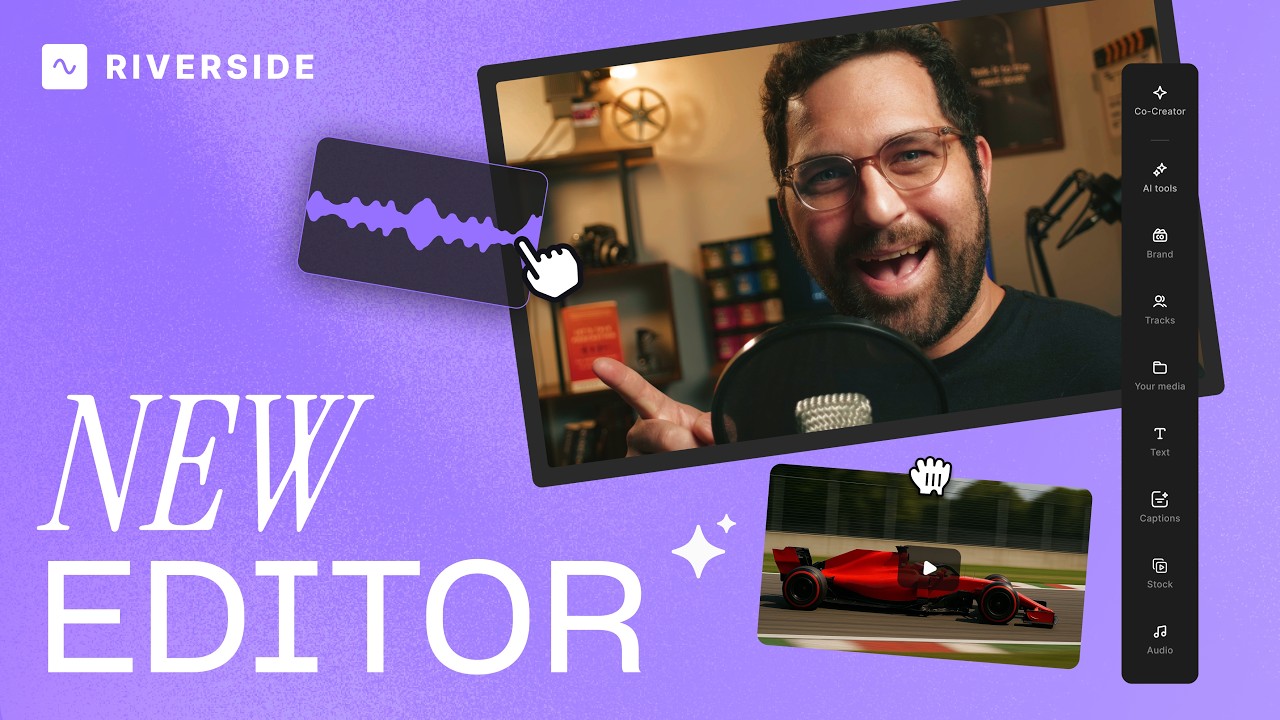
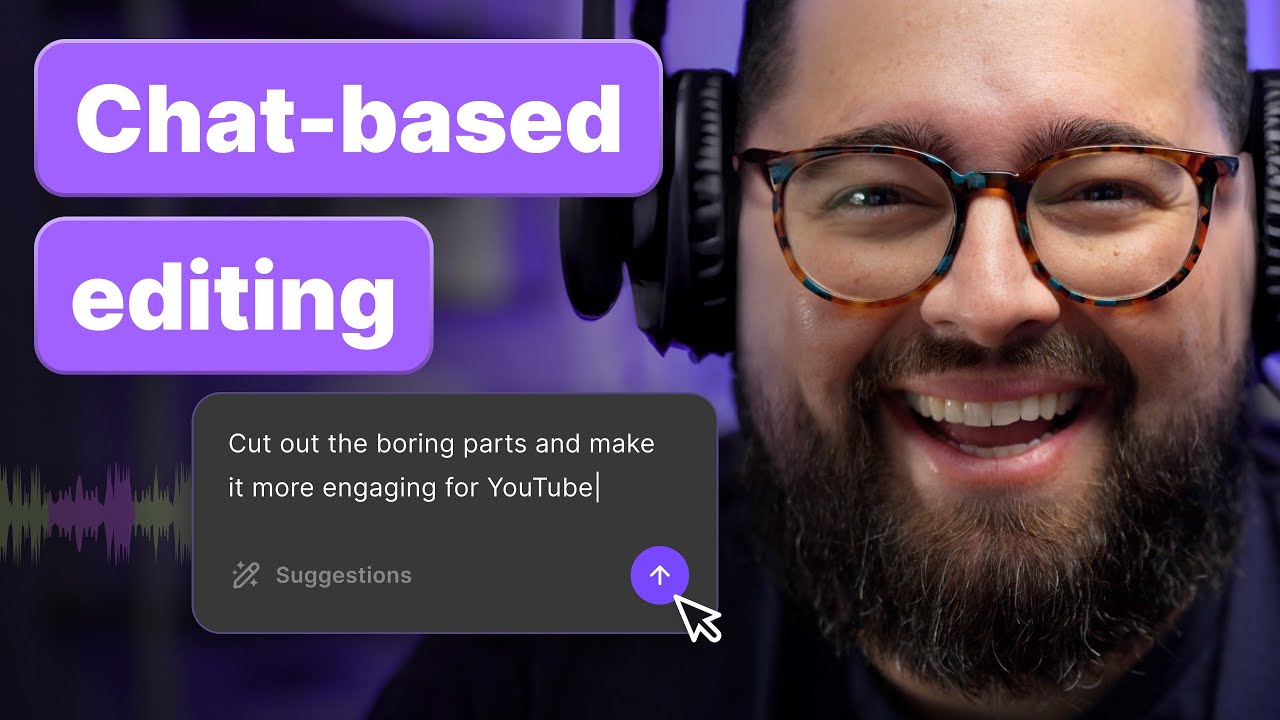
Chat-based editing with your AI Agent Co-Creator
Use your AI agent to edit just by asking what you want: music, captions, tighter cuts, and more.
No Results found
Try adjusting your search terms or filters.

.avif)
Ready to create? We think so too.
Got a process that works for you? Get featured by submitting your step-by-step flow. Help other creators save time, learn new tricks and improve their productions.