AI Eye Contact Correction
Toggle AI eye contact per person so everyone looks down the lens, even when reading a teleprompter.

Toggle AI eye contact per person so everyone looks down the lens, even when reading a teleprompter.
Riverside's AI eye contact tool fixes the problem of reading from a teleprompter or glancing away from the lens, applied individually rather than across the whole edit.
The video covers:
00:00 Have you ever needed to read off a teleprompter when filming but you want to make sure you're looking right down the lens of the camera? Well, Riverside is a new AI tool that can fix exactly that. For you and any other guest that you record with, you can apply AI eye contact to make sure you're looking down the camera even if your eyes were elsewhere during the recording. Here's how to use our new eye contact feature. Here in Riverside I'll go to one of my projects and here's a recording I did where I was reading a teleprompter not looking directly at the camera.
00:25 I'm going to go into the Riverside editor and again this is going to work both for individual recording and with remote guests. Then I'll go up to the tracks tool in the upper right, go to the specific person who I want to adjust the eye contact and under your volume and EQ settings you'll see eye contact. Just toggle this on for every person you want to adjust and Riverside will make sure you're making eye contact with their audience even if your eyes were elsewhere
00:47 during recording. While that process is I'm going to jump up to the AI producer as well, remove silences with a single click, I can remove filler words, I can also apply magic audio to make any microphone sound studio quality. If I have multiple guests smart layouts gives me a multi-cam look with a single click and eye contact is also available here in the AI producer so you
01:05 can apply it here per person or under the tracks tool as well. So here's what it looked like before eye contact was enabled and here's the finished product. This was directly exported from Riverside and that's our new eye contact feature in the Riverside editor. If you want to learn about all the AI tools Riverside has to offer check out this video right up here and don't forget to subscribe to the channel and hit that like button. We have tons of content on upgrading your video and audio setup, how to use AI to edit your podcast quickly and more.
01:30 If you have any questions leave comments below this video on YouTube I answer those personally and I'll put another video YouTube thinks you'll really enjoy right here. Thanks for watching we can't wait to see what you create.
More videos you might like
Grow your audience with podcast SEO, a unique selling point and branding that turns searchers into listeners.
Tips from PodMatch on planning and hosting podcast interviews that keep listeners hooked until the end.
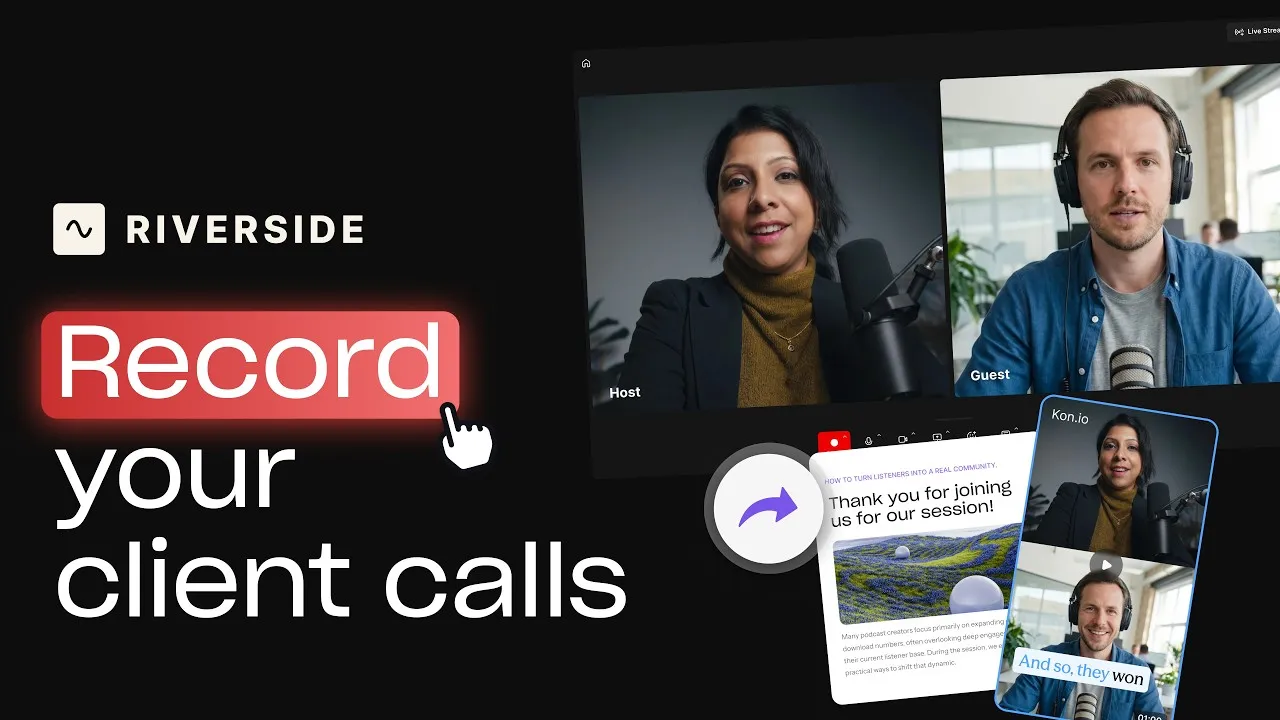
Record calls in Riverside, then use the transcript to create follow-ups, highlights, and insights.
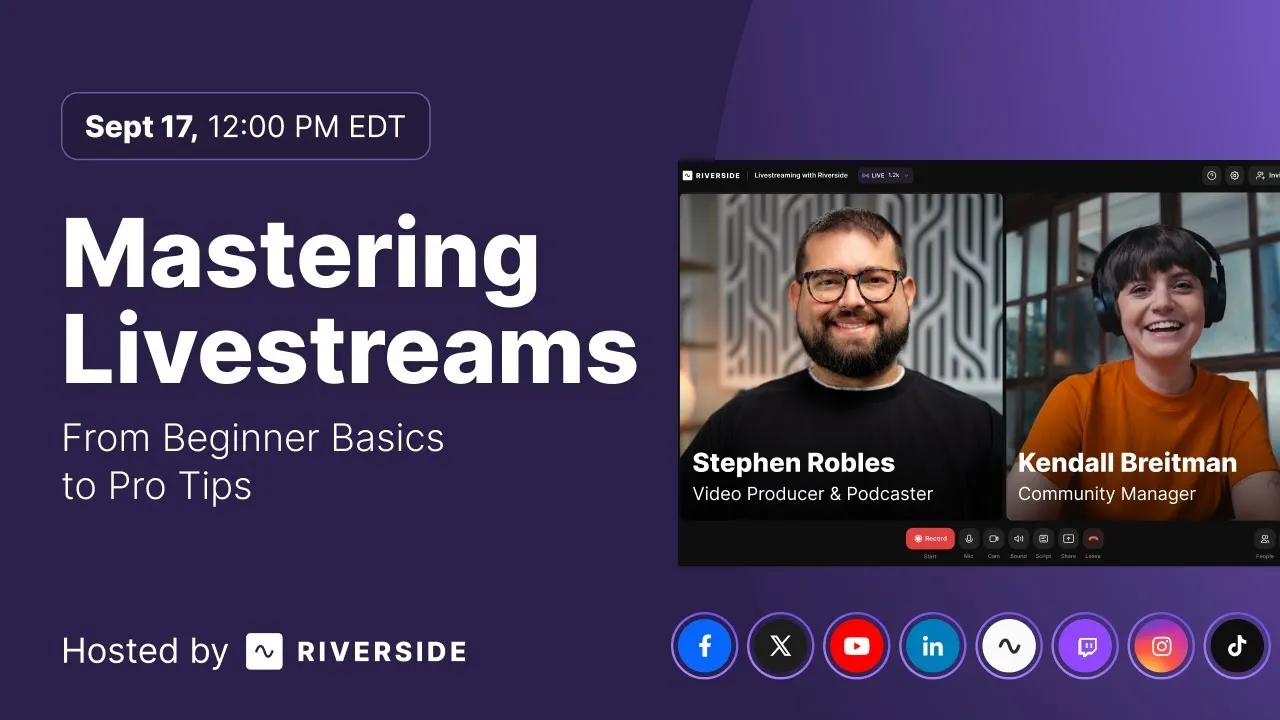
Learn how to plan, set up, repurpose, and keep livestreams engaging.

Got a process that works for you? Get featured by submitting your step-by-step flow. Help other creators save time, learn new tricks and improve their productions.


.avif)