
Trusted by:





.avif)


.avif)
Fix the footage. Keep the content.
You can’t control your guest's camera and lighting, but with video enhancement you can still salvage that great interview.
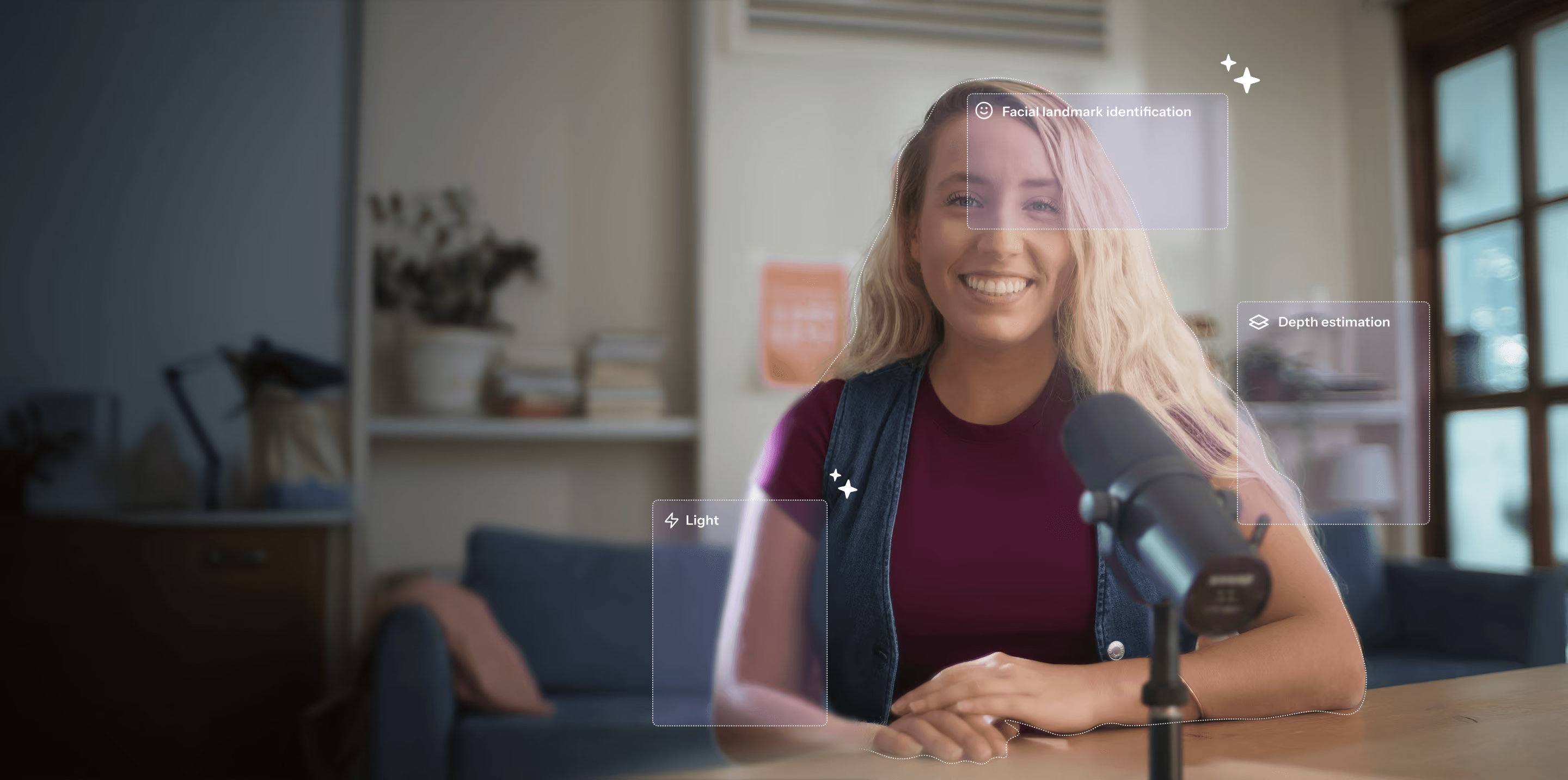
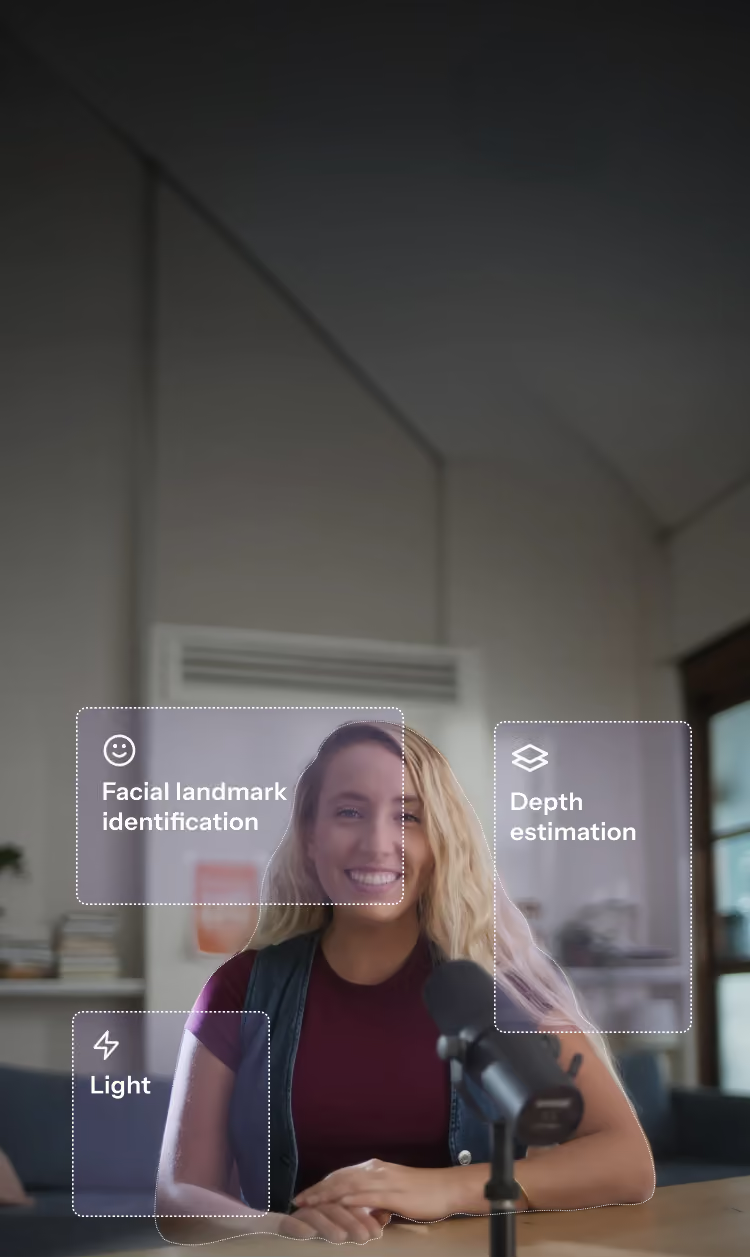
The best video enhancement model for talking videos.
Riverside's video enhancement model is trained on conversational content. It knows faces, movement, and lighting, specifically in the context of a conversation.
Ready to turn it into shareable content?
You can do that here too.
Edit with ease
Edit your recordings just like a doc with the built in text-based editor.
.avif)
Use AI to speed things up
The editor is packed with AI tools to help save time and improve your content.
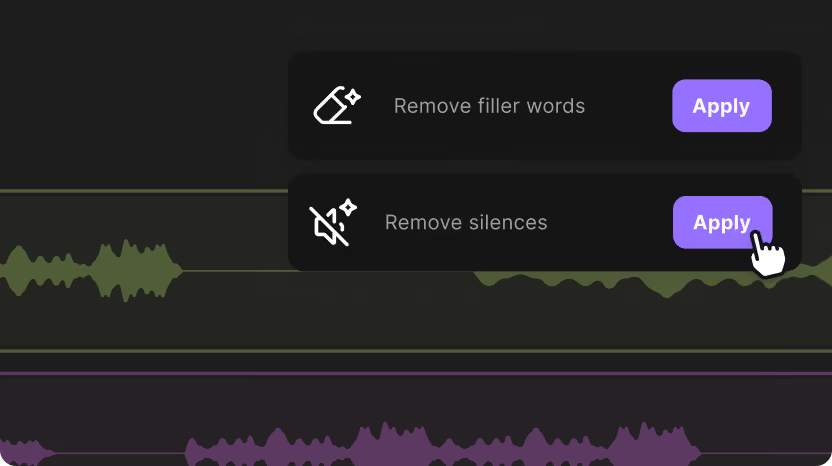
Get instantly generated clips
Get clips made from your recordings best moments. Edit or share as is.
.avif)
From concept to content, without ever leaving Riverside.
Start for Free
How it works
01
Record or upload your footage.
02
Go into the editor, and click on AI tools / tracks.
03
Enhance any video track under 1080p, yours or your guests.
04
Edit your content the way you want, then export and share.

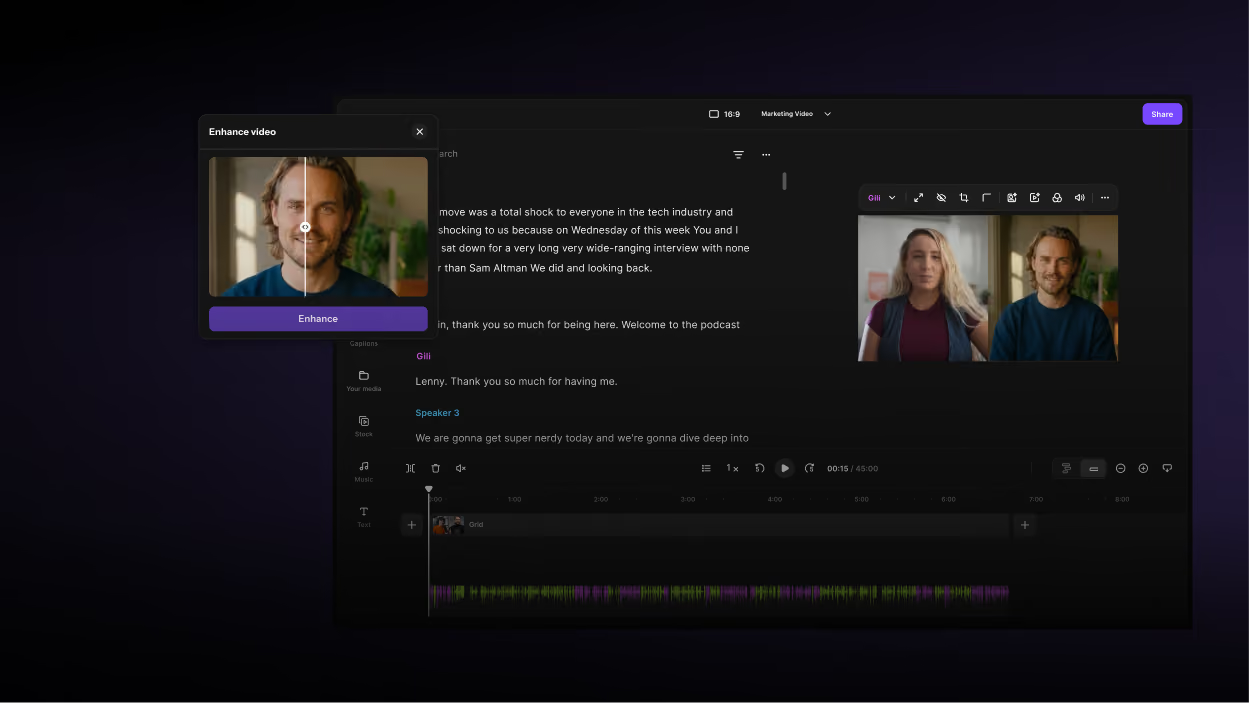
Enhance your video quality, and so much more.
Enhance your
video quality,
and so much more.

Features


English


