Transcribe it.
more than 100 languages supported with the most advanced AI transcriber out there.


99% accuracy guaranteed and more than 100 languages supported with the most advanced AI transcriber out there.
.webp)
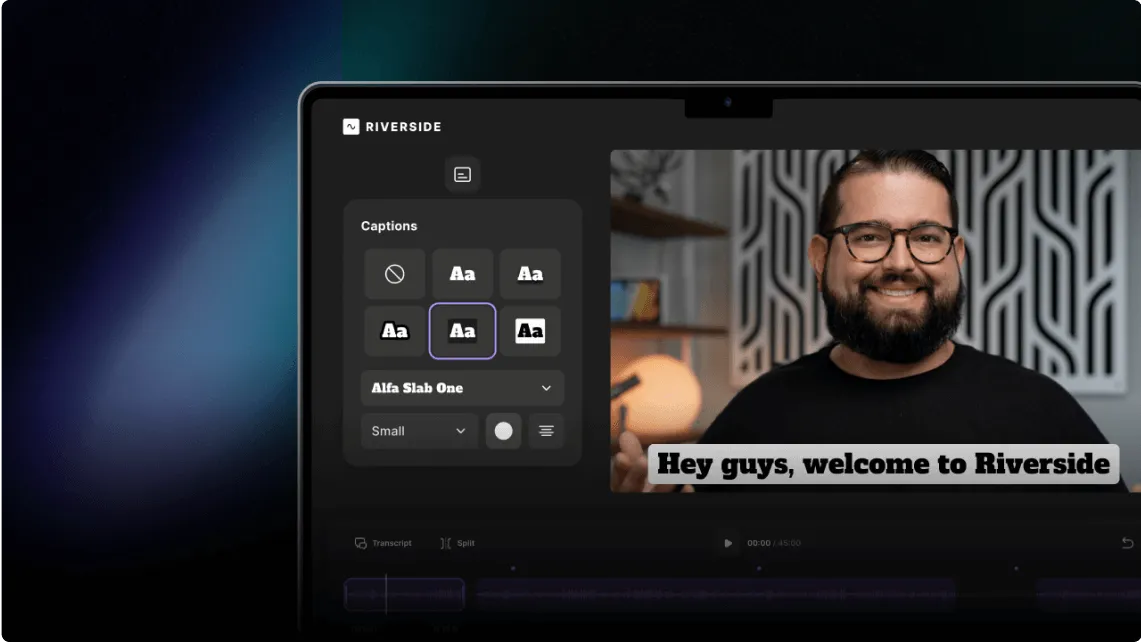
Pick a style, font, and color to make your captions on brand. Next, choose where to place them, how to align, and what animation will make it pop
.webp)
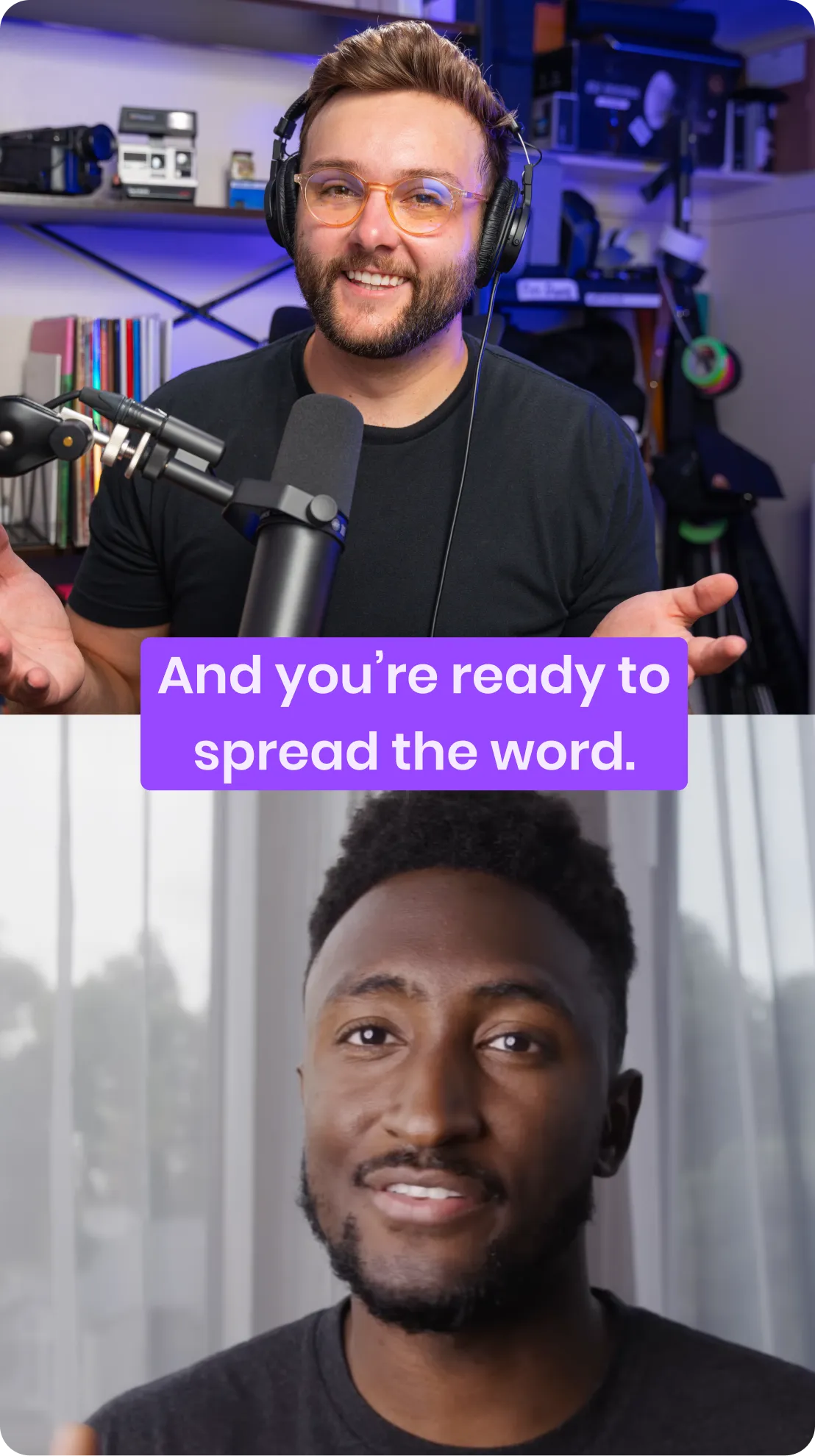
Repurpose your content for any platform - including reels,TikTok, and shorts - by switching between layouts with one click.

.webp)
To add captions or subtitles to a video with Riverside, open your video in the video editor and use the captions tool to generate and style them. Riverside automatically creates a transcript of your video recording.
Here’s how:
You can also download an SRT file from your project dashboard to upload as closed captions on other platforms.
To add an SRT file to a YouTube video, generate and download your SRT transcript, then upload it to YouTube Studio under the subtitles section of your video.
To generate an SRT transcript file using Riverside, just follow these steps:
Learn more about this topic in our beginner’s guide to adding captions and subtitles to YouTube videos.