

new feature
Media Board:
Your online soundboard
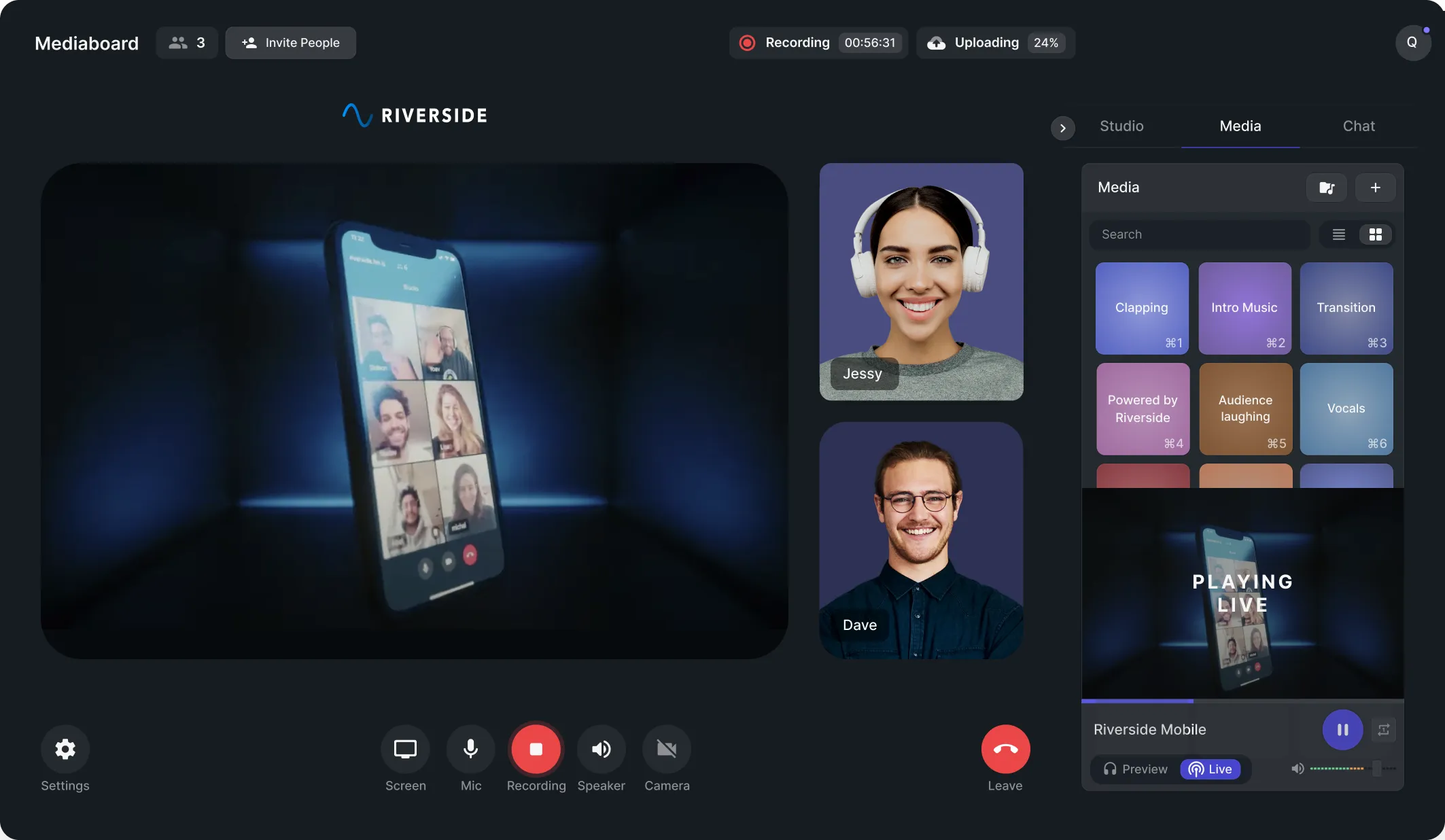
Live editing made easy. Upload, play and record audio AND video clips directly from the online studio. No need anymore to add them manually in post-production.
Media Board used by Trusted Companies


.svg)



Why use Riverside’s Media Board?

Easy to use soundboard online
No more screen-sharing or switching between tabs. With the Media board, you can add pre-recorded sounds and videos to your podcast recording or livestream. All from the Riverside studio.
Live soundboard to reduce editing time
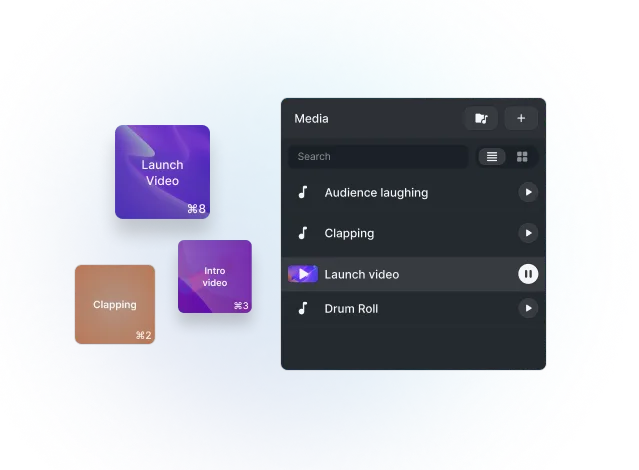
Insert podcast intros, outros, sounds, jingles, and theme music to engage your live audience, while making your sponsor happy with a bigger reach for ad reads. No need to add them in post-production.

Higher production quality
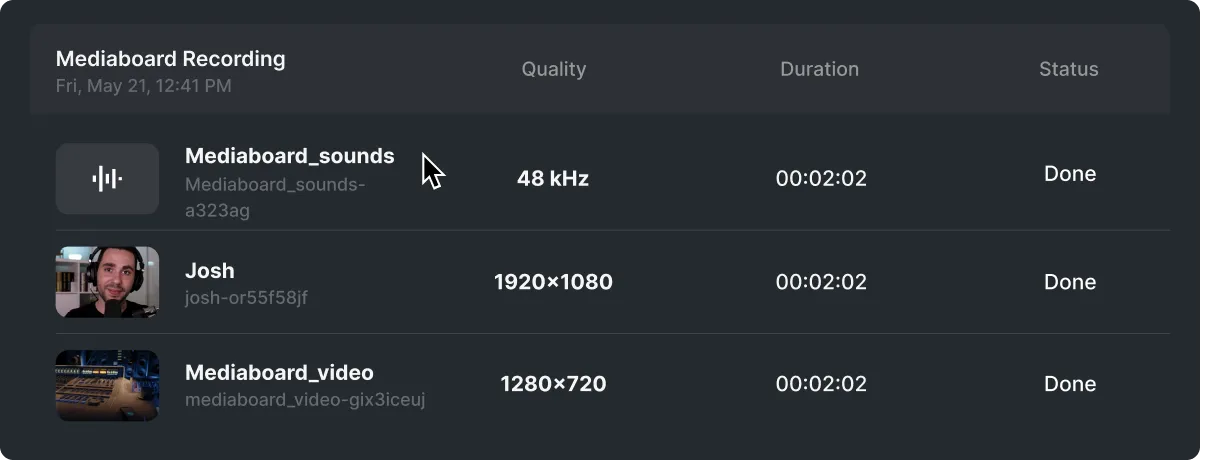
Automatically record the audio and video clips locally and receive separate tracks that are perfectly in sync.
How to use the Media Board?
1. Upload
Upload pre-recorded audio and video clips. Simply select the file or just drag & drop.
2. Preview
Use the preview mode to test media before adding it to the live recording.
3. Play
Play the clips live from the studio. Wow your guests and live audience members.
4. Record
Riverside automatically records the audio and video clips that you play. Sit back and relax.

Media Board explanatory video

Frequently Asked Questions
It makes it easy to insert music, intros, outros, and other media without needing to add them in post-production. It alsot keeps all clips perfectly in sync with your session.
Using a soundboard for podcasts lets you play intros, outros, music, and sound effects live without adding extra editing later. It helps your podcast feel polished and professionally produced in real time.
A soundboard also improves pacing with smooth transitions and allows you to emphasize moments with music or effects during the recording.
Riverside’s Media Board is included at no extra cost on all plans, including the Free plan. You get access to a built-in library of royalty-free music and sound effects, plus the ability to upload custom files.
Need more soundtracks for your show episodes? Check our library of free podcast music!
Riverside’s Media Board supports common audio, video, and image file formats.
Supported formats include:
- Audio: MP3, WAV, OGG (AAC, MPEG, OPUS codecs)
- Video: MP4, WEBM, MPEG (H264, VP8, H265, VP9 codecs)
- Images: PNG, JPG
Files must be under 100 MB each and you can upload up to 10 media files per session.
Yes, you can create your own soundboard by uploading custom audio or video files to Riverside’s Media Board.
To upload custom media:
- Step 1: Join a studio and click on the “Media” tab to access the Media Board.
- Step 2: Click “Upload media” and select your files. You can upload up to 9 files at once.
- Step 3: Click on the three dots icon “...” besides each file’s name to rename or delete it.
Are you ready to step up your game?
Wow your audience while reducing editing time for yourself. Try Riverside’s Media Board for free. No credit card needed.

Features


