No items found.

What the coolest audio enhancer sounds like.

Magic Audio is an AI-powered audio enhancer and equalizer to help you reach professional audio quality regardless of your microphone. (Yes, even the one on your mobile or computer.)

It uses machine learning on millions of recordings* to remove background noise and emulate a rich, immersive sound experience.

To put it simply, it makes everything sound like it was recorded in a million dollar studio. Even if it wasn’t.

Get Started
*We don't use your data to train the model.
ON
OFF
Try it out!
s
Magic audio
Hear_the_difference.WAV
Trusted by individuals & businesses

Showing on any screen near you.

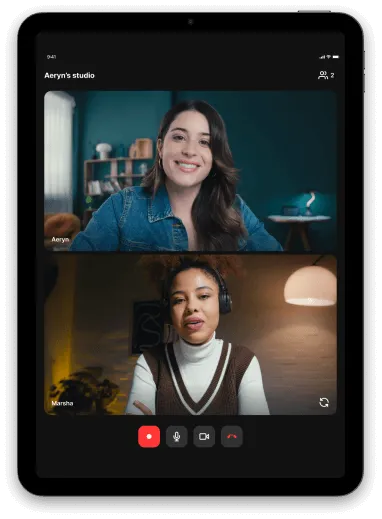
Tablet screen showing a video call with two women, one wearing a denim jacket and the other wearing headphones and a brown vest over a white shirt.

IPad

Our iPad app re-imagines the mobile app on a bigger and brighter screen.
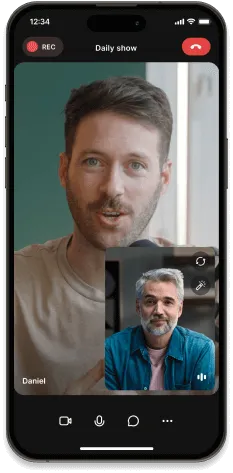
iPhone screen showing a video call between two men, one named Daniel, with ongoing recording indicated.

Phone

You and your guests can join on the go using the app, or just use it as a second camera or to turn your phone into a 4K webcam.
Learn more
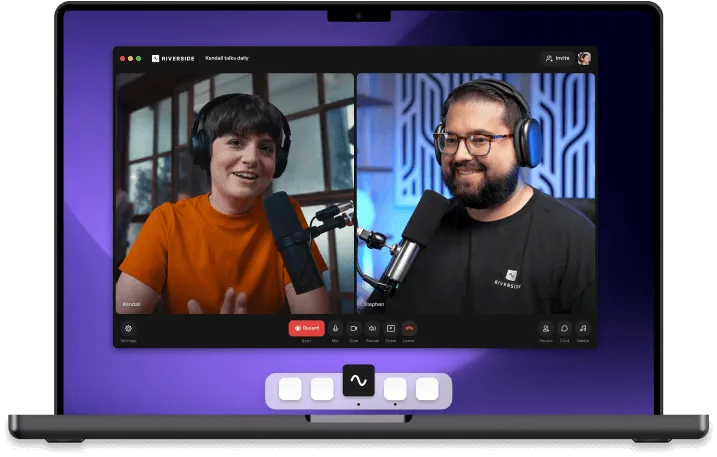
Laptop screen showing a video call between two people wearing headphones and speaking into microphones on a purple background.

Mac

Bring your studio to your laptop or desktop but keeps all those browser distractions out of it.
Learn more

Cut through the noise.

01

Open your recording

You can find all your previous recordings on Riverside.Or, you can upload your own video or audio files by simply clicking “Upload” in the platform.
(Don’t worry, all popular formats are supported, from MP3, WAV, and OGGto MP4, MPEG, and WEBM.)
02

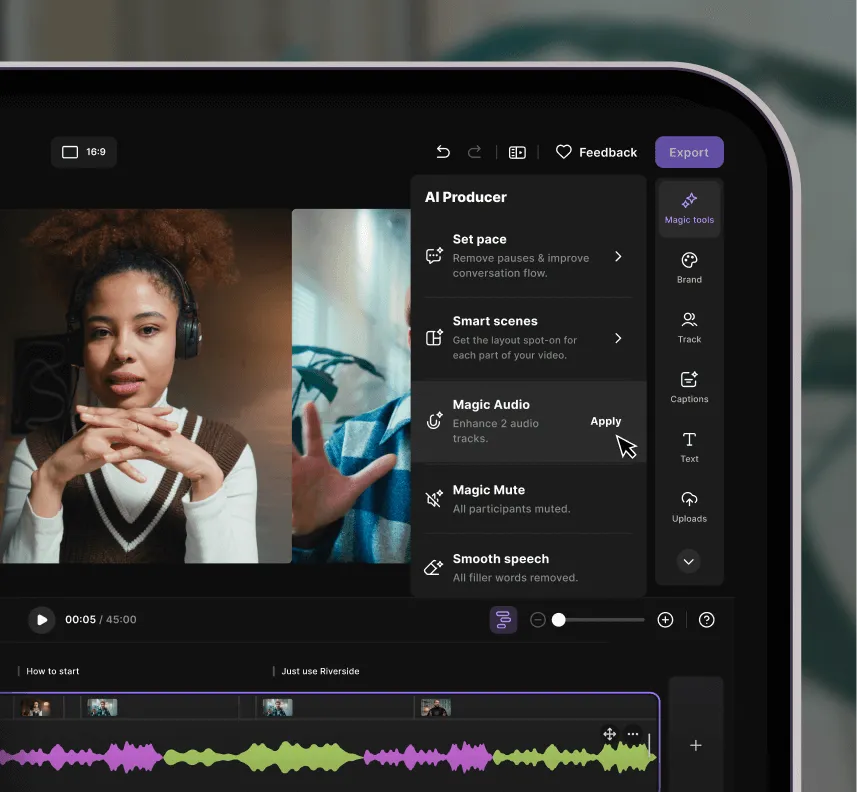
Click on “AI Producer”

This will open the bar with all the available options. Scrollto the bottom and click “Apply” on the “Magic Audio” option. Audio processing takes only a few seconds.
03

Enjoy your new sound quality

That’s it! Play your recording again and enjoy studio-quality audio.
Video editing interface showing AI Producer menu with options like Set pace, Smart scenes, Magic Audio, Magic Mute, and Smooth speech, alongside video clips and audio waveform editor.

One audio enhancer tool. Countless possibilities.

Podcasts

Whether a video or audio-only podcast, recording solo or with guests, Magic Audio uses AI technology to transform 
the quality of your recordings.
Two men wearing headphones having a video call, one in a checkered shirt and orange beanie, the other with long hair and beard in a dark jacket.

Social Media Clips

Make video clips on the go for your Instagram, YouTube, TikTok, Facebook etc. without compromising on the audio quality of the sound captured on your mobile device.
Digital interface showing multiple video clips of two people conversing, arranged in a carousel layout.

Company Meetings

Team meetings with every participant’s audio sounding crystal clear. That person who forgot to mute their mic? Not a problem with track muting and background noise removal.
Download options screen showing three audio and video files labeled Marsha, Stephen, and All Speakers, each with 3840 x 2160 resolution and buttons to download WAV and MP4 formats.

Interviews

Your show guests may be recording on their phone or PC. Make audio recordings that sound stunning with Magic Audio.
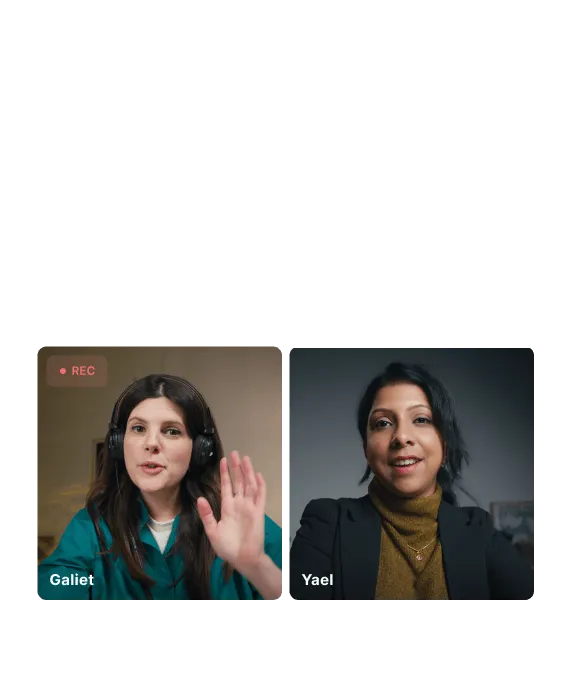
Split-screen video call showing two women, Galiet on the left wearing headphones and waving, and Yael on the right smiling.

Voice Recordings

Whether on the go or at your desk, your memos, client call recordings, or song demos can now sound studio-sharp.
Colorful audio waveform with purple and blue bars and three white sparkle icons above.

Tutorials

Produce professional workflows, tutorials, or product demos without ever having 
to leave your desk.
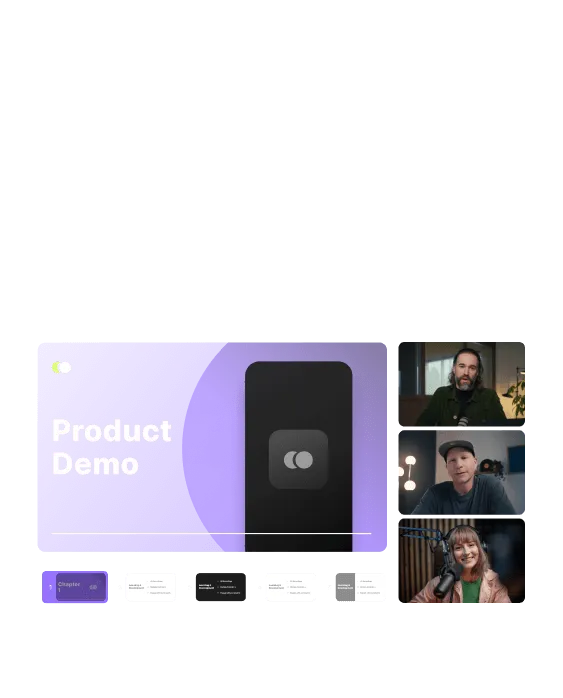
A virtual meeting screen with a purple slide titled 'Product Demo' on the left and three people in video call windows on the right.

Why Magic Audio: The user-friendly AI audio enhancer

5 cutting-edge AI tools in 1 to make audio editing simple:
01

Background
noise removal

Remove any unwanted background noises in one click. Like that drill on the street below your window or your washing machine in the background.
02

Reverb and noise
reduction

Recording in a room with little to no soundproofing? Make your recording sound like it was done in a professional studio by eliminating echo, reverb, and similar sounds.
03

Sound equalizer

Improve the quality of your recordings by automatically adjusting the levels of frequency bands and the audio among separate audio tracks.
04

Voice enhancer

Soften up harsh sounds and adjust distortion or the voice level of one or more speakers in your recordings.
05

Loudness and volume level adjustment

Automatically create balanced and professional quality audio by correcting the loudness and volume levels.

Want more reasons to try Magic Audio?

Intuitive even
for beginners
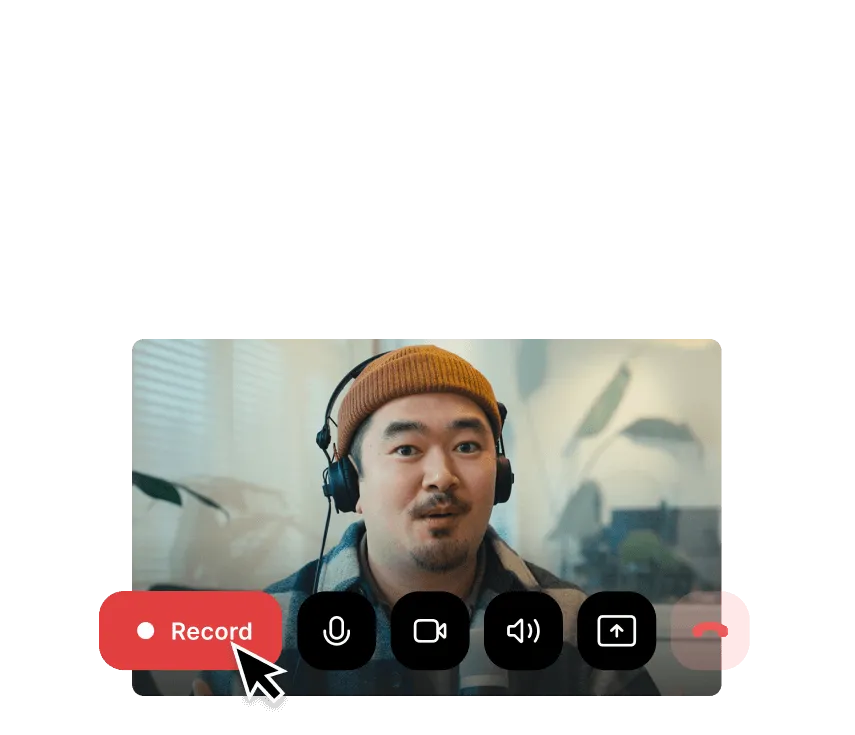
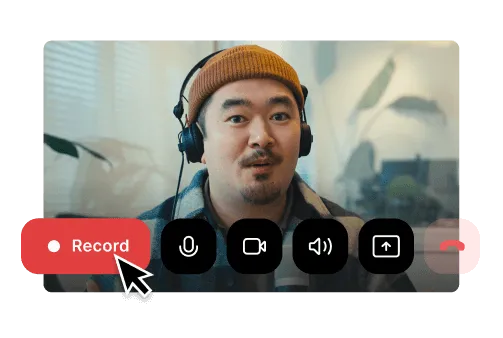
You don’t have to be a pro to use Magic Audio. All you need is a recording of your awesome ideas.
Man wearing headphones and a brown beanie, on a video call interface with a cursor clicking the red Record button.Man wearing a brown beanie and headphones with video call controls and a red 'Record' button highlighted by a cursor.

Works with all popular audio and video file formats
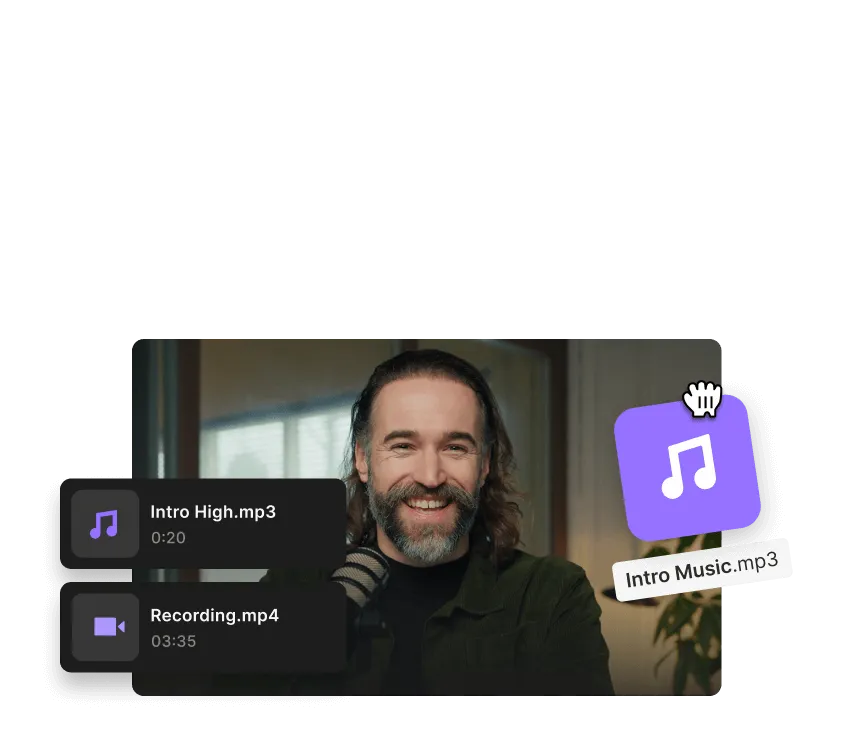
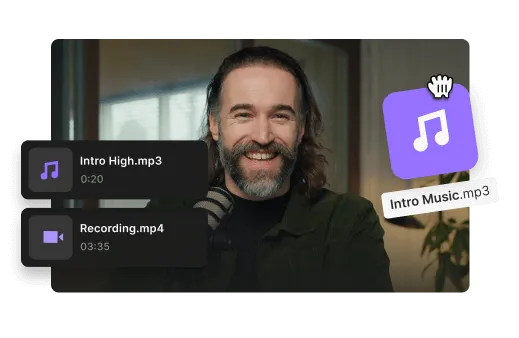
You can upload your video and audio files directly to your Studio and enjoy using Magic Audio like everyone else.
Smiling man with long hair and beard in front of a microphone, with audio and video file icons labeled Intro High.mp3 and Recording.mp4.Smiling man with a beard and long hair in front of a microphone with audio and video file icons labeled Intro High.mp3 and Recording.mp4.

Take your sound to the next level with Magic Audio

Get started

Frequently Asked Questions

FAQ

An AI audio enhancer is a software tool that uses artificial intelligence to improve the overall sound quality of audio or video recordings. It can be used in post-production to clean up a noisy interview or in real time during recording or livestreaming.

Unlike a standard audio equalizer, which adjusts specific frequency bands like treble or bass, an AI audio enhancer improves the overall quality of a recording. Sound equalizing can be a part of this process.

The main features of an AI audio enhancer include:

  • Removing or reducing background noise.
  • Minimizing or eliminating reverb and echo.
  • Increasing sound clarity and speech enhancement.
  • Sound equalizing to adjust frequency bands.
  • Sound restoration when the quality of the audio track is very low.


AI audio enhancers are commonly used for podcasts, videos, livestreams, voiceovers, tutorials, and customer content.

You can improve low-quality audio by optimizing both your recording setup and your editing process.

Here are some tips:

To improve audio pre-production:

  • Record in a quiet or sound-treated room.
  • Use a quality external microphone.
  • Wear headphones.
  • Record in high resolution.
  • Export uncompressed audio files.

To improve audio post-production:

  • Use an equalizer to balance frequencies.
  • Remove filler words and silences.
  • Apply an AI audio enhancer.
  • Reduce background noise and echo.
  • Edit separate tracks individually when possible.

Starting with clean audio makes enhancement tools more effective.

Magic Audio is Riverside’s AI-powered audio enhancer that automatically improves the sound quality of your recordings with one click. It reduces background noise, balances volume levels, removes reverb, and enhances voice clarity.

The end result makes your audio sound polished and studio-quality without manual editing.

The best way to achieve professional audio is to record clean audio before applying enhancement.

Best practices include:

  • Record in a quiet, sound-treated room.
  • Use soft furnishings to reduce echo.
  • Position your microphone about a fist’s distance from your mouth.
  • Use a pop filter to reduce plosives.
  • Wear headphones to prevent audio bleed.

Clean recordings produce better enhancement results.

Magic Audio works independently of language or accent because it enhances sound characteristics rather than transcribing speech. It improves audio quality by reducing noise, balancing levels, and clarifying voice tone.

It can identify the characteristics of the human voice and separate it from background noise, but it’s language-agnostic. The key factors that can affect results are microphone quality, mic distance, room acoustics, background noise, and speaker overlap.

To get the best results with Magic Audio, you need at least basic audio equipment for clean audio.

We recommended:

  • A quality USB or XLR microphone.
  • Closed-back headphones.
  • A pop filter or foam windscreen.
  • Basic room treatment such as rugs, curtains, or soft furnishings.

Better source audio leads to stronger enhancement results.

Want to experience the magic of Riverside’s Magic Audio?

Get started
*No credit card needed. Free plan available.