Record virtual conferences that make you proud

Capture keynote speakers in full HD/4K quality whenever it suits them best.
Get Started
Grid of diverse people in video call squares with icons for microphone, chat, and 4K resolution.Collage of diverse people smiling and speaking into microphones with icons of a microphone and chat bubble.

TRUSTED COMPANIES ALREADY USE RIVERSIDE

Black line art illustration of a bank card with a chip and magnetic stripe.
Minimalistic black and white logo with stylized letters combining to form an abstract geometric shape.

TRUSTED COMPANIES ALREADY USE RIVERSIDE

Logos of various media and technology companies including Microsoft, Hulu, Spotify, NPR, TED, and NBC.Grid of 12 grayscale logos including The New York Times, Forbes, Wired, Entrepreneur, Reuters, HuffPost, The Verge, NPR, and others.Grid of various black and white logos including Netflix, NPR, TED, and The New York Times.

What to consider when choosing an online voice recorder

The most important thing to consider when looking for an online voice recorder is quality. With the right audio recorder, you don’t need to compromise resolution because you’re recording online. Find online software with local recording that can record your voice in high resolution without worrying about internet issues getting in the way. The better your recording quality, the less editing but for quick fixes look for software that already comes with some easy editing tools.

You’ll want tools for automatic noise suppression, echo cancellation, and easy audio clip creation. The ability to download separate participant tracks is also helpful in giving you more editing control. Don’t forget to check out recording files’ formats. While MP3 audio is better when it comes to storage space, WAV files are crisper and better for fine-tune editing. Other than that, automatic transcription will save you plenty of labor time and a voice recorder mobile app will give you the freedom to record on-the-go.

Why use Riverside to record virtual conferences?

Professional quality audio and video recording

Make your speakers stand out, to make your event stand out. Record them in up to 4K video resolution and uncompressed, WAV audio. All from the browser.
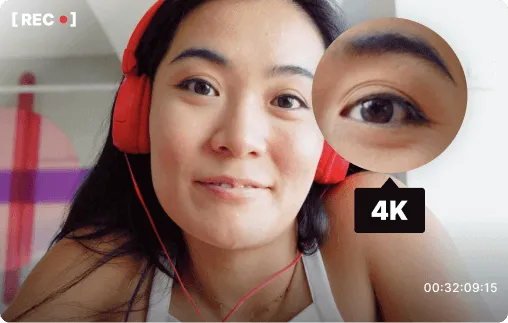
Close-up of a woman wearing red headphones speaking into a camera, with a magnified inset of her eye and a 4K video recording icon.
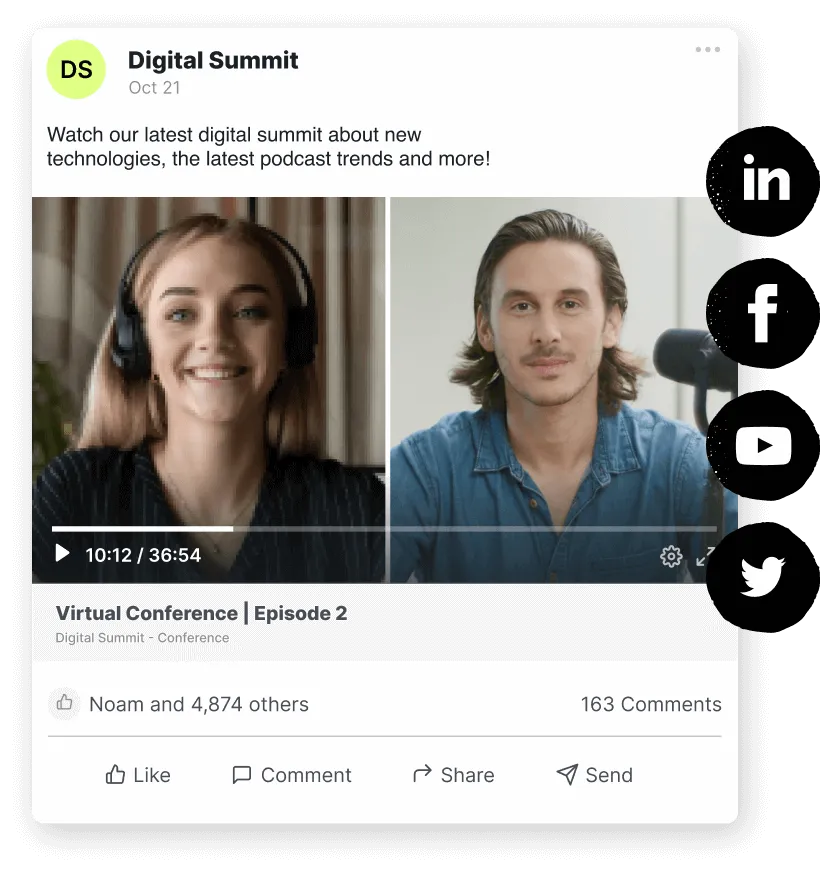
Screenshot of a virtual conference video post featuring a smiling woman with headphones on the left and a man in a blue shirt on the right, with social media sharing icons on the right side.

Expand your audience reach

Simulcast to LinkedIn, Facebook, YouTube, and Twitter, while recording locally. Edit the ISO video tracks and distribute them across channels to reach a wider audience.

Full control for your team

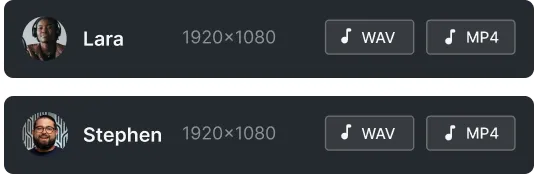
Have your production team attend the show without being visible to the audience. Separate audio/video tracks for maximal control in post-production. Adjust live audio levels and monitor the speaker's equipment to ensure crisp recording quality.
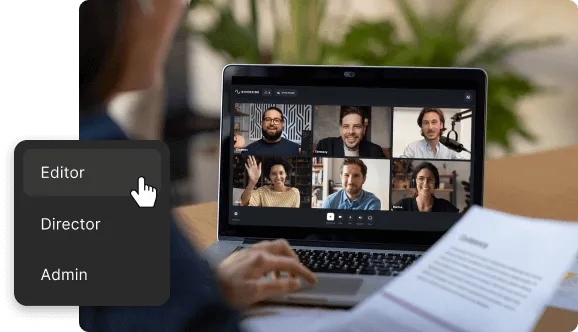
Person holding a document and selecting 'Editor' from a role dropdown while attending a video conference on a laptop with six participants.
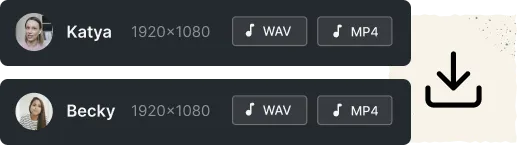
User interface showing two audio and video download options for Katya and Becky with WAV and MP4 formats.

Hands-off process for your guest

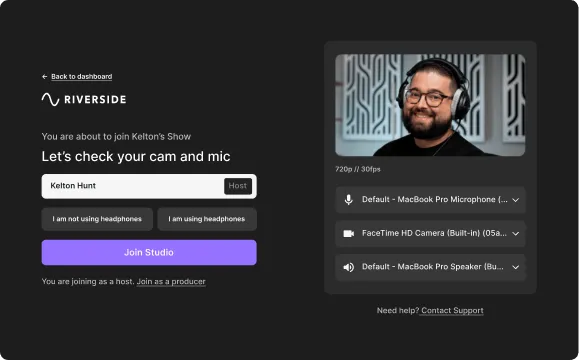
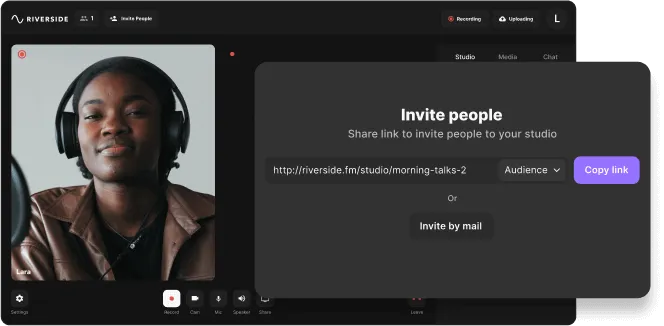
Send a link to your speakers, and with one click they’re in. No need for them to download or install anything. After the session, files are automatically uploaded to your dashboard and are free to use.

Riverside

Record virtual events that wow attendees

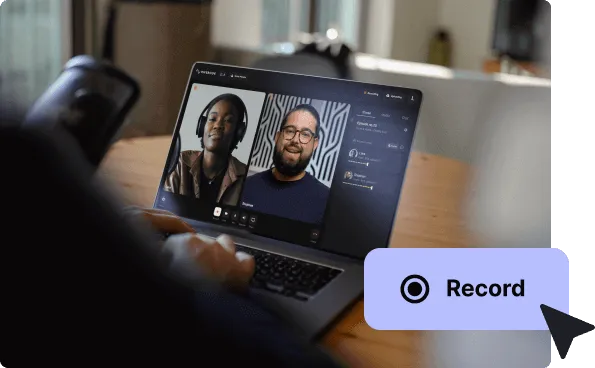
With Riverside, you can easily capture keynote speakers, roundtable discussions, live Q&As, and more. Record all participants in up to 4K video resolution and receive individual audio/video tracks for full control in post-production.

Get Started
Collage showing three people with headphones using microphones for audio recording and icons of microphone, speech bubble, and play button.