
Your online recording studio for HD video and audio recordings.
Record audio and video at the highest quality possible,
as easily as possible for you, guests, and everyone involved.
Record audio and video at the highest quality possible, as easily as possible for you, guests, and everyone involved.

00:00


Local recording from anywhere.
Unlike other platforms that save your recordings directly to the cloud, Riverside saves it on your device first. This helps maintain recording quality regardless of internet connection.
Separate tracks that go together.
Individual, perfectly in-sync video and audio tracks for each participant give you more flexibility in post-production.
Designed for quality, from recording to end.

Puts the awe in audio.
Plug in your mic and give in to the immersive experience of 48kHz WAV files, delivering profound, crystal-clear audio.
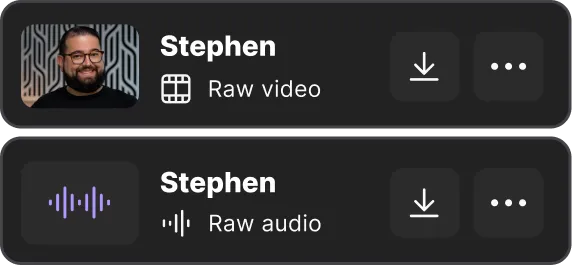
Uncompressed. Uncompromising.
Compressing your recordings compromises
their quality. So we don’t do that. Instead,
you get raw, unspoiled tracks to edit and work with.
their quality. So we don’t do that. Instead,
you get raw, unspoiled tracks to edit and work with.
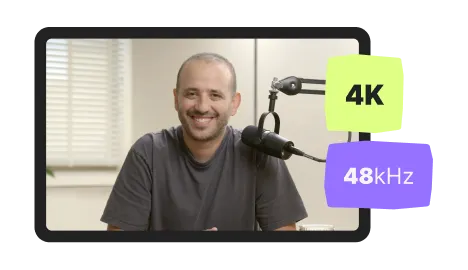
Video files for videophiles.
4k video? For sure. Constant frame rate? Consistently. Bring your best camera and we’ll make sure you get the most out of it.

Safe and sound in the cloud.
Tracks temporarily save locally and progressively upload to the cloud. This way, they’ll finish uploading shortly after your session ends.
Collaboration of the highest quality.
Host
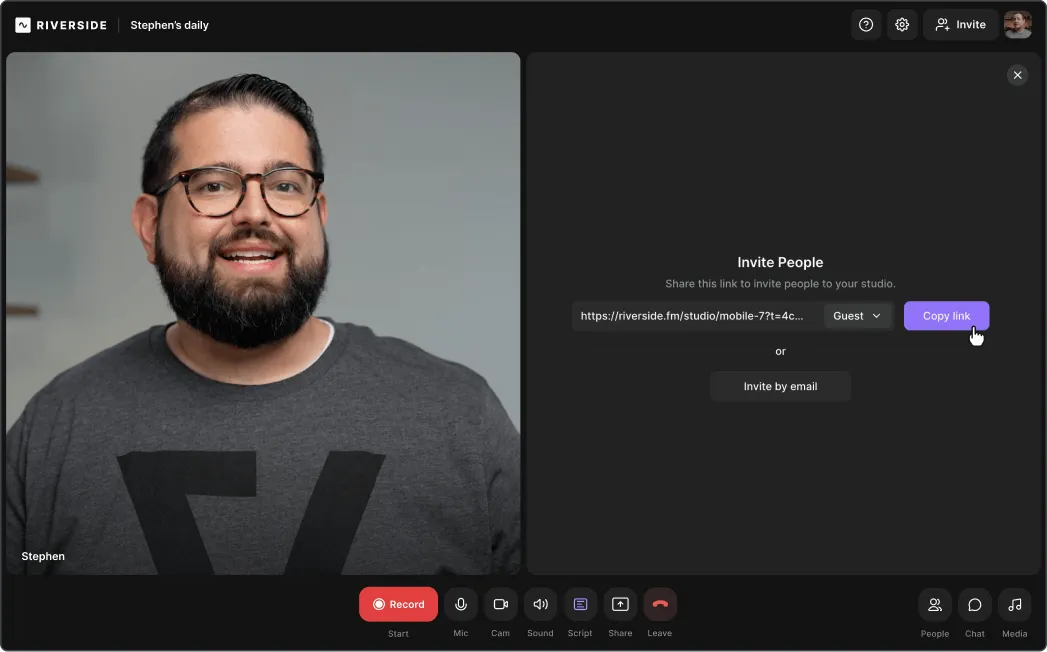
Create and organize studios based on your content and processes. Then, invite guests with a click and hit the record button. When you’re done recording, all your tracks will be waiting in the cloud.
Create and organize studios based on your content and processes. Then, invite guests with a click and hit the REC button. When you’re done recording, all your tracks will be waiting in the cloud.
Guests
You invite them with a click, guests join with another. No downloads or installations required. And if they’re having troubles setting up, we’ve got built-in workarounds to help you help them.
Producer
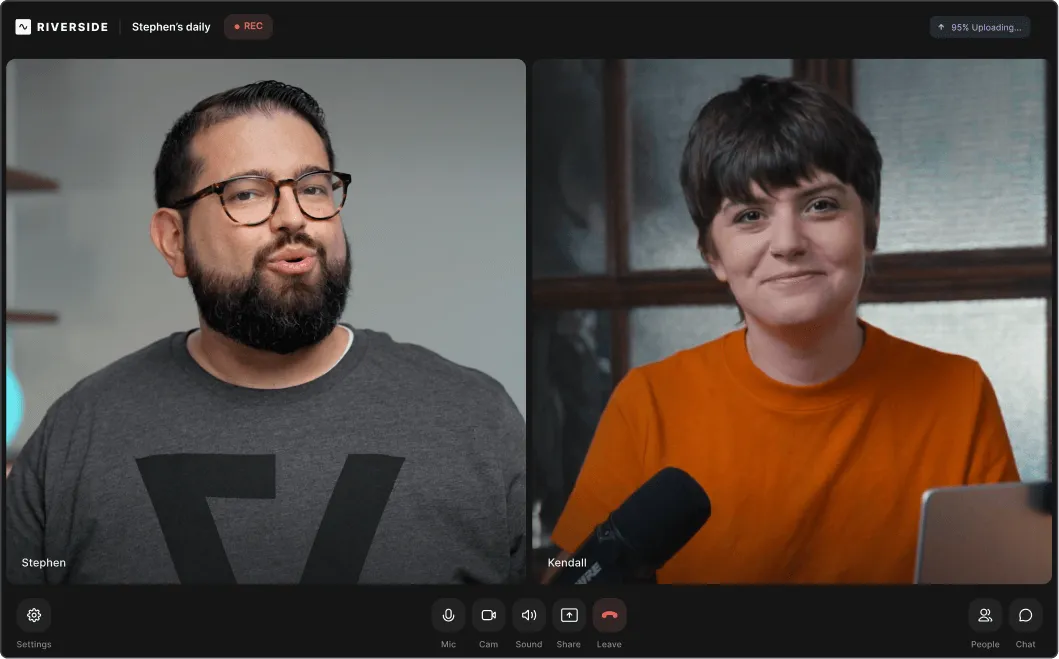
Producers aren’t recorded, nor take up seats, but have full control over everything. This frees the host
to focus on their guests, knowing that nothing can go wrong.

Audience
Live viewers and listeners are welcome to join and call-in. Hosts can either share a link to watch the livestream directly on Riverside, or stream it on social media.
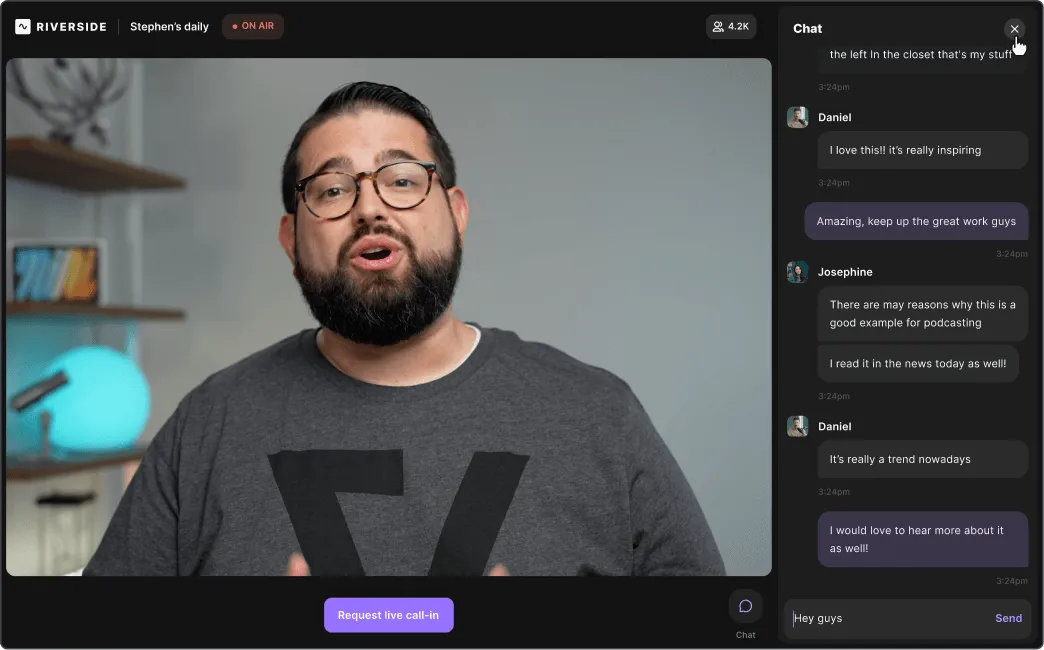

Control the recording

Automatically
uploads to
the cloud
uploads to
the cloud

Full visibility
& control
& control

Seamlessly join as a guest
Ready to use wherever you are.
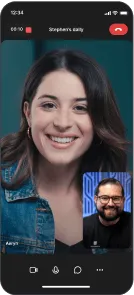
Phone
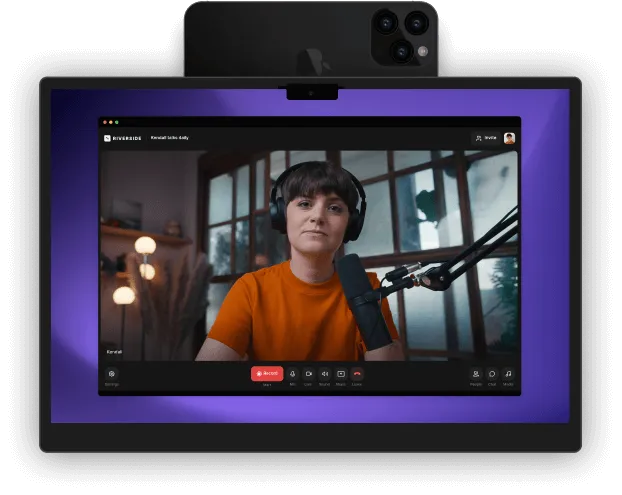
Invite guests and record sessions right from your phone. You can use it as either your primary webcam or second camera.
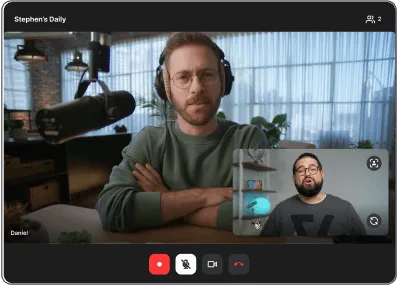
iPad
Our iPad app is a re-imagination of our phone app. You can do everything just as easily, only bigger and brighter.
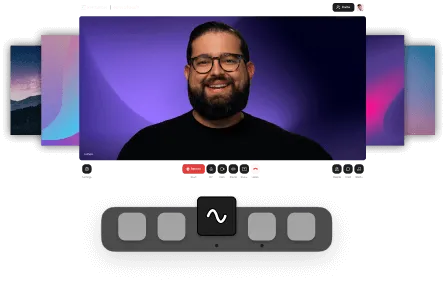
Mac
COMING SOON
Our MacOS app carries over the same powerful recording, minus all the distractions from your browser.

More features to love.
Teleprompter
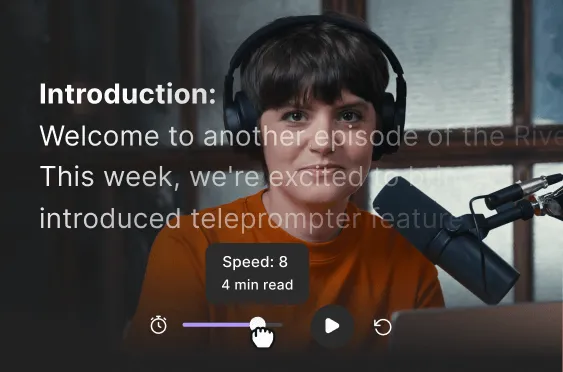
Save all your questions, discussion points, and even full scripts in your studio, and start rolling.

Media Board
Upload video and audio files in advance, play them as you record,
and save time after.
and save time after.
Screen share
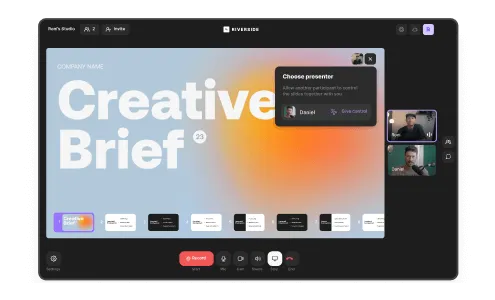
Presentations, files, and anything else you share are recorded and saved as separate high-quality tracks, too.
It's all part of the workflow.

Record
Raw, studio-quality, separated tracks.
.svg)
Edit
Text-based editing & AI tools.
Share
Click to export and publish.


Features


English


