
Extra oomph.
Hardly any extra work.
Smart text suggestions, royalty-free stock images, and a proprietary music catalog, all built into your editor. All that’s left is to pick.
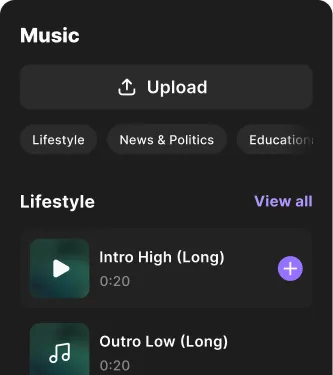
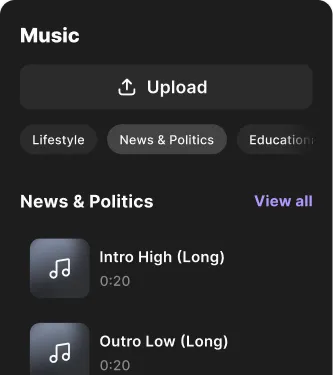


Set the tone right.
Browse Riverside's music catalog uniquely composed for different genres of content, from news and education to lifestyle and true crime. Or upload your own tune.

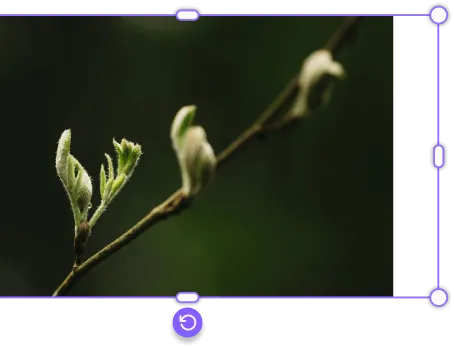
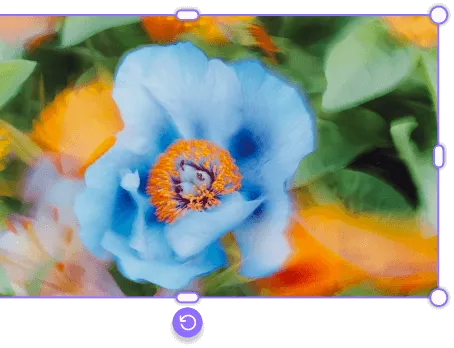
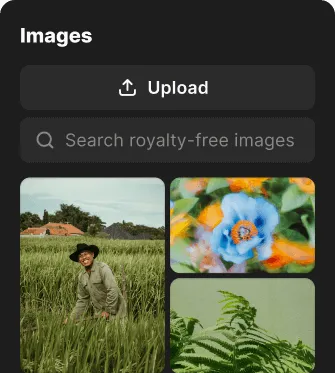

Paint a precise picture.
Click for topical image ideas or search the stock library yourself. It’s all yours to use for free. But feel free to upload your own images, too.
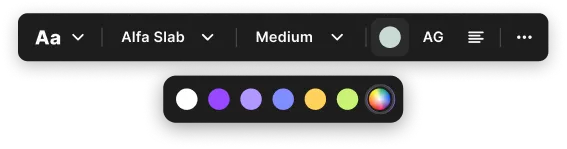
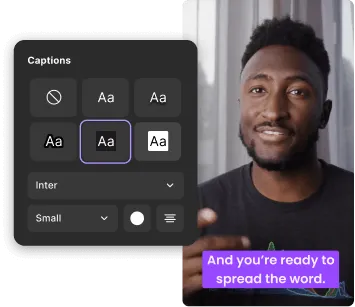
Mark your every word.
Write up titles, lists, quotes, or anything else. But to make things easier, we have suggestions that you can change and style as you wish.



More ways to perfect content.


How it works.

Text, Image & Music Overlays
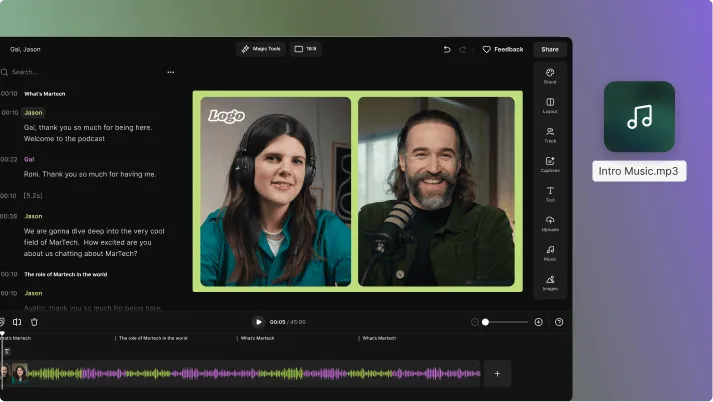
A full production flow for your full story.
Promote.


Frequently Asked Questions
Overlays help clarify information, reinforce branding, and keep viewers engaged without interrupting the flow of the video.
The types of video overlays include different elements layered on top of your main footage.
The most common categories are:
- Text overlays: Titles, captions, lower thirds, and calls to action.
- Image overlays: Logos, screenshots, icons, and graphics.
- Audio overlays: Intro music, background tracks, and sound effects.
- Video overlays: B-roll, picture-in-picture, side-by-side layouts.
You can create a video overlay by layering text, images, video, or audio on top of your main footage in a video editor.
In Riverside:
- Step 1: Record or upload your content.
- Step 2: Open your project in the Editor.
- Step 3: From the sidebar, select the “Images”, “Text”, “Videos”, or “Music” tabs.
- Step 4: Select a media from our free library, or click “Upload” to choose a file from your computer.
- Step 5: Drag and drop it onto the canvas and adjust size, position, and duration.
You can upload audio, video, and image files to Riverside’s Editor.
Supported formats include:
- Audio: MP3, WAV, OGG (AAC, MPEG, or OPUS codecs)
- Video: MP4, WEBM, MPEG (H264, VP8, H265, or VP9 codecs)
- Images: PNG, JPG, JPEG (up to 4096 x 4096 resolution)
The maximum file size is 500 MB per file.
Riverside supports exports up to 4K (2160p) resolution, depending on your plan. You can even export composited videos with multiple participants with a higher resolution than the individual recorded tracks in it.
To merge a video and a photo, drag an image onto your video timeline and set its duration.
In Riverside:
- Step 1: Upload or record your video.
- Step 2: Open the project in the Editor.
- Step 3: From the sidebar, select the “Images” panel.
- Step 4: Select a picture from our free images library, or click “Upload” to choose a file from your computer.
- Step 5: Drag it onto the canvas and adjust size, change opacity, animate it, and more. You can set duration by clicking and dragging its start/end handles on the timeline.
The Free plan limits exports to 720p with a watermark. Paid plans, starting at $24/month, allow exports up to 4K and remove the watermark.

Hit play on overlays.

Features


