



No items found.

Meet Async recording.
So you don’t have
to meet to record.

Make your studio available for guests to
record in high quality, in their own time.
Book a demo
Async recording is available
on Business plans.

Record asynchronously, totally in sync.

Zero time loss

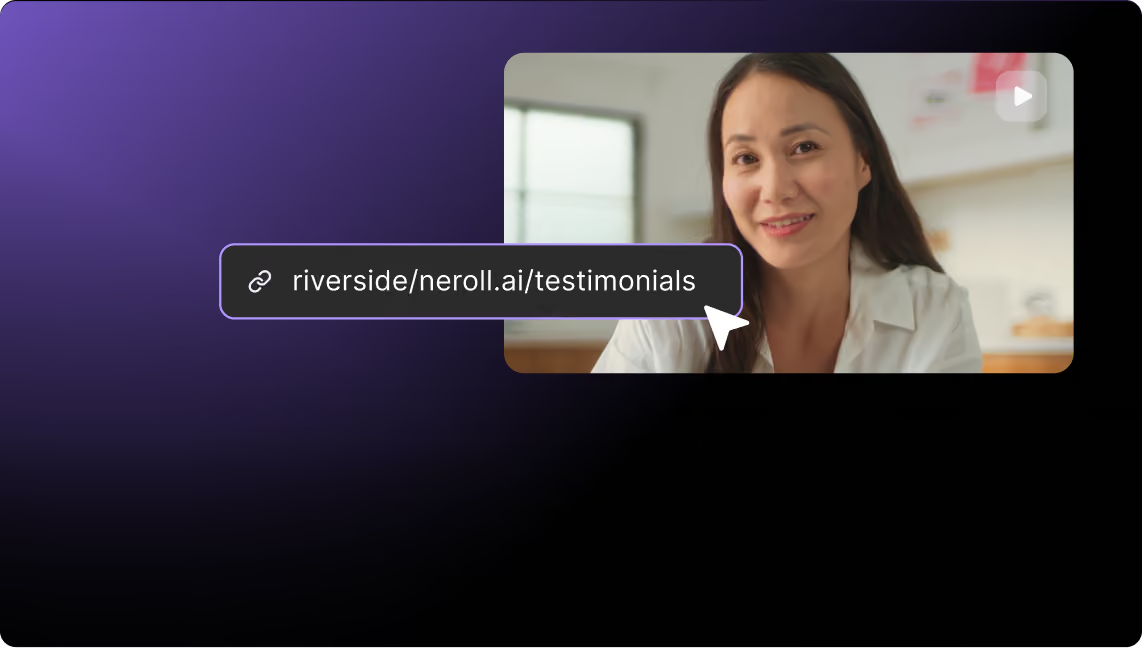
Share a link with your guests to record whenever’s convenient for them. Which would be super convenient for you too.

On-screen instructions

Guests are guided all throughout with clear instructions. And, they can do as many takes as they want.

Integrated teleprompter

You can prepare a script with questions or points to assist your guests while recording. We'll let them know it's there.

All this content can record itself now.

With a user-friendly flow and a built-in teleprompter, there’s not a whole lot you can’t capture without even being present – from customer stories, to guest interviews, and even anonymous testimonials.

Podcasts  interludes
Talking head presentations
Keynote speakers
Training videos
Voiceovers
Testimonials
Podcasts  interludes
Talking head presentations
Keynote speakers
Training videos
Voiceovers
Testimonials
Podcasts  interludes
Talking head presentations
Keynote speakers
Training videos
Voiceovers
Testimonials
Podcasts  interludes
Talking head presentations
Keynote speakers
Training videos
Voiceovers
Testimonials

How it works.

01
Host shares a link
Share a link with your guests, along with 
questions or even a script for them to follow.
02
Guest enters studio
After clicking, your guests will be guided
on what to do and how to record with
on-screen instructions.
03
Guest records
Guests can record, check to see how it turned out, and record again until they’re happy with the result.
04
Guest submits recording
Once submitted, their recording is uploaded to the cloud and added to all your other recordings.
05
Recording available to host
We’ll email you after this happens so you
don’t miss anything.
Smiling person wearing headphones and a light blue shirt, sitting in front of a microphone in a room with plants and large windows.Smiling person wearing headphones and speaking into a microphone during a video recording session.Riverside Studio dashboard showing a list of recorded video thumbnails with titles, dates, and durations.Notification screen showing a man sitting at a desk with microphone and headphones, confirming a new recording submitted by Kendall, with a purple button labeled 'View recording'.
01
Host shares a link
Click on a recording to start editing it. You can also upload and edit other recordings, or mix them altogether.
02
Guest enters studio
After clicking, your guests will be guided on what to do and how to record with on-screen instructions.
Video call setup screen showing a person wearing headphones smiling, with options to check mic and camera, and instructions for setting up the perfect shot including lighting, camera position, and centering.
03
Guest records
Guests can record, check
to see how it turned out, and record again until they’re happy with the result.
Smiling person wearing headphones in a recording interface with a pop-up asking to restart recording, showing Cancel and Restart buttons.
04
Guest submits recording
Once submitted, their recording is uploaded to the cloud and added to all your other recordings.
Riverside Studio dashboard showing a recordings library with video thumbnails and controls for inviting to record, uploading, and navigating to the studio.
05
Recording available to host
We’ll email you after that happens so you don’t miss anything.
Notification screen showing a man speaking into a microphone with text announcing a new recording by Kendall available on the dashboard and a purple button labeled View recording.

High-quality recording. 

Now available asynchronously.

Book a demo
Async recording is available
on Business plans.