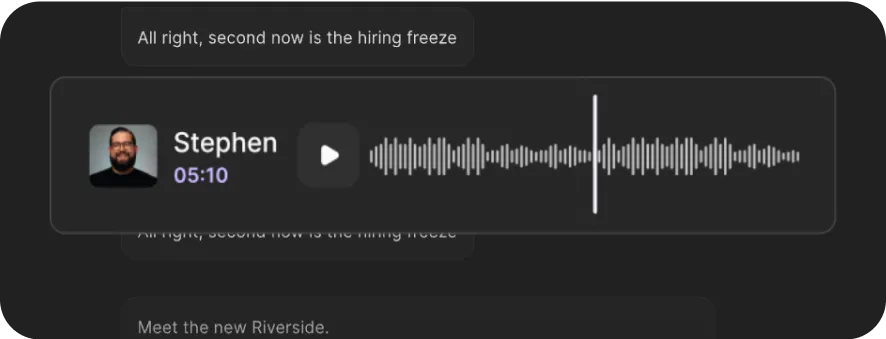
YouTube Transcript Generator
Transcribe YouTube videos in seconds. Just paste a YouTube link and turn any video to text. 100% free, 100+ languages, and with no sign-up required.




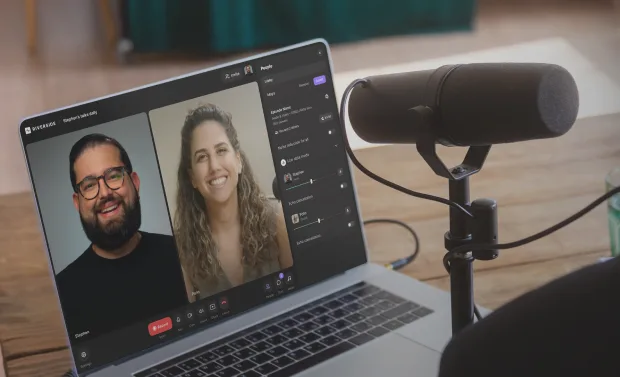
How to transcribe a YouTube video with Riverside
Step 1 Record or upload your YouTube video
Have a YouTube video ready to go?
Upload it just pasting its link. Or, record a video from scratch in 4K in a Riverside studio.
Step 2 Let AI convert your YouTube video to text
Our YouTube transcriber will automatically start generating a transcript after recording or uploading.
Step 3 Choose a transcript format
Download your transcript in text format for repurposing your YouTube video into a blog or summary. Or download a subtitle file for quick YouTube captions.
Step 4 Repurpose and share
Add your transcript to your YouTube video or turn it into other content. In Riverside, you can also download automatic post summaries or descriptions with titles, chapters and key takeaways.


Why Riverside:
YouTube to transcript in minutes

AI transcription with 99% accuracy
Our YouTube transcriber catches close to every single word, syllable, joke, and accent. No fluff. Just transcriptions that nail 99% accuracy.

YouTube transcripts in 100+ languages
Go global. Transcribe YouTube videos in 100+ languages, including English, Chinese, French, Spanish, and more.

One transcript, multiple formats
Need captions? Grab a timestamped subtitle file. Want a summary or a blog? Download a text file. Repurpose content your way with your transcript ready.

Link-friendly YouTube transcriber
Just paste a link to convert your YouTube video to text. It all happens in your browser. No downloads and uploads, no tech tantrums. Just quick and easy YouTube transcripts.

All-in-one YouTube creation platform
Join Riverside to record in 4K, transcribe with 99% accuracy, and edit your videos by editing transcript text. No juggling tools. Create your YouTube content from start to finish, all in one place.

Repurpose videos effortlessly
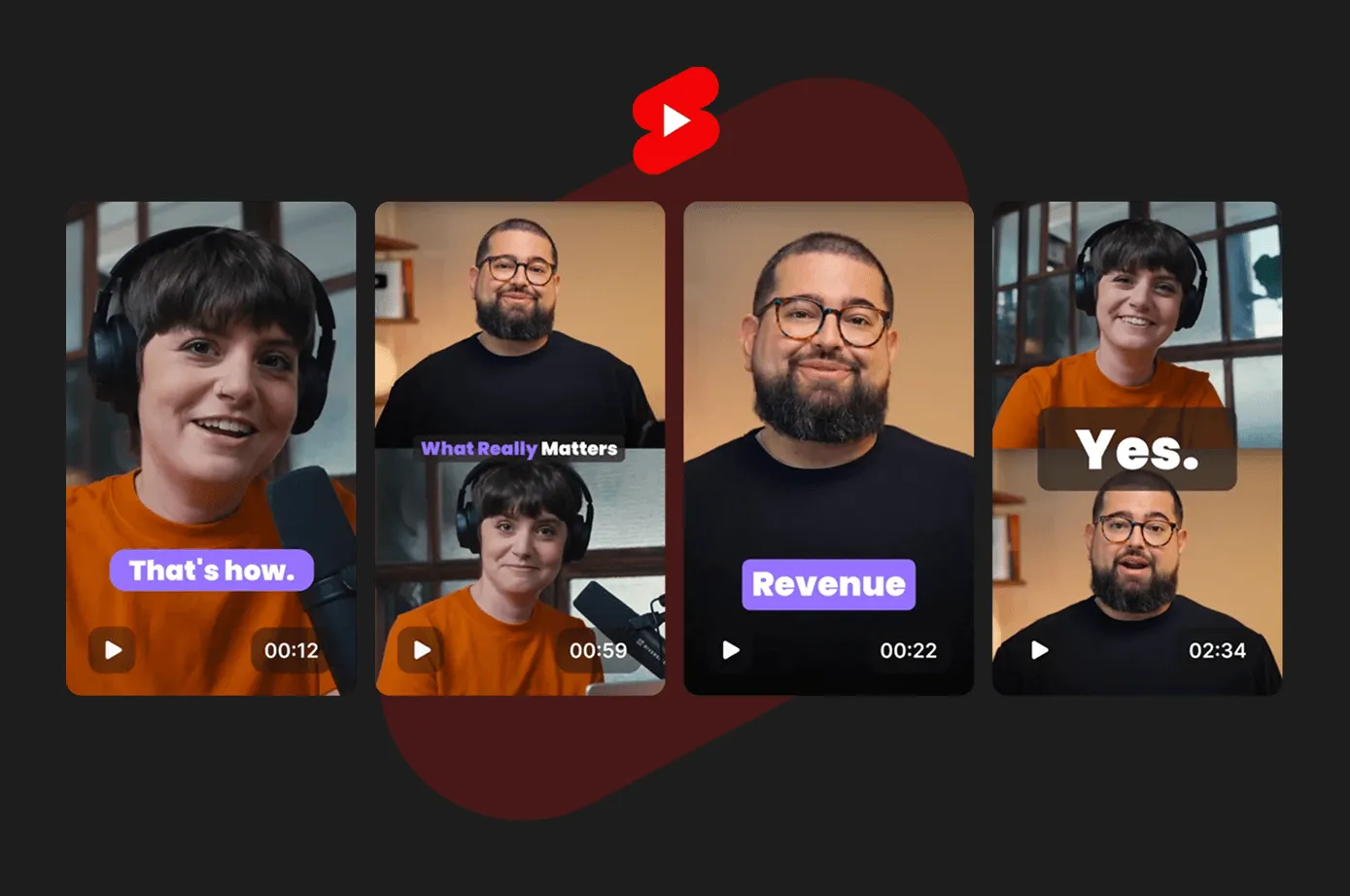
Turn YouTube transcripts into blogs, carousels, or newsletters. And let Riverside’s AI handle post summaries, descriptions and short clips, so you can do more with less.
More than a YouTube transcriber.
A full YouTube content studio.
How to choose the best YouTube transcriber
High accuracy
Look for AI that reliably captures every word, even with accents, crosstalk, or fast speech.
Studio-quality audio support
High-resolution audio means better transcription results. Choose a platform that supports at least 44kHz audio.
Easy to use
Go for software that doesn’t require complicated uploads. You should transcribe your YouTube videos in a few clicks.


Compatible formats
Make sure the software allows you to export and import files in the formats you’re working with.
All-in-one workflow
Save time by using a platform that lets you record, transcribe, edit, and publish, all in one place.
Built for repurposing
Great transcription tools don’t stop at text. Get a tool that offers automatic captions, summaries, and clips from one video.
YouTube transcription for:
Time-savvy content creators
Stop wasting hours on transcription. Download instant YouTube transcripts to turn into blogs, captions, and more.

Podcasters who want to get noticed
Add subtitles and descriptions to your YouTube videos to make your content accessible and discoverable.
Marketers who create more with less effort
Don’t create from scratch. Use our YouTube video transcript generator to turn a single video into blogs, quotes, newsletters, and social posts in minutes.

Creators who care about accessibility
Whether watching on mute or being a person who is hard of hearing, YouTube transcripts and captions help everyone follow along.

Frequently Asked Questions
Yes. To find a YouTube transcript, go to the video you want and click on the three dots next to the “Save” button. A pop-up menu should appear. Click “Open transcript” to view the video’s transcript. This transcript might not be the most accurate. So, if you want a more reliable transcript or if the video doesn’t have a transcript, you’ll need to generate one yourself using a YouTube video transcriber like Riverside.
We’ve got a whole guide on how to transcribe YouTube videos.
But, to transcribe YouTube videos to text with Riverside, you have 2 options. You can use the free YouTube transcript generator above. Or, you can record your YouTube videos directly on Riverside to get automatic transcripts straight after recording.*
To download transcripts directly in your Riverside workflow, follow these steps:
- Record your YouTube video in up to 4K on Riverside.
- Once the recording ends, head to the dashboard to view your recording.
- Select the recording you want a transcript from and click “File”.
- Under the transcript section click “Download” and choose the format you want your transcript in.
* Note: Automatic transcripts after recording are only available on some of our paid plans.
We’ve got a whole list of the best video transcription software to get your started.
But if you’re looking to get highly accurate transcriptions fast, then we suggest you try Riverside.
Our AI-powered transcription tool gives you 99% accuracy, supports 100+ languages, and lets you download in formats perfect for captions, content, or repurposing. Whether you’re uploading a YouTube video or recording from scratch, Riverside makes transcription effortless.
ChatGPT can help summarize or rephrase transcripts, but it can’t transcribe an actual YouTube video just yet.
You’d first need to get a transcript using another tool, for example, Riverside. Our AI-powered YouTube transcript generator gives you accurate, speaker-labeled transcripts in seconds. You can even record on Riverside and get automatic transcripts instantly.
High-speed, high-accuracy YouTube transcription.
Get studio-quality transcripts in seconds with Riverside’s AI. Up to 99% accurate and ready to use right away.


-p-800.webp)
.webp)

More from Riverside

.webp)


Features