

.svg)


.avif)
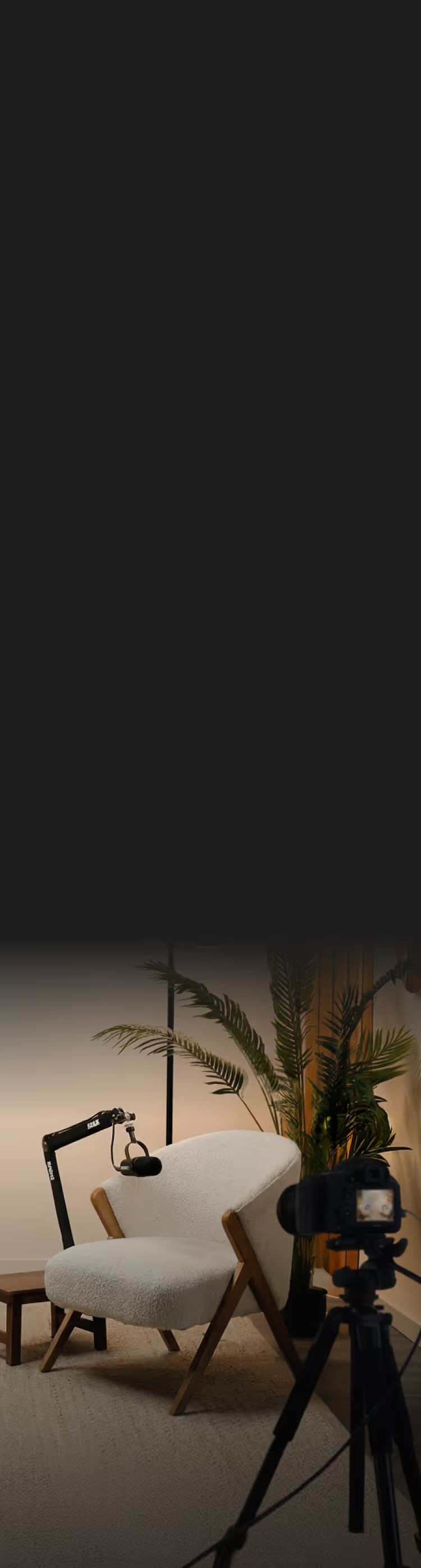
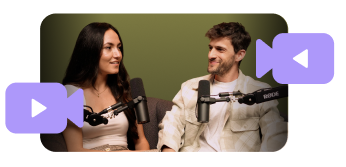
Multiple mics and cameras in one room, capturing every angle and every voice.
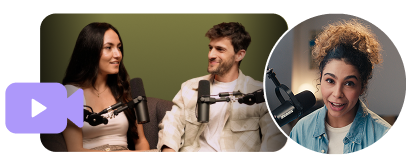
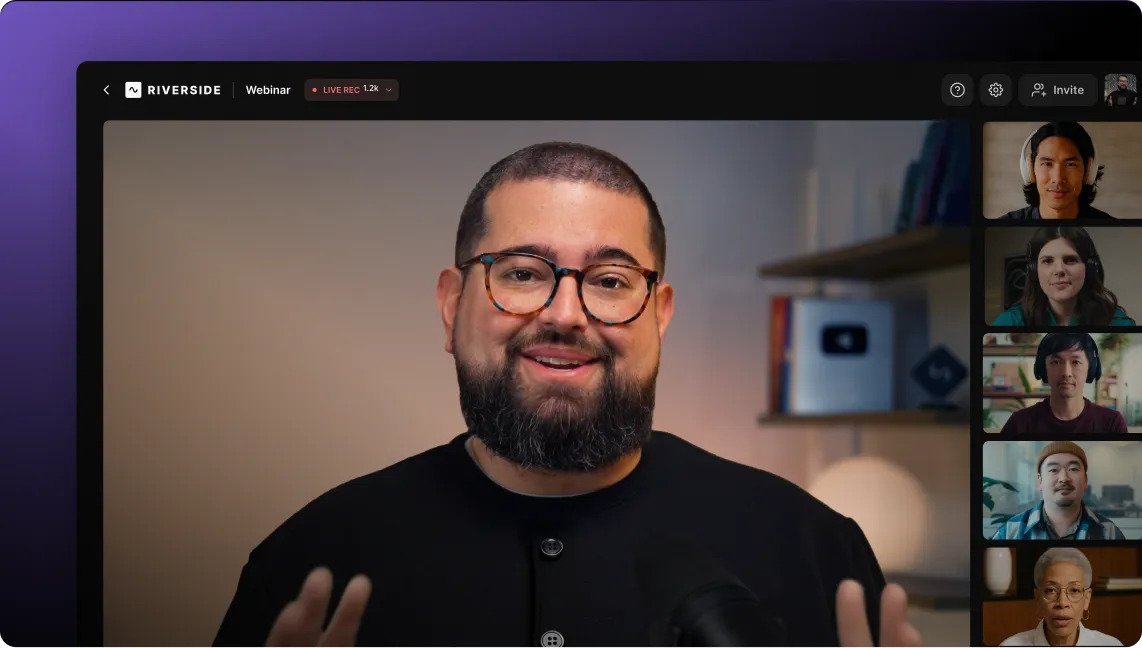
Everyone in the room plus remote guests, all recorded at the same quality.

Local studio-quality recording on every guest's device in up to 4K video and 48kHz audio.
Record everyone in the room on their own camera and mic, including wide shots, close-ups, and reaction cams.
4K video and 48kHz audio on every track, including remote guests recording locally on their own devices.
AI cuts based on who's speaking, so you can skip hours of manual editing.
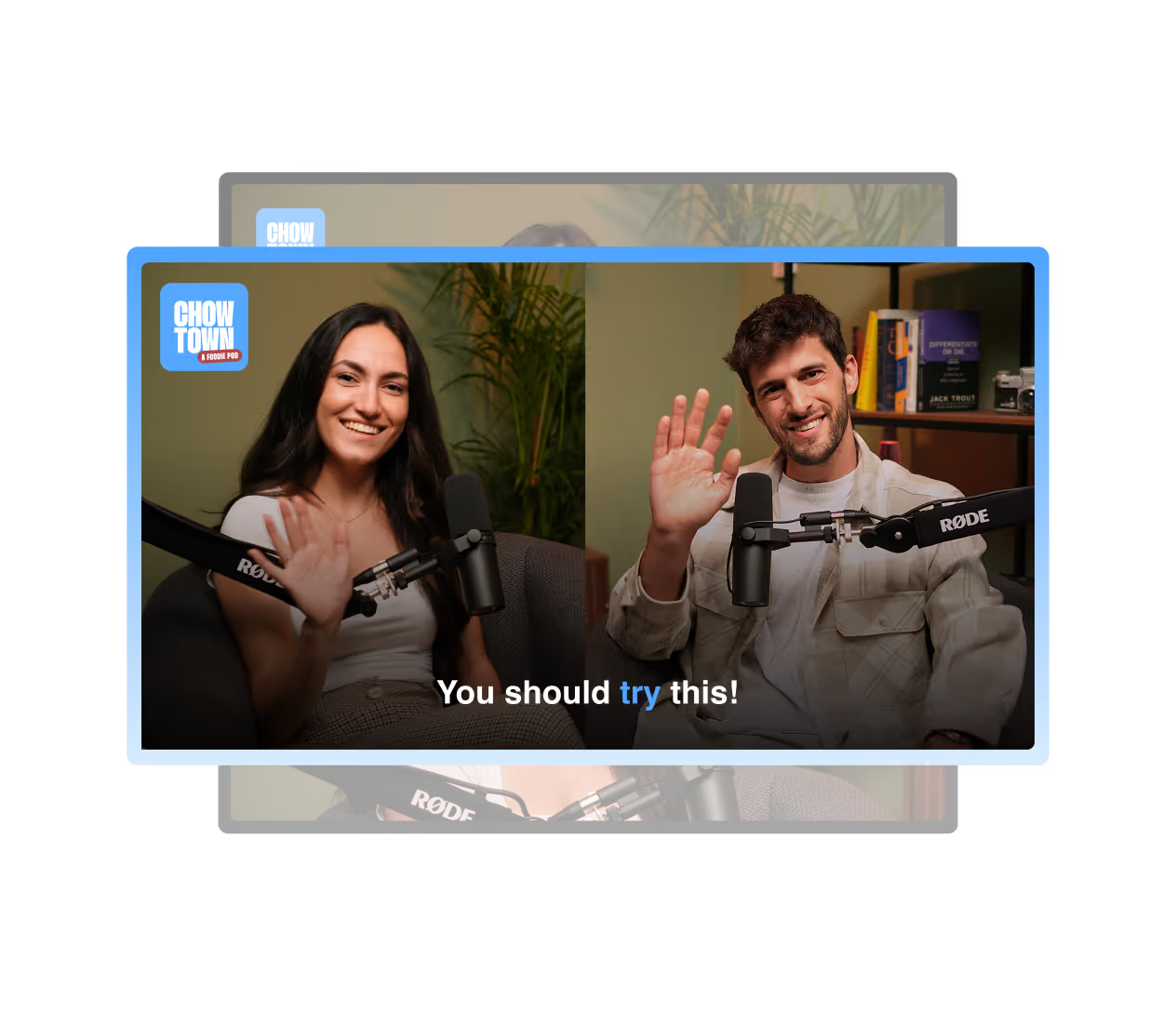
Just plug in your cameras and mics, assign inputs to each participant in Riverside, and hit record.
Each camera and mic are captured as separate, synced tracks. No uploading wait times. No manual syncing.
Living room, live event, hotel room, co-working space. Any place can become a studio.
.avif)
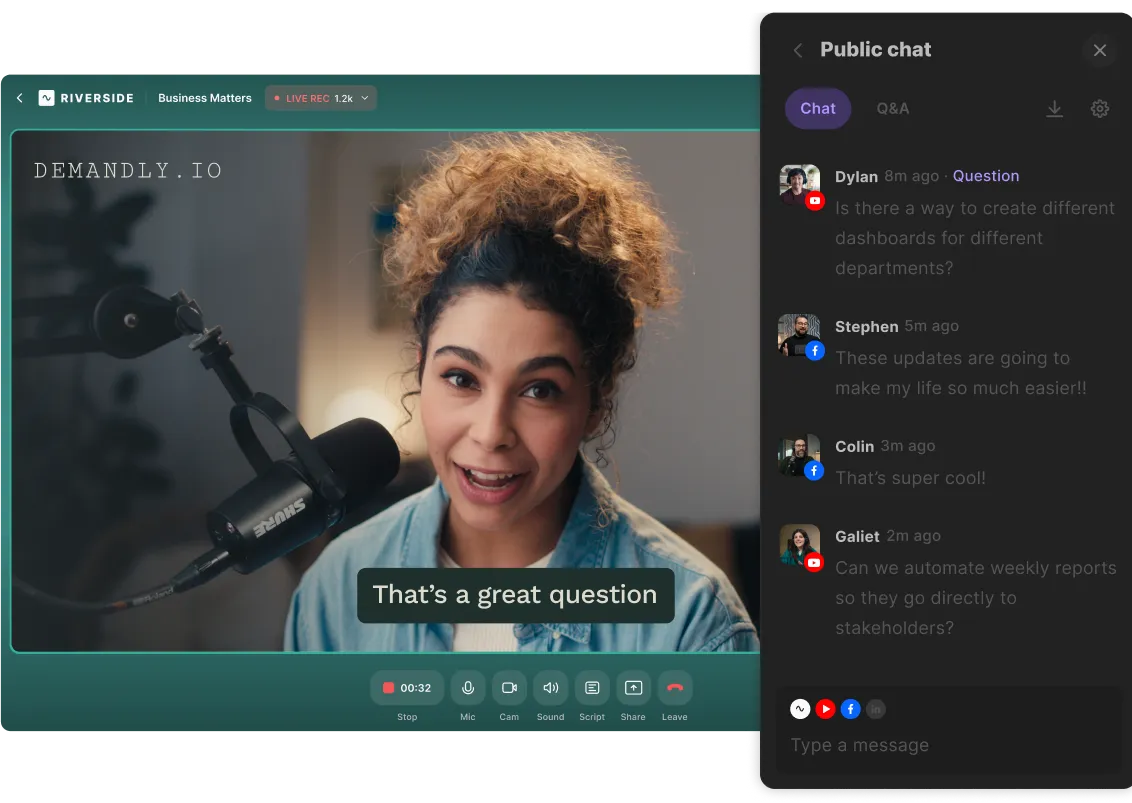
Your full post-production toolkit works on in-person and hybrid recordings too. Edit with AI-assisted text-based editing. Cut clips for social. Publish directly to YouTube, Spotify and Apple.
.avif)
Skip hours of multicam editing. AI-powered dynamic cuts automatically focus on whoever’s talking, and the pacing matches the energy of your show. Fine-tune by hand when you want the final word.
.avif)
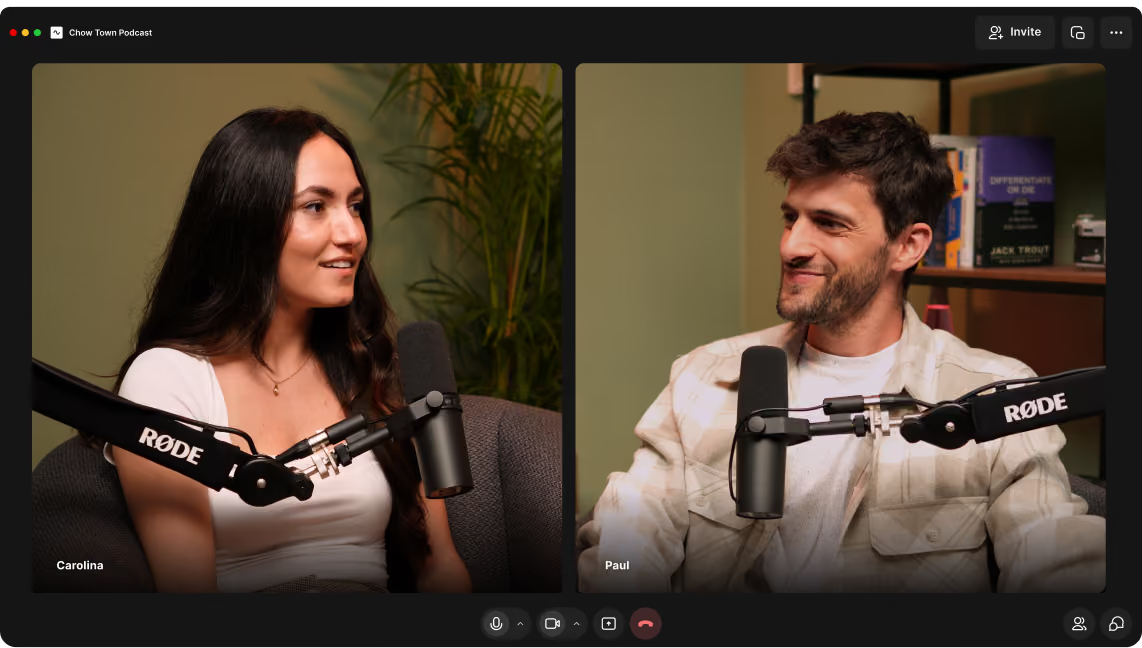
You can connect multiple mics and cameras, each recorded as its own track. The exact number of cameras depends on your Mac. Newer chips (M2, M3, M4) handle more simultaneous video inputs than older ones.
Connect a mic and camera for each person in the Riverside Mac app and hit record. Everyone gets separate tracks, and any remote guests can join the same session via link.
Unlike OBS, Riverside records both in-person and remote guests locally at full quality, syncs every track automatically, and needs no technical setup. Just connect your mics and cameras and record.
Any mic or camera that is recognized by your Mac. USB mics and cameras plug in directly; XLR mics connect through an audio interface and HDMI cameras through a capture card.
Yes. In-person and hybrid recordings get the same Magic Clips, text-based editing, and AI features as your remote sessions. One workflow, however you record.
Yes. Every mic and camera is recorded as its own track, so each person has separate audio and video, giving you full control when you edit.
Start a session in the Riverside Mac app, connect the mics and cameras in the room, then invite remote guests by link. Everyone records locally at full quality. The in-studio participants need to wear headphones, and every track syncs automatically when you wrap.
With Riverside, every camera and mic records as its own track and is separated and synced automatically the moment the session ends. You don’t have to sync any tracks manually.
No, you do not need a hardware video switcher or software switcher such as OBS to record multiple cameras. Plug your cameras into your Mac and Riverside records each one as its own track.
Every angle. Every mic. Every guest. One session.