RIVERSIDE UNIVERSITY
LEARN FROM RIVERSIDE
Getting started
Get Started
Learn to create on Riverside
From setup & recording to editing & publishing, we've got you covered.
Thank you! Your submission has been received!
Oops! Something went wrong while submitting the form.
Search results
(6)
13 MIN
Podcasting
Live Streams
Webinars
Social media & marketing
Tutorials & demos
Meetings & client calls
Customer Testimonials
Interviews
Recording
Live streaming
Editing & repurposing
Promotion & growth
Hosting & publishing
Riverside: Full walkthrough (record, edit, host & share)
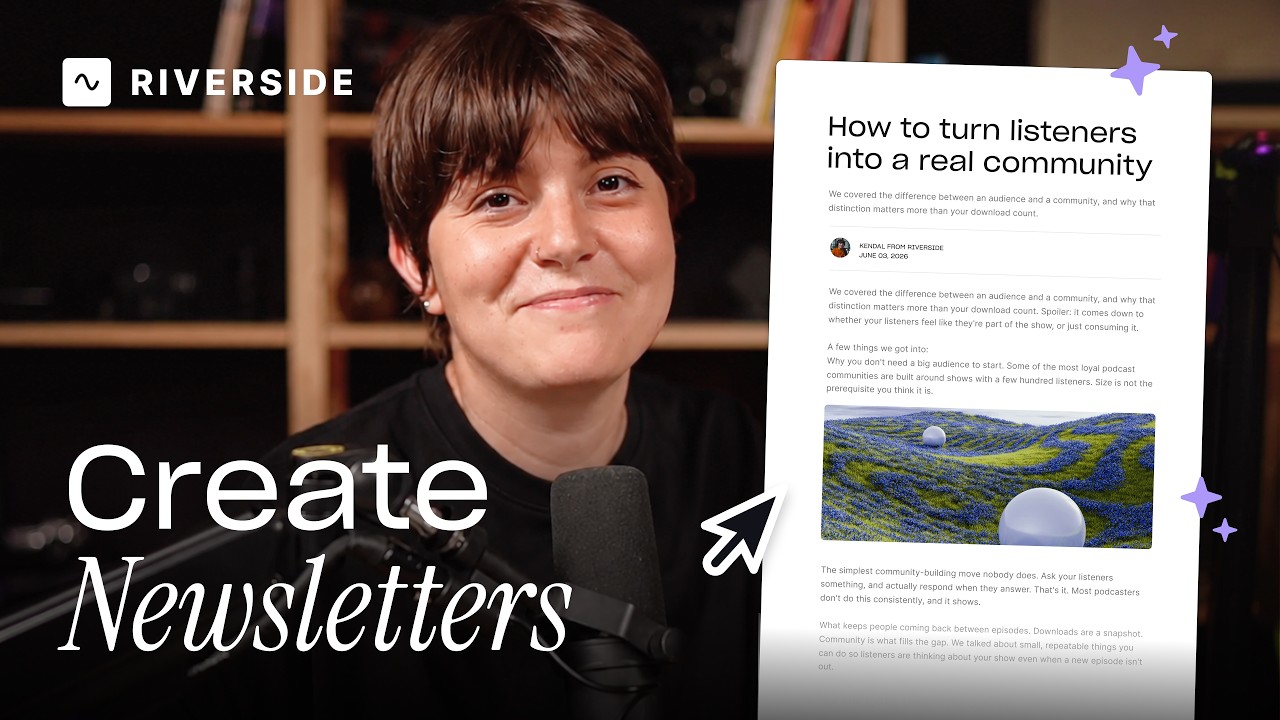
A full product tour: studio and recording, AI assets, editing, then hosting, newsletters and social.
September 2, 2026

13 MIN
Live Streams
Podcasting
Webinars
Social media & marketing
Interviews
Promotion & growth
Hosting & publishing
Live streaming
Recording
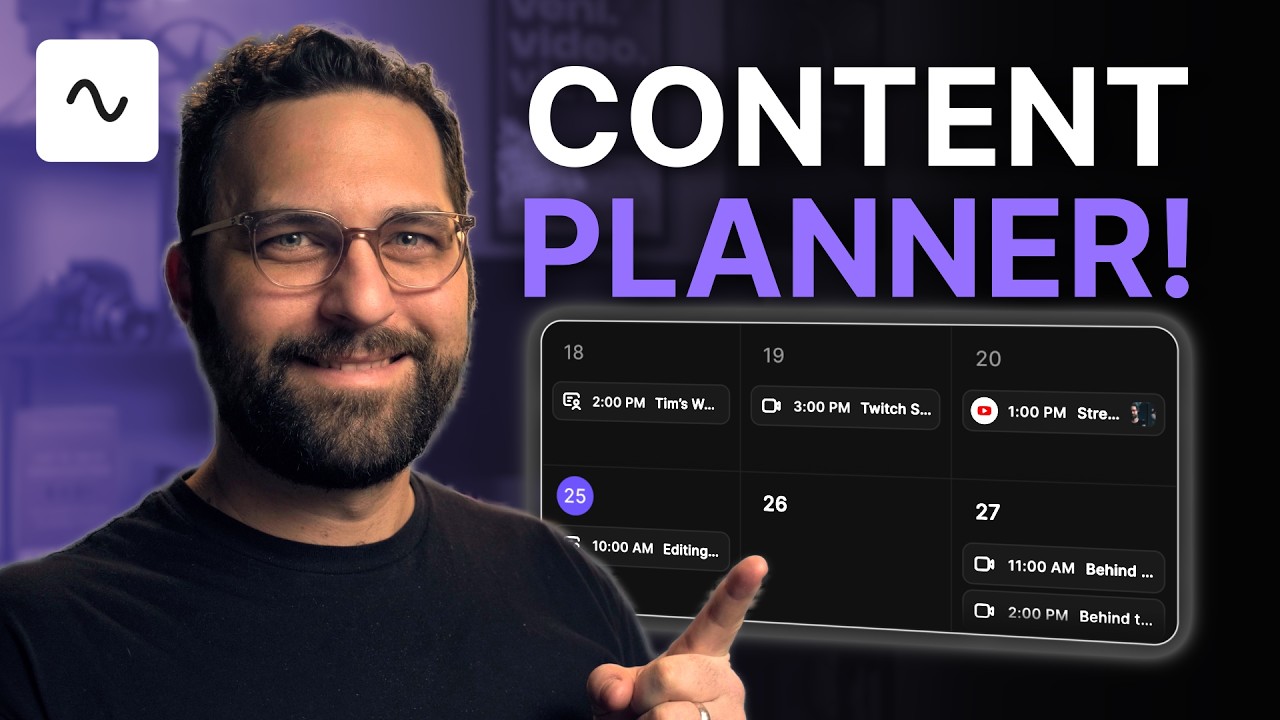
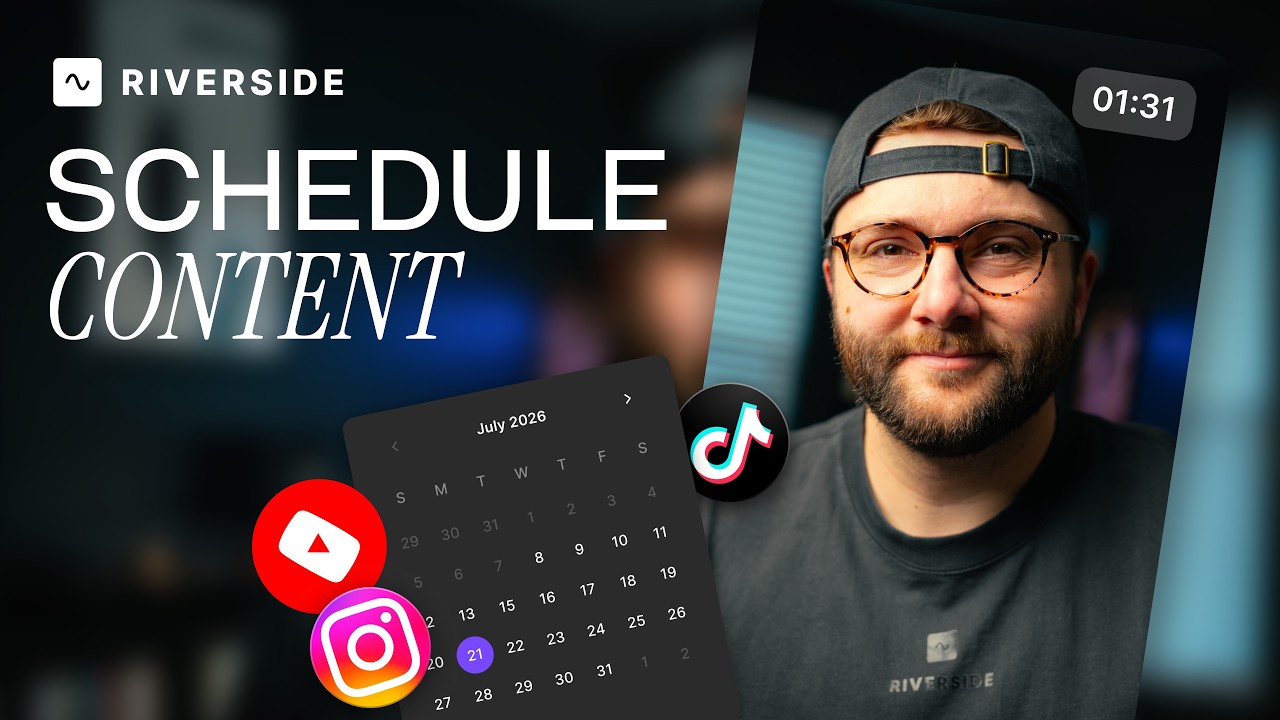
Plan recordings, streams & posts in Riverside's content planner
One calendar for scheduling recording sessions, live streams, webinars, episodes and social posts.
April 6, 2026

13 MIN
Recording
Live streaming
Set-up & equipment
Podcasting
Live Streams
Webinars
Social media & marketing
Tutorials & demos
Interviews
Customer Testimonials
Meetings & client calls
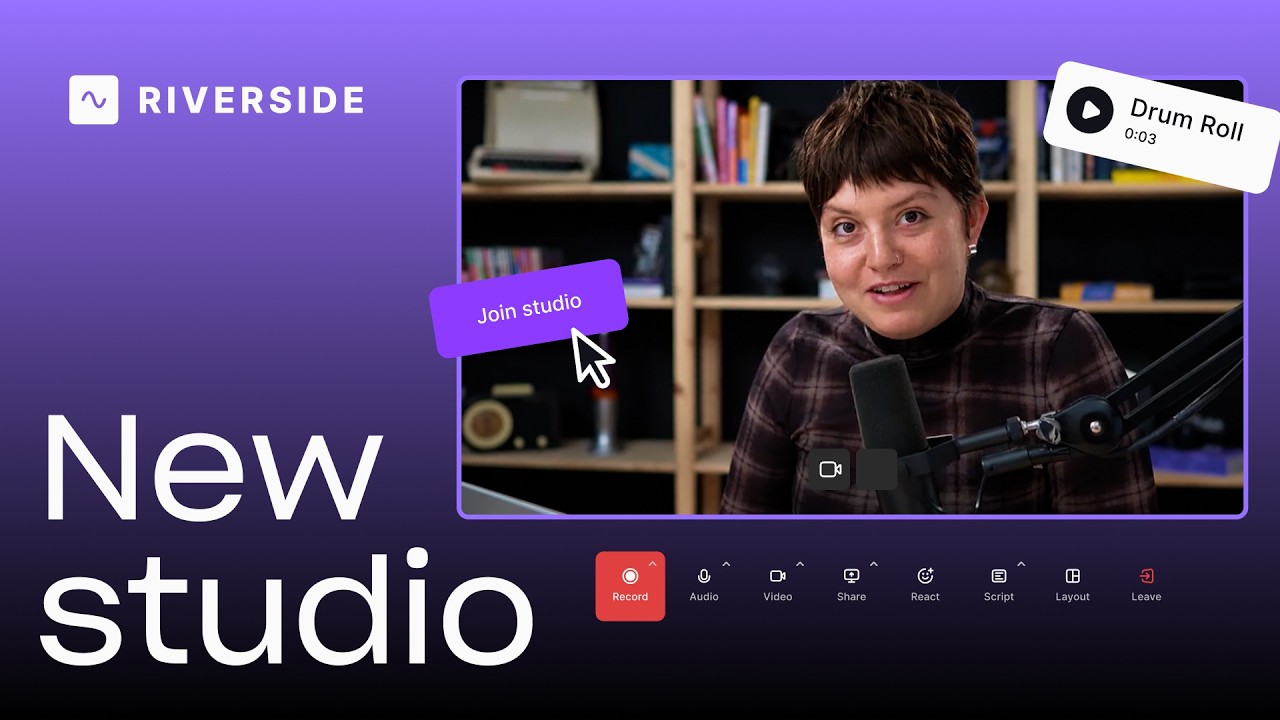
A tour of the Riverside studio
A tour of the Riverside studio: lobby, full-screen view, echo cancellation and the media board.
June 28, 2026
No items found.
No items found.

Ready to create? We think so too.
Got a process that works for you? Get featured by submitting your step-by-step flow. Help other creators save time, learn new tricks and improve their productions.
Start for Free
*No credit card needed. Free plan available.