Invite your editor to collaborate
Add an editor seat so your editor can edit and publish without seeing billing or account settings.

Add an editor seat so your editor can edit and publish without seeing billing or account settings.
Riverside's Editor role lets you bring an external editor into your account without transferring files back and forth, at a fraction of the cost of a second account.
The video covers:
00:00 Tired of sending files back and forth to an external editor? Well, with Riverside's Editor role, you can keep your recording and editing workflow in one place on Riverside with no need to transfer files. Let's take a look. The Editor role is a paid add-on to your current plan, unless you're on a business account that comes with it, and it's a much more affordable option than having to create a whole separate paid account for your editor.
00:21 So here's how to set it up. First, we'll go down to our settings, and then you can select Members, and then go up to the Invite button, and then you can add the email of the editor that you want to invite. So we'll go ahead and send the invite, and then you'll see this pop-up with the editor seat price. You can click Unlock for your editor to purchase, and then click Invite Now.
00:42 Your editor will receive an email invitation to start editing or create an account if they don't already have one. Once they log in, if they have access to multiple accounts, they'll see an account picker pop-up so they can select the account they're an editor for, and then after that, they're in. Your editor can access recordings, use the Riverside Editor, publish to YouTube, and use Riverside's AI tools.
01:04 It's also important to note that editors have limited access to your account, so they won't see things like billing, account settings, or studio configuration. So you stay in control of the overall account. For more details, you can check out the Editor Add-On Permissions page here. On non-business plans, the Editor role includes one seat per add-on, and it isn't available during a pro trial.
01:24 The Editor role is an amazing feature for creators and editors alike. You can give your editor a seat and keep your workflow moving and skip all that file transfer headache. So let us know what your experience is like and comment down below what type of workflow features you would like to see in the future. So thank you so much for watching and we can't wait to see what you and your editors create.
More videos you might like
A full product tour: studio and recording, AI assets, editing, then hosting, newsletters and social.
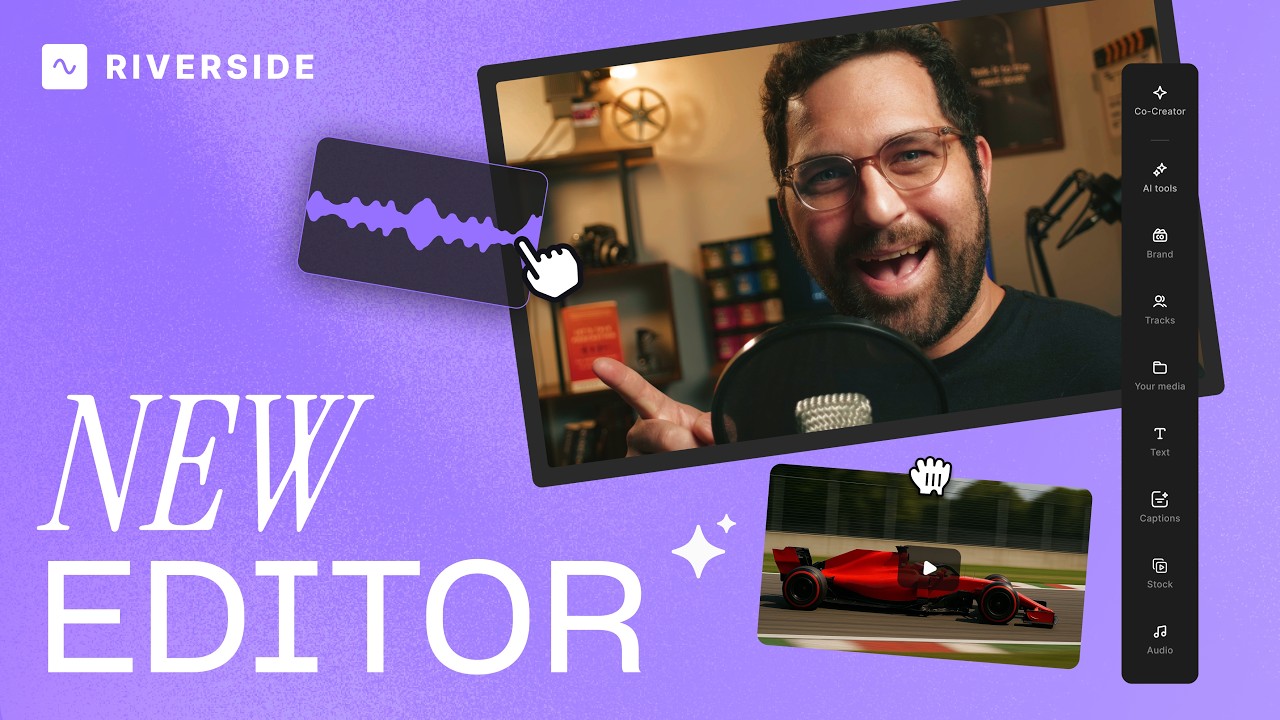
A complete editor tour: transcript and timeline editing, AI tools, layouts, scenes and exporting.
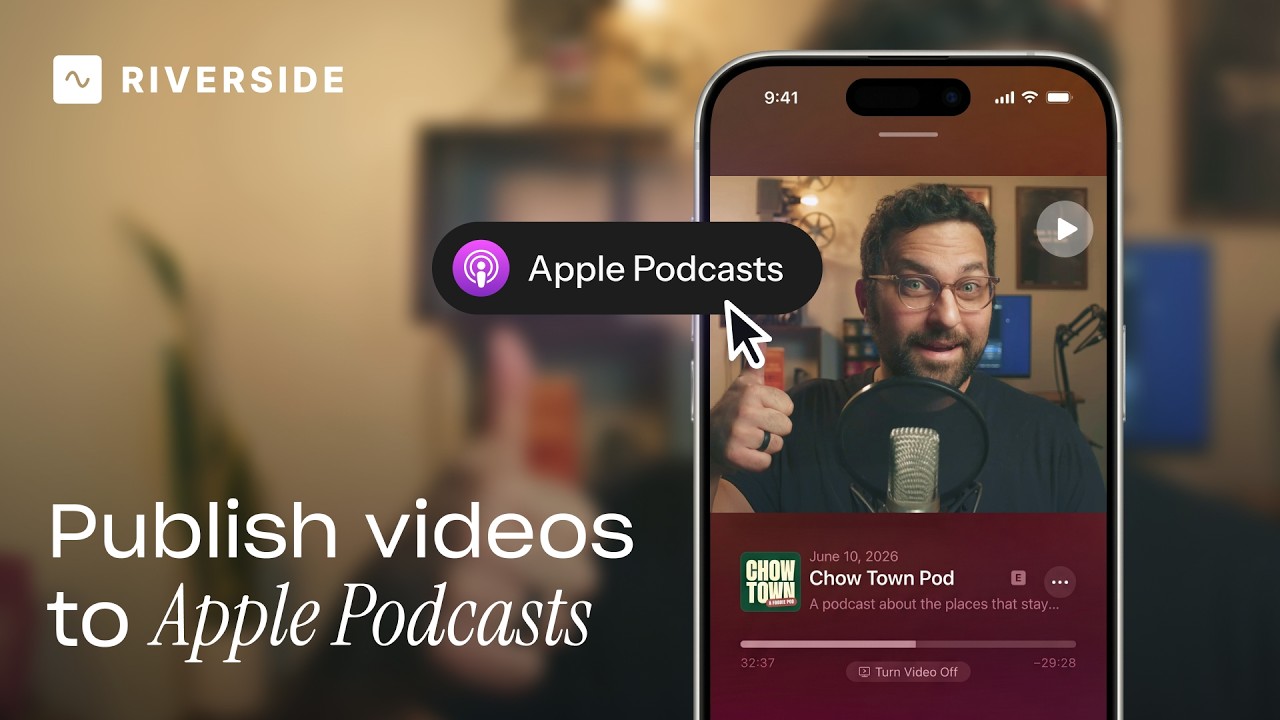
Publish video to Apple Podcasts so your audience can switch between listening and watching easily.
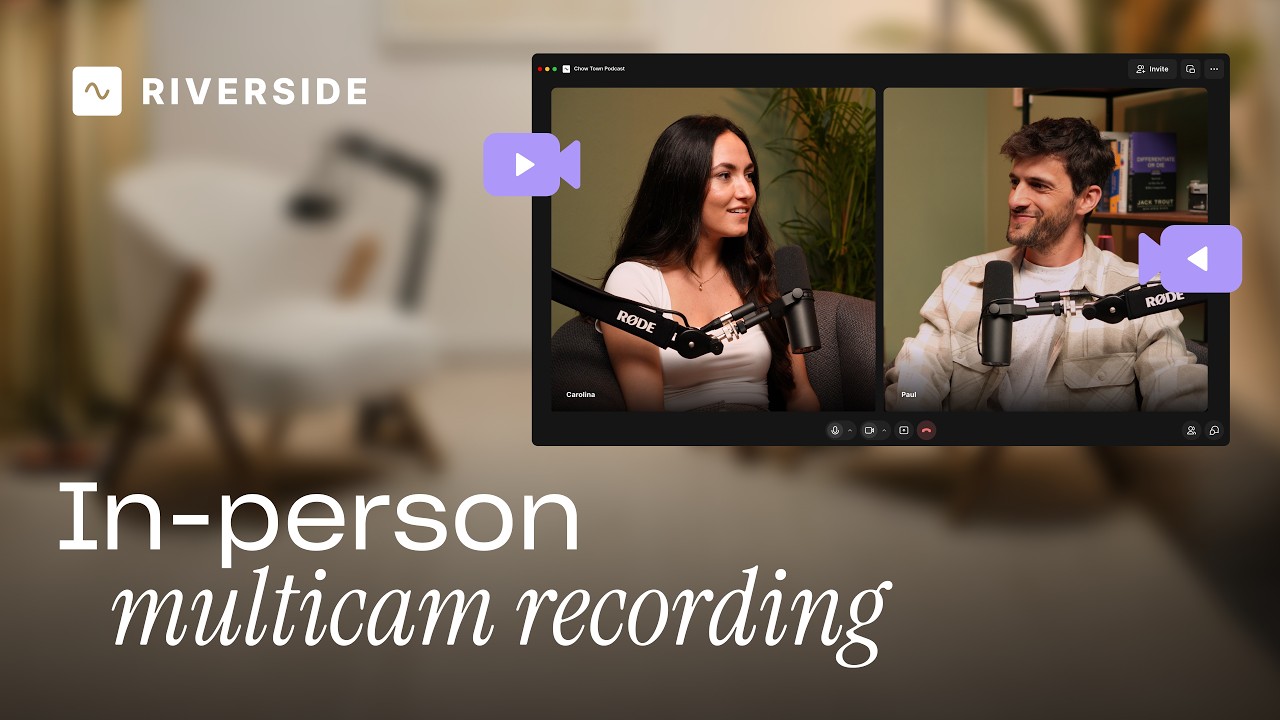
Add multiple in-person guests with their own camera and mic from one computer, as synced tracks.


.avif)
.avif)
.avif)
Got a process that works for you? Get featured by submitting your step-by-step flow. Help other creators save time, learn new tricks and improve their productions.


.avif)