Create a podcast website with Riverside
Create a podcast website in one click, with playable episodes, transcripts and platform links.

Create a podcast website in one click, with playable episodes, transcripts and platform links.
Riverside can now build you a podcast website in a single click, fully integrated with your account and included on every paid plan.
The video covers:
00:00 Wouldn't it be nice to have a website for your podcast that made it much easier to grow and build your audience? Well, what if you can make that website in one click and have it fully integrated into your Riverside account? I'm really excited about this one. All right, let's go ahead and dive in and check it out.
00:15 We decided to take all the clutter out of needing to go back and forth on different platforms and created a central hub where you can house all of your podcast episodes, giving you the tools you need to build your audience much more efficiently and make it easily shareable with friends, family, coworkers, or your neighbor's dog's Instagram account. So let's walk through how to make the site.
00:35 So when you log on to your Riverside account, go ahead and navigate to the hosting tab and let's go ahead and hit create website. Let's make sure that it's the domain name that we want and then hit create website. And boom, that's the fastest I've ever created a website, even with AI. So if we view our website here, this is your central hub where your audience can find all the information about your podcast and each episode.
00:59 Your podcast episodes will be laid out down here and people can watch them all directly on the site. Each episode contains its own description and transcription and notifications go out to those with the subscription. Now I'm a rapper. But the subscription feature will help you stay better connected with your audience and subscribers will be notified when new episodes are added.
01:18 Additionally, you or your viewers can share individual episodes with the share icon up here where you can either share them with the link or directly to a separate platform. Or on the homepage, you can share the entire podcast. All this functionality is built directly into your Riverside Pro or above account at no additional cost.
01:37 And then one last feature is if we go back to our hosting window here and let's say we add YouTube as an example. So let's go ahead and connect to YouTube, sign in. And then once it's connected to Riverside, then we can go back to our website and now our YouTube page will be linked here on the homepage. So this allows you to easily link your site to other platforms.
01:56 And that's about all there is to it. We really hope that this website feature will even further streamline your podcasting experience and it's all designed to help you own and grow your audience without all the tedious aspects of building and managing a website. Once again, this comes built into hosting which is a feature available on all Riverside paid plans.
02:16 Let us know how excited you are to try this out and what you would like to see from this website feature in the future. Thank you so much for watching and we can't wait to see what you create.
More videos you might like
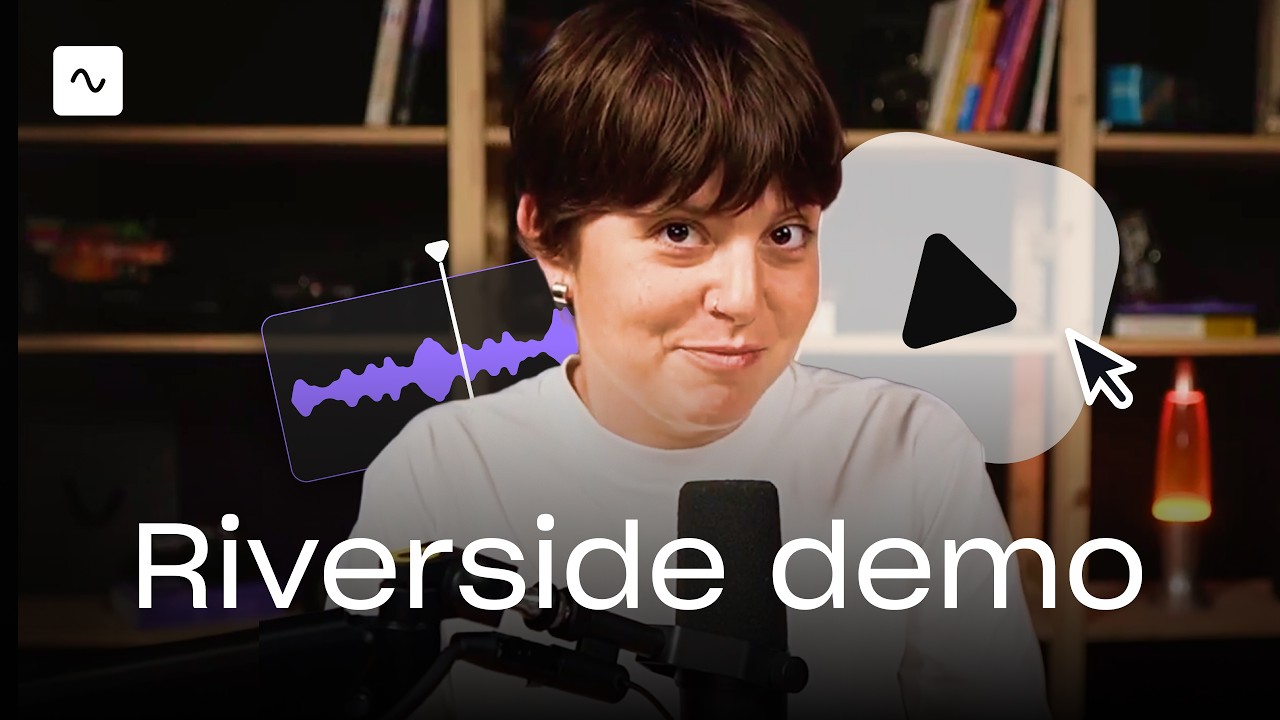
A full product tour: studio and recording, AI assets, editing, then hosting, newsletters and social.
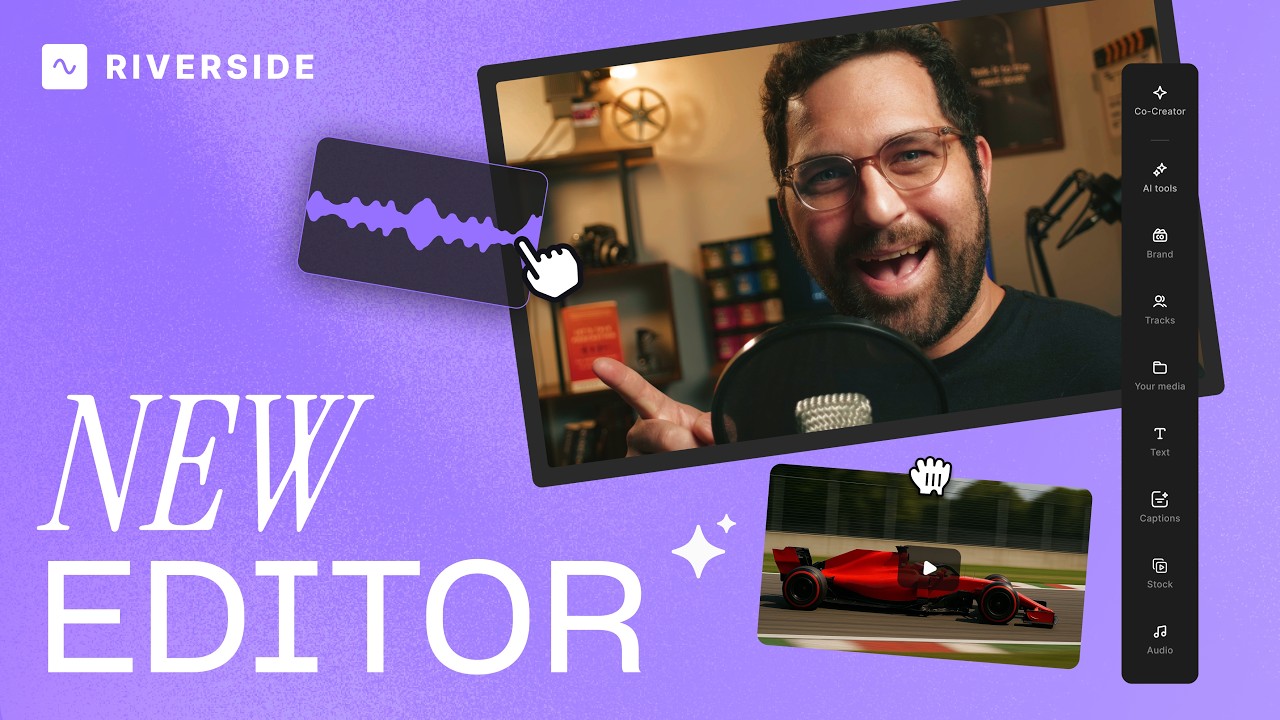
A complete editor tour: transcript and timeline editing, AI tools, layouts, scenes and exporting.
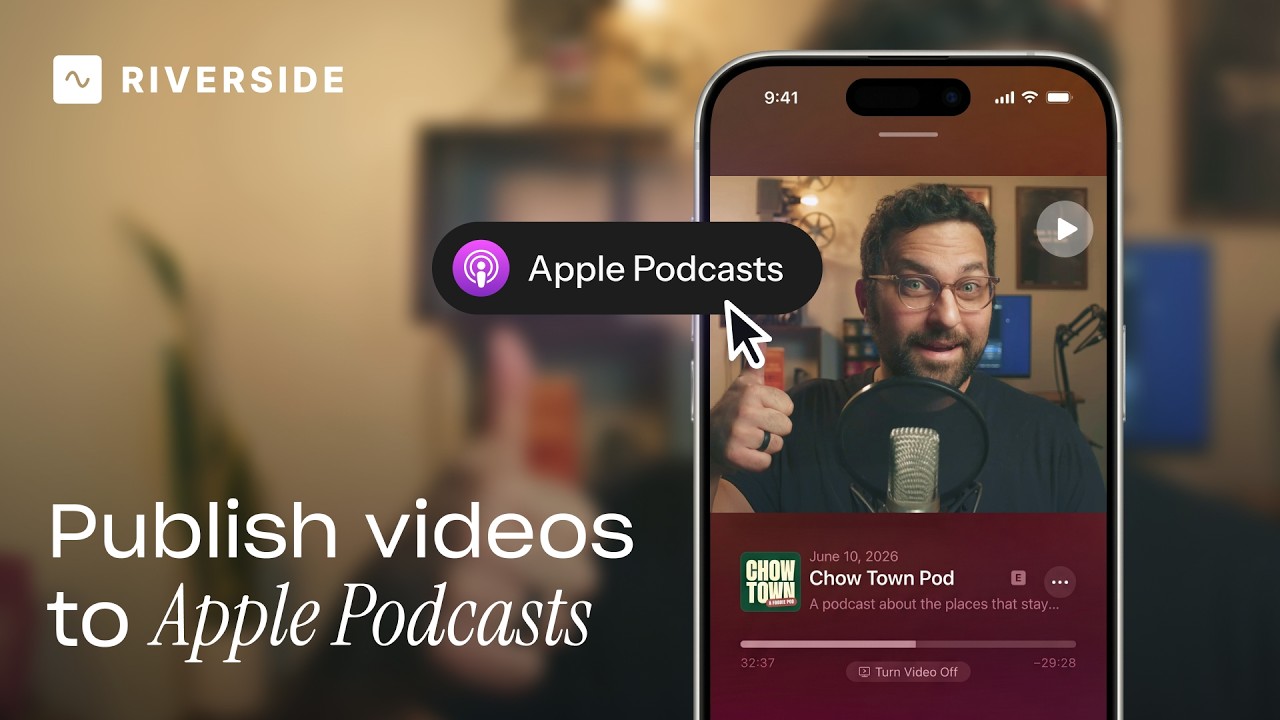
Publish video to Apple Podcasts so your audience can switch between listening and watching easily.
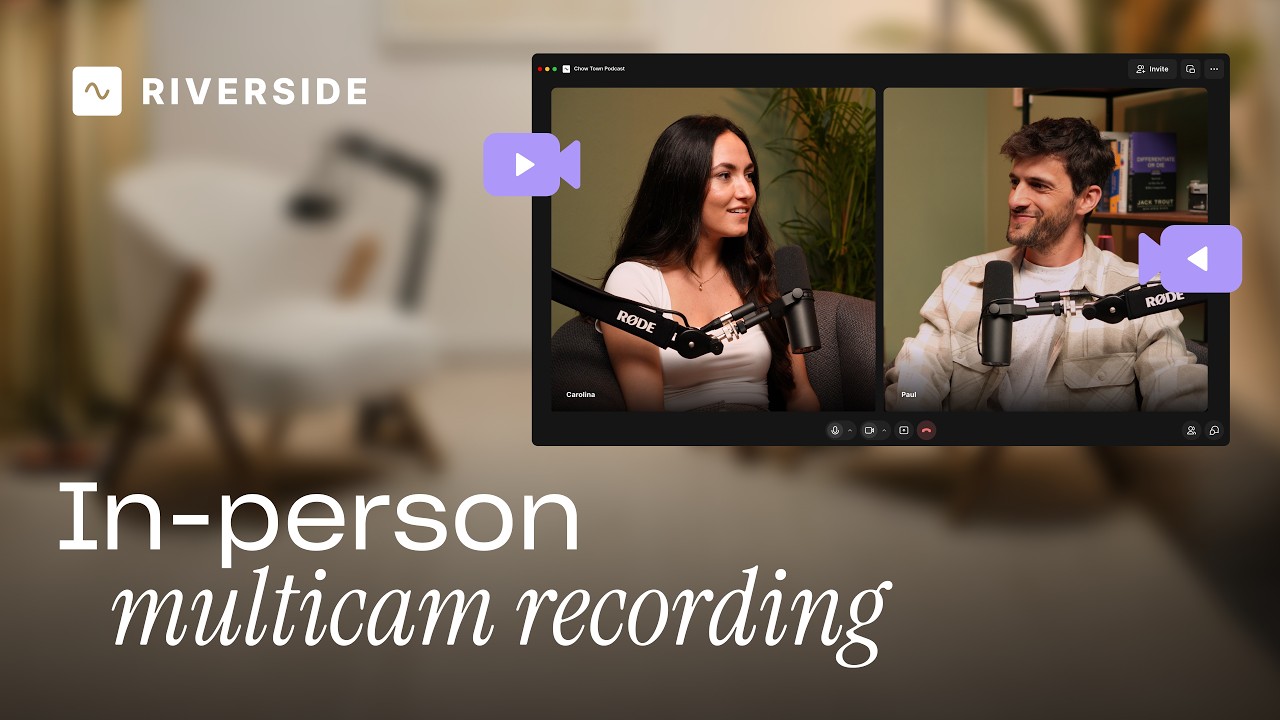
Add multiple in-person guests with their own camera and mic from one computer, as synced tracks.


.avif)
.avif)
.avif)
Got a process that works for you? Get featured by submitting your step-by-step flow. Help other creators save time, learn new tricks and improve their productions.


.avif)