Fine-tune your video with color adjustments
Tune temperature, saturation, brightness and contrast per track to clean up any guest's video.

Tune temperature, saturation, brightness and contrast per track to clean up any guest's video.
Riverside has added color adjustments to the editor, so you can clean up the look of any track without leaving the platform or re-exporting anything.
The video covers:
00:00 See a difference between this and this? That's because we added color adjustments into your Riverside Editor. So you can now adjust the temperature, saturation, brightness, a few other settings in your editor. Let me show you how to do it to make your videos look even better.
00:17 Okay, so here's a video that I did with a member of our community in a Riverside Workshop. And I wanna clean up this color a little bit. Let me go to Tracks and I'll click into Timbs. And you'll see under video here, you now have color adjustments. So you can toggle that on.
00:34 And then once you do, you can click right into these toggles and adjust the color. So let me make this a little bit brighter. Maybe I wanna add some contrast. You can play with the saturation a little bit. So toggle that around and the temperature. You could either use these sliders or you can type in the exact number right over here. If you wanna reset, just press reset and bring it back to where it was.
00:59 So this, I hope is going to really help you make your videos look even better, whether that's a guest who doesn't have exactly the pro setup that you have, or if you wanna make your setup look even better, you can now do that right in the Riverside Editor. You can play around with it and I can't wait to see what you create with it.
More videos you might like
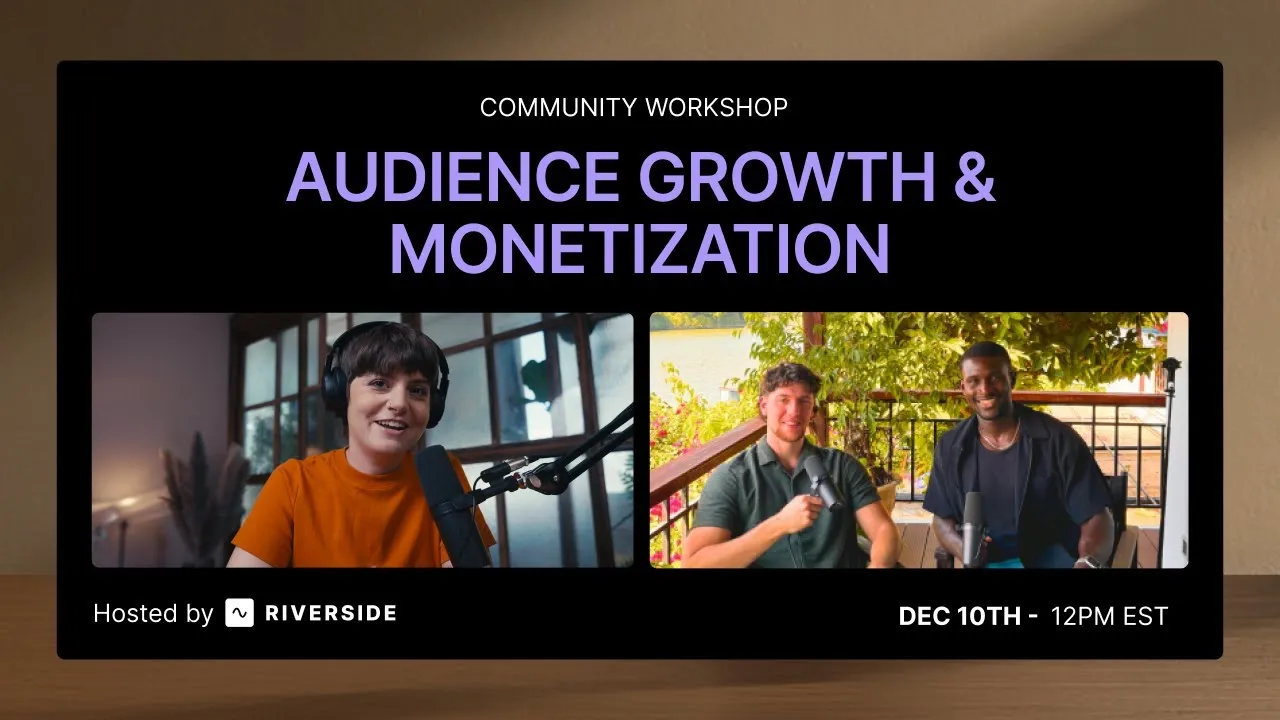
Grow your audience with podcast SEO, a unique selling point and branding that turns searchers into listeners.
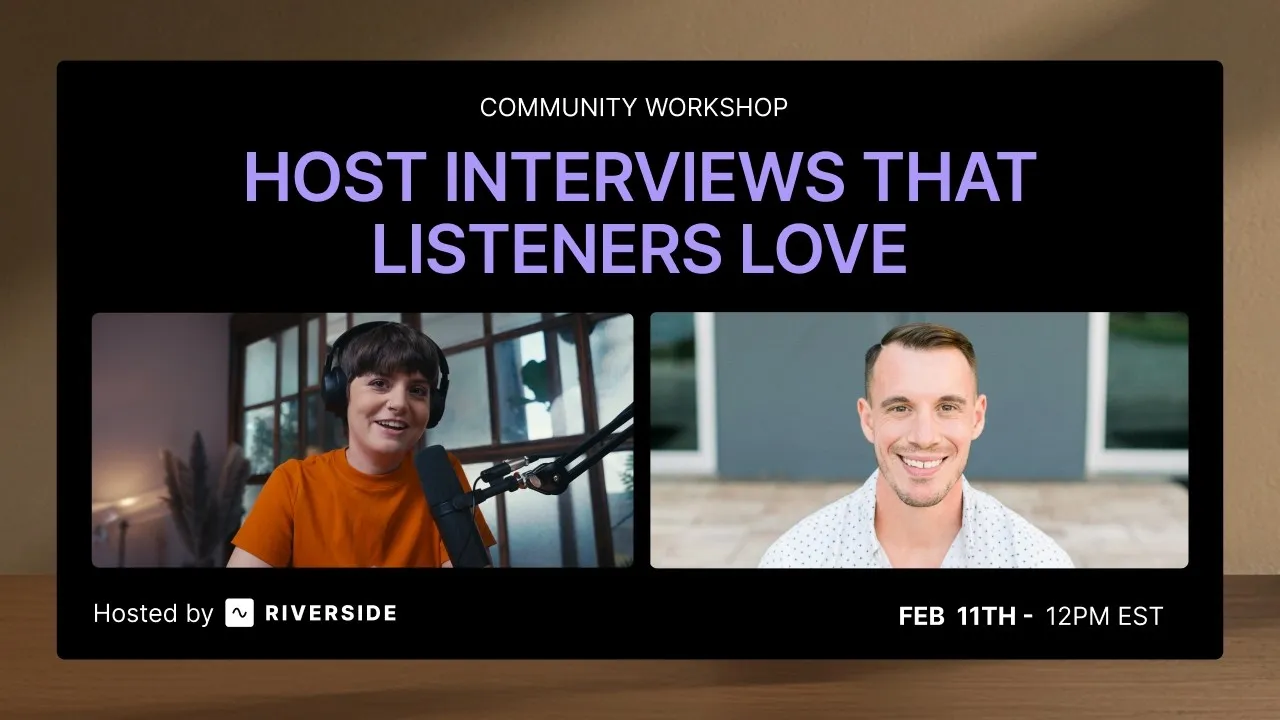
Tips from PodMatch on planning and hosting podcast interviews that keep listeners hooked until the end.
Record calls in Riverside, then use the transcript to create follow-ups, highlights, and insights.
Learn how to plan, set up, repurpose, and keep livestreams engaging.

Got a process that works for you? Get featured by submitting your step-by-step flow. Help other creators save time, learn new tricks and improve their productions.


.avif)