Embed videos and podcasts on your website with Riverside
Embed videos and podcast episodes on any site, with those plays counted in your analytics.

Embed videos and podcast episodes on any site, with those plays counted in your analytics.
Riverside now lets you embed videos and podcast episodes on almost any web page, so your audience can watch or listen without being sent somewhere else.
The video covers:
00:00 Want to add your content from Riverside directly to your website or blog? Well with embedding, you can now embed on almost any webpage, so your audience can watch or listen without having to link them to somewhere else. No need to have to pay for a separate tool or platform. Here's how it works. In Riverside, if you're in a project and you've completed an edit and exported a video, you can go up here to the exports tab and then click share.
00:22 From the share window, you can choose the embed option, copy the embed code, and then you can paste that code into either your website builder, CMS, blog, or wherever you want that content to appear. Once it's added, the Riverside player appears right on the page, which means visitors can watch or listen without leaving your website, blog, or wherever your home base is.
00:43 This keeps your viewers on your site without the need to upload the same content to a different platform. The idea is that you're able to record and export your content a single time, and then publish it to where your audience already is. And then for embedded podcast episodes, those plays are included in your podcast analytics, so your embed appears as a destination alongside platforms like Spotify and Apple, so you can see how many streams your embedded episodes are driving.
01:09 So whether it's a video, a podcast episode, a testimonial, a webinar, or training content, embedding helps make sharing all that content significantly easier and more manageable. Not to mention all of your content is stored in one place, again, avoiding downloading and uploading to different places. And that's how you embed videos in Riverside, and this feature is available on the live plan and above.
01:29 I hope using embed makes sharing your content much easier, and let us know if you have any questions about it in the comments below. Riverside also offers multiple other avenues of hosting, which include social sharing and even your own website that's included with your Riverside plan. And you can check out this video here that explains the quick, one-click setup on how you can host, share, and distribute your podcast straight from this website feature. Thank you so much for watching, and we can't wait to see what you create!
More videos you might like
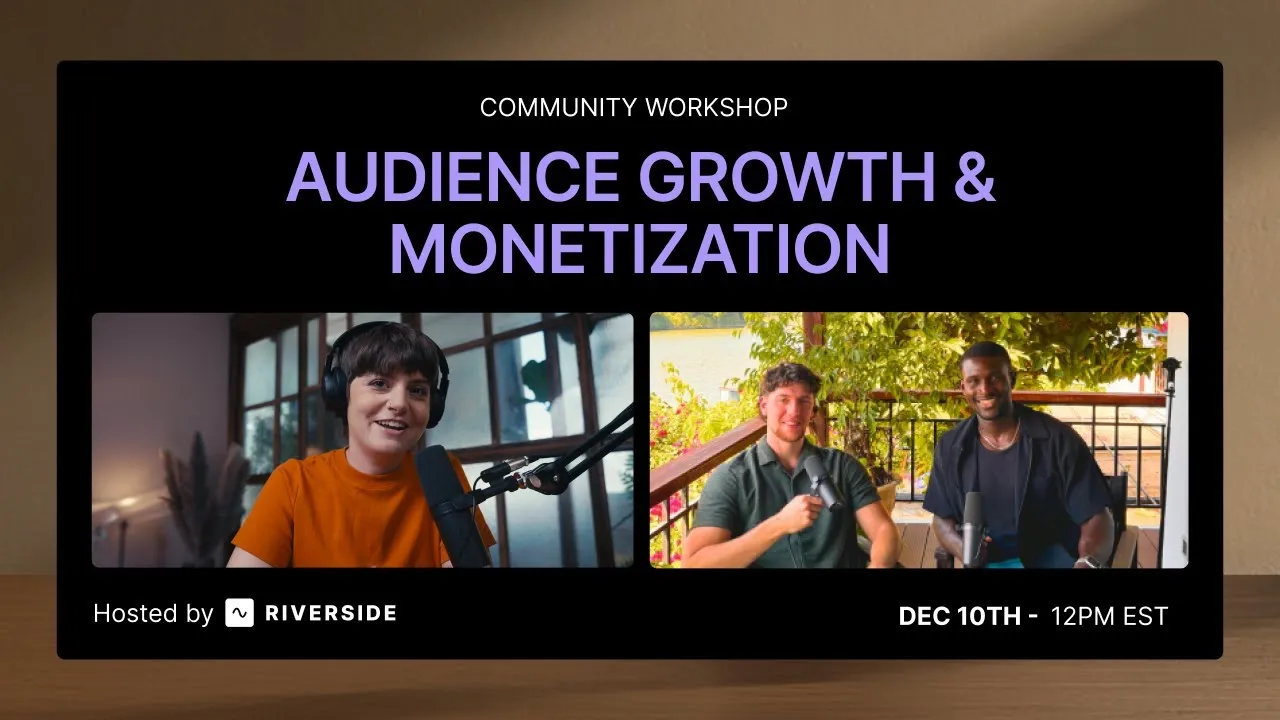
Grow your audience with podcast SEO, a unique selling point and branding that turns searchers into listeners.
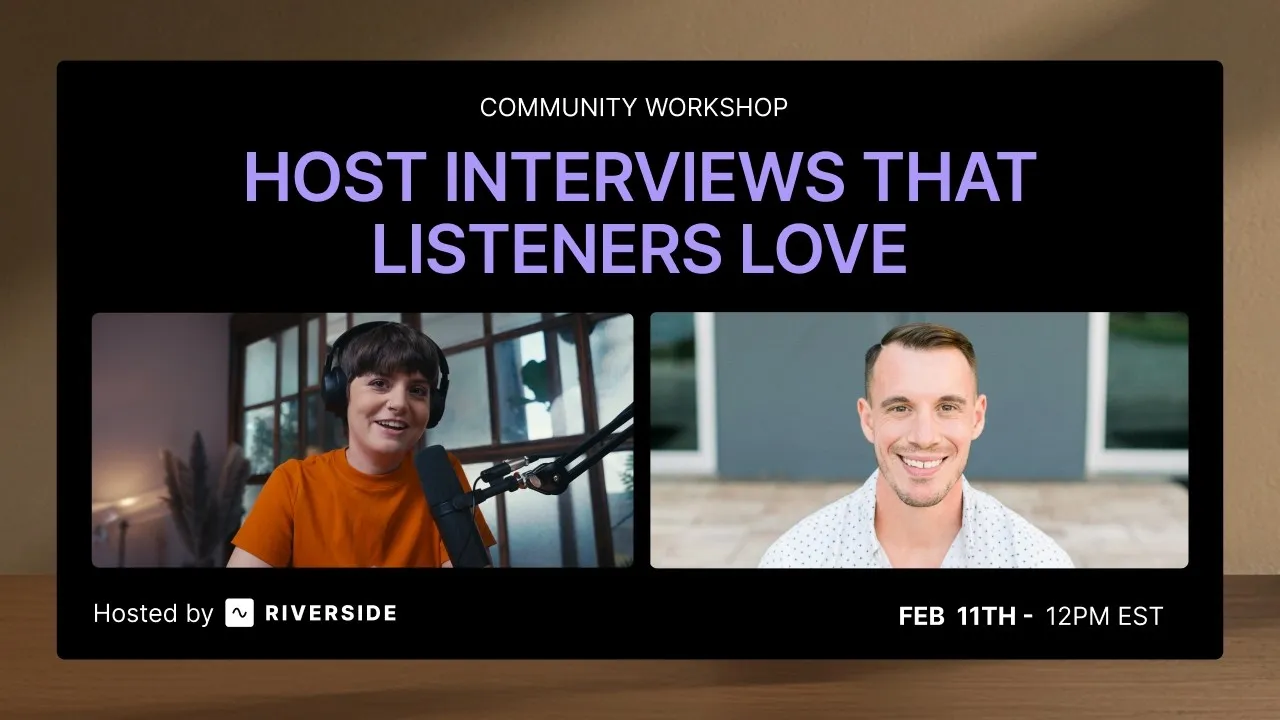
Tips from PodMatch on planning and hosting podcast interviews that keep listeners hooked until the end.
Record calls in Riverside, then use the transcript to create follow-ups, highlights, and insights.
Learn how to plan, set up, repurpose, and keep livestreams engaging.

Got a process that works for you? Get featured by submitting your step-by-step flow. Help other creators save time, learn new tricks and improve their productions.


.avif)