Share your edit for review
Share a review link so clients comment on exact words, pinned to your timeline until resolved.

Share a review link so clients comment on exact words, pinned to your timeline until resolved.
Share for Review is a collaborative feedback feature that lets clients and producers comment directly on your video without needing a Riverside account.
The video covers:
00:00 We've just released a brand new collaborative review feature that'll allow you to get feedback and comments directly on Riverside without any extra accounts. And we've also released me to the YouTube channel, so buckle up. So without further ado, let's check out Share for Review.
00:14 Now in our editor here, if you're familiar with other production workflows where you need to send a video either to a producer or a client and they need to leave feedback in specific places in the video, well now we can do that directly on Riverside. So let's go on to our Share tab here and we'll see this new Share for Review button.
00:32 So we'll go ahead and select that and it's going to generate a link for us that we can then send to our client or whoever we're sending it to so we can send them this link. And then when they open it up, they'll be directed to this review page. So they can just watch the video like normal or they can highlight specific words or specific phrases. And then this comment button will appear.
00:52 So let's go ahead and select this. And if it's their first time opening it, they'll be prompted with their name and email and then they can just add a comment. And then once they leave that comment, it'll then pin this comment here and then you can also just add additional comments or start a thread inside of that comment itself.
01:11 And the nice thing about it is if we go back to our editor here, you'll see that comment show up in our timeline so we can go ahead and select it and go right to that point and see what that comment says and then we can address it. And once we've addressed it, we can go ahead and mark it as resolved. And once we mark it as resolved, it'll remove that comment.
01:29 And then on the review page as well, that comment will be removed as resolved. Now, if you've worked in any other production environment that utilizes this type of feature, you know how valuable this is. It adds clarity to notes, it avoids redundancy and it's just a smoother collaborative experience for everybody involved.
01:46 Share for review is available for pro accounts and above and it's such an invaluable feature to have in so many workflows. So let us know how this helps you and leave any other questions or comments you have down below as well. I'm Tim, by the way. So now we're YouTube official. That's definitely not a thing, but we'll make it a thing.
More videos you might like
A full product tour: studio and recording, AI assets, editing, then hosting, newsletters and social.
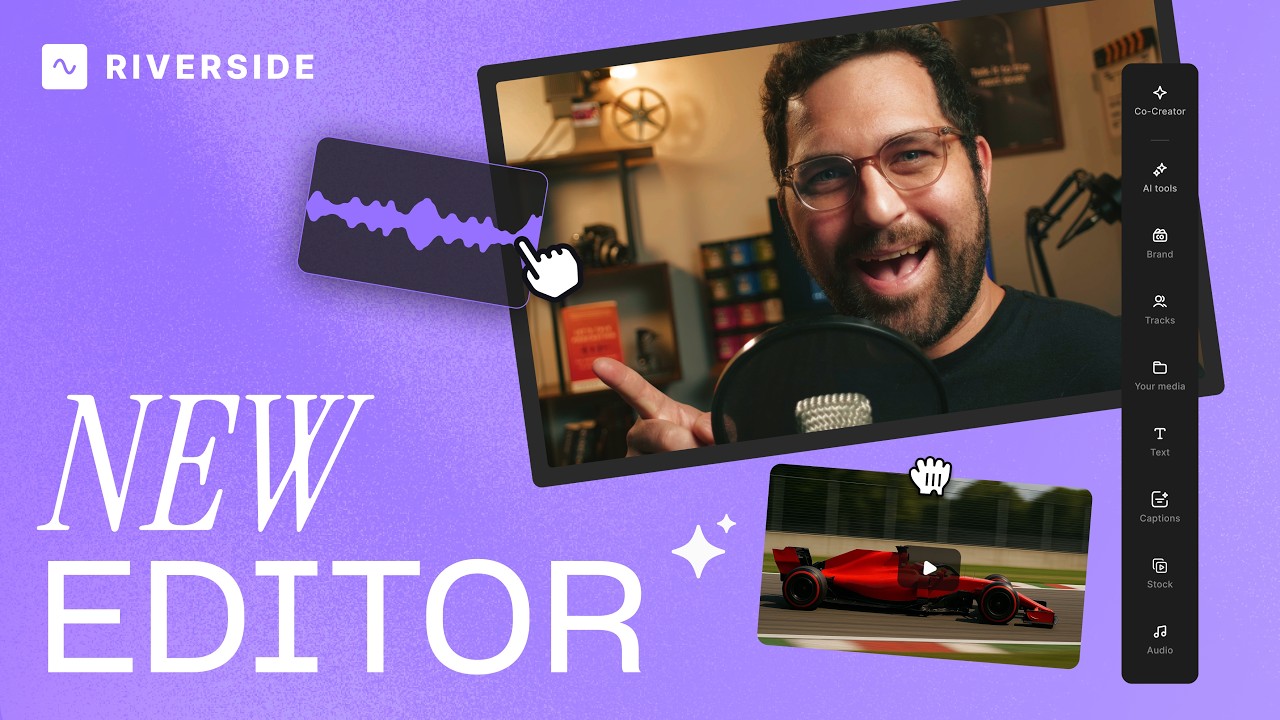
A complete editor tour: transcript and timeline editing, AI tools, layouts, scenes and exporting.
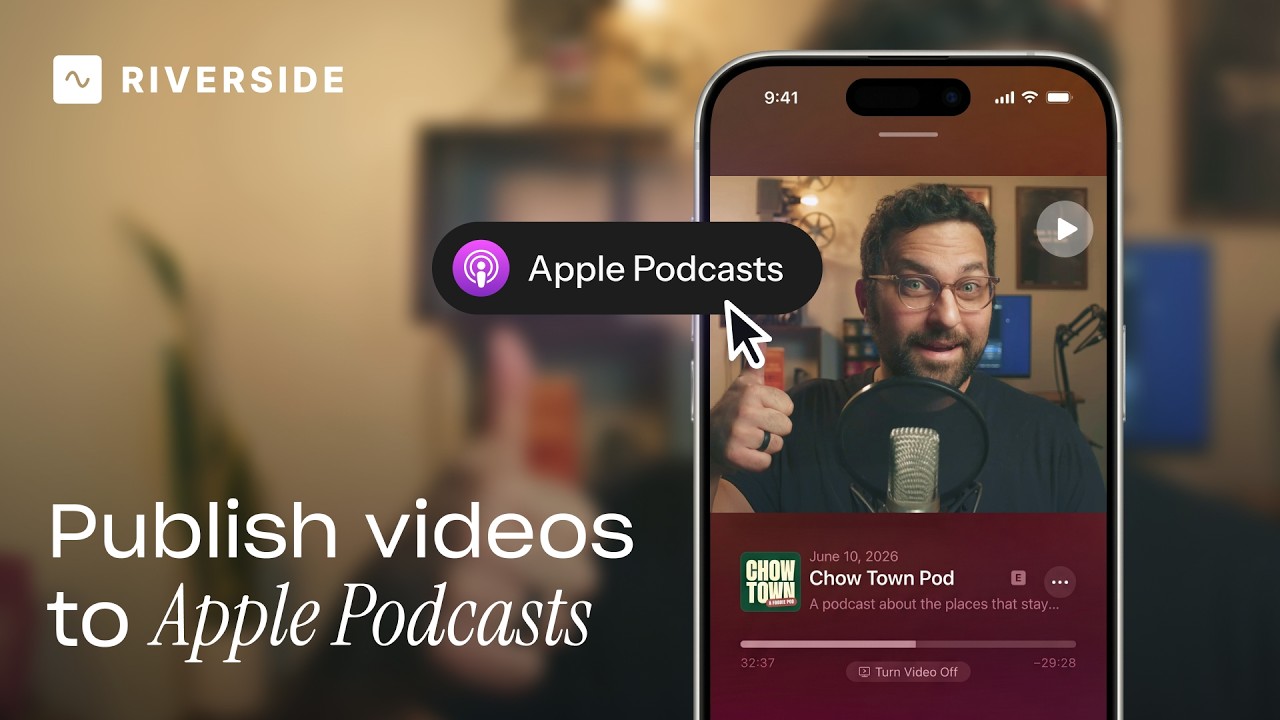
Publish video to Apple Podcasts so your audience can switch between listening and watching easily.
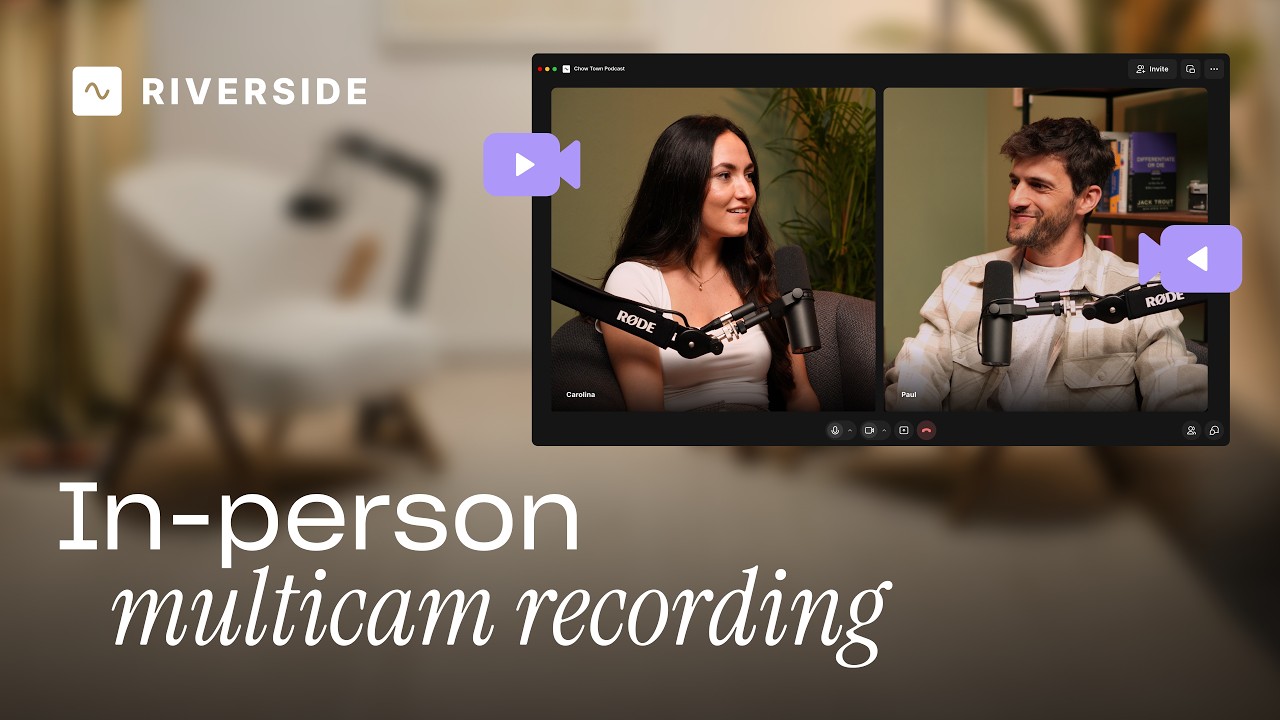
Add multiple in-person guests with their own camera and mic from one computer, as synced tracks.


.avif)
.avif)
.avif)
Got a process that works for you? Get featured by submitting your step-by-step flow. Help other creators save time, learn new tricks and improve their productions.


.avif)