Update
Hosting & publishing
Podcasting
Podcast hosting: Deeper analytics and publishing status
See exactly how each episode performs and get per-platform confirmation on where it's published.
August 4, 2026
Grow +

See exactly how each episode performs and get per-platform confirmation on where it's published.
Try Riverside
for Free

What's new
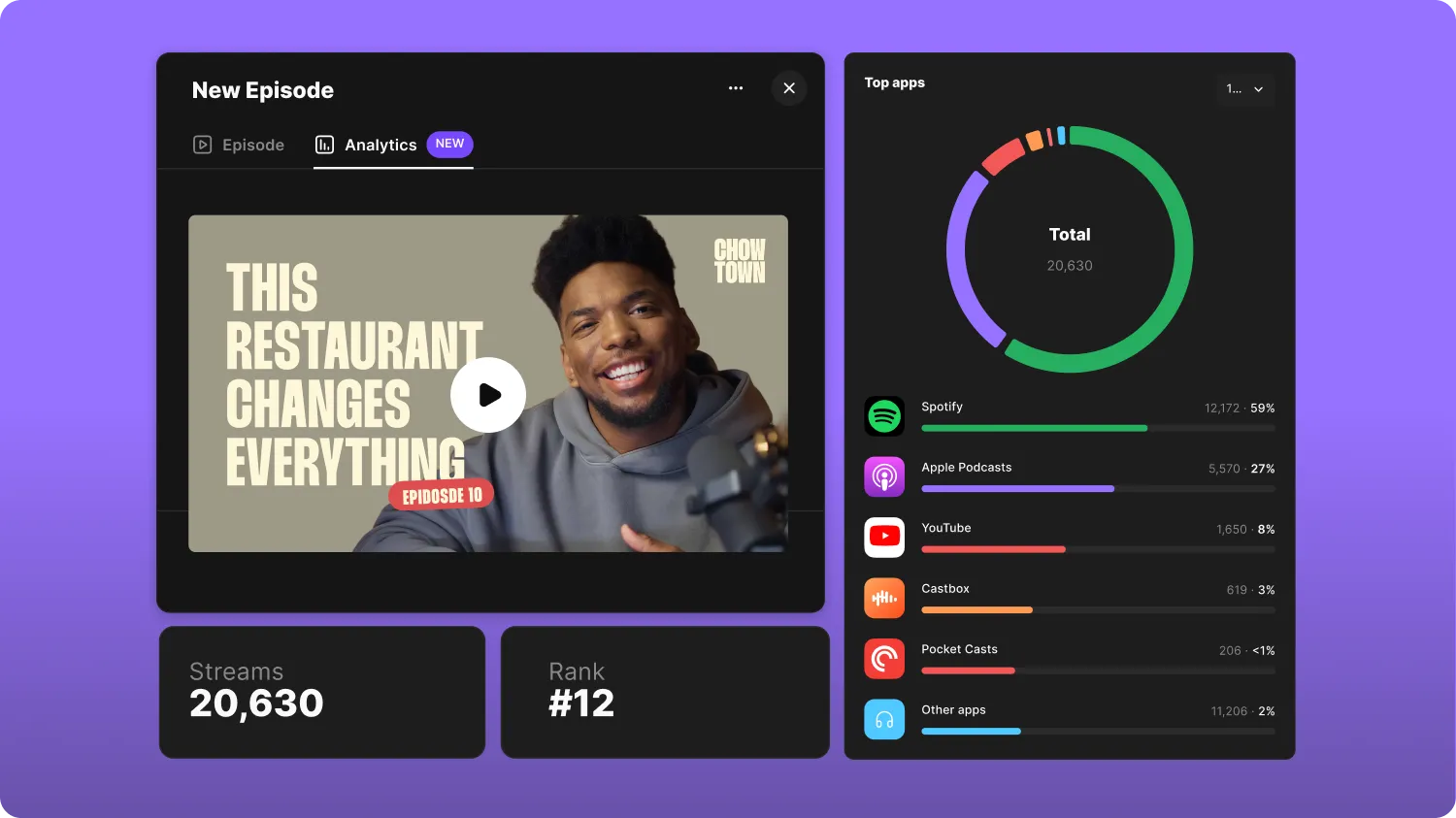
If you host your podcast on Riverside, you can now see how each individual episode is performing, including total streams, ranking against your other episodes, streams over time, top apps, and top countries. Plus, you’ll now see more detailed publishing statuses, including per-platform confirmation.
How to use it
In the “Hosting” tab in the left-hand navigation bar, click on any podcast episode to open its side panel, then click on “Analytics” at the top. To view per-platform publishing status, hover over the episode in the “Hosting” tab.

Got a process that works for you? Get featured by submitting your step-by-step flow. Help other creators save time, learn new tricks and improve their productions.


