Update
Editing & repurposing
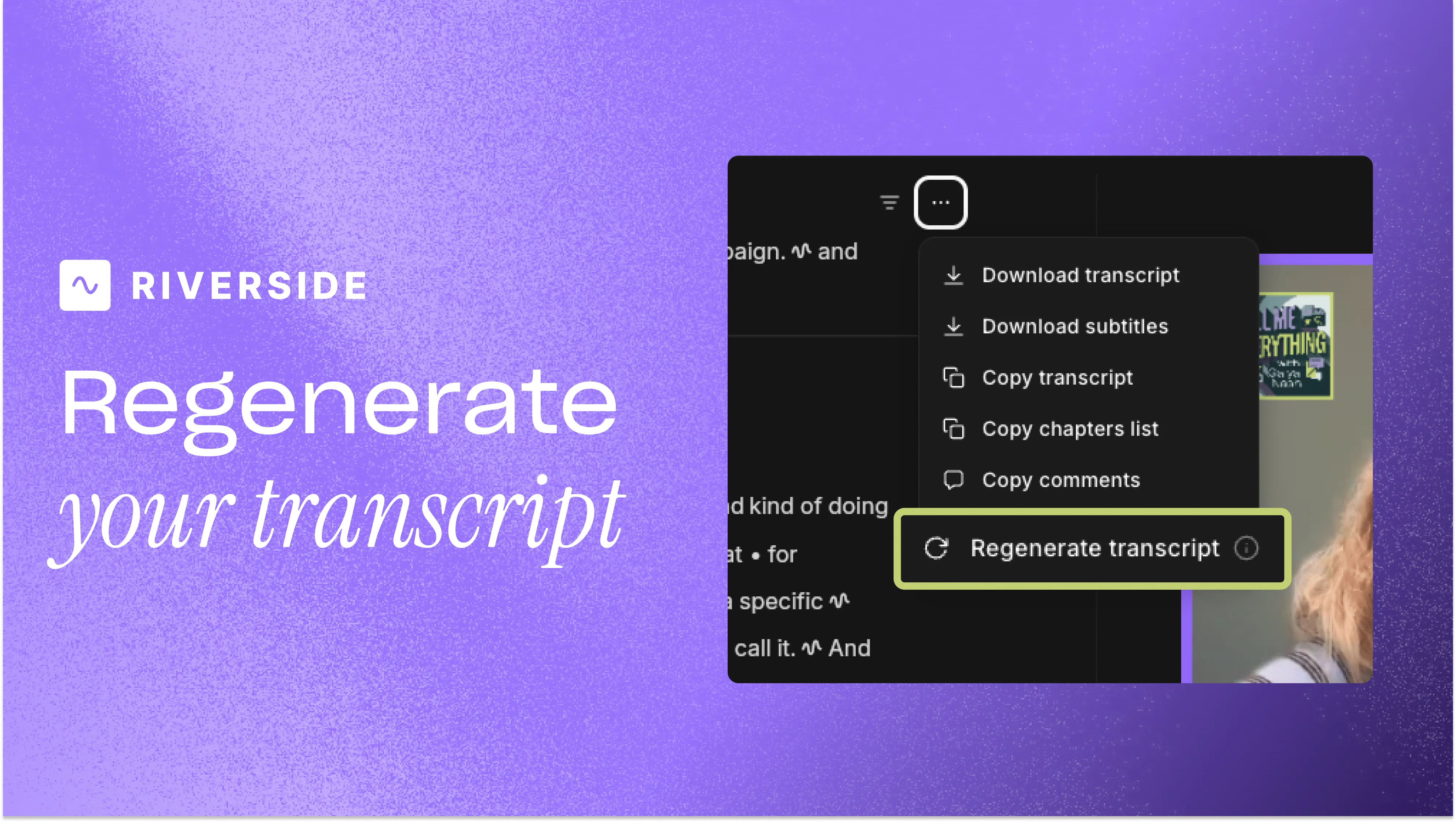
Regenerate your transcript
Regenerate a recording's transcript from the Editor in a language you choose, to fix transcripts that came back in the wrong language.
September 27, 2026
Free

Regenerate a recording's transcript from the Editor in a language you choose, to fix transcripts that came back in the wrong language.
Try Riverside
for Free

What's new
You can now regenerate a recording's transcript from the Editor in a language you choose to fix transcripts that came back in the wrong language. If auto-detection picked up the wrong language, this will force the correct one explicitly and the transcript is regenerated in that language. This isn't a translation tool, the language you pick tells Riverside what was actually spoken, it doesn't convert an existing transcript into a different language.
How to use it
Click on the 3 dots in the top right corner of your transcript, then click Regenerate transcript.

Got a process that works for you? Get featured by submitting your step-by-step flow. Help other creators save time, learn new tricks and improve their productions.


