New release
MacOS app
Editing & repurposing
Edit in the Mac app
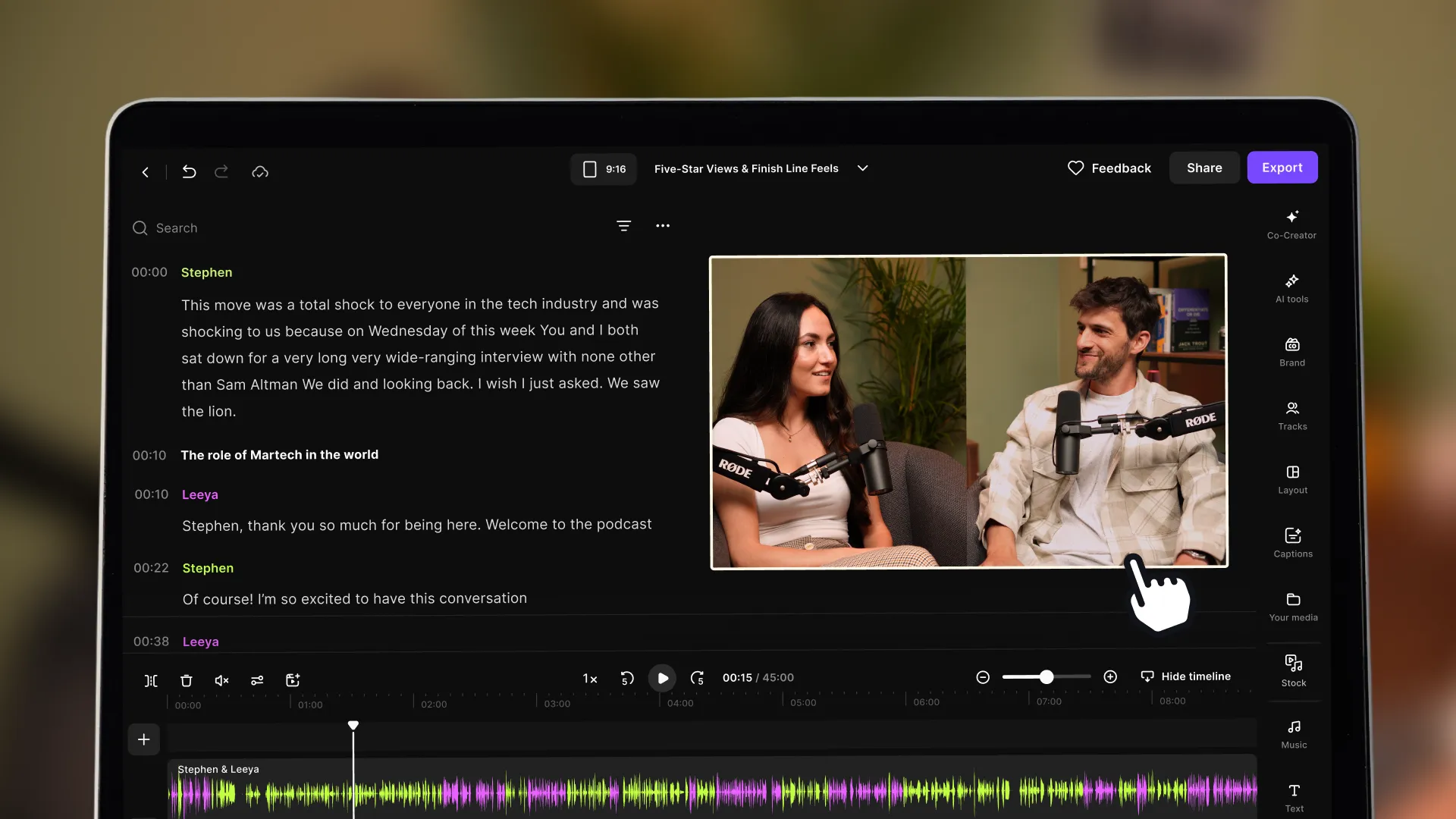
The full Riverside Editor now runs inside the native Mac app, so you can edit without leaving your desktop.
September 7, 2026
Free

The full Riverside Editor now runs inside the native Mac app, so you can edit without leaving your desktop.
Try Riverside
for Free

What's new
The complete Riverside Editor is now built into the native Mac app. You can record and edit in one place on your desktop, without switching to the browser.
How to use it
Open the Mac app and accept the update prompt if it appears, then click any recorded session on the Home screen to open the Editor.
Learn more about this topic
Riverside editor: Overview
Use Riverside's robust editor to turn your recording into engaging content to share. Explore our list of editor functions below, and use our hotkeys and keyboard shortcuts for even faster editing!
Riverside Mac app: Overview
Use the Riverside Mac desktop app to optimize your recording experience.

Got a process that works for you? Get featured by submitting your step-by-step flow. Help other creators save time, learn new tricks and improve their productions.


