Update
Hosting & publishing
Promotion & growth
Social publishing: Cross-posting and analytics
Cross-post to all your social accounts at once, track per-post analytics, and unlock upgraded LinkedIn and X publishing.
August 18, 2026
Grow +

Cross-post to all your social accounts at once, track per-post analytics, and unlock upgraded LinkedIn and X publishing.
Try Riverside
for Free

What's new
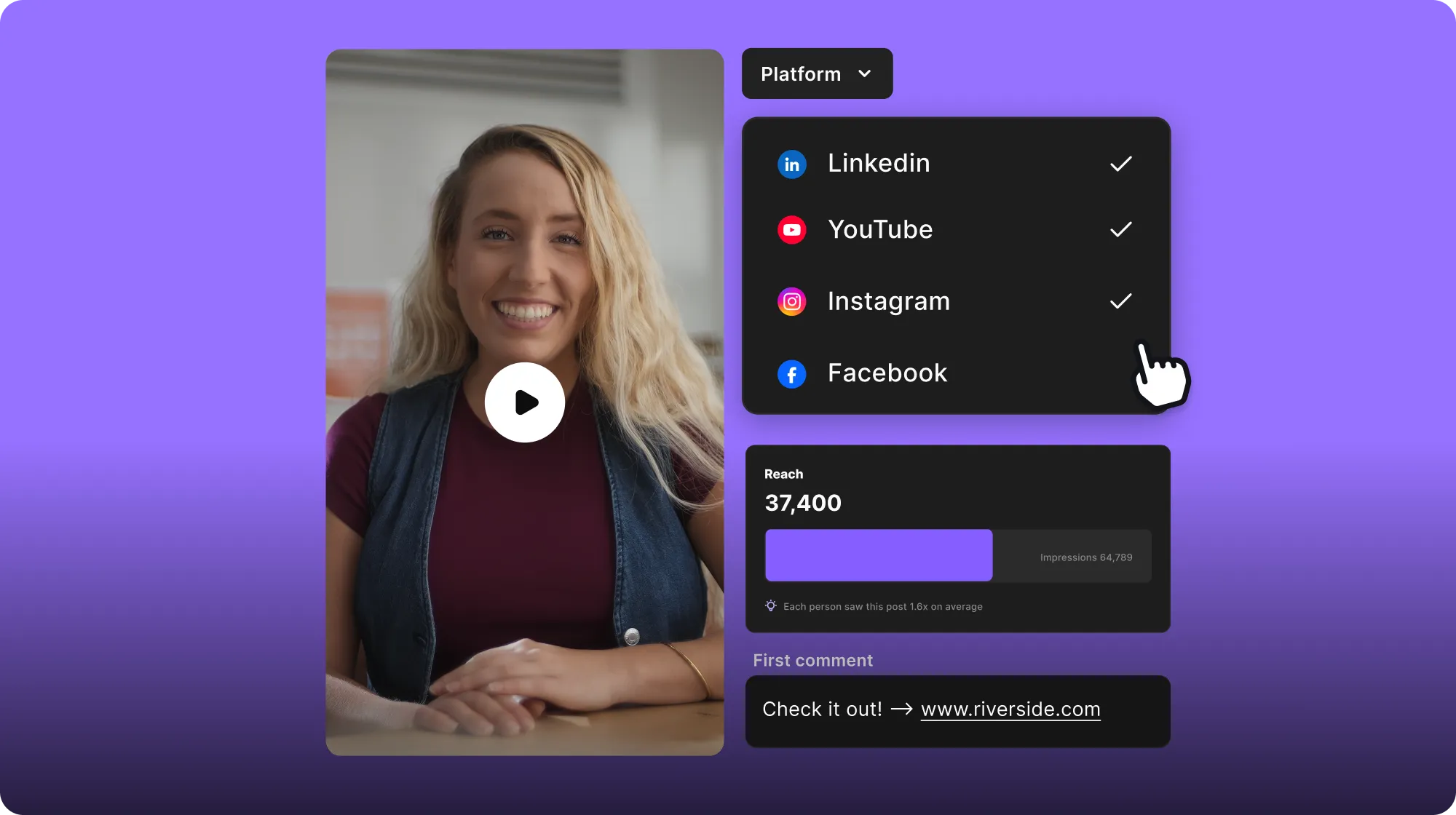
You can now cross-post to all your connected social accounts at once, including multiple accounts per platform. Every post now comes with its own analytics, so you can track views and engagement in one place. Plus, LinkedIn and X publishing got a big upgrade, with LinkedIn Company Pages, first comments, and multi-post threads on X.
How to use it
Post to multiple social accounts: In the Content Planner, when creating a new post, click the “+” icon at the top to connect your social media accounts. When your accounts are connected, select which to include and exclude from posting.
View analytics: In the Content Planner, click on a post that you have published to open its side panel. Then click the Analytics tab to see views, likes, shares, and comments.
Add first comments and multi-post threads: When creating a post, under the description you’ll see the option to create a thread for X and add a first comment for LinkedIn.

Got a process that works for you? Get featured by submitting your step-by-step flow. Help other creators save time, learn new tricks and improve their productions.


