New release
Editing & repurposing
Text editor
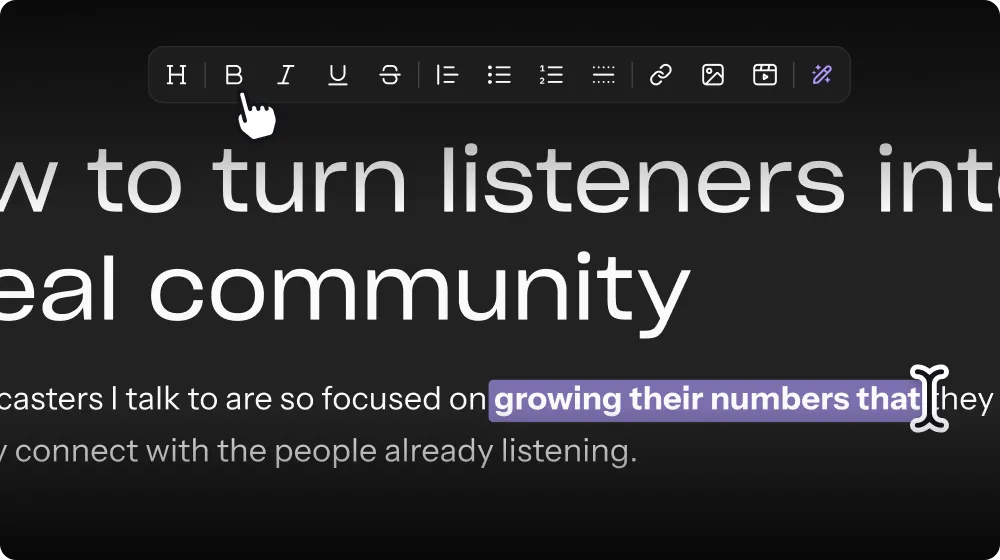
Edit text assets like social captions & blog posts, right in Riverside.
August 4, 2026
Free

Edit text assets like social captions & blog posts, right in Riverside.
Try Riverside
for Free

What's new
You can now edit your social captions, blog posts, newsletters, and other text assets in Riverside. No more copying and pasting elsewhere just to fix a typo or tweak a line. Make your edits, then copy or download when it's ready.
How to use it
Go to your left nav panel in the Editor, scroll down to the Assets folder, and click on whichever asset you want to edit.

Got a process that works for you? Get featured by submitting your step-by-step flow. Help other creators save time, learn new tricks and improve their productions.


