Update
Hosting & publishing
Post images and text to social
Publish image and text posts to Facebook, Instagram, X, and LinkedIn through the same flow you already use for video.
September 8, 2026
Pro +

Publish image and text posts to Facebook, Instagram, X, and LinkedIn through the same flow you already use for video.
Try Riverside
for Free

What's new
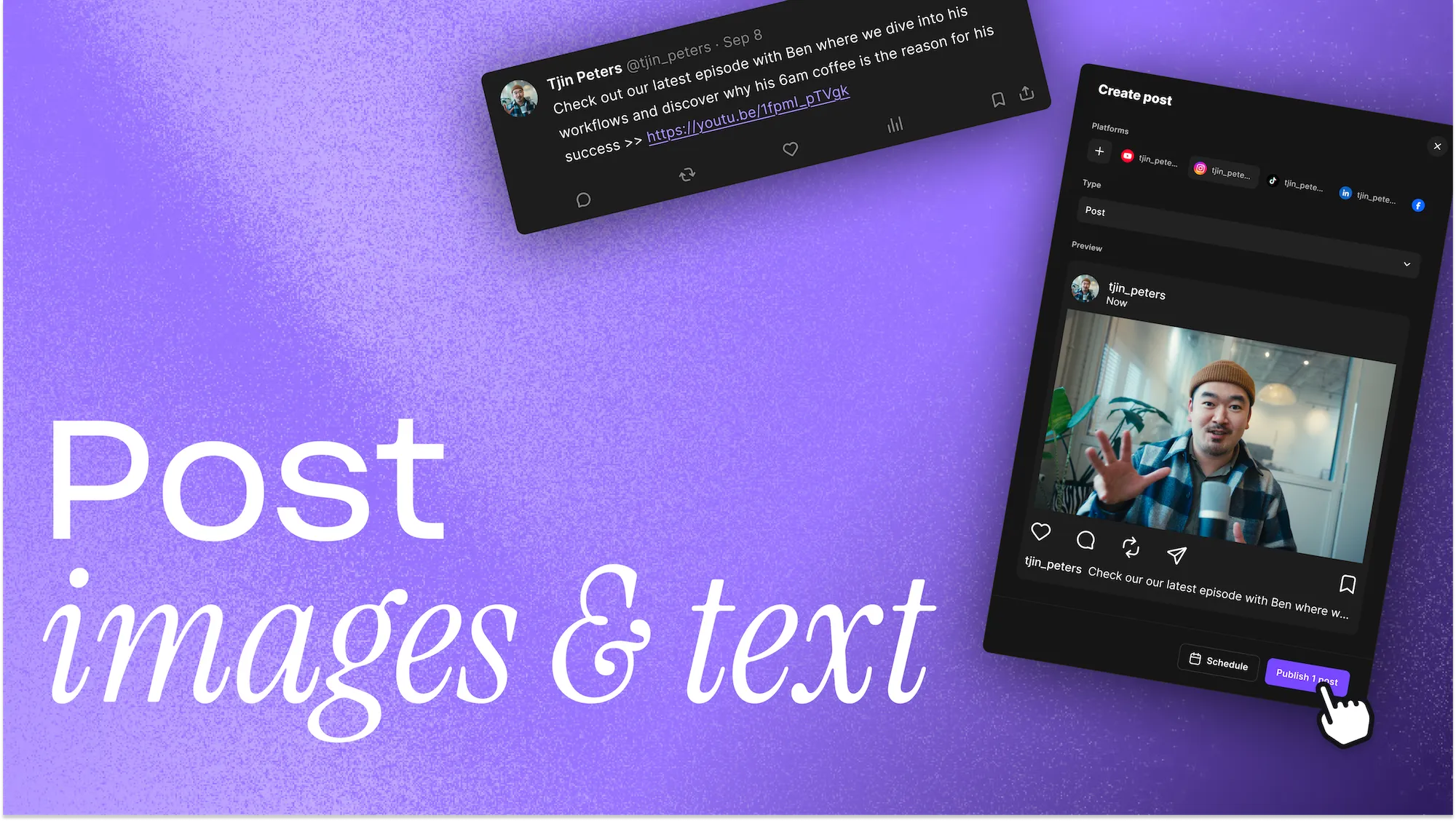
Riverside publishing now goes beyond video. You can create single-image and text-only posts and publish them to Facebook, Instagram, X, and LinkedIn from the same side panel you already use for video, with multi-account support and cross-posting built in. Want to post later? Scheduling is available on Grow and up.
How to use it
In the Content Planner side panel, create a post and hit “Click to select a file” to attach an image or video. For text-only posts, skip this step and don’t attach a file. Then publish or schedule it to your connected platforms.
Learn more about this topic
Share and publish your content: Overview
Share your content from Riverside in multiple ways to reach a wider audience.
Publish to LinkedIn
Share your content straight to LinkedIn without extra steps. You can publish both exported clips and edits right away, or schedule them to publish at a future date and time. If your clip hasn’t been exported yet, we’ll guide you through the steps before publishing.
Publish to Instagram
Share your content straight to Instagram without extra steps. You can publish both exported clips and edits right away, or schedule them to publish at a future date and time. If your clip hasn’t been exported yet, we’ll guide you through the steps before publishing.

Got a process that works for you? Get featured by submitting your step-by-step flow. Help other creators save time, learn new tricks and improve their productions.


