Update
Editing & repurposing
Word-level caption styling
Style individual words in your captions, not just the whole scene, so emphasis lands exactly where you want it.
November 15, 2026
Free

Style individual words in your captions, not just the whole scene, so emphasis lands exactly where you want it.
Try Riverside
for Free
What's new
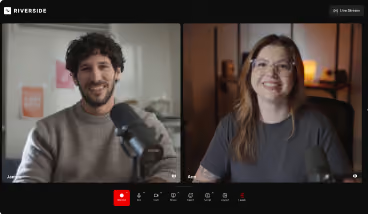
Style individual words in your captions, not just the whole scene. Select words right on the canvas and give them their own font, size, color, capitalization, and effects, so a word can be emphasized by popping in another color or in a heavier weight. Everything else keeps your scene style.
We’ve also added 21 new fonts, plus every weight and italic of the fonts you already have, in both captions and text overlays. Font and Style are now separate dropdowns, and you can control the spacing between caption lines.
How to use it
Click the caption text on the video canvas. Select the words you want to change and set their Font, Size, Color, Capitalization, or Effects.

Got a process that works for you? Get featured by submitting your step-by-step flow. Help other creators save time, learn new tricks and improve their productions.


