New release
Mobile & Mac app
Recording
Share screen on iOS 27
Share your screen straight from your phone during a recording on iOS 27, as its own track while your camera keeps rolling.
September 15, 2026
Free

Share your screen straight from your phone during a recording on iOS 27, as its own track while your camera keeps rolling.
Try Riverside
for Free

What's new
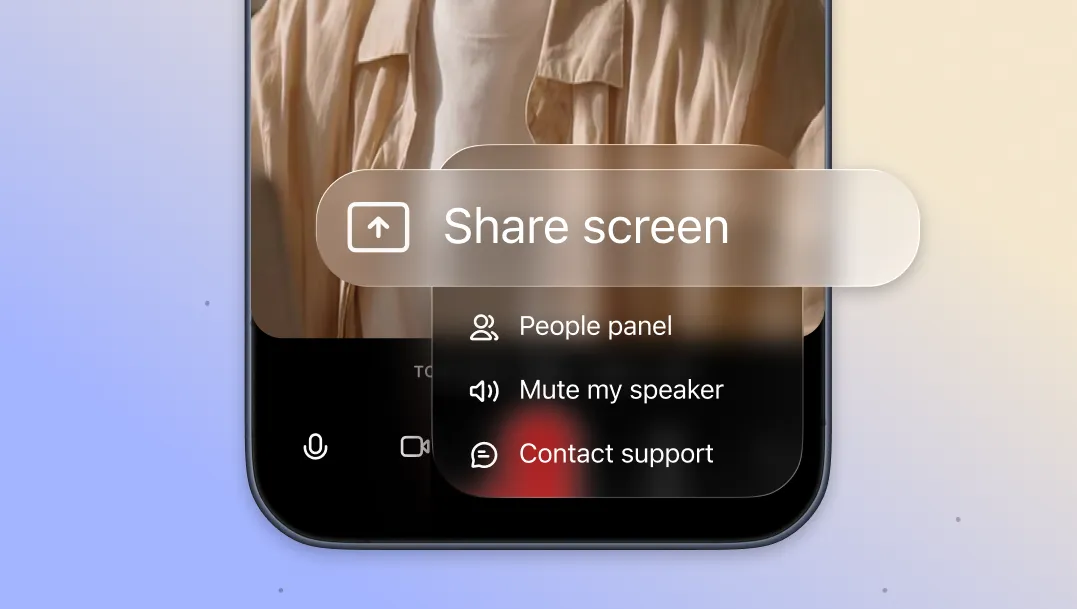
With iOS 27, you can share your screen right from your phone during a recording. Your screen share comes in as its own separate track and your camera feed keeps running, so you can show content and stay on camera at the same time. It works in both portrait and landscape.
How to use it
Make sure your iPhone is running iOS 27 with the Riverside app updated. Start a new recording and click the three-dot menu on the bottom left. Select screen share from the menu and follow the system prompts to select the screen and confirm. Screen sharing is available to the host only for now; guests and producers can't share their screen yet.

Got a process that works for you? Get featured by submitting your step-by-step flow. Help other creators save time, learn new tricks and improve their productions.


