Audio- und Videotranskription mit KI.

Transkribiere Audio & Video in Text – 99 % Genauigkeit.
‍
Über 100 Sprachen. Komplett kostenlos.
Transkribiere Audio & Video in Text –
99 % Genauigkeit.‍Über 100 Sprachen. Komplett kostenlos.

or drag MP3, WAV, MP4 or MOV files

Drop it!

Wir halten unser Wort.

Nutze unsere KI-Transkription, so oft du willst. Du kannst direkt im Online-Studio aufnehmen oder Dateien hochladen, die Transkription läuft automatisch. Anschließend bearbeitest du das Transkript, fügst Untertitel hinzu, passt alles an oder schneidest Clips – ganz einfach.
Fühle Dich frei, unseren KI-Transkriptor so oft zu nutzen, wie Du möchtest. Oder Du kannst direkt in unserem Online-Studio aufnehmen und Deine Transkriptionen automatisch erstellt bekommen.

Auf den Punkt geschrieben.

Nutze KI, die dein Audio nahezu fehlerfrei in Text verwandelt – Wort für Wort, mit allen Feinheiten. Ist doch mal was falsch? Ein Klick genügt, um es zu korrigieren.
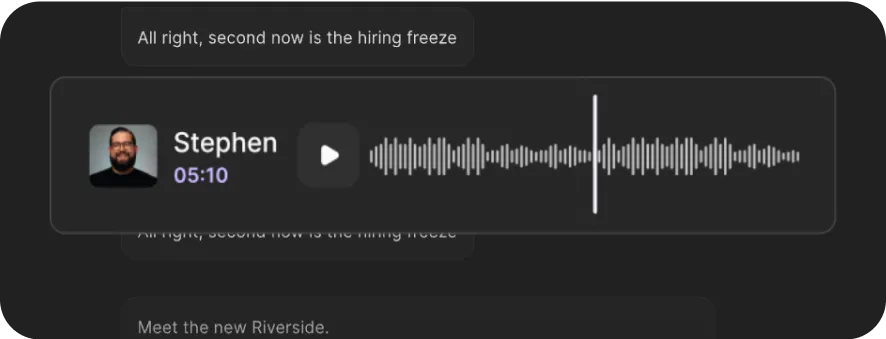
Audio player interface showing a waveform, play button, and a profile photo of a man labeled Stephen with timestamp 05:10.
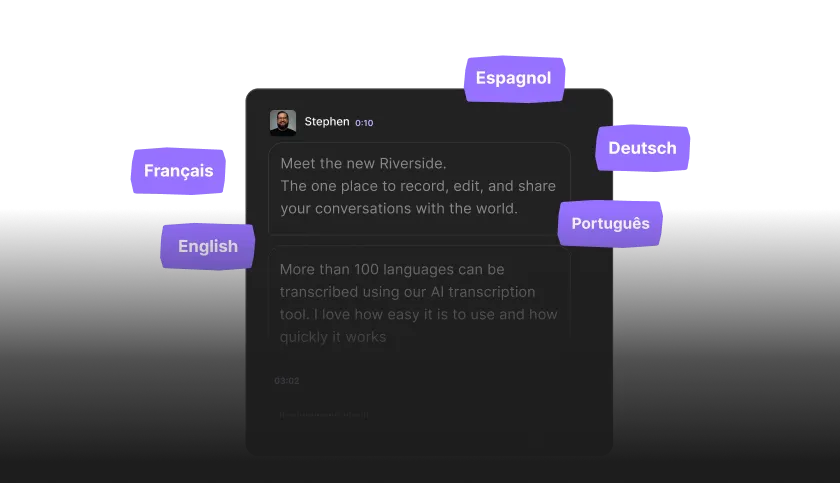
Dark-themed chat interface showing a message from Stephen about Riverside, surrounded by language labels: Français, English, Espagnol, Deutsch, and Português.

Über 100 Sprachen.

Automatische Transkriptionen in über 100 Sprachen und Dialekten, egal, welcher Akzent oder regionale Besonderheit dabei ist.

Schnell und kostenlos.

Die Transkription startet sofort nach dem Aufnehmen oder Hochladen. In allen Pro- und Business-Tarifen inklusive.
Starte jetzt mit Riverside. Von der Idee zum fertigen Content – alles an einem Ort.
Und das ist erst der Anfang von dem, was Du mit Riverside machen kannst.
Los geht's

Mehr als nur Worte.

Mit Riverside nimmst du überall und jederzeit in Spitzenqualität auf und bekommst direkt die Transkription, inklusive Sprechererkennung. Und das ist nur der Anfang.
Nimm in bis zu 4K auf – mit glasklarem Sound, unabhängig von der Internetverbindung bei dir oder deinen Gästen.
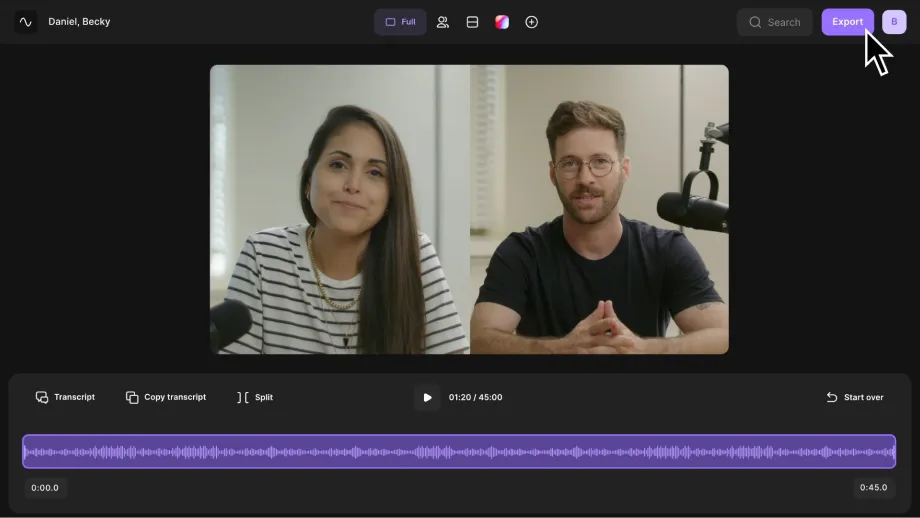
Video call interface showing a woman and a man speaking, with controls and an audio waveform below.

Aufnehmen

Nimm in bis zu 4K auf – mit glasklarem Sound, unabhängig von der Internetverbindung bei dir oder deinen Gästen.

Transkribieren

Nach der Aufnahme startet die KI automatisch und zeigt dir genau, wer was gesagt hat.

Bearbeiten

Bearbeite deine Aufnahme direkt in der Waveform-Darstellung oder im Transkript. Lösche einfach Wörter, Sätze oder ganze Absätze.

Frequently Asked Questions

Riverside's transcription service is up to 99% accurate. It uses advanced speech-recognition technology trained on multilingual data to recognize accents and dialects with near-human precision.

When you use the Riverside recorder, the platform captures high-quality, uncompressed audio, which further improves transcription accuracy.

You can download your transcripts in SRT and TXT formats. These are the two most widely used transcript file types.

  • TXT (Text file): A plain text file that works well for repurposing content into blog posts, show notes, summaries, newsletters, or articles.
  • SRT (SubRip Subtitle file): A timestamped file used for adding closed captions or subtitles to videos. Styling, such as fonts and colors, is applied separately in your video editor.

To download a specific format using the free transcription tool above:

  • Step 1: Upload your video and select your language and content type.
  • Step 2: Let the AI transcribe, and when downloading, select which format you want. If you’re downloading transcripts in Riverside’s platform:‍
  • Step 3: In the “Tracks” section, you’ll see the option to download a transcript.
  • ‍Step 4: Click download, and choose between a text file or subtitles.

Riverside takes only a few minutes to transcribe a recording. Your transcripts will be ready shortly after your session ends, depending on the file length.

You can begin editing your video immediately while the transcript processes. Manual transcription, by comparison, can take hours.

Learn more in our guide on how to transcribe audio to text.

Riverside offers both free and paid transcription options.

  • Free plan: You can transcribe unlimited audio or video files without signing up by clicking on the “Transcribe now” button right above. Note that if you upload multi-speaker audio or video, all the transcribed text is assigned to just one speaker.
  • Paid plans: Unlimited automatic transcription is included in all paid plans starting at $24/month. Paid plans also unlock Riverside’s full editing suite with speaker detection, text-based editing, audio cleanup, and automatic captions.

Learn more about Riverside plans and pricing.

Riverside supports over 100 languages and dialects, allowing you to accurately transcribe different accents and regional pronunciations. You can select the language of your recording to improve accuracy.
‍

If you’re using the free transcription tool above, just choose your language when uploading. 
‍

If you’re recording inside Riverside, you can set your language in the studio settings:‍

  • ‍Step 1: Select the Riverside studio for which you want to set the language.Step 2:
  • Step 2: Go to  “Settings” and then select “Studio settings”.Step 3:
  • Step 3: Scroll down to “Language” and select a language from the dropdown menu.

Yes, Riverside allows you to edit transcripts directly inside the video editor. The transcript syncs with your recording, so text edits automatically update your video.

‍

You can also use your transcript to:

  • Search for specific words or phrases.
  • Automatically generate captions.
  • Fix repeated words across the transcript using “Correct everywhere”.
  • Use the chat-based editor to extract quotes or repurpose your transcript into posts, articles, or emails.

Riverside’s speaker detection labels speakers based on separate audio tracks in your recording. Each participant recorded on a separate track is labeled separately in the transcript.

If multiple people use one microphone or you upload a file with a single mixed track, the transcript will not separate speakers. Speaker detection works best when each participant records on their own track.

Starte jetzt mit Riverside.

Los geht's
AI Transcriptions
by Riverside

Before we start...

intro special2.mp4
intro special2.mp4
0%
Language: English
What would you like to transcribe:
Podcast
Interview
Webinar
Video content
Other
What will you use the transcription for?
Social post
Captions
Key insights
Educational content
Other

Ready!

Your transcripts are ready, be sure to download them before you go!
Transcribe another file
Black capital letter L on a white background.

Ready!

Your transcripts are ready, be sure to download them before you go!
Please Wait...
We're working on it! Transcription times can vary based on file size, content length, and how busy our servers are. Thanks for your patience!
What would you like to transcribe:
intro special2.mp4
intro special2.mp4
Copy to clipboard
Copy
Riverside is transcribing... 0%
Transcription times can vary depending on the file size, length of the content, and how busy our servers are.
Explore more features for transcribing, recording, and editing with Riverside
Audio player with waveform, featuring a profile photo of a man named Stephen and a timestamp of 5 minutes and 10 seconds, on a dark background.
Transcribe, record and edit your Audio or Video seamlessly with Riverside
Starts transcribing as soon as you’re done recording or uploading, so no need to wait long
Record in up to 4K video and 48kHz audio
Add speaker labels in seconds with our AI-powered Speaker Detective.
Transcribe, clip, and edit your video in seconds
Try Riverside for Free
*A new tab will open without interrupting transcription
Record your next podcast or video with Riverside.
Super accurate transcriptions in 100+ languages.
Powered by the latest AI technology.
Supports MP3, WAV, MP4 and MOV.
Unlimited transcriptions for free. No sign up required.
White digital audio waveform on a black background with varying amplitude and frequency.

Are you sure?

Make sure you've downloaded your transcripts before starting a new one.
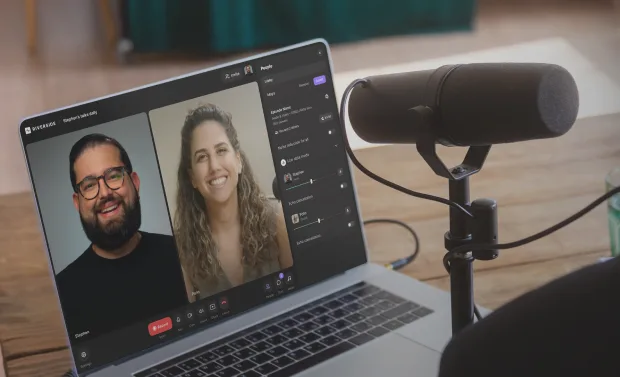
Laptop screen showing a video call with a smiling man and woman, and a microphone on a wooden table nearby.

Transcribe, record, edit your Podcast seamlessly with Riverside

Starts transcribing as soon as you’re done recording or uploading, so no need to wait long
Record in up to 4K video and 48kHz audio
Transcribe, clip, and edit your Podcast in seconds
*No credit card required
File type not supported. We only support MP3, WAV, MP4 and MOV files for now.