
Trusted by:








What async recording is actually for
Studio-quality recordings, at any scale

High-quality recording
Anyone gets Riverside's recording quality through a link - no setup required.
.png)
Record on their own time
Skip the scheduling. Send a link and let people record whenever works for them.
.png)
Prompts to guide recording
Add questions once. Everyone answers exactly what you need, in the order you need it.
.png)
A teleprompter when needed
Add a script or talking points so contributors can deliver a polished response.
.png)
One link, unlimited scale
Share it once, as wide as you want. Every response comes back structured the same way.
.png)
Raw footage to polish content
Recordings land back in Riverside, ready to edit and repurpose, fast.
Case Study
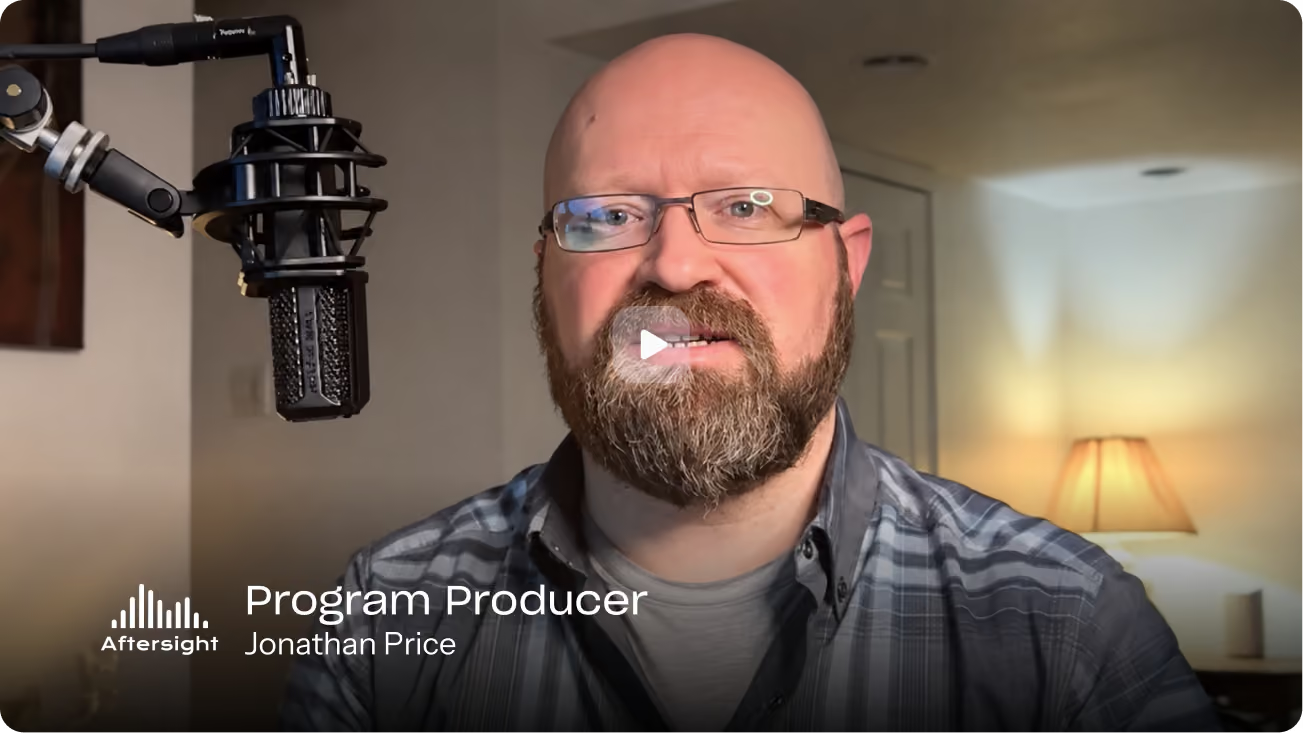
How Aftersight collects voices from 120+ volunteers with async recording
Guests, volunteers, and listeners record testimonials and feedback on their own time, with no scheduling and no back-and-forth.
Read the case study
How it works
01
Set up your recording
Create an Async recording and add an intro video, script, prompts, or questions to guide what people record.
02
Share the link
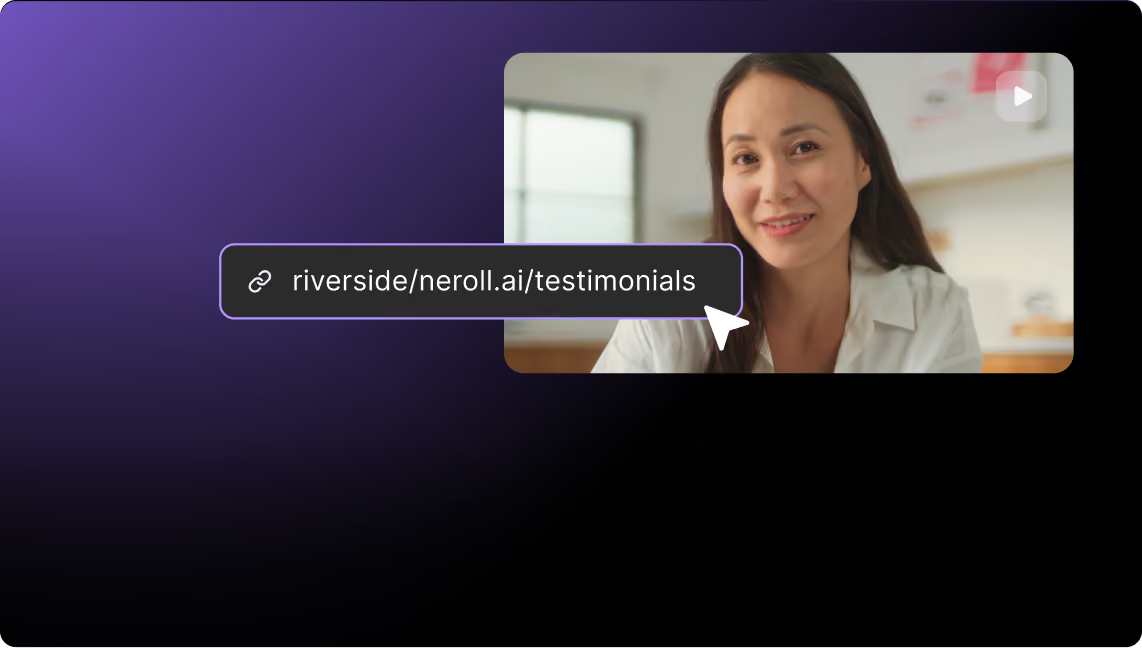
Send it to one person or share it with as many contributors as you need.
03
They record
Recorders follow the on-screen guidance and record on their own time, reviewing and re-recording as needed.
04
Keep creating
Edit, enhance, clip, or combine recordings into finished content, all in Riverside.

Unlimited, high-quality recordings, without a single meeting.


Deutsch


