June in.

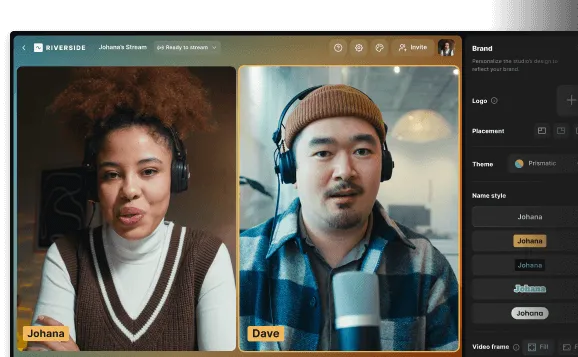
Meet your new Conversation Studio.

A sneak-but-detailed preview of upcoming improvements, powerful features, and entirely new capacities.

Better syncing
Improved our syncing mechanism to prevent any potential issues due to third-party browser changes. 

Enhanced transcription
Applied a new transcription engine to improve word-for-word accuracy and general reliability.
Sturdier recording
Upgraded the studio for a positively more robust experience from the moment you join until you’re done recording.
Quicker editing
Increased editor performance to ensure much faster loading times as well as better responsiveness.

Improved connectivity
Executed a live call system that’s less sensitive to connectivity, guaranteeing you and your guests smoother conversations.  
More performance
Plus, we’ve put in place many more performance tweaks and upgrades in the dashboard, timeline, and canvas.

LIVE-Changing.

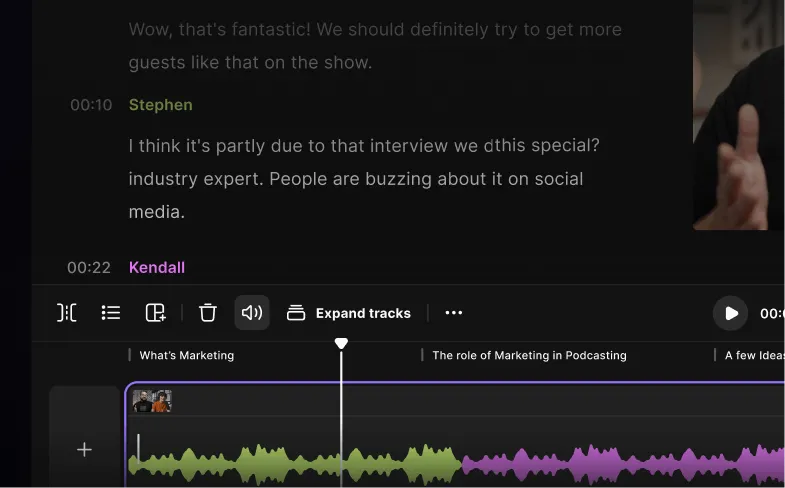
Multi-track editing. Multiply your options.

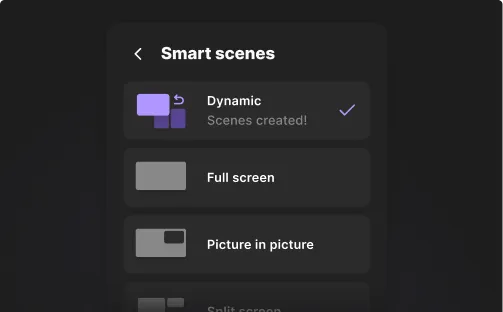
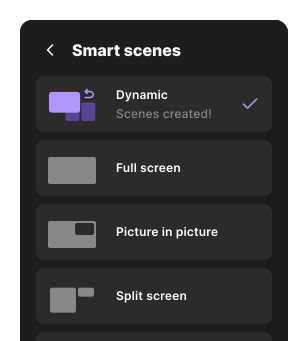
Smart scenes menu with options: Dynamic (selected), Full screen, and Picture in picture.
COMING SOON

Smart Scenes

Choose the layouts, tracks, and design you want. Or ask AI to do it for you.
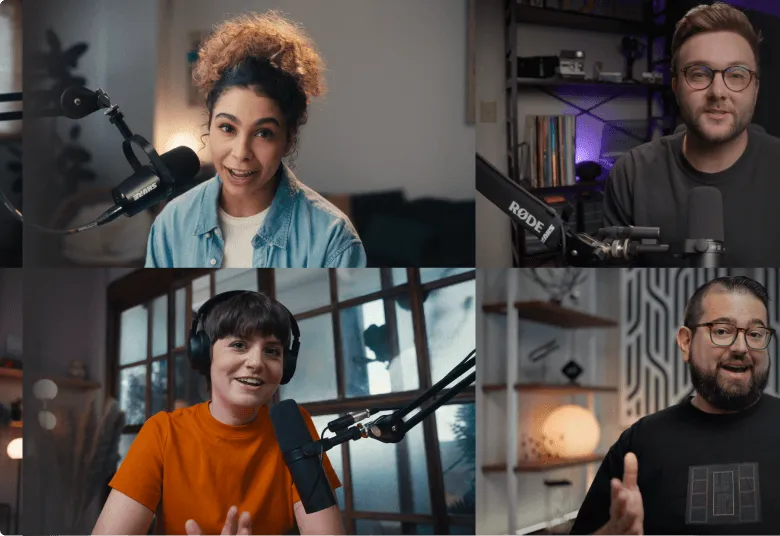
Four people participating in a video conference, each speaking into a microphone in different indoor settings.
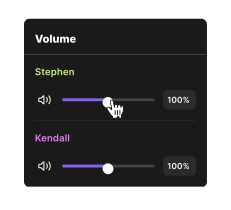
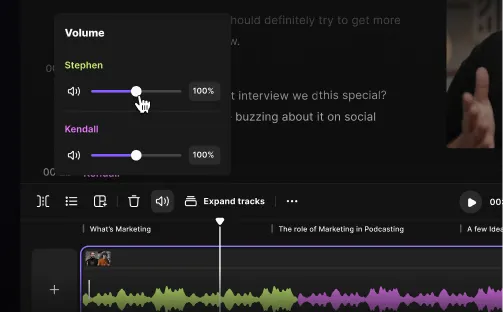
Screenshot of podcast editing software showing dialogue text, timestamped speaker labels, and audio waveform tracks in green and purple.Audio editing software interface showing volume controls for two speakers named Stephen and Kendall with sliders set to 100%.

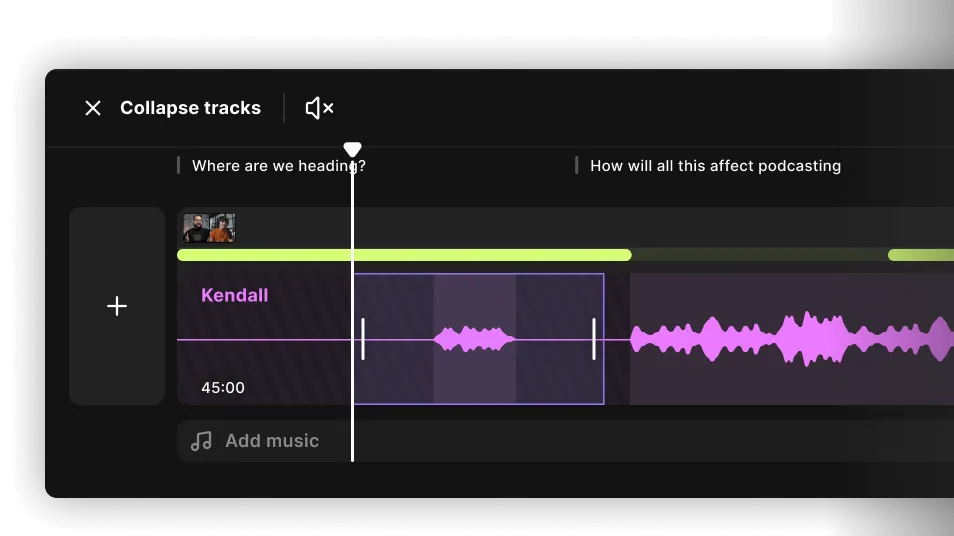
Volume control per track

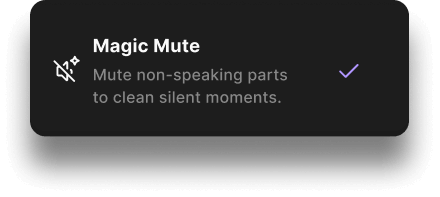
Change track volume, mute it, or let AI mute parts with no speech.
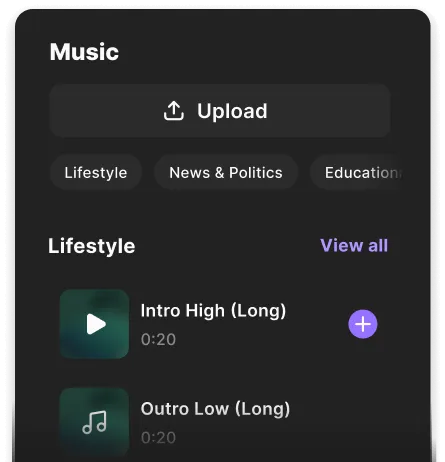
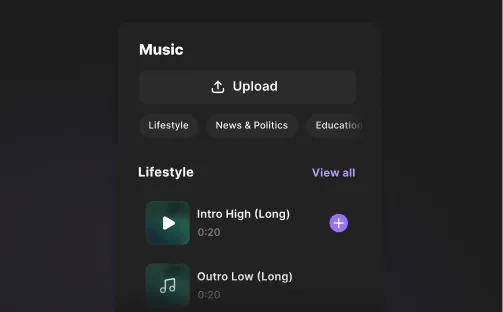
Abstract dark gradient background fading from black to dark gray.Music interface showing an upload button, category tabs like Lifestyle, News & Politics, and Education, with two Lifestyle tracks: Intro High (Long) and Outro Low (Long), each 20 seconds.Music app interface showing an upload button, category tabs Lifestyle, News & Politics, Education, and a Lifestyle section with audio tracks Intro High (Long) and Outro Low (Long).
COMING SOON

Music Overlays

Upload a tune or choose one from our catalog. Auto-ducking and fading are taken care of.
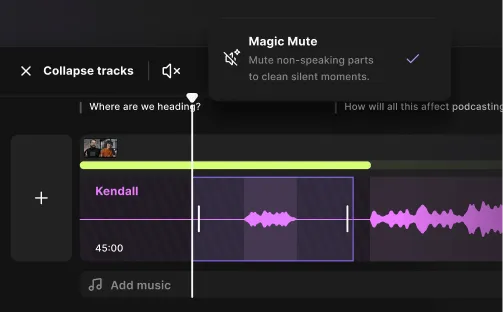
Audio editing interface showing a purple waveform with Magic Mute enabled to mute non-speaking parts.
COMING SOON

Cross out crosstalk

We’ll mark anyone talking over someone. You mute them as you see fit.
Audio editing interface displaying a track labeled 'Kendall' with highlighted waveform sections and controls to collapse tracks and mute sound.Magic Mute option selected with description: Mute non-speaking parts to clean silent moments, and a checkmark on the right.

More editing magic coming your way.

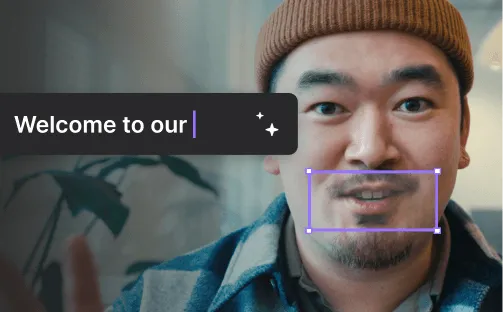
Man wearing a brown knit beanie and blue plaid jacket smiling in front of a blurred indoor plant.Man wearing a brown beanie and checkered jacket smiling with a text box saying 'Welcome to our'.
COMING SOON

VideoDub

Align speakers with AI dialogue, and keep your video and audio in perfect harmony.
Join the waitlist
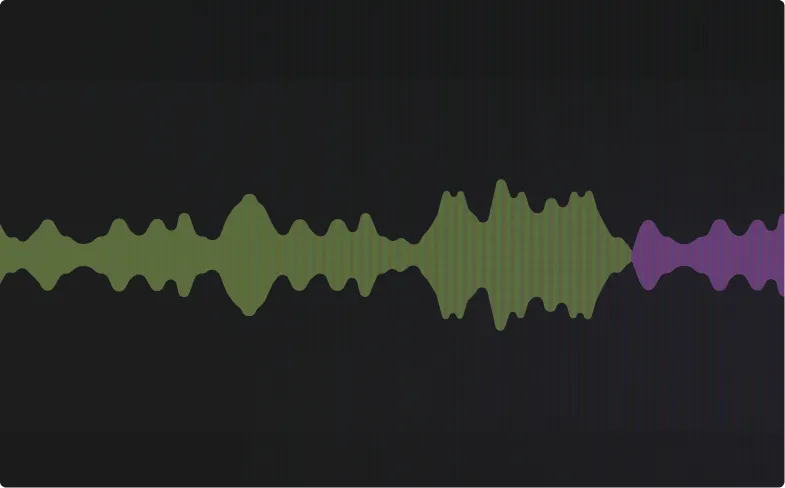
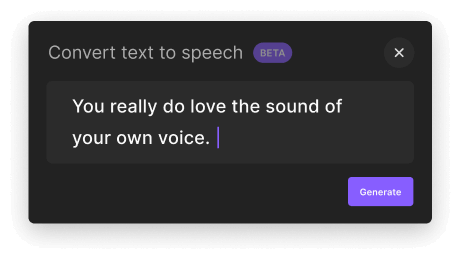
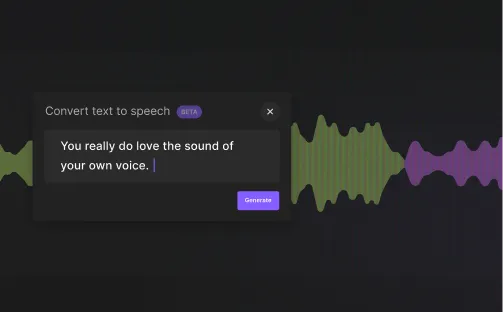
Abstract audio waveform in green and purple on a black background.Text-to-speech interface with the input text 'You really do love the sound of your own voice.' and a purple Generate button.Text-to-speech tool interface with the phrase 'You really do love the sound of your own voice.' and a colorful audio waveform in the background.
COMING SOON

AI Voice

Text-to-your-own speech. No one else’s. And only if you want to. No AI training involved.

Trans-phone how you create.

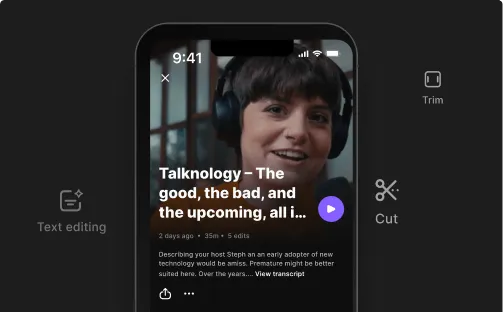
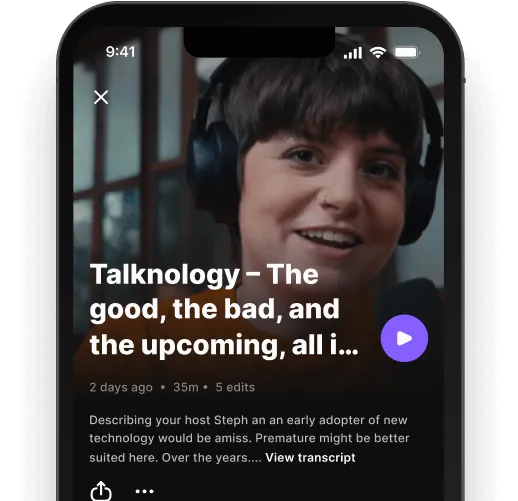
Smartphone screen showing a podcast titled 'Talknology – The good, the bad, and the upcoming, all i...' featuring a smiling woman wearing headphones.
COMING SOON

Mobile Editing

A totally new experience for cutting, trimming, and text- editing, reimagined for small screens and touch.
Mobile screen showing a podcast episode titled 'Talknology – The good, the bad, and the upcoming' with a woman wearing headphones speaking into a microphone.Abstract dark background with horizontal glitch lines and static noise.