
Co-Creator

Welcome to the era of chat-based editing

Meet Co-Creator, your AI agent ready to help you edit and repurpose your content, just by chatting, so you can focus on the part you love.

Anything from ‘just make it look better’ to ‘make a reel from the part about tacos.’

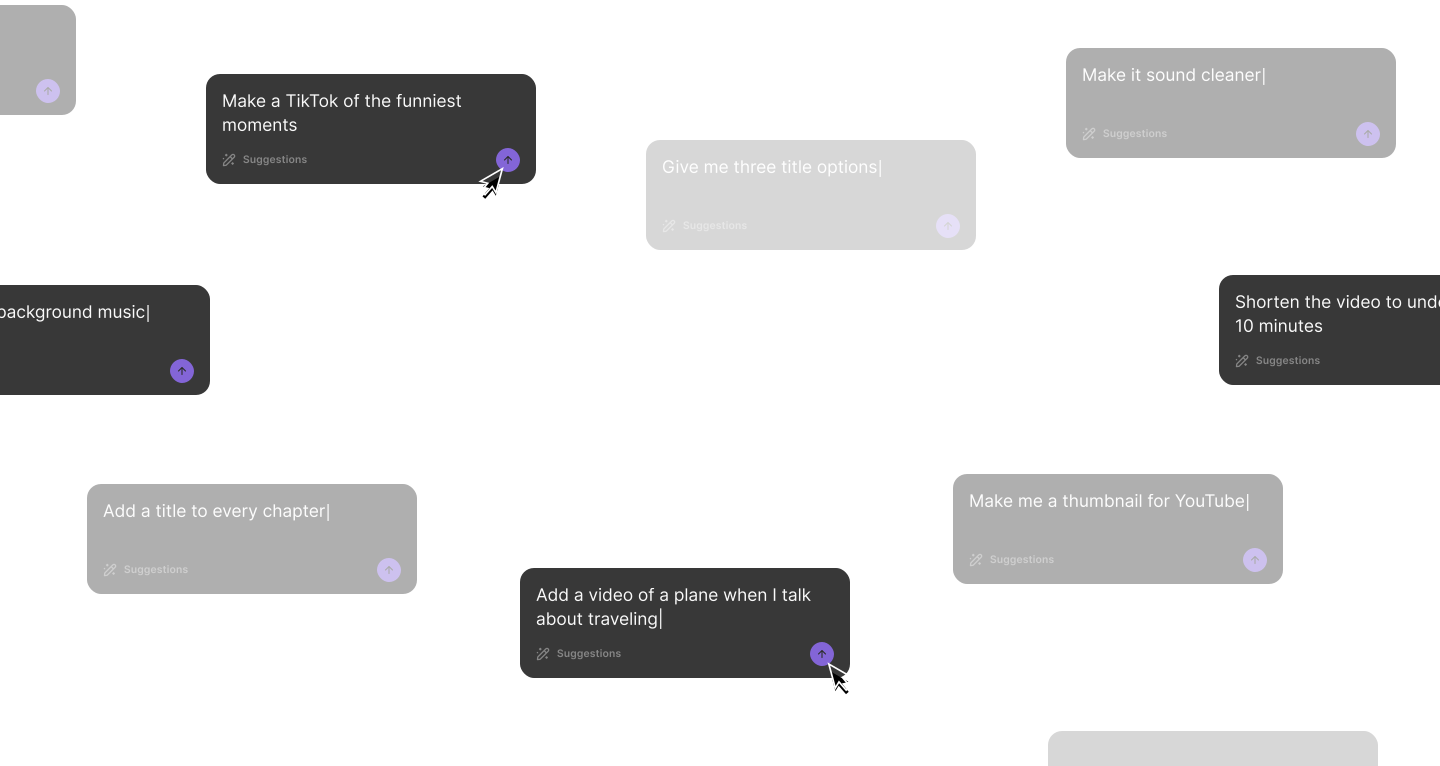
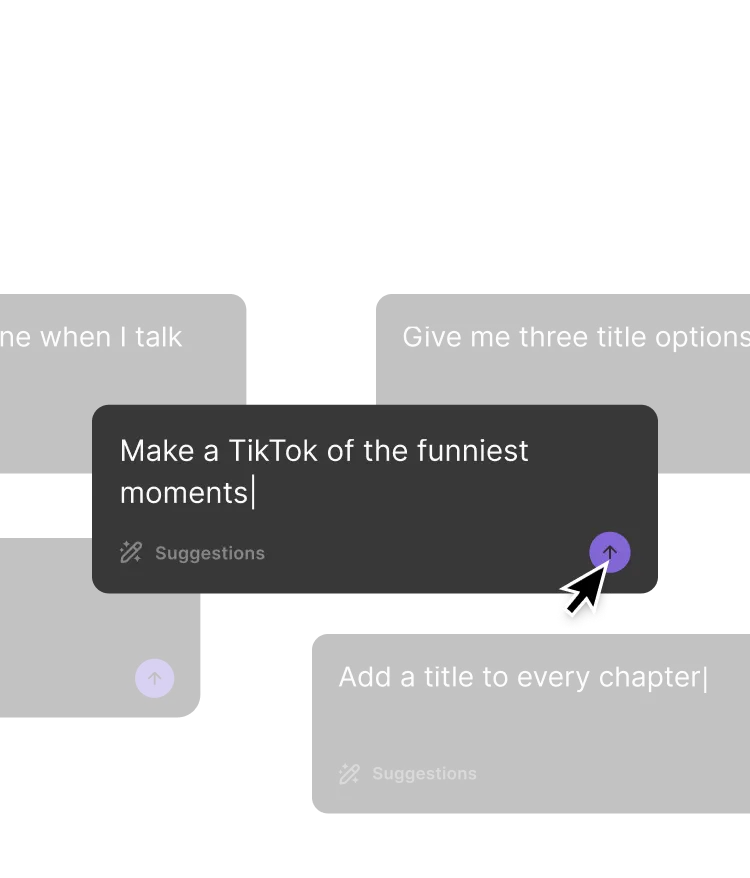
User interface showing text input suggestions including 'Make a TikTok of the funniest moments' and 'Add a title to every chapter' with arrow buttons for submission.
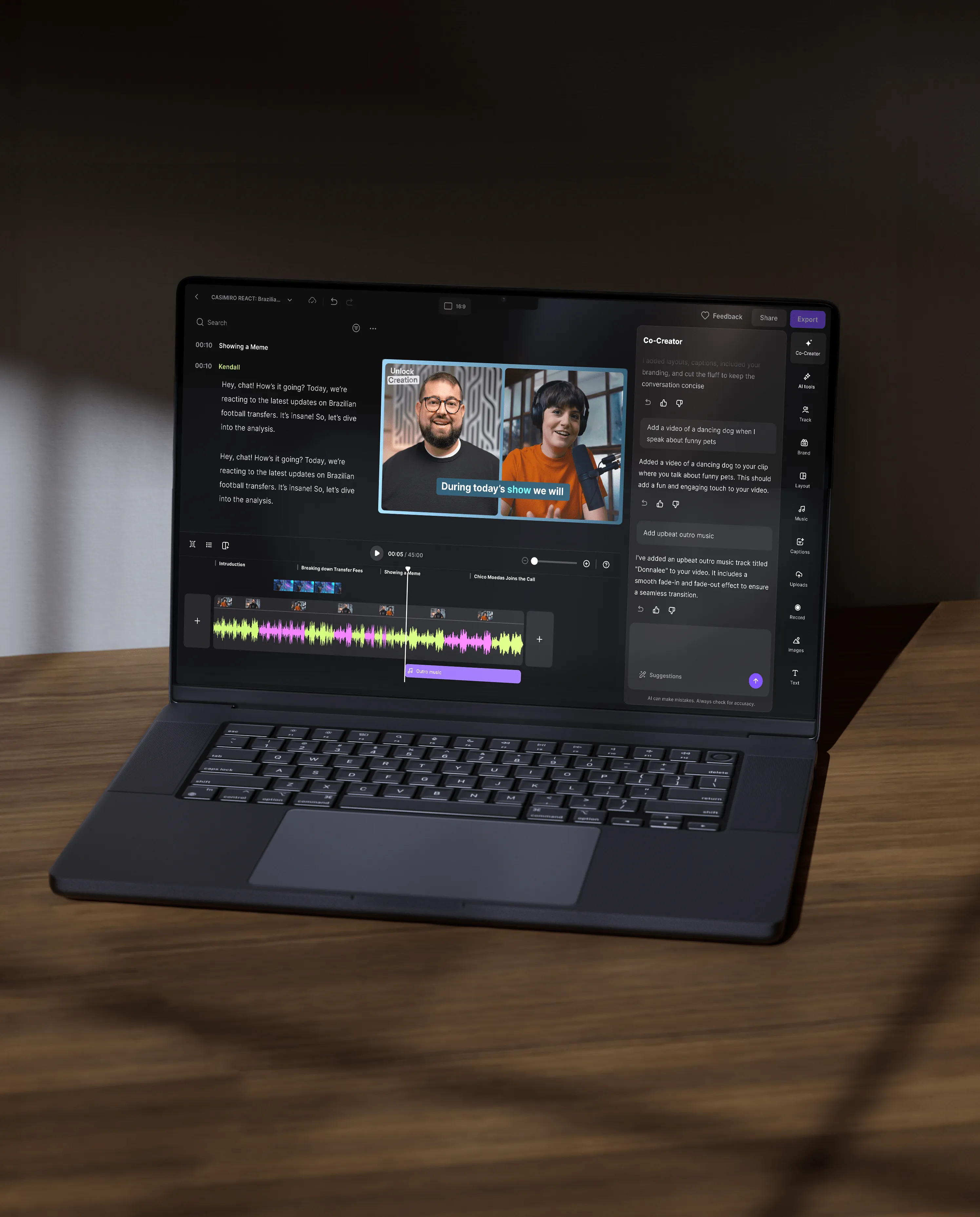
Laptop displaying a video editing software with multiple video and audio tracks, showing two people in a video clip and a sidebar with editing options.Open laptop on wooden surface showing video editing software with two people in video preview and audio waveform visible.

It’s just... built different.

It’s a video editing pro

Co-Creator is your editing expert. It knows what makes a great video and can make the right edits to get you there.

It knows every platform

Instagram, LinkedIn, YouTube, X: Co-Creator has studied them all, and it crafts optimized assets ready to post.

It’s built into your workflow

No more bouncing between tools. Co-Creator lives inside Riverside, so you can go from recording to ready-to-share assets, all in one place.

It lives & breaths your content

Because it’s built into where you create, it gets what your content’s about, and creates assets that reflect it.

People are into it
(like, really into it)

This is REALLY FRIG’N KOOL..I got an AI generated intro clip! This is going to be a big time saver!
Smiling man wearing a blue shirt and tie.
Michael Krisa
I used it to write a newsletter! It’s fantastic! I have not been sending newsletters about my podcast but now I have no excuse!
Smiling woman wearing glasses and a dark wide-brimmed hat.
Barbara Vokatis
Honestly, I don’t know how I’ve been surviving without this. It makes creating content so much fun and really easy.
Elegant script text reading 'Remember' on a soft pink and cream watercolor background.
Ruhi M

It’s like having your own personal content team.

Frequently Asked Questions

Co-Creator is Riverside’s AI editing and repurposing agent built directly into the editor. It helps you edit recordings, generate clips, and turn content into ready-to-share assets by simply chatting with it.

Co-Creator differs from traditional video editing tools because it acts as an active AI partner inside your editor. Instead of editing manually, you can chat with Co-Creator to apply full edits, style your video, create clips, and even repurpose videos into assets.

Co-Creator uses the context of your actual recording. You can prompt it to “find the funniest moment” or “write a LinkedIn post about this episode”, and it generates outputs based on your video.

You can integrate Co-Creator into your workflow by using it after recording to edit and repurpose your content in one place. It allows you to move from raw footage to finished assets without leaving your Riverside dashboard.

For example, your workflow could look like this:

  1. Record or upload your content to Riverside.
  2. Open your project in the Editor.
  3. Open the Co-Creator chat sidebar.
  4. Enter a prompt, such as “Write a short newsletter summarizing this episode.”
  5. Review and publish the generated output

You can create many types of videos with Co-creator, including short clips, teaser videos, long-form videos, and highlight reels.

Here are a few examples:

  • Short social clips: Ask Co-Creator, "Make me a short clip for [insert social media]" to help you identify the best clips and adapt them to a specific social platform.
  • Video teaser: Ask Co-Creator, "Make me a teaser featuring [insert topic]" to create a quick promo video that focuses on a topic you discussed.
  • Highlight reels: Use Co-Creator to find key themes by asking "Find all mentions of [insert topic]" so you can compile them into a themed video.
  • YouTube videos/Podcast episodes: Ask Co-Creator, "Enhance my episode’s audio, cut filler, fix eye gaze, and clean up pauses" to quickly polish your long-form videos in minutes.

You can optimize your videos for Instagram by prompting Co-Creator with specific Instagram-friendly instructions. You can ask it to generate short, fast-paced Reels, a hook, and even a supporting Instagram caption.

Here are a few workflow examples:

Making a quick Reel: Start by generating an Instagram Reel with Co-Creator using this prompt: “Identify the best moments in the video and generate a 20-30 seconds long Instagram Reel with a fast hook in the first 1.5 seconds, and tight pacing. Cut filler, keep one clear takeaway.

You can ask for multiple Reel variants with different hooks and the same core point.

Cleaning up a clip: Co-Creator can help you refine and polish an existing clip. Just use this prompt: "Polish this 90 seconds clip by cutting it to 60 seconds, improving pace, and cleaning up filler words. Also, enhance audio, add styled video captions that use my brand kit, and fix eye gaze."

Creating social media assets: You ask Co-Creator to help you with the additional assets with this prompt: "Create an engaging Instagram caption for this episode. Include a hook in the first line, 3 bullet takeaways, and a CTA to comment with a question. Also, suggest 15 relevant, high-traffic hashtags."

You can develop a unique brand voice with Co-Creator by personalizing its writing style inside the editor. Co-Creator allows you to define your tone, audience, and messaging preferences.

To personalize:

  • Step 1: Record or upload your content.
  • Step 2: Open your project in the Editor.
  • Step 3: Open the Co-Creator sidebar.
  • Step 4: Click “Personalize”.
  • Step 5: From the “Personalization” panel, you can explain what your show is about by typing it into the box. For example: “I host Primary Technology, a podcast about new gadgets and consumer techs, explained in a simple, non-technical way.
  • Step 6: Now, create your own custom style by clicking on “Custom”. For example: “You are an expert content marketer who writes in a witty, punchy, and direct tone. Avoid corporate jargon. Summarize this video using short sentences and an energetic voice.

After personalization, Co-Creator generates content that reflects your defined brand voice across every asset it will generate.