

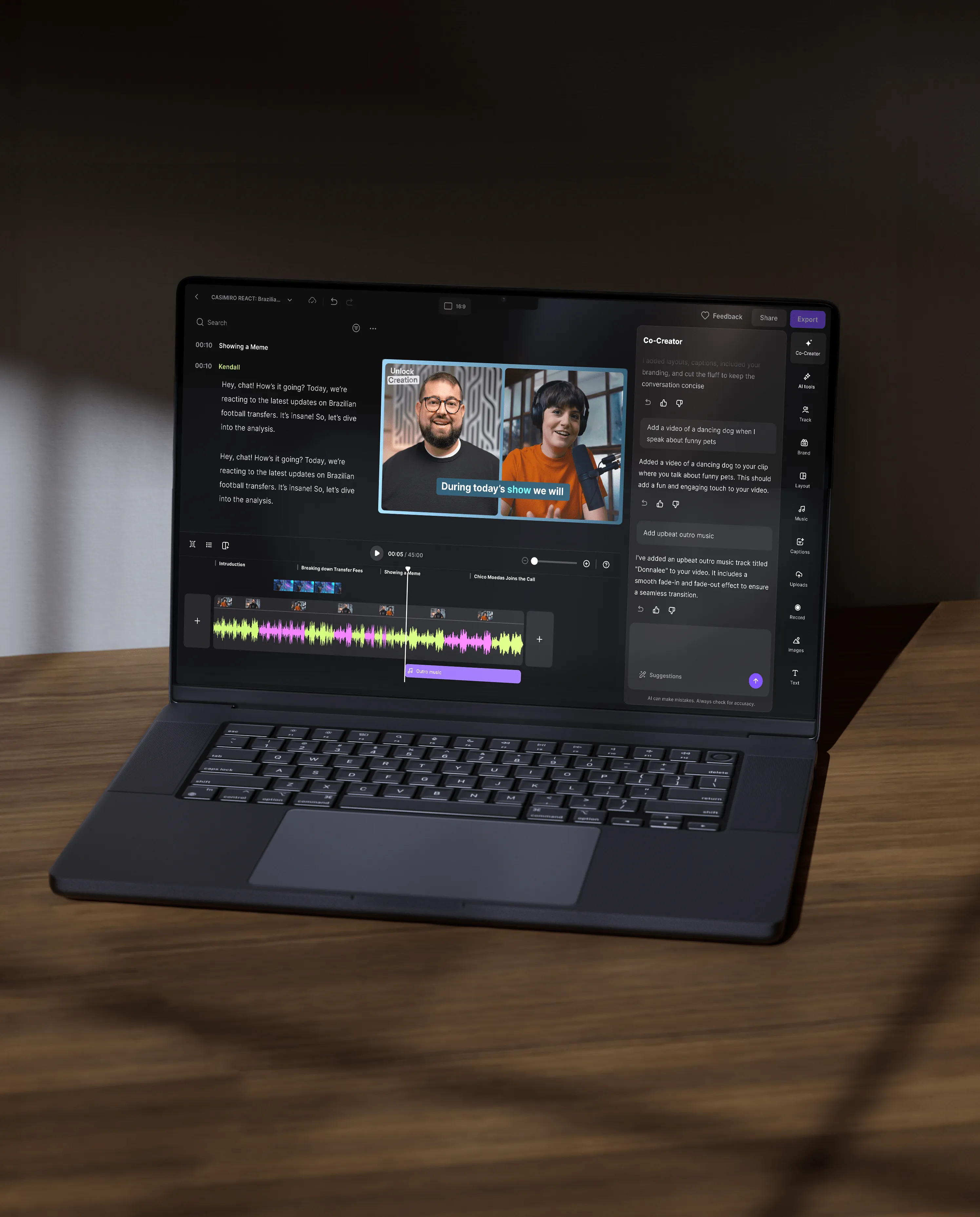



Co-Creator ist der KI-Agent von Riverside für Bearbeiten und Content-Recycling, der direkt im Editor integriert ist. Damit kannst du Aufnahmen bearbeiten, Clips erstellen und Content in fertige, teilbare Ressourcen verwandeln – ganz einfach per Chat.
Co-Creator unterscheidet sich von traditionellen Videobearbeitungstools, da es als aktiver KI-Partner in deinem Editor fungiert. Anstatt manuell zu bearbeiten, kannst du mit Co-Creator chatten, um vollständige Bearbeitungen anzuwenden, dein Video zu gestalten, Clips zu erstellen und sogar Videos für verschiedene Formate und Kanäle recyclen.
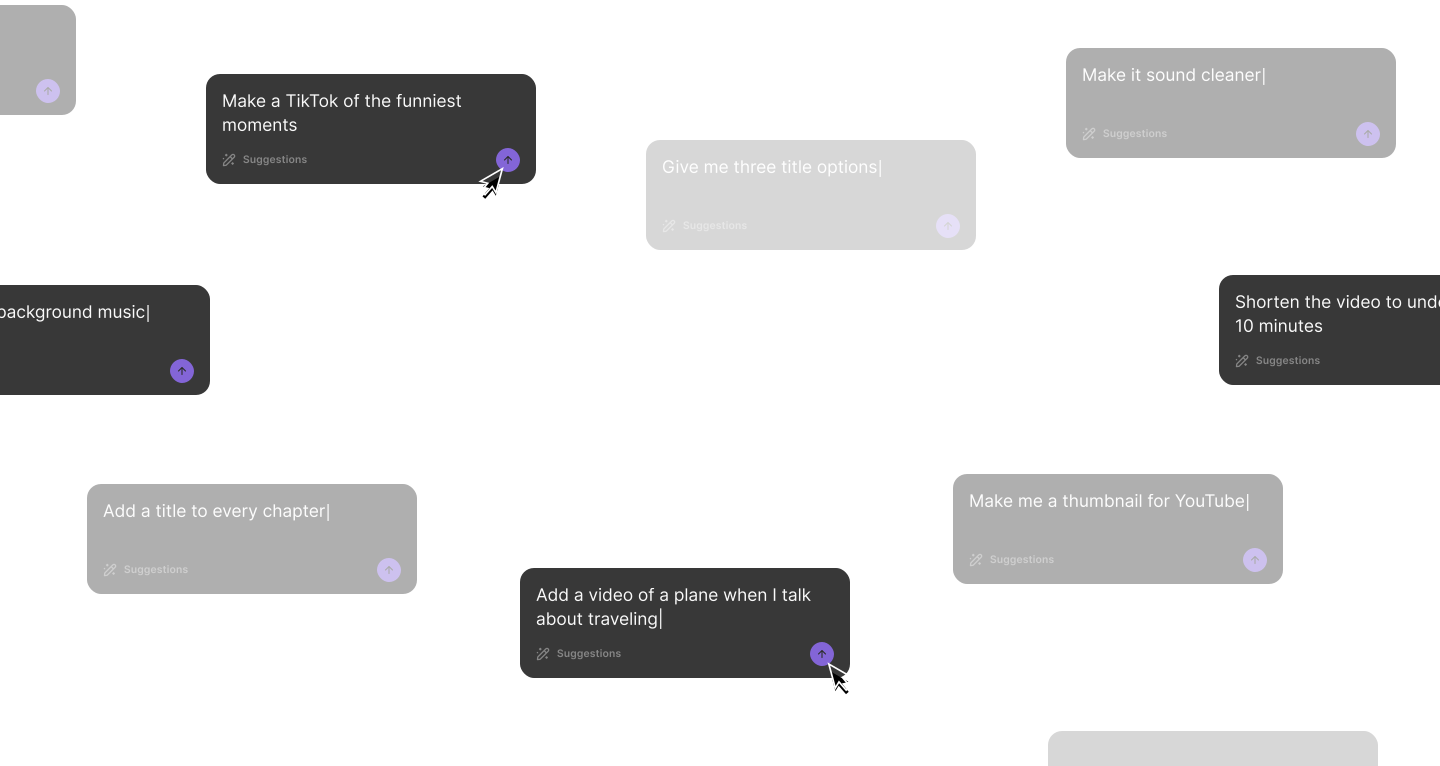
Co-Creator nutzt den Kontext deiner aktuellen Aufnahme. Du kannst es zum Beispiel bitten, den „lustigsten Moment herauszusuchen“ oder „einen LinkedIn-Post zu dieser Episode zu schreiben“ – und schon erstellt es passende Inhalte auf Grundlage deines Videos.
Du kannst Co-Creator ganz einfach in deinen Workflow integrieren: Nutze es nach der Aufnahme, um deinen Content direkt an einem Ort zu bearbeiten und für verschiedene Formate zu recyclen. Damit kannst du direkt vom Rohmaterial zu fertigem Content wechseln, ohne dein Riverside-Dashboard zu verlassen.
Zum Beispiel könnte dein Workflow so aussehen:
Mit Co-Creator kannst du ganz unterschiedliche Videoformate erstellen – von kurzen Clips und Teaser-Videos bis hin zu Longform-Videos und Highlight-Reels.
Hier findest du einige Beispiele:
Du kannst deine Videos gezielt für Instagram optimieren, indem du Co-Creator mit passenden Anweisungen für die Plattform steuerst. Du kannst es bitten, kurze, dynamische Reels mit einem starken Hook und sogar einer passenden Instagram-Caption zu erstellen.
Hier sind einige Workflow-Beispiele:
Ein schnelles Reel erstellen: Starte mit einem Instagram-Reel, das du mit Co-Creator erstellst. Verwende dafür zum Beispiel diesen Prompt: „Finde die besten Momente im Video und erstelle daraus ein 20–30 Sekunden langes Instagram-Reel mit einem schnellen Hook in den ersten 1,5 Sekunden und einem dynamischen Schnitt. Entferne Füllmaterial, behalte eine klare Kernaussage.”
Du kannst auch mehrere Reel-Varianten mit unterschiedlichen Hooks, aber derselben Kernaussage erstellen lassen.
Einen Clip optimieren: Mit Co-Creator kannst du einen bestehenden Clip ganz einfach überarbeiten und verfeinern. Verwende einfach diesen Prompt: „Optimiere diesen 90-Sekunden-Clip, kürze ihn auf 60 Sekunden, verbessere das Tempo und entferne Füllwörter. Verbessere außerdem die Audioqualität, füge Untertitel im Stil meines Brandkits hinzu und korrigiere den Blickkontakt."
Content für Social Media erstellen: Bitte Co-Creator mit diesem Prompt um zusätzliche Inhalte: „Erstelle eine ansprechende Instagram-Caption für diese Episode. Füge einen Hook in die erste Zeile ein, 3 Stichpunkte als Takeaways und einen CTA, um mit einer Frage zu kommentieren. Schlage auch 15 relevante Hashtags vor."
Mit Co-Creator kannst du eine ganz eigene Brand Voice entwickeln, indem du den Schreibstil direkt im Editor individuell anpasst. Co-Creator ermöglicht es dir, deinen Ton, deine Zielgruppe und deine Messaging-Präferenzen festzulegen.
Um zu personalisieren:
Nach der Personalisierung erstellt Co-Creator Inhalte, die bei jedem generierten Asset deine festgelegte Brand Voice widerspiegeln.


