Podcasting
Podcasting
Podcasting
Podcasting
Riverside U
Easy Guide to Hybrid Podcasting: In-Person + Remote Guests

Easy Guide to Hybrid Podcasting: In-Person + Remote Guests

Easy Guide to Hybrid Podcasting: In-Person + Remote Guests

Discover how to effortlessly record hybrid podcasts with both in-person and remote guests using Riverside and your everyday devices. Learn about Riverside's Magic Audio feature and simple setup tricks for studio-quality sound without external mics or webcams.
Chapters
00:00
Introduction
00:17
Simple Hybrid Setup
02:27
Tips for Recording
03:58
Hybrid with USB Mics
05:17
Mobile Device with USB Mic
06:38
Hybrid Recording Demo

Recommended Videos

Riverside Dashboard Walkthrough
Learn how to navigate through the Riverside dashboard where you can create and manage your recordings studios. We'll walk you through where to find studio recordings and how to share or download these high-quality audio and video tracks.
Watch video
Checklist for Smooth Recording with Riverside
Review a checklist to help you prepare the perfect setting, audio set-up and more for the best recording experience with Riverside.
Watch video
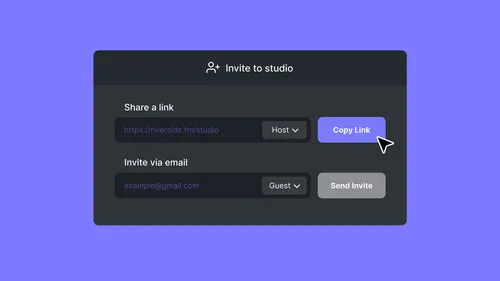
How To Send Invites for Audience, Guest and Producer Modes
Check out this video to learn how you can send different invites for audience, guest and producer modes.
Watch video

Start creating with Riverside

Get Started
*No credit card needed. Free plan available.