Explainer Video Maker
Go from idea to polished explainer video in minutes. Try our video maker with AI-powered editing, captions, b-roll, and more.


How to make an explainer video with Riverside
Step 1Record or upload
Start with a new recording in up to 4K resolution or drag and drop your existing video files right into the editor.
Step 2Edit your explainer video
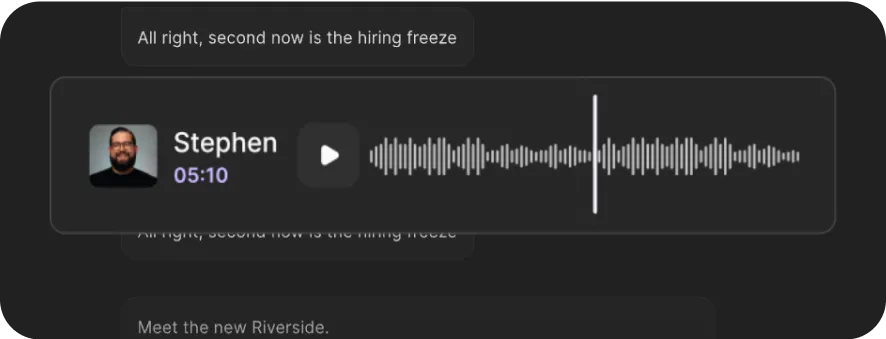
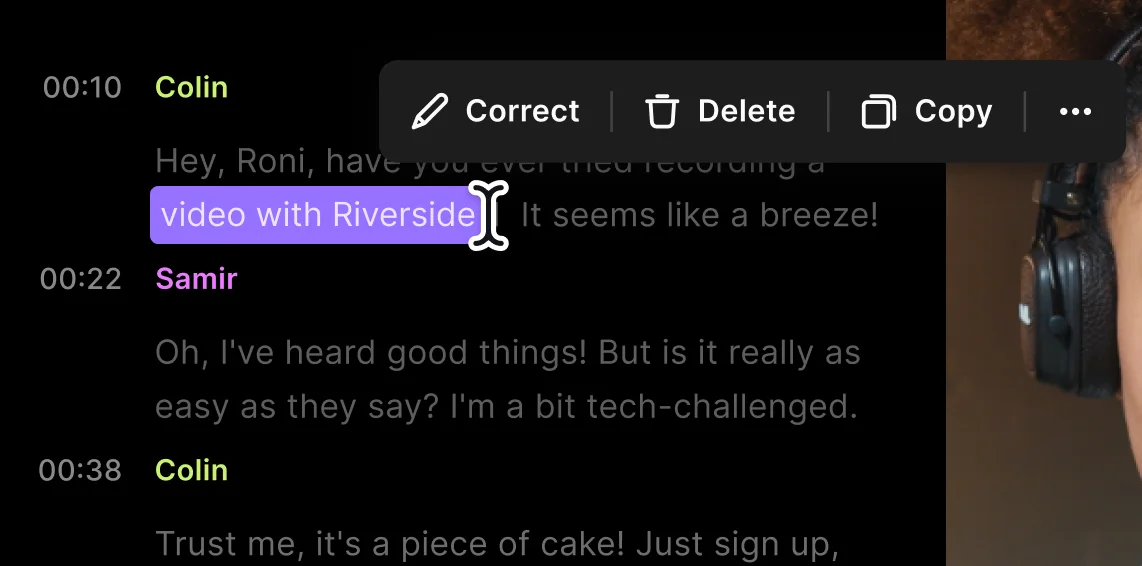
Create a narrative and edit your explainer video using the transcript. It’s as easy as deleting, moving, or rewriting text, and your video syncs. Fix up your audio in minutes with AI.
Step 3
Customize your explainer video
Add images, lower thirds, voiceover, and text for additional context. Generate your own b-roll with AI and end off with captions, music and your own branding.
Step 4
Export and share
Download and share your explainer video online. Make it go further and repurpose it into clips or blogs in minutes with our AI assistant.


Warum Riverside:
Why Riverside: Explainer video software for studio-quality with less editing time

Studio-quality from the start
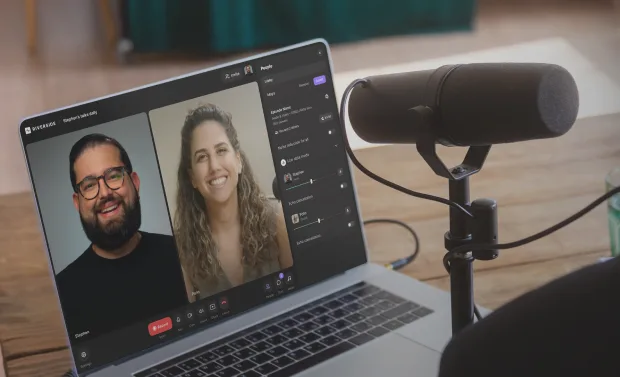
Record explainer videos in 4K without worrying about your internet because everything records locally. Get separate audio and video tracks for every participant, for easier editing.

Edit explainer videos as easily as editing text
Forget scrubbing video timelines. With text-based editing, just delete, move, or fix words in your transcript, then watch your video update instantly.

Explainer videos in minutes with AI
Let AI edit a full explainer video for you with a click. Or take control with AI tools to remove background noise, cut filler words, enhance audio, add custom b-roll, and more.
Captions to improve engagement
Style captions with custom fonts, colors, and layouts to make them pop. Add animation to keep viewers focused on your message.

Custom overlays that fit your style
Use b-roll and images from our stock library, upload your own, or prompt AI to generate something unique. Then, layer in your logo, music, and text to fully brand your explainer video.

Create animated explainer videos in a click
Turn short edits into animated clips instantly. Choose from playful filters like baby, cartoon, panda, or alien effects to make your explainer videos more engaging, fun, and shareable.
Stream anywhere, record in 4K, edit in minutes.
Create your explainer video in one workflow. No extra tools, just Riverside.
How to choose the best explainer video maker
All-in-one workflow
Record, edit, and share in one place. No juggling file tools or paying multiple subscriptions.
Compatibility
Create explainer videos on desktop, laptop, tablet, or phone. Your projects should sync automatically across devices.
Easy editing
No matter if you’re a beginner or pro, creating explainer videos should feel simple, not overwhelming
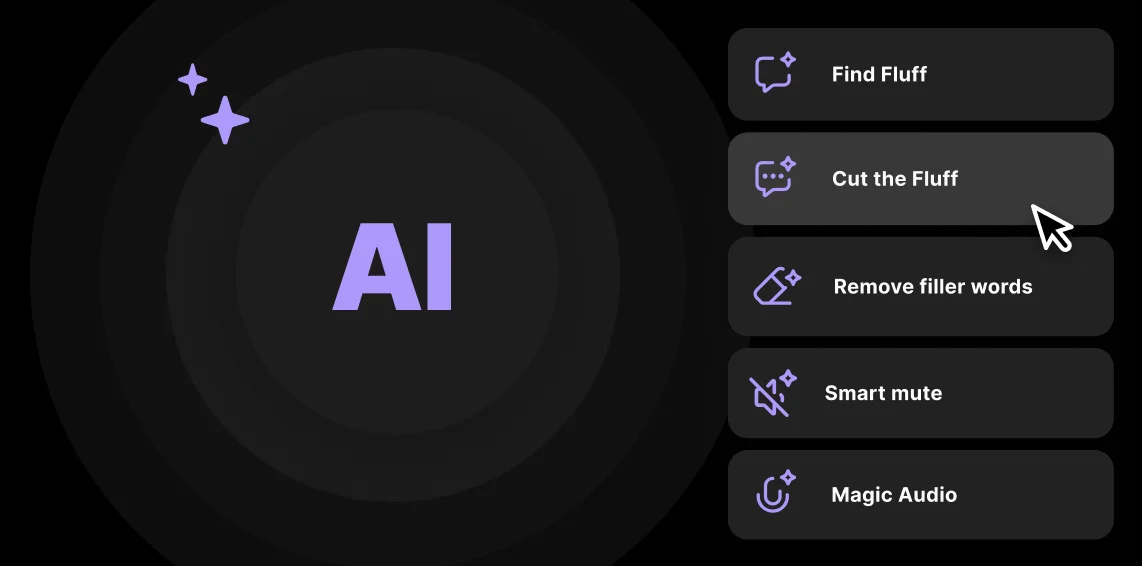
Automated tools
Save time and use AI tools to help you cut recordings, clean audio, and more.
Custom branding
Show your brand’s personality with text, backgrounds, music, images and b-roll.
Exporting formats
Make sure you can easily export platform-ready content to YouTube, TikTok, Instagram, or any other website you want to share to.
An explainer video maker for:
Marketers that want to showcase their product
Show how your app works or why your service matters. Record in 4K, edit by text, add captions and branding, then export for your site or socials, all in one flow.
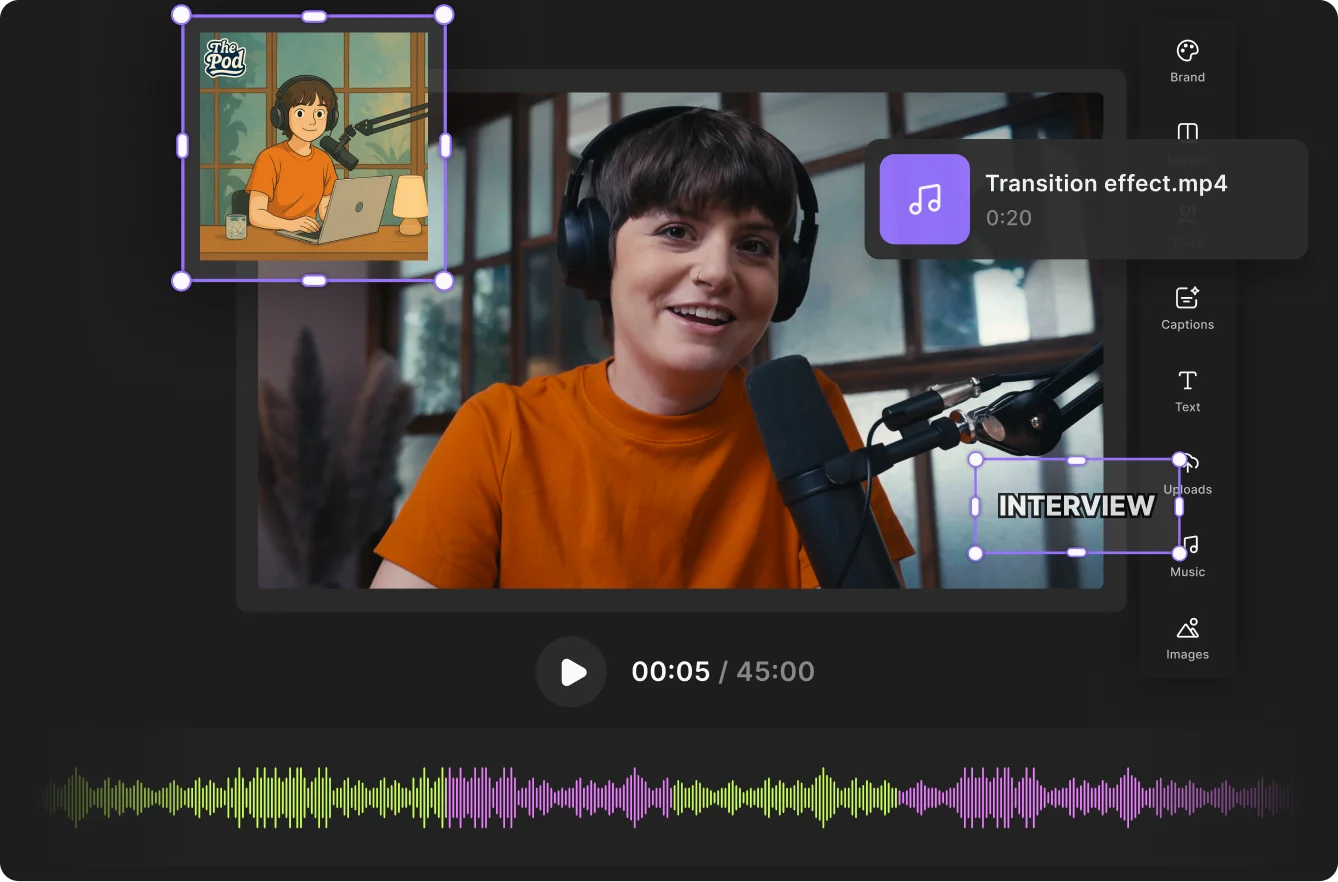
Creators who want their content to pop
Turn complex ideas into short, engaging explainer videos. Record once, make multiple videos with the clip creator. Add captions or try animated filters for content that stands out.
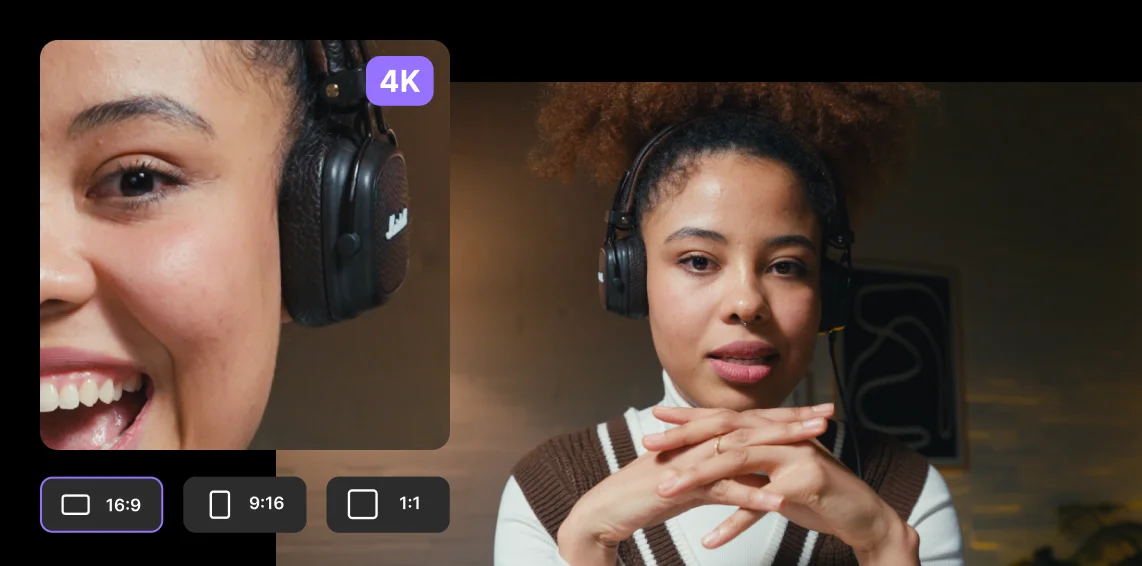
Educators who want to teach clearly
Share slides, add text captions, and layer in visuals so students follow along easily. With your new AI assistant, generate lesson summaries, clips, and supporting materials in minutes.
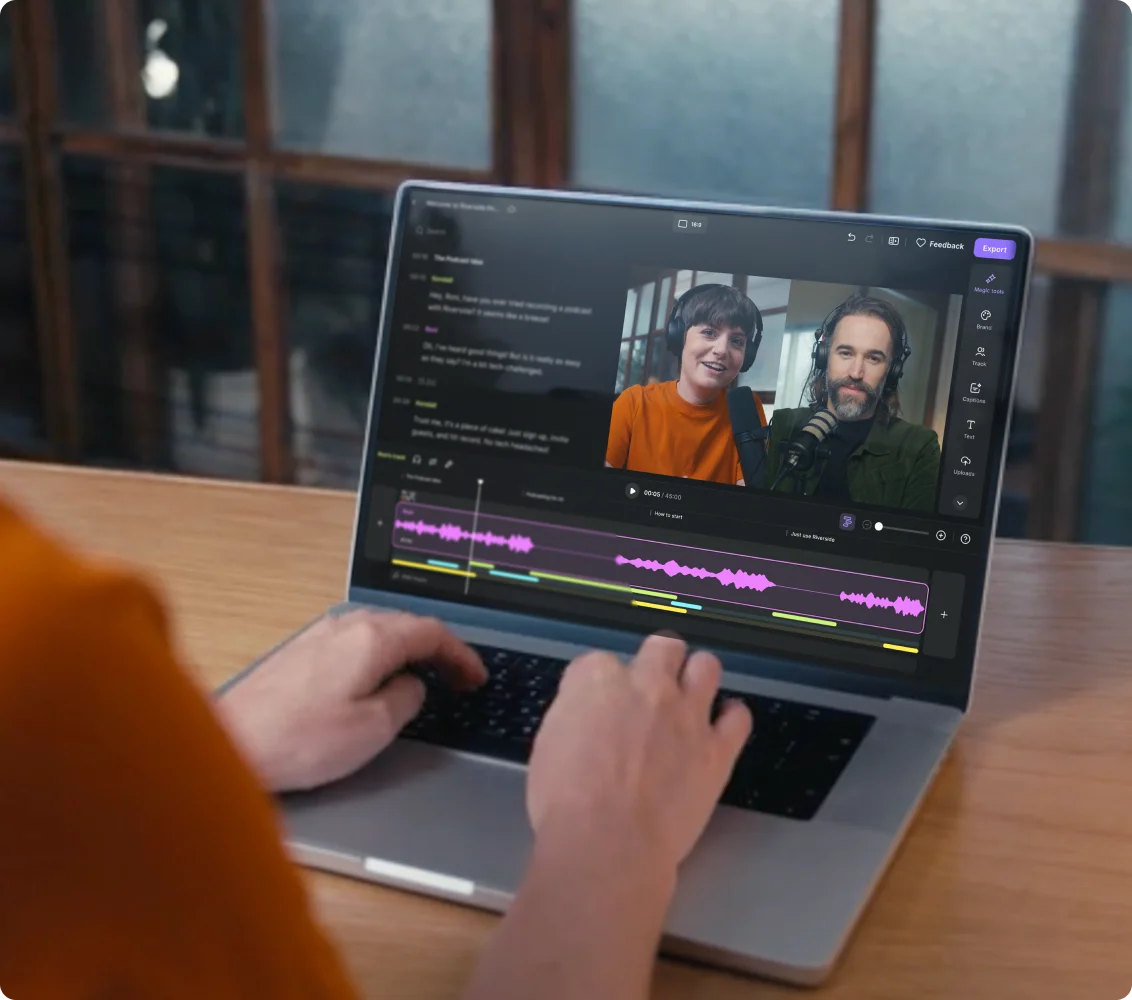
Teams that need to train fast
Turn presentations into explainer videos your team will actually watch. Record your screen and narration in 4K. Then trim, clean audio, and add layouts, captions, or lower thirds, all in the editor.
Pricing
From recording to publishing, all on one platform. Studio-quality results with AI that does the heavy lifting.
Pro
Create polished, high-quality content
/mo (yearly plan)
High-quality video & audio recording in separate tracks
Unlimited text-based editing
Unlimited multi-track editing
AI tools (Magic Audio, Smart Scenes for automatic multi-cam edits, eye contact, unlimited transcriptions, show notes, remove silences & filler words)
AI content repurposing tools
Publish to YouTube, Spotify, Apple, Instagram, LinkedIn & more
Business
Produce at scale with control
Full remote control over recording and post-production
Custom branding
Webinar solution
Podcast hosting for as many shows as you want
Async recording
Team collaboration
24/7 priority support
Dedicated Customer Success Manager
Enterprise-grade security

Häufig gestellte Fragen
Your ideas deserve to stand out.
Riverside makes it happen with 4K recording, AI editing, and branded videos, all in one seamless workflow.
Andere Riverside-Werkzeuge
Entdecke kostenlose und kostenpflichtige Werkzeuge auf Riverside.
Mehr von Riverside