Recording
Recording
Recording
Recording
Riverside U
Record and edit with the Riverside iPhone app

Record and edit with the Riverside iPhone app

Record and edit with the Riverside iPhone app

Discover the latest update to the Riverside iPhone app, featuring groundbreaking capabilities for recording, editing, and exporting 4K videos directly from your mobile device. Learn how to utilize these new features to streamline your content creation process, all from your iPhone!
Chapters
00:00
Introduction
00:25
iPhone App Redesign
01:27
Recording on Mobile
02:54
Access Your Recordings
03:42
Editing on Riverside Mobile
05:25
Exporting from iPhone

Recommended Videos

Riverside Dashboard Walkthrough
Learn how to navigate through the Riverside dashboard where you can create and manage your recordings studios. We'll walk you through where to find studio recordings and how to share or download these high-quality audio and video tracks.
Watch video
Checklist for Smooth Recording with Riverside
Review a checklist to help you prepare the perfect setting, audio set-up and more for the best recording experience with Riverside.
Watch video
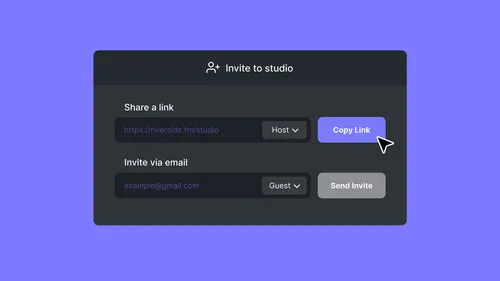
How To Send Invites for Audience, Guest and Producer Modes
Check out this video to learn how you can send different invites for audience, guest and producer modes.
Watch video

Start creating with Riverside

Get Started
*No credit card needed. Free plan available.