Recording
Recording
Recording
Recording
Riverside U
Presentation recorder

Presentation recorder

Presentation recorder

Share slides when recording with Riverside by uploading a PowerPoint, Keynote, or PDF file to your studio! Presentations are recorded in a high-quality, separate video track you can download later.
Chapters
00:00
Introduction
00:27
Presentation Recorder Demo
01:16
Using Animations and Builds
02:53
Managing Presentations in Riverside
03:09
Using Presentations in Our Editor

Recommended Videos

How To Prepare Guests To Attend a Riverside Recording
This video will walk you through how to get set-up on Riverside and prepare your guests so they feel comfortable before you hit record.
Watch video
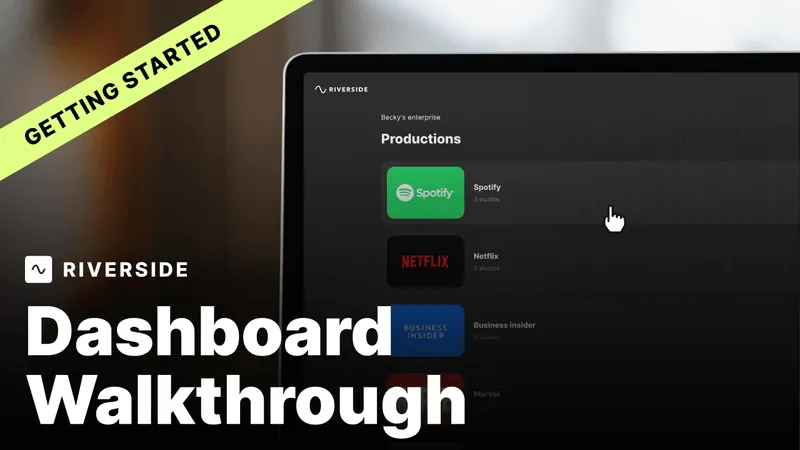
Riverside Dashboard Walkthrough
Learn how to navigate through the Riverside dashboard where you can create and manage your recordings studios. We'll walk you through where to find studio recordings and how to share or download these high-quality audio and video tracks.
Watch video
Checklist for Smooth Recording with Riverside
Review a checklist to help you prepare the perfect setting, audio set-up and more for the best recording experience with Riverside.
Watch video

Start creating with Riverside

Get Started
*No credit card needed. Free plan available.