






%20(1).webp)


Key takeaways:
- Ausha is a podcast hosting platform best for audience growth with strong SEO, analytics, and promotion tools.
- Its biggest differentiator is discoverability with tracking and ranking insights, social media scheduling, and email marketing all built in.
- Pricing is modular, with hosting as the core product and SEO and additional AI tools available as paid add-ons.
- Ausha can lag behind competitors in terms of monetization and it doesn’t provide recording, editing, or a free plan.
Ausha is a podcast host for creators focused on growing their listener base, with a strong emphasis on promotion and marketing.
I tested Ausha firsthand, and in this review, I’ll cover its features, pricing, pros, and cons to help you decide if it’s the right fit for your show.
What is Ausha? Quick decision guide
Ausha is a podcast hosting and distribution platform with built-in audience growth features, including SEO, social media, and analytics tools.
It’s a great fit for:
- Podcasters who prioritize search optimization and rankings on Spotify and Apple.
- Beginner to intermediate podcasters with its easy-to-use interface.
- Businesses that use their podcast as a marketing channel.
- Creators who host more than one show.
But it isn’t ideal for video-first podcasters, or creators who want monetization tools such as built-in sponsorships or more advanced ad tools.
Overall, this is what I think are its pros and cons:
Now that we’ve got a baseline of considerations, let’s dive in in greater detail.
What are Ausha’s key features?
Ausha’s key features include:
Hosting and distribution

Ausha’s hosting features are a good fit for beginners with a focus on simplicity over customization.
You can:
- Publish episodes quickly or schedule them in advance.
- Manage your full back catalog from one dashboard.
- Distribute your podcast to major platforms.
And, Ausha has guided step-by-step prompts to help you submit your show with one-click distribution.
But it can also grow with your show, as Ausha doesn’t cap your hosting storage or bandwidth. So, you’ll never have to worry about download caps or paying more as your back catalog expands.
Unlike other platforms, Ausha also lets you push your show to non-traditional podcast apps like SoundCloud and YouTube. You can also add episode enhancements, including chapters, embed links, and use their built-in music library for intros and jingles.
Overall, Ausha’s hosting works well for beginners and teams, but it doesn’t support video podcasts. And, the customization it offers may not be enough for some advanced podcasters
Marketing and promotion tools
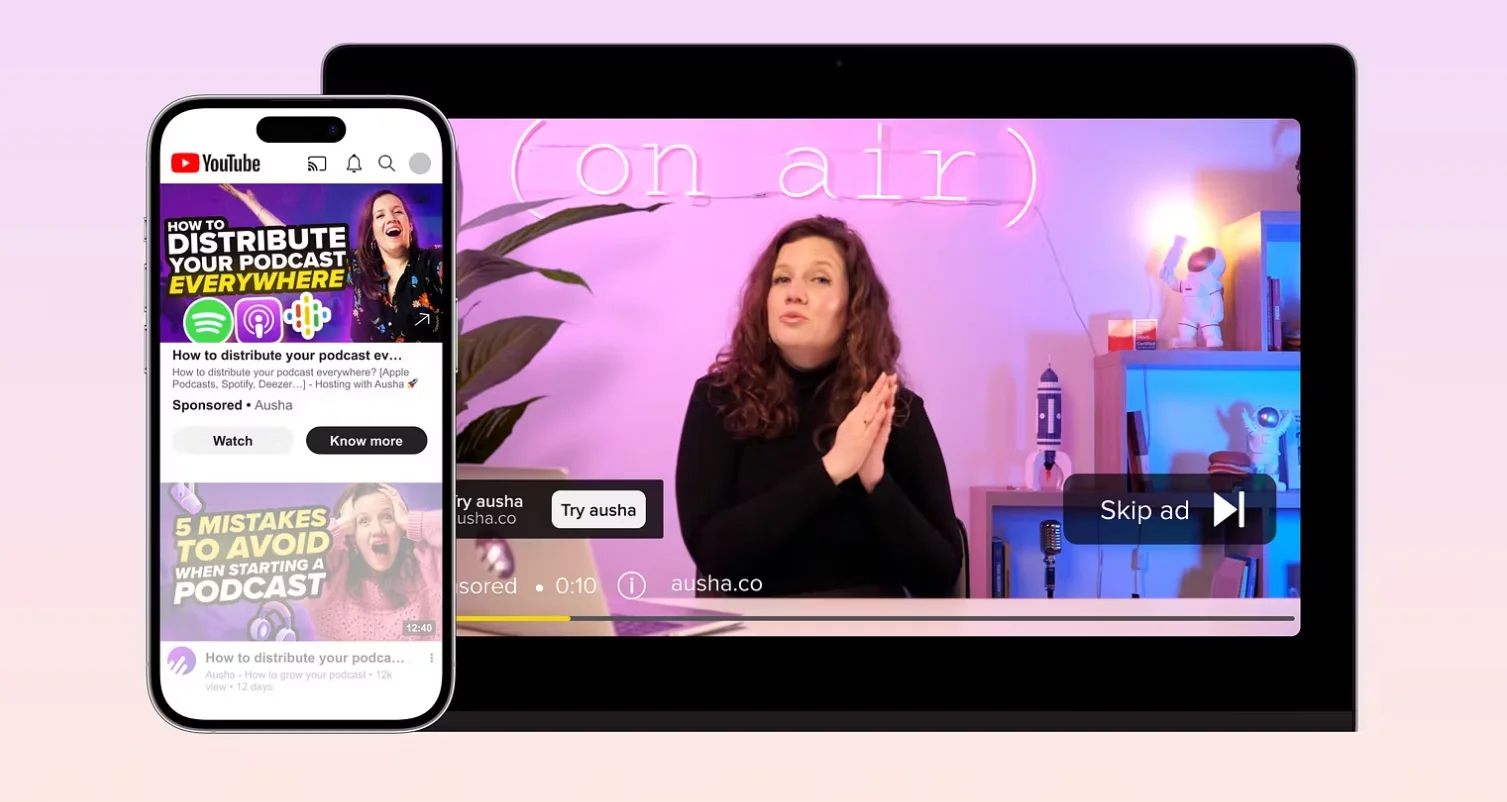
Ausha is one of the few hosts that offers a true built-in marketing workflow. Overall, its marketing and promotion tools are helpful because:
- You can manage all promotion from one dashboard: Go from publishing an episode to creating clips to writing posts and scheduling distribution without switching tools.
- Audience growth tools are built in: Features like Smartlinks, newsletters, and Visibility Ads help you actively increase your reach and attract new listeners, not just share episodes.
- You can repurpose content faster: Quickly turn episodes into shareable assets without needing separate design or editing tools.
While these features can save you money on external social media and email marketing tools, they won’t provide the same depth as them.
Ausha’s marketing workflow includes:
Promotional video creation and audiograms
Ausha’s Video Clips tool lets you create 60-second videos for promoting episodes on social media.
Basically, this tool opens as a timeline or transcript editor where you can select what snippets you want to create posts from.
And since Ausha is an audio-focused platform, this is not based on actual video recordings. Instead, you can create captioned audio clips with your episode cover or static-image waveforms like audiograms.
While I think audio-focused shows could benefit from this, there are stronger podcasting tools like Riverside that automatically create these clips and are video-focused.
Social media scheduling
You can schedule posts that either share an episode link, an image, or a video clip you made.
All you need to do is connect your social media platforms, and then you can push posts to platforms like Facebook, X, and LinkedIn.
For podcasters who struggle with consistency, this reduces the number of tools and steps required to promote every episode.
Smartlinks for distribution
Ausha’s Smartlinks allow you to share a single link for your podcast that lets listeners choose their preferred listening app.
This is a cool feature that makes sharing simpler. You no longer need to share separate links for Apple Podcasts, Spotify, and every platform you’re on.
It may also improve the number of people who actually click to listen.
Newsletters and audience outreach
Under Ausha’s communications features you can activate a newsletter to notify subscribers whenever you publish a new episode.
You can include a smartlink in your newsletter, pushing subscribers to your new episode, and you can also add a preview message.
It's not a replacement for a full email marketing platform like Mailchimp. It’s strictly for episode promotion. But it removes the need to manage a separate tool for basic audience updates.
Visibility Ads
One of Ausha’s newer and more unique features is the ability to promote your podcast through paid ad campaigns on Spotify and YouTube.
I love how hands-off this tool is. All you have to do is choose your platform, define what you want your campaign to achieve, and choose your target audience. Ausha’s team takes care of the rest, and even tweaks your campaign as it runs to ensure it’s performing.
Built-in podcast website
Ausha includes a podcast website with episode pages and embedded players. This provides podcasters with a searchable home for every episode and dedicated URLs for sharing content. You also get a web presence outside the podcast apps, which can help search engines find you.
These sites are nice, but basic, and you can only get custom domains on higher-tier plans. But for new creators without a standalone website, this can provide a quick starting point for building visibility.
Podcast website and SEO tools
.webp)
Ausha puts a stronger emphasis on discoverability than most podcast hosts. It offering a dedicated SEO and visibility toolkit designed to help podcasts get found on platforms like Spotify and Apple Podcasts. For new podcasters angling to be seen, Ausha’s discoverability tools could be a game-changer.
Ausha’s podcast visibility features include:
Podcast Search Optimization (PSO)
Instead of treating SEO as a one-time setup, Ausha gives podcasters tools like Podcast Search Optimization to actively improve discoverability over time.
Ausha’s PSO helps optimize:
- Episode titles.
- Show descriptions.
- Metadata and tags.
- Keywords tied to listener search behavior.
As you create content, Ausha evaluates how optimized your metadata is and provides recommendations to improve visibility.
Keyword research and competitive insight
Ausha also includes keyword research tools designed specifically for podcast creators.
They can help you identify terms listeners are searching for and discover topic opportunities in your niche. You can even track visibility for relevant keywords and compare your podcast to competitors.
This is cool on its own, but Ausha also uses AI to compare your podcast against other shows ranking in similar categories. This can help you understand:
- Which keywords competitors may target.
- How your metadata compares.
- Areas where your show may be under-optimized.
- Opportunities to improve discoverability.
This shifts podcast SEO from guesswork into a more measurable strategy.
Ausha’s podcast SEO features are unique and useful. The downside is that they’re not included in Ausha’s standard hosting plans. If you want them, you have to pay for them as an add-on to your hosting plan.
AI tools: Ausha Intelligence
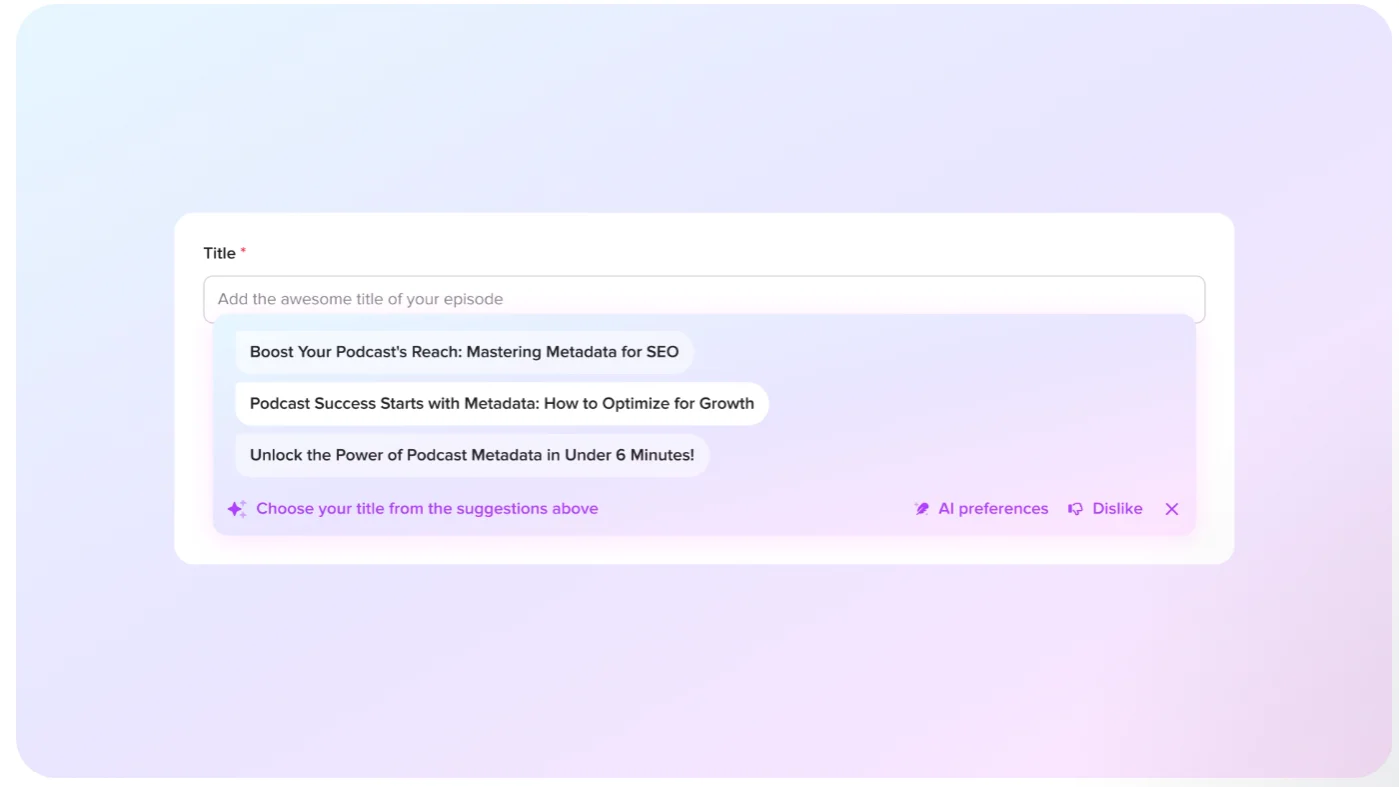
Ausha’s AI tool, Ausha Intelligence, is designed to speed up tasks, like writing episode titles, descriptions, and promotional content.
You can use Ausha’s AI-powered features to:
- Generate episode titles and descriptions with a click
- Get ideas for tags to increase podcast visibility.
- Create transcripts and add chapters automatically.
- Write show notes and social media posts.
- Produce promotional content like social media posts and newsletters.
The downside to this tool is that, as with Ausha’s SEO features, it’s sold as a paid add-on.
Read: 15+ AI Podcast Tools to Save Hours in Your Full Workflow
Analytics and listener insights

Ausha’s IAB-compliant analytics and user-friendly dashboard let you track downloads, demographics, audience growth, engagement, and episode performance from one place.
I like that these analytics lean towards actionable insights, not just raw data so you can make informed decisions. You get some unique podcast metrics that are really useful in understanding your show’s performance, including:
- Episode comparison tools: Compare episodes side by side to see which ones drive more engagement, retention, or growth. This feature is rare among podcast hosts.
- Listener behavior insights: See listening peaks, drop-offs, and how audiences engage with your episodes over time.
- Deep audience: Go beyond downloads with more detailed insights into audience trends.
- Data export: Export your data for external analysis.
- Data granularity: Get detailed data points like downloads per episode per day or episode performance over different time horizons.
- Directory-based performance: Track how your podcast performs on Apple Podcasts and Spotify in real time.
These analytics features are definitely strong enough for content and audience insights. But, they aren’t as strong around ad analytics compared to monetization-focused platforms like Acast or Libsyn. Another thing to note is that the level of detail you get in its analytics is much more restricted on lower-tier plans.
Monetization
Ausha’s monetization features focus on simple ad and sponsorship tools. This makes Ausha a good fit if you want a straightforward way to start monetizing with ads, without setting up external tools.
In Ausha, you can:
- Insert ads dynamically into episodes (pre-, mid-, and post-roll).
- Manage your own sponsorships and brand deals.
- Access the Audacy Creator Lab, where you can browse brand opportunities and pitch yourself to advertisers. (Requires ~5,000 monthly listeners.)
Note though, that Ausha’s monetization depends heavily on your audience size, and unlike with platforms that provide built-in monetization, you’ll have to do the legwork yourself. It also doesn’t offer features like subscriptions, premium content, or a built-in ad marketplace.
How much does Ausha cost?
Ausha’s pricing is competitive, but it doesn’t have a free plan.
That said, every paid plan includes unlimited storage, episodes, and downloads, as well as solid analytics, promotion tools, and AI-powered transcription. If these are tools you’re likely to use, Ausha provides good value.
This is how Ausha’s plans compare:
Additional paid add-ons to Ausha hosting
Ausha’s hosting plans are the core product. While they include AI content-creation features, you can purchase additional transcription minutes and clips through Ausha Intelligence.
The Podcast Search Optimization (PSO) add-on gives features that don’t come with any of Ausha’s hosting plans. This includes keyword tracking and optimization tools to help you improve your podcast’s discoverability.
Pro tip: You can’t record or edit in Ausha, so you’ll need separate tools for this as well. Consider this when allocating your podcast budget.
Ausha vs. alternatives
Here are a few Ausha alternatives worth considering.
Ausha vs. Riverside
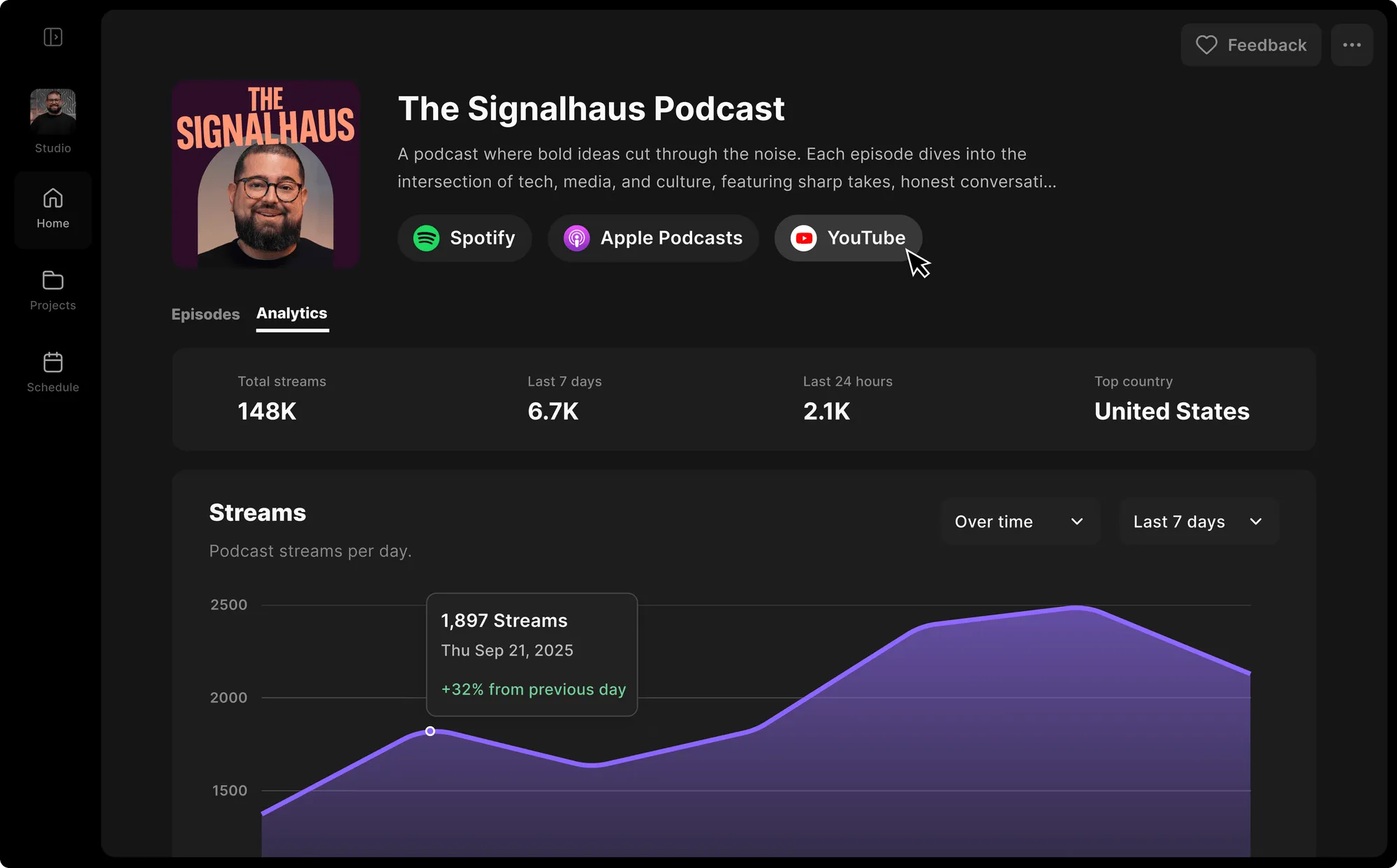
For an alternative that gives you more built-in value out of the box, Riverside is a strong option.
While Ausha focuses on hosting and growth, Riverside’s podcast creation platform bundles recording, editing, AI tools, and hosting, without requiring separate add-ons.
Where Riverside stands out:
- Higher-quality recording: Record in up to 4K video and 48kHz audio. Local recording captures high-resolution audio and video, even with poor internet.
- Built for both video and audio: Create video podcasts, social clips, and YouTube content from the same recording session.
- Full podcast editor: Trim your podcast, polish your sound, and add captions, music, and overlays in Riverside’s editor.
- Stronger AI tools (with paid plans): Get unlimited automatic transcription, chat-based editing, and content generation tools without separate add-ons.
- Free plan available: Record and edit video and audio podcasts, and access a convenient selection of AI tools, all free forever.
Choose Riverside if you want an all-in-one tool with high-quality recording and AI tools included in paid plans at no extra cost.
Choose Ausha if you want stronger SEO and promotion tools, and deeper analytics.
Ausha vs. Captivate

If monetization is your priority, Captivate is a stronger alternative. It includes built-in monetization and growth tools alongside hosting, analytics, and marketing features. And unlike Ausha, it provides ways for creators to monetize from day one.
Where Captivate stands out:
- Built-in monetization (no thresholds): Includes tools for private podcasts, subscriptions/memberships, and dynamic ad insertion. And, there’s no minimum audience requirement.
- Designed for growth and multiple shows: Manage multiple podcasts under one account, making it a good fit for creators building a network or brand.
- Stronger integrations: Connect to tools like Google Analytics and email platforms to integrate your podcast with your existing marketing stack.
Choose Captivate if you want built-in monetization tools, and a platform that scales with multiple shows.
Choose Ausha if you want strong SEO and keyword tracking tools, and a simpler, more guided experience.
Ausha vs. Buzzsprout

If you’re looking for something simpler than Ausha, Buzzsprout could be a good option. It’s designed to make podcasting as simple and frictionless as possible, especially for beginners.
Where Buzzsprout stands out:
- Easier to use: Buzzsprout is known for its clean interface and guided setup, making it one of the easiest platforms to get started with.
- Built-in monetization options: Monetize your podcast through tips, paid subscriptions, and Buzzsprout Ads. The platform provides ad opportunities, so you don’t have to find your own sponsors.
- Simple, all-in-one workflow: You can upload, optimize, publish, and distribute episodes from one dashboard without technical setup.
- Built-in content tools (with optional AI add-ons): Includes AI tools to help you optimize your sound and create titles, descriptions, and transcripts.
Choose Buzzsprout if you want the easiest possible setup and built-in monetization tools with low or no minimum thresholds.
Choose Ausha if you want strong SEO and discoverability tools and more advanced analytics.
Read more: For more about top podcast hosts, check out our list of best podcast hosting platforms.
FAQs about Ausha for podcasts
Can I monetize my podcast on Ausha?
Yes, you can monetize your podcast on Ausha, but it’s a more hands-on, ad-based approach than a built-in system. You’ll need to find and manage your own sponsors, but in return, you keep full control and 100% of the revenue.
You can monetize your podcast on Ausha through:
- Direct sponsorships (you source and manage your own deals).
- Dynamic ad insertion (place and update ads across episodes).
- Ad matching (opt in to external opportunities once you reach ~5,000+ monthly listens).
As your audience grows, you can opt into ad matching to access more opportunities, but you’ll still need to apply or pitch, and campaigns aren’t guaranteed.
In practice, Ausha gives you the tools to monetize, but it relies on your audience size and your ability to secure deals. It doesn’t provide a built-in stream of revenue like platforms such as Buzzsprout or Acast.
Is Ausha suitable for beginner podcasters?
Yes, Ausha is suitable for beginners, especially for launching and publishing your first podcast. It’s easy to use with a clear, user-friendly interface. And it provides step-by-step guidance to help you get your podcast up and running on major platforms.
While Ausha does have some features that beginners may not be ready for (e.g., SEO tools), they aren’t essential and are largely sold as add-ons. Beginners who want to skip them can easily do so.
Is Ausha free to use?
No, Ausha is not free to use. While you can try Ausha with a free trial, the platform does not have a free plan. Paid plans for hosting start at $17 per month and include hosting, analytics, podcast promotion, and AI-powered transcription.
What is Ausha Charts?
Ausha Charts is a free tool from Ausha that lets you track podcast rankings and visibility across platforms like Apple Podcasts and Spotify. It can show you:
- Where your podcast ranks (by country, category, and subcategory).
- How your ranking changes over time.
- How you compare to other podcasts in your niche.
- Which episodes perform best in rankings.
The tool is free for anyone, not just Ausha users. Just create a free account, and you can track your rankings regardless of where your podcast is hosted.
How can I add or import a show to Ausha?
You can add or import a show into Ausha either by creating a new podcast or importing an existing one using your RSS feed.
To launch a podcast in Ausha from scratch:
- Create an Ausha account.
- Click “Create a new podcast”.
- Fill in your show details (title, description, cover art, category).
- Upload your first episode.
- Publish, then submit to platforms like Apple Podcasts and Spotify.
To import an existing podcast that’s hosted elsewhere:
- Copy your current RSS feed URL (from your existing host).
- In Ausha, choose “Import a podcast”.
- Paste your RSS feed.
- Ausha will automatically import your episodes, show details, and artwork.
- After you successfully import your show, go to your old hosting platform and redirect the feed to your new Ausha RSS feed URL.



.webp)
.webp)
.webp)


