Make videos with AI in minutes. Edit recording transcripts to edit video, remove silences and filler words, or add captions, create clips, and dub video, all within one platform. No re-recording. No multiple subscriptions. Video and audio editing made simple.


Record your video in up to 4K directly on Riverside, the find your recording in the Editor. Or upload a video you’ve recorded elsewhere to start editing.
Edit your video in a few clicks with the AI Producer. Edit the transcript to edit your video further. Clean up and enhance your audio with our AI audio editing tools.
Adjust your layout and add the final touches with backgrounds, logos, dynamic captions, text, music, and image overlays.
Save your video in up to 4K, then share online. Repurpose your recording into short, viral clips for social media with Magic Clips.


Use the AI Producer to get ready-to-publish drafts in minutes. Trim fluff and filler words, clean up your audio, or fix eye contact, switch video layouts from grid to speaker view and much more.

Our text-based video editor means you can edit your video and audio by editing AI-generated transcripts. With 99% accuracy in over 100 languages, you simply delete words to edit video.

Turn your recording’s highlights into social media-ready clips. Magic Clips can generate short videos automatically –pre-formatted for Instagram Reels, TikTok, YouTube Shorts and more.

Add highly accurate, animated captions to your videos. Animate and style them up any way you want –font, color, size- or use brand pre-sets to always stay on brand. Place them anywhere on your screen.

Use the video editing color-coded timeline to refine AI edits or add your own editing touch. Riverside’s separate track editing also means you have full editing control and increased flexibility.

Make your videos easy to navigate and boost your SEO simultaneously. Riverside’s AI creates detailed show notes and breaks down long recordings into easy-to-follow chapters.

Crank the wow to eleven by adding music, images, text or video to your videos. Browse our library with thousands of royalty-free assets at the click of a button. Add intro and outro music to your podcast, B-roll and more in seconds.

Remove background noise, mute specific audio tracks or enhance your sound with AI. Want to correct a slip-up? No need for re-recording –type text, and AI will turn it into speech that matches your voice. Perfect audio meets perfect video.

Riverside is so much more than an AI video editor. It’s your online studio for 4K video and 48kHz audio. Record, edit, live stream, repurpose and share your content from one place. No need for multiple subscriptions, no incompatibility issues, no hassle.
Choose an intuitive interface with AI functionality that simplifies editing but allows you ample room for manual edits. This way, tasks like video trimming, cutting, clipping and exporting become easy even for beginners.
An AI video editor should speed up your workflow with automated tools for adding captions, creating clips, correcting eye contact, video dubbing, and more.
Look for an editor with text-based editing - meaning you can edit your video simply by editing your transcript.
Choose an editor that allows you to use brand pre-sets. This means you can always make videos that are on-brand fast and easy –with branded captions, overlays, music, and other enhancements.

.webp)
You can’t make great videos without great audio. A top-tier editor should include AI editing tools for noise and filler word removal, audio leveling and enhancement, plus more.
Ensure the editor works across all the devices you use, from mobile to desktop and from Windows to Mac. You also want to make sure the platform can process different recording file formats.
Opt for an editor that offers a balance of affordability and functionality, ensuring you get the most value for your money. (Did you know: Riverside offers a ton of AI features even on its free plan?)
Edit videos in record time and at a fraction of the cost with AI. Use video editing AI to generate ready-to-go videos with captions, overlays, and top-notch audio in minutes.

Are you a star creator but a beginner when it comes to editing? No problem. Riverside’s intuitive AI video editing tools make professional-quality video creation easy for anyone.

Repurposing content can help your content marketing program take off. Easily transform a single video into multiple shareable clips for TikTok, Instagram, YouTube and more.
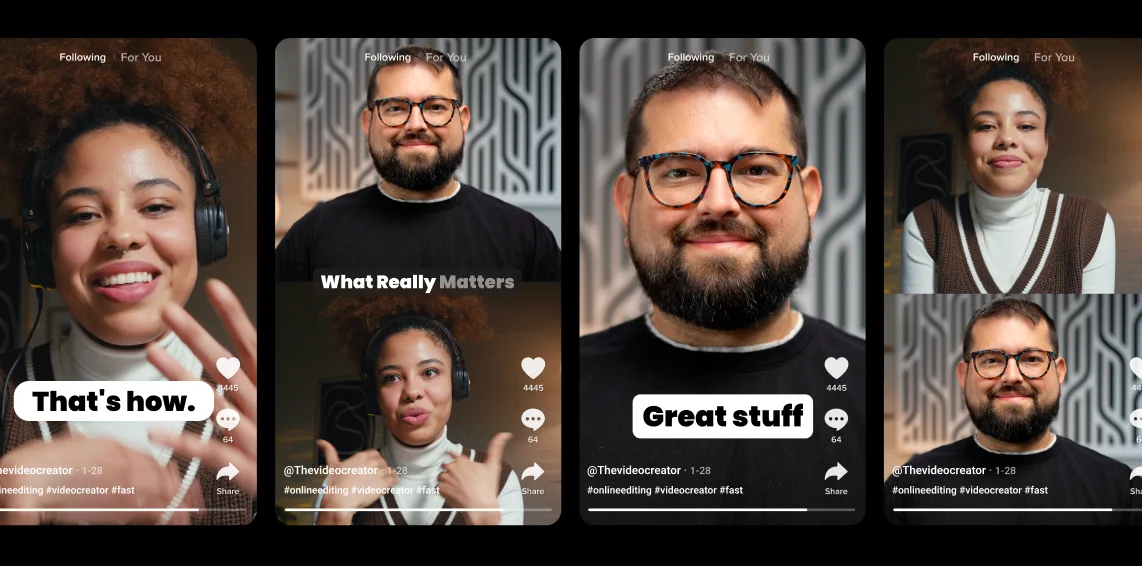
Use an AI video editor to finalize each episode in half the time. Choose dynamic layouts, correct slips automatically, or share directly to Spotify (if you’re using Riverside!).
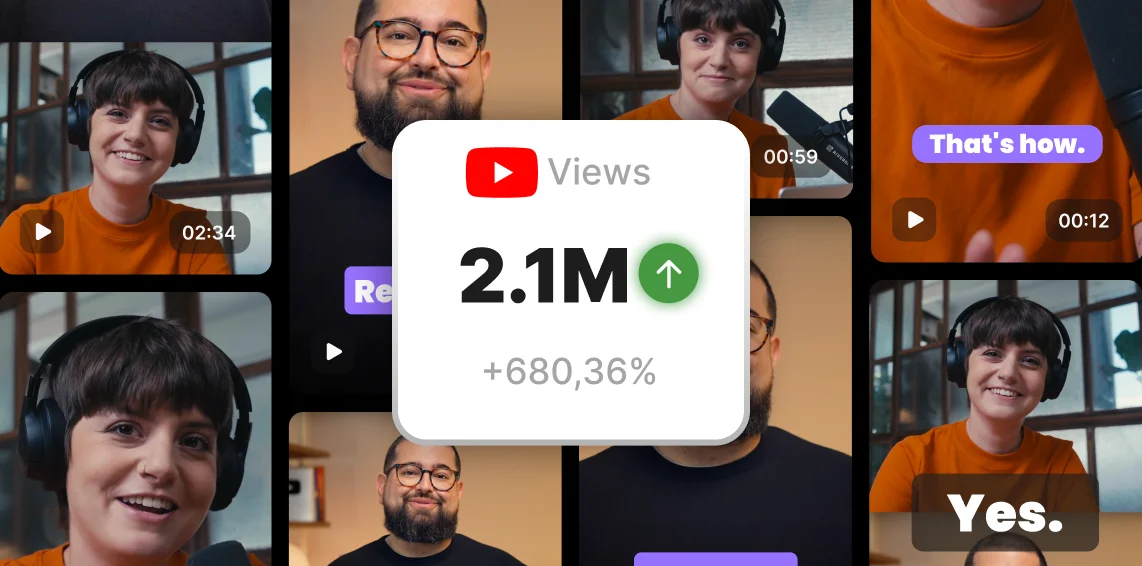


With the rise of AI in all sorts of digital fields, it’s no surprise that AI can also help you edit videos. Many video editors have incorporated AI tools, which help streamline and speed the editing process. Instead of spending hours fixing audio or trimming your videos, with AI tools like Riverside this can all take mere minutes.
You’ll also find AI video makers and generators that can create video from text. The fallback here is that some AI-generated videos don’t look natural. We’d rather suggest you record original content and use AI tools to edit and polish your content faster than ever.
Chat GPT itself isn’t really for video, but many video editors are using it as a foundation for executing editing tasks faster than before. Instead of having to find the right Chat GPT inquiries, an AI Editor already does this for you and will deliver exactly what you need. AI video creators are using this for AI transcription, automated cuts, and more.
The best AI video generator is specific to each person’s needs. There are video generators that create content from scratch using AI avatars and text-to-video software. On the other hand, other video generators use already recorded content to create shorts, summaries, or completely edited videos.
Based on our best AI video generator guide, here are some of your top choice
Yes, Adobe does have AI video editing tools as part of Premiere Pro. That said, Premiere Pro may not be the best AI video editor if you’re short on time or you’re not familiar with the platform. Premiere is more for advanced editing, and the desktop app requires high PC resources. In this case, you may be better off using an intuitive video editor online, like Riverside.
It’s totally possible to find a free AI video editor, but you’ll want to make sure you’re not compromising on quality. Luckily, Riverside’s video editor which boasts numerous AI tools and capabilities, is available on its free plan. You can record or upload your content and then head to straight to the editor for a seamless AI editing experience.
The amazing thing about AI is that it really simplifies your editing process into a few simple clicks. If you’re working with Riverside, you use AI in the following ways:
You’ll also find AI tools that generate videos using text and avatars. It’s clear that this is just the beginning of AI, and the more it advances the more ways we’ll be able to use it for editing.


.webp)
.webp)
%20(1).webp)

_001%202.webp)
.webp)


