No items found.
Test Recordings in Studio
Learn how to use Riverside's new test recording feature to make sure everyone's microphone and video inputs are working properly before starting your actual recording. Plus, learn about Riverside's new text-based editing and AI transcripts available in 100 languages. Check out the link in the description to learn more and subscribe to the channel for more tips on building your video podcast setup and automating your podcast workflow.
Watch video
Virtual backgrounds
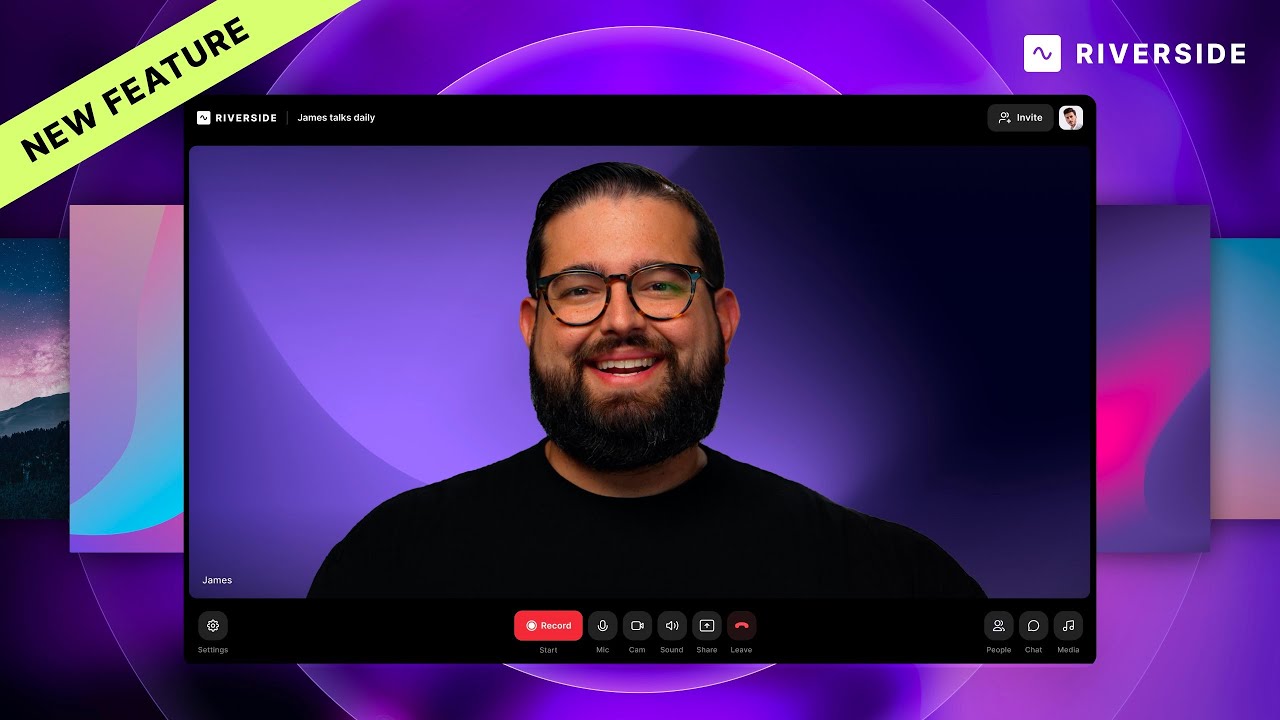
Discover Riverside's latest feature - virtual backgrounds and blur effects! Learn how to enhance your podcast and video recordings with customizable backgrounds, perfect for creating a professional look for you and your guests
Watch video
Teleprompter
Learn how to effortlessly integrate and utilize Riverside's newly-launched Teleprompter feature to level up your webinars and video recordings—complete with editing tips and best practices.
Watch video
Recording
Start Recording on Riverside
Recording on Riverside is easy. Get started with this 1-minute video.
Watch video
Text Link
Watch by Use Case
Other Resources
Thank you! Your submission has been received!
Oops! Something went wrong while submitting the form.
Riverside U
Recording

Start creating with Riverside

Get Started
*No credit card needed. Free plan available.